Hi everybody. Do you like the textures you have for RGBA brushes? Look at this!
I have started a new challenge for my mind. @TheFlow is with me in this journey, so how far can we go in canvas creation?. I have analized patterns, retouched photos, played witth filters and he is creating height maps and giving feedback… so you can imagine the results (remember he created some of the brushtips for RGBA ;))
I have designed this based only in Krita filters and Gmic to produce this canvas simulation. I would like to known your feddback. Would you prefer a tileable canvas produced like this or based on photograph or real canvas and not so flexible? Is interesting for the community? More info ASAP
This looks interesting but the layer structure looks so complex. Lower end devices might not be able to handle that plus whatever layers the artist might add to it.
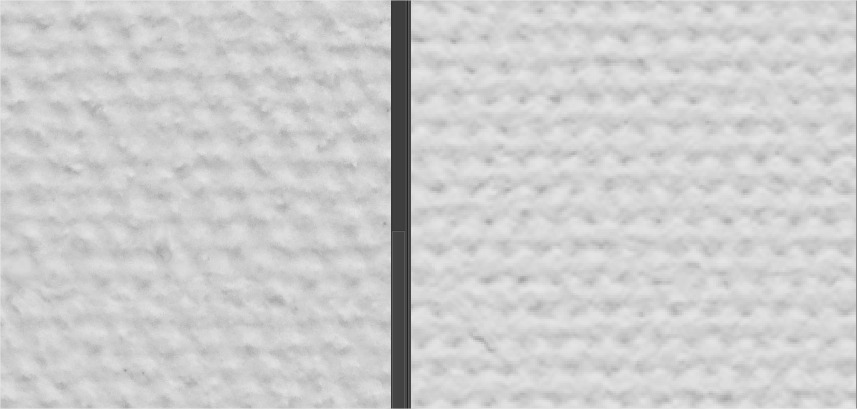
Left is Photo and Right is done with filters in Krita to be tileable and editable. Both are with a big zoom as you see and there is detail yet. Isn’t it cool?
In principle, it is the same to me, it must serve its purpose.
So far I have worked mainly with photos of a wide variety of surfaces to create so textured canvases, only occasionally I use artificial patterns, although you can also achieve great effects, but many artificial patterns do not seem “alive”.
With suitable photos, a little patience in fine-tuning, you can make a lot of things almost seamless to seamless, provided that the source material had a certain size. Unevenly woven textiles are a special challenge and very laborious - I find, but it’s fun! And these patterns can be used very versatile.
I’m curious to see where this journey with canvases for RGB-Brushes will lead to.
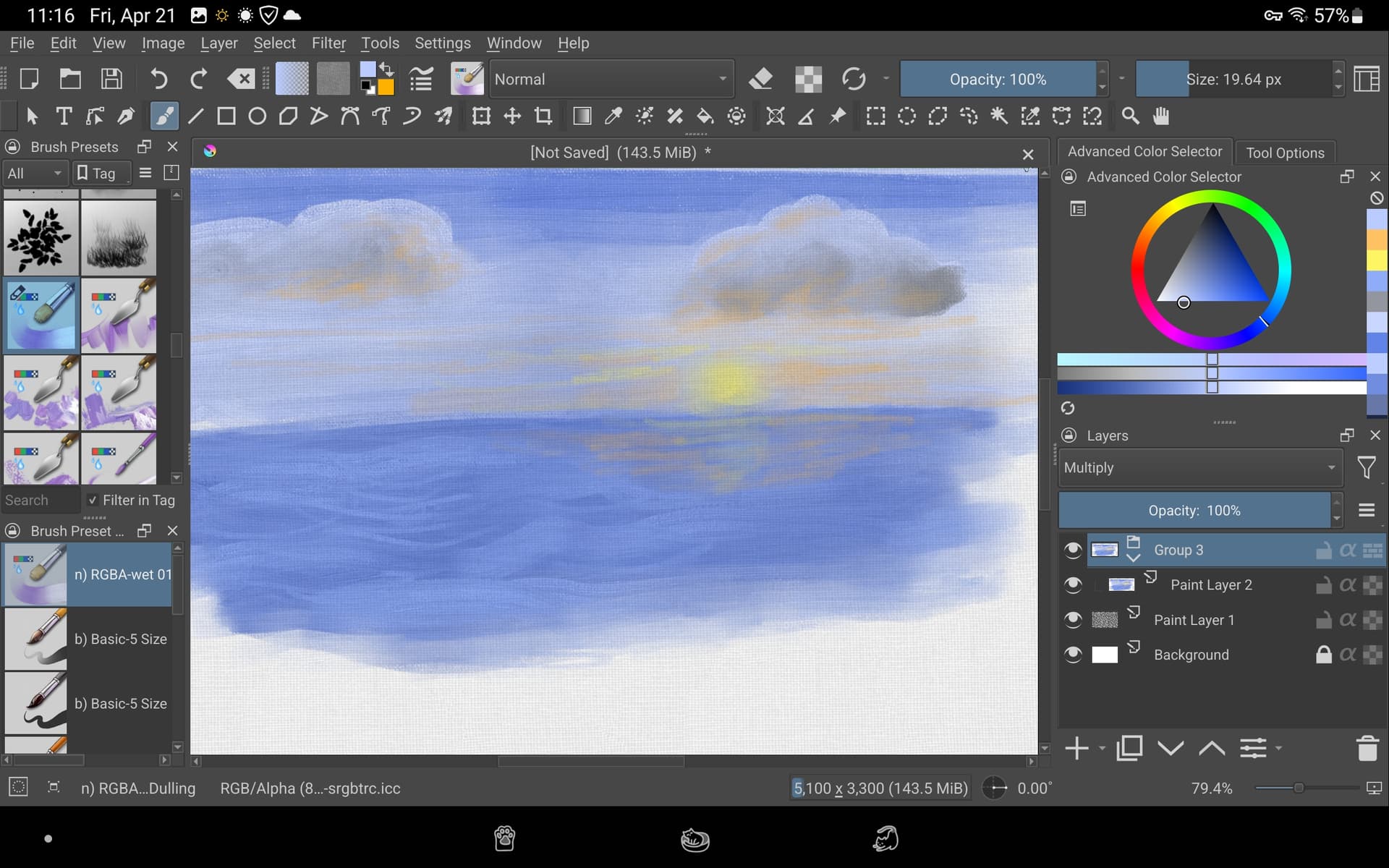
I’m keeping things as simple as possible while trying to create the same effect. The paint layer 1 (texture) layer is at 16%. Extremely interesting, I might do this again sometime.
To piggyback on @Michelist comment:
I remember few years ago i saw a template for Watercolor paintings, for PS, which used a combination of papers, patterns and some filters (i think), plus some layer modes, to simulate the color and pigment falling of. It was a inbetween Pesi Watercolor Page and the Alpha Bumpmap someone posted here on the forum. Maybe providing this Canvas Texture as an Action, or even a Group of layers (like some mockups do) might offer a bigger margin for fine-tunning. This canvas look really good, but i wonder about scalability.
That will be very interesting endeavour to take. Looking forward for what you lads come up with.
I am new to this, so please bear with my questions. Can these canvas textures be applied to the brushes themselves, or do they have to be the background, or an overlay?
In fact to use them correctly we need 2 files. The pattern for the surface tileable to be like smart canvas. And the height map pattern for the brush. Like classic pattern surface we use for brushes.
Thanks for the test, i have tested and I still prefer the previous one because all those little black dots are not real. And probably could create an issue when we select colors.
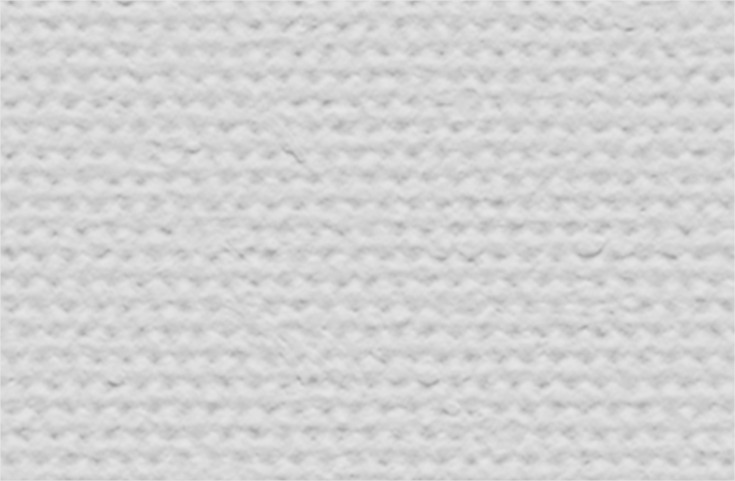
The canvas normally has little imperfections (this is another Pattern cropped and zoomed)
because if the bump is not correct then you can have weird effects. And to make a surface tileable yo can put too much imperfection or it will be visible in a bigger size.
 (remember he created some of the brushtips for RGBA ;))