In my last post, I expressed my love for Kirta and the BUG I encountered. After that, I attributed the problem to WeChat. I no longer use WeChat on my computer, but the BUG still occasionally triggers, so it is necessary I will also turn off QQ.
Today I encountered this problem again. I did not open QQ and WeChat, but I changed a drawing device. So it is indeed so prone to shortcut key conflicts, which is a fatal blow to the user experience.
I know it may not be appropriate to make demands on an open source software that is full of contribution spirit. The last solution already attributed the problem to other software. But there are so many software in the world, and they are constantly updated, it is difficult for me to troubleshoot and close all those software in order for kirta to run. I really hope there is a version that can solve this BUG.
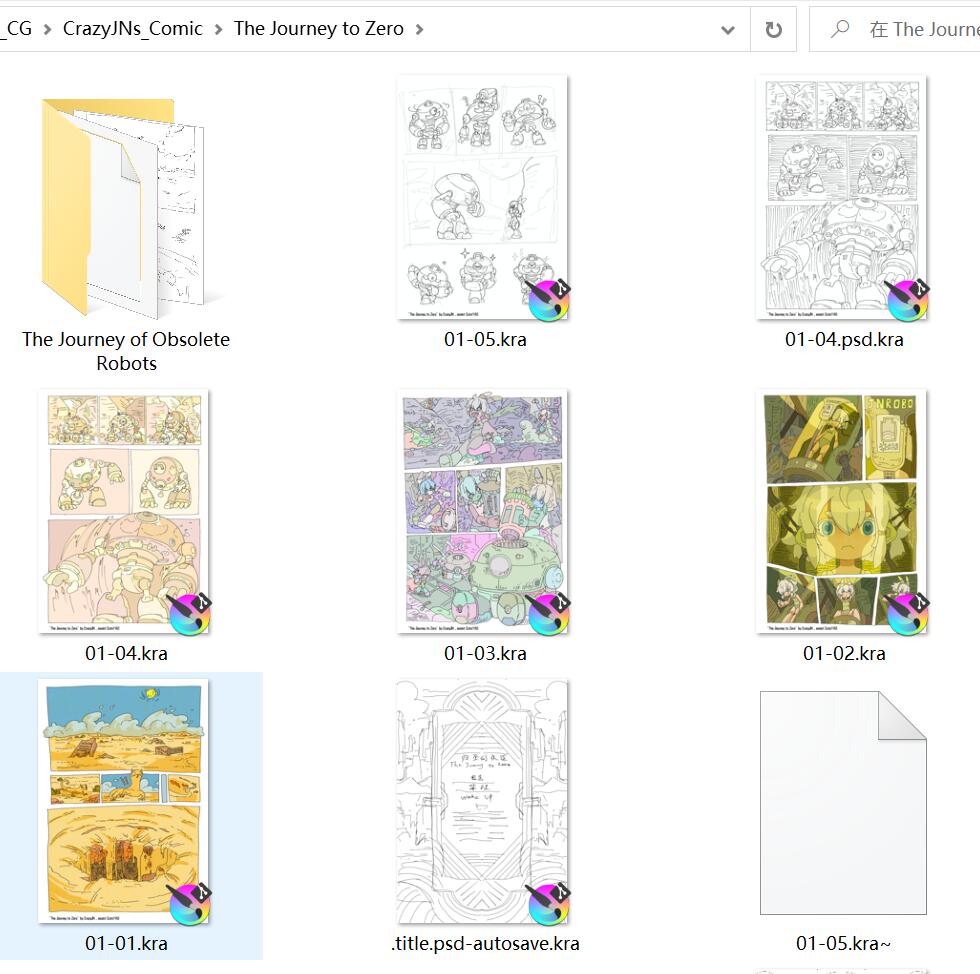
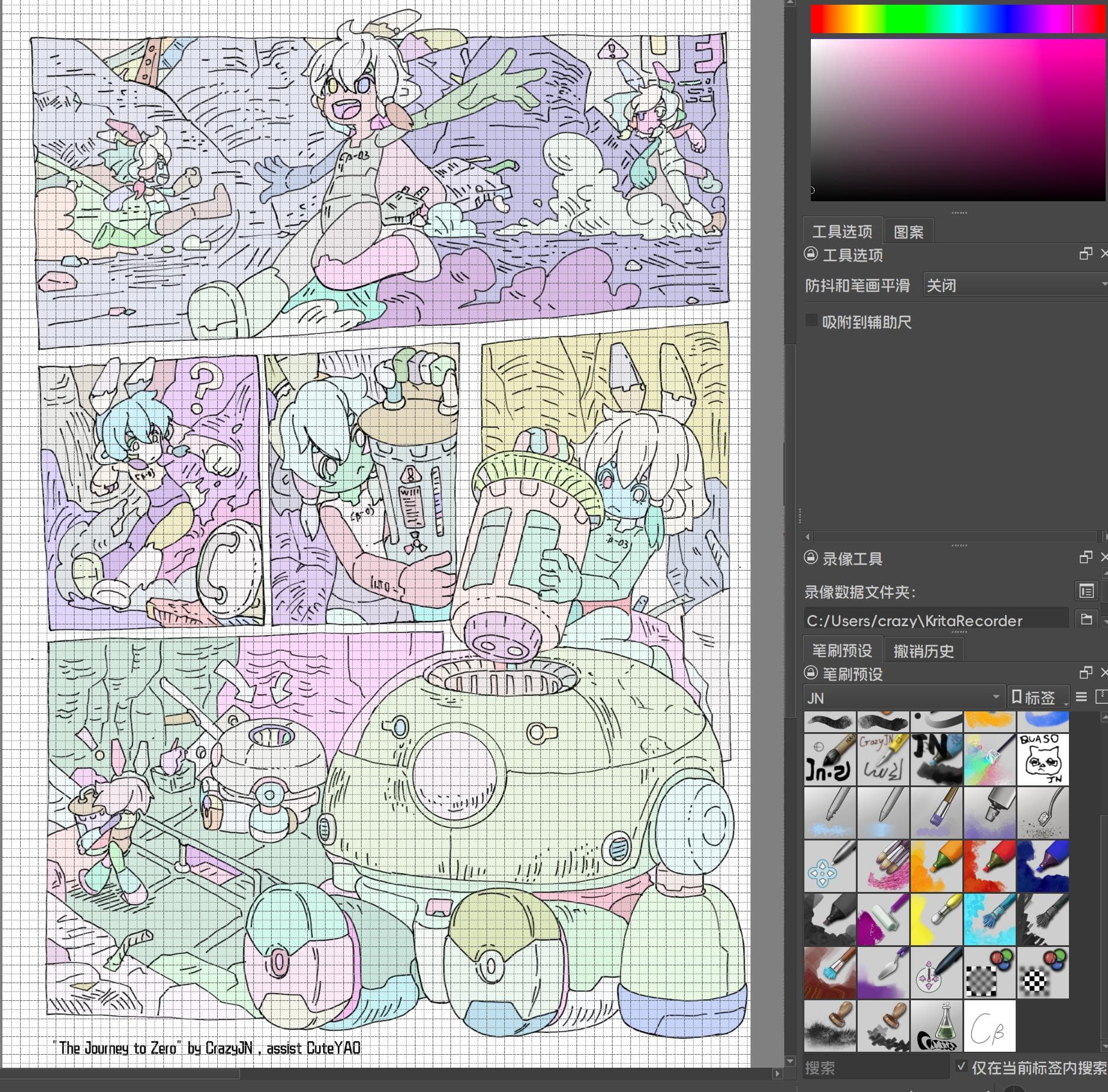
To prove that I really enjoy using kirta, I’ve included some screenshots. I made my own workspace and brushes, and have already drawn several comics.
At present, the triggering of the bug is unstable. In fact, I can’t figure out how many softwares conflict with it. Hope I made my love and respect clear. Anyway, thanks!
Do you mean that you changed to a different drawing tablet?
If so, does that mean that you have two different tablet drivers installed on your computer? That can cause driver conflict problems.
You don’t need to prove that, just provide detailed information about a problem
thanks,
I uninstalled the wacom driver. Only Huion’s remained. In fact, it’s still normal in the morning, but suddenly it doesn’t work properly in the afternoon.
After restarting the computer many times, it can work again.
This is an unstable situation.
I found a good temporary solution in this post. It seems like a good choice to start the YAKD program before using krita. Even if you open WeChat now, there’s no problem.
I don’t use windows but many of my friends do and settings of an operating system usually don’t change in months, also win 10 is not from 2023 but was released in 2015.
See Wikipedia
Of course he needs to read the documentation too and see if this tool is still relevant. Often open source is hosted on github so he may check and ask questions directly.
Anyway i traced a direction because of experience and not of any interest to harm somebody. If he can’t work because of tablet problems then good words won’t help but just courage to try out possible solutions
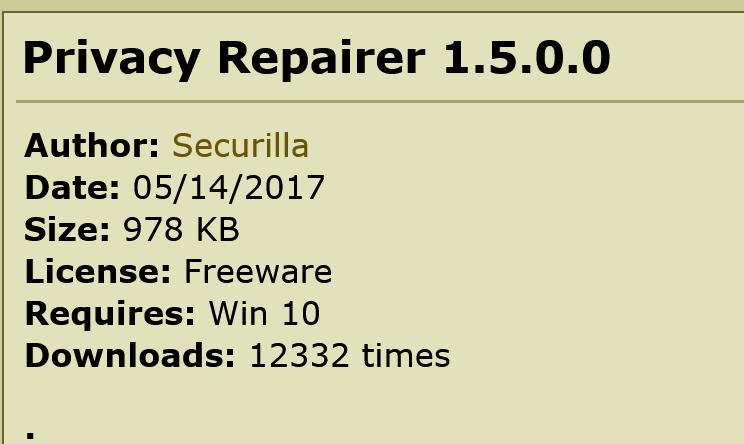
By the way, there are many more apps of this kind available online. The suggestion i added here’s the most user friendly one, because i checked this stuff time ago too. So i didn’t just smash something totally random in my suggestion.
The problem is, that MS has made so many changes to Windows 10 and its security-architecture, as well as to the system and spy-settings, ahh sorry, telemetry-settings, with any of the updates they rolled out, that many of the older security and anti-telemetry-toolkits tamper settings no longer existent.
And even I don’t like MS, I have to admit, they made it more secure (and it is hard work, to make it comfortable again, without kicking the gained security over board).
I’d welcome if you would improve the suggestions I already presented instead to overwrite and degrade what I said to effectively give the op tools to resolve His problems.
Also i hope people in this forum follow a code of conduct to facilitate a good communication here . I’m not ok with everything I read. Discussions should be as impartial as possible.
If ever you see something that goes against the code of conduct or terms of service, please flag the post. This forum is run by volunteers. We’re diligent but we can easily miss things, especially on heavy posting days.
Hi @crazyjn , can you say more specifically which canvas shortcuts stop working? Is it canvas panning with the space key?
I think Windows is at least partially to blame. I had a bug like this as well, where pressing ctrl+shift+2 would break the canvas shortcuts… I have no idea what causes it, but it doesn’t happen on Linux. I use Huion too.