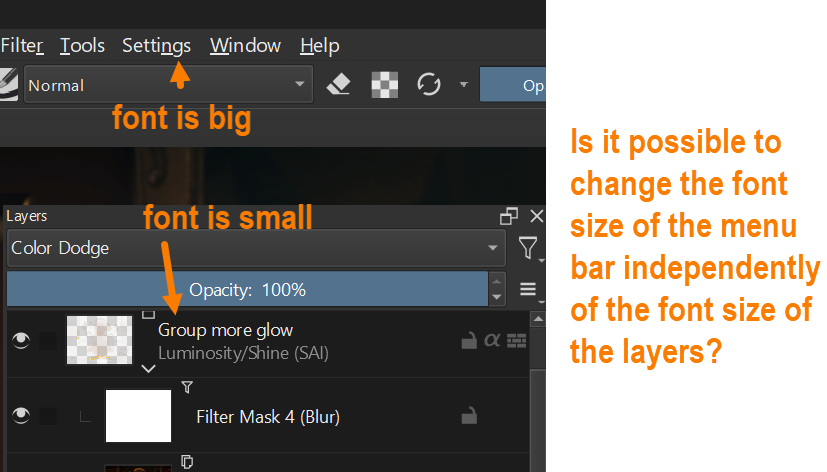
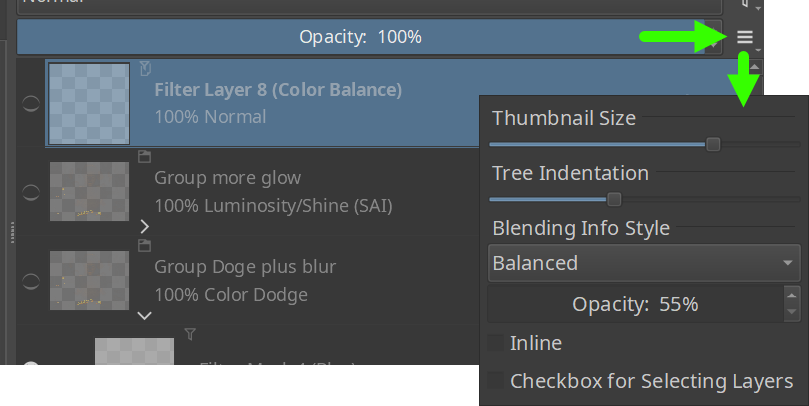
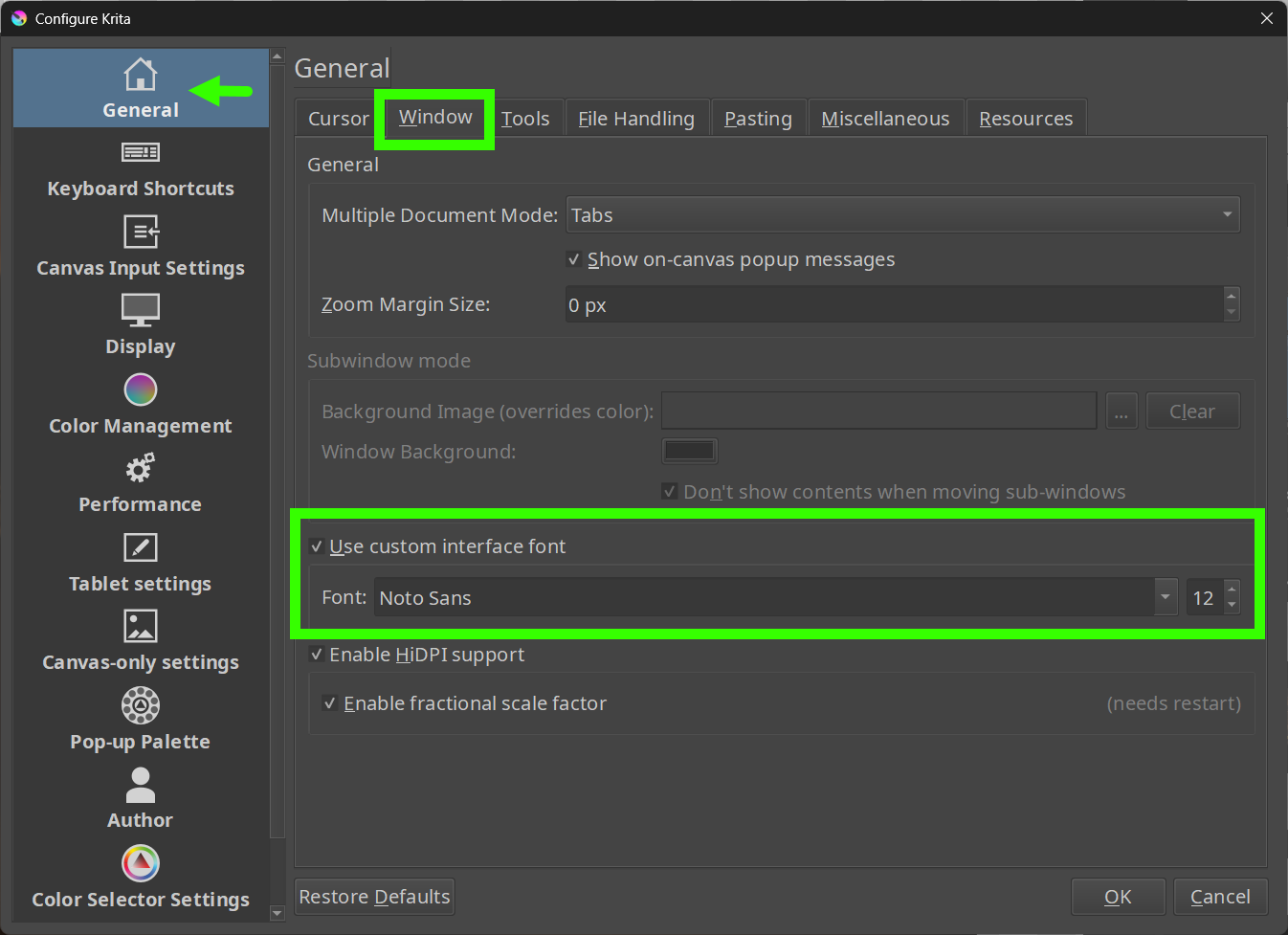
So far, I was not able to find a way. Already thought to do it the other way around adjust the font-size in the Layers-Docker via ‘‘Settings’’ >> ‘‘Configure Krita’’ >> ‘‘General’’ in the tab ‘‘Window’’ using the setting ‘‘Use Custom Interface Font’’ and then manipulate the font-size in the toolbars via script (since their handle is available), because I couldn’t find the setting/switch which will handle the font size in the Layers-Docker.
But I’m not a programmer, just a script juggler with almost no knowledge of Qt and Python. Maybe @Akir, @freyalupen, @KnowZero, @Lynx3d have ideas in which direction it could go, because maybe this script by @AkiR can be customized for font size - but that’s way beyond my capabilities.
Easy way to change menu bar font + many other things in Krita is through freyalupen`s style-sheet-loader-extension just setup the plugin and give it your style sheet for example my_style.qss
Ps: sorry for silly example, but I hope that it helps you in editing UI that you like.
Pss: there is also way to edit menu bar font via python scripts, but style sheet is easiest.
Krita does not use style sheet by default. Style is defined by QFusionStyle that is really deep and old rabbit hole. So you can start defining your own style sheet from plank slate.
One challenge for me was: “what is the name of a Krita GUI widget?”
I need the name, to find it in the QT reference and google searches.
Answer:
There is a plugin that is made for making plugins. This plugin allows for shift clicking a widget in the Krita GUI and shows you the widget’s name and alot of its properties.