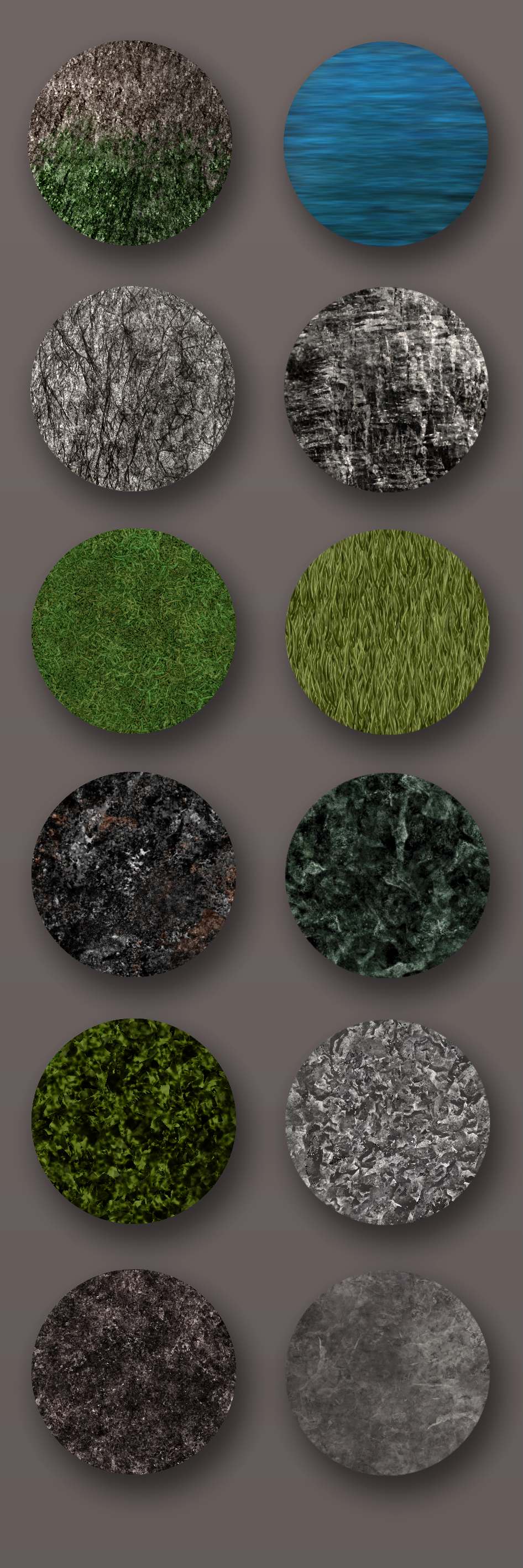
The brushes in this bundle are all hand drawn and contain no photography. They are designed to avoid repetition. Most of them are made to be applied in a selection.
The interest is not to avoid drawing textures but to save time when the texture is not the subject. I hope it will be useful to you.
Clooms
If you use it I would enjoy to see your work.
So don’t hesitate to share it here
Holy hell, mate. That must have been a ton of work.
Those grass ones have a beautiful detail to it. The rocks are so complex too.
Thanks for sharing these, your work is very much appreciated!
Thank’s a lot for trying it. I am very glad you enjoy this work.
That was about 10 minutes work by brush, but after hundreds of attempts
So yes in a way that was a lot of work, but it was still pretty fun to do.
I’ve just discovered how easy it is to import external brushes. And yours was even easier as it was a pre-set bundle! Thank you so much for your work on this, they look great!!
Not so great of you to pack it in a BUNDLE file where Windows users can’t access it ):
Edit: Although bundle files are only accessable on Macs, you can still import it into Krita. The Krita devs probably ought to have used a different extension for their brushes to avoid needless confusion for Windows users, but it’s too late now
The .bundle files absolutely work in Windows. They work in every platform (as long as you are using Krita 5.x and not an old version that’s out of date).
If you describe the problem you’re having, I’m sure one of us can help you.
I just tagged them via ‘‘Settings’’ >> ‘‘Manage Resources…’’ then choosing the bundle opening the second drop-down-menu which usually has “Local Resources” written on it, and then select the brushes of that bundle all at once and click on the + sign on the right and give them the tag you want. Now you can distinguish them via the given tag.