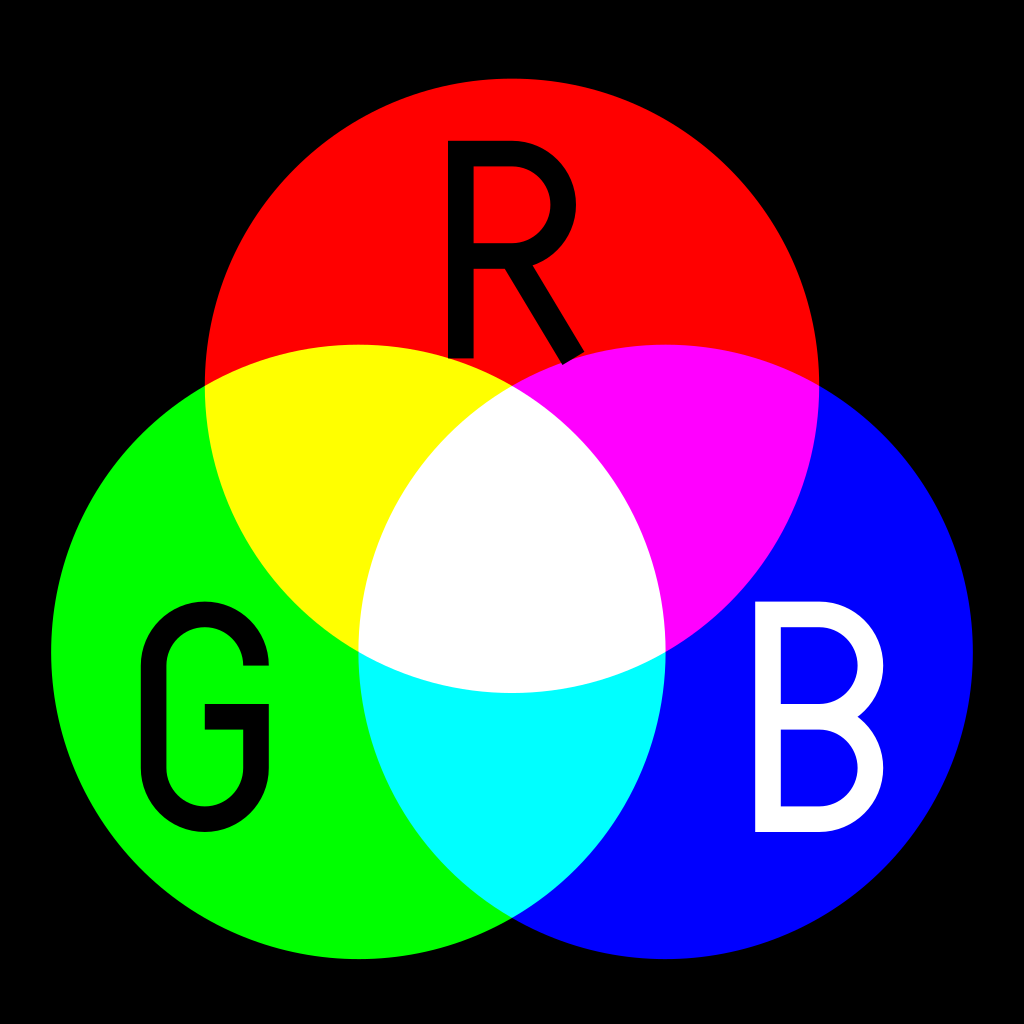
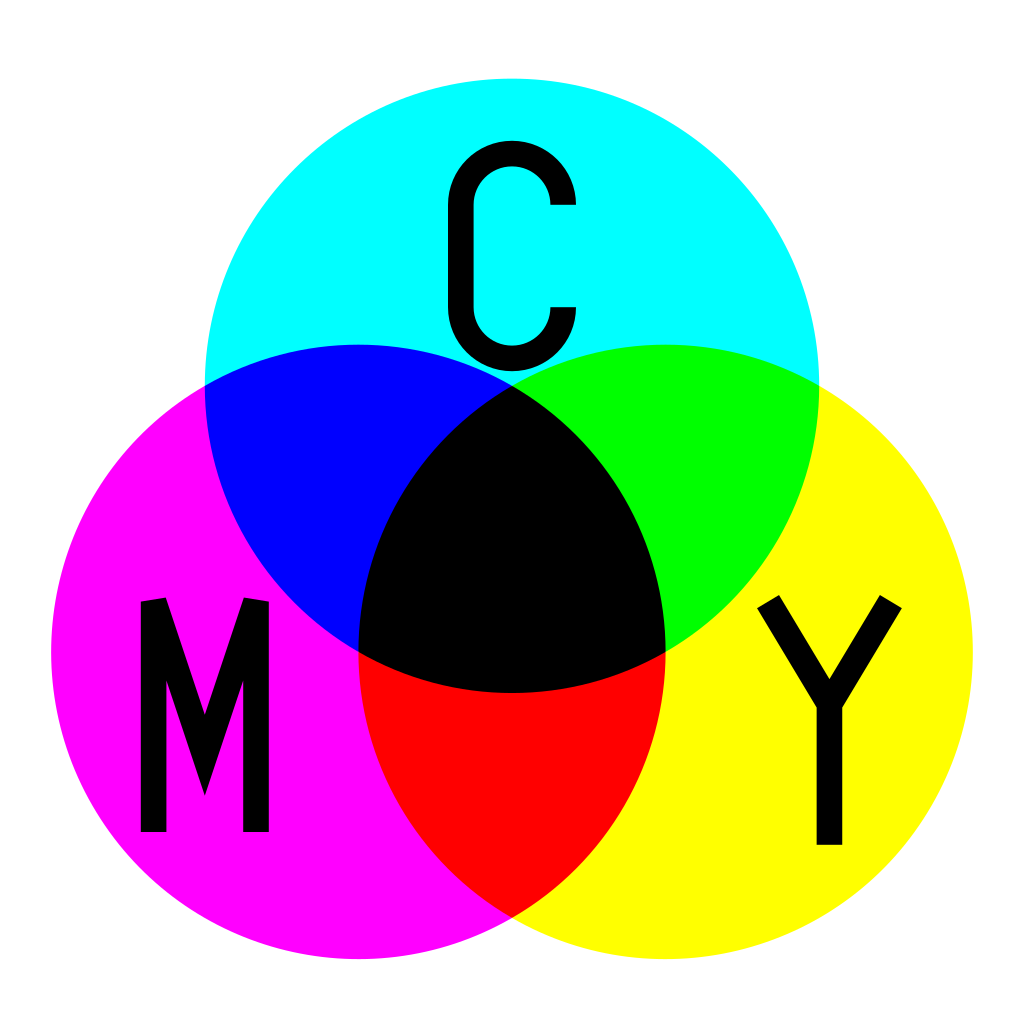
Spectral mixing does not necessarily need 36 channels. MyPaint uses 10 right now, and I’ve had pretty good success with as little as 7 channels. Right now MyPaint is using a temporary buffer to do the spectral mixing, so it doesn’t use any more RAM, but it is WAY slower, as you mention. But really it is surprising that it works at all, since it is upsampling each src and dst pixel to 10 channels before every single OVER operation, and then down-sampling back to RGB. It’s ridiculous.
But there IS another way that I wish I had discovered sooner, which is to expand the model to 10 persistent color channels. MyPaint uses Numpy arrays for everything so this was largely a search and replace operation, but by doing this we definitely DO use a lot more RAM (about 3X more). I’ve been testing this on my personal dumpster-fire fork.
The other thing MyPaint is doing right now (my fault!) that is horrible for performance is the weighted geometric mean, which requires a bazillion power function calls not to mention un-premultiplying. The weighted geometric mean is a pretty decent approximation of how two paints mix, but of course you do needs lots of color channels. But a while ago it dawned on me (OK after reading Wikipedia) that the weighted geometric mean was identical to the weighted arithmetic mean of the logarithms. In other words, if our data was already log encoded from the start, then the standard OVER operation would give us our pigment mixing with barely any overhead beyond the additional channel memory bandwidth.
So essentially, to get a really optimized pigment blend going, you have to start right after you pick a brush color. You take that linear RGB (before you scale it w/ alpha or anything) and you upsample each primary to its spectral representation. R*spectral_red_array, etc. You do have to avoid 0.0 by adding an epsilon, unfortunately. Then you sum those three N-length arrays column-wise to have one spectral distribution. It’s exactly the same concept as summing two RGB colors, but it’s more than 3 channels. Where do you get those spectral primaries that match your colorspace’s primaries, besides yanking sRGB primaries from MyPaint? That’s a bit tricky, but there is a ton of research ongoing (it’s called spectral reflectance recovery). It’s pretty easy for sRGB but gets trickier for larger spaces.
Now that you have an N channel color that represents your RGB, you can log() encode it (any kind of log) and then scale that logged data with your alpha/opacity so it becomes some sort of premultiplied log color data. At this point you can treat it precisely the same way as premultiplied linear RGBA, but only for the OVER operator. There are a couple others that work pretty well but are not identical in the algorithms. For instance a multiply operation would just sum the two log values.
After you are done compositing all your log layers, which is pretty fast since you do not have to flip and flop at any point, assuming you restrict yourself to the compatible blend modes like Normal and Multiply, you have to get back to linear. So you just exp() the final flattened data, and then perform what is essentially an RGB->XYZ transformation, but instead of a 3x3 (RGB) we have N channels, so it is an 3xN matrix. These are the CIE 1931 Color Matching Functions, and it really is an identical concept and procedure to go from Spectral->XYZ as it is from RGB->XYZ. In MyPaint the Color Matching Functions and the XYZ->sRGB matrices have been combined before-hand to save some ops, just as Scott Burns shows (Scott got me started on this journey and has been very helpful!)
So yeah, I have been thinking how on Earth this could be integrated into a pipeline along with everything else in existence that we already have (legacy and linear blend modes, etc), and I don’t think it can be without a LOT of crummy flip flopping. I think a compromise could be to force the “pigment/spectral” layers to be at the root of the compositing stack. In a UI it might just be a layer type that automatically “sinks” to the bottom of the stack below any other non-spectral layer. Or it could be a separate layer stack entirely. And those layers would only have a couple of different blend modes available. Would that be annoying? Sure, but you could just totally ignore it and continue using the existing standard layers and blend modes.
That way, everything else could remain as-is and supported. The stack would just start off as spectral (assuming you have a spectral/pigment layer) and eventually work its way up the stack and become XYZ (or RGB), or whatever the interchange model is for layers (does Krita have per-layer color space support?)
Anyway, I hope this sparks some ideas or maybe I could get some feedback on how to do things better, or someone can tell me what on Earth this Premultiplied Log data really represents. I think Krita could totally do this, store the data in EXR and be ready for the industry when it moves to spectral formats. Or maybe not, I could totally see the toolkit limiting functionality. I think I was lucky that MyPaint used Numpy arrays. If it was using GDKPixBufs things would be a lot different. . .
Cheers!