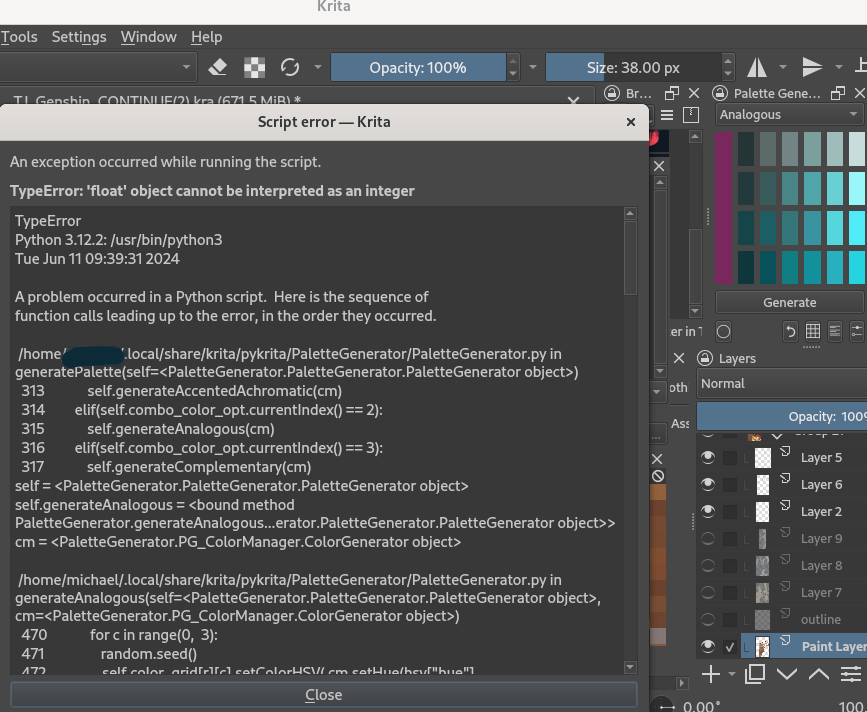
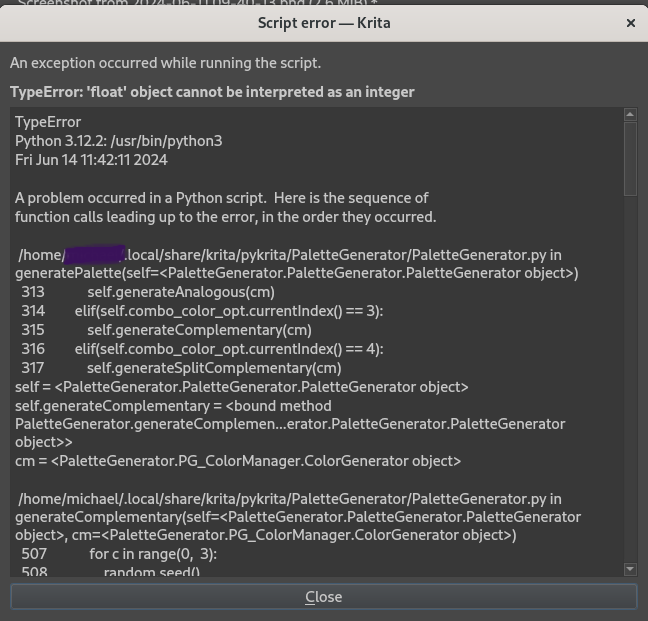
Sure!

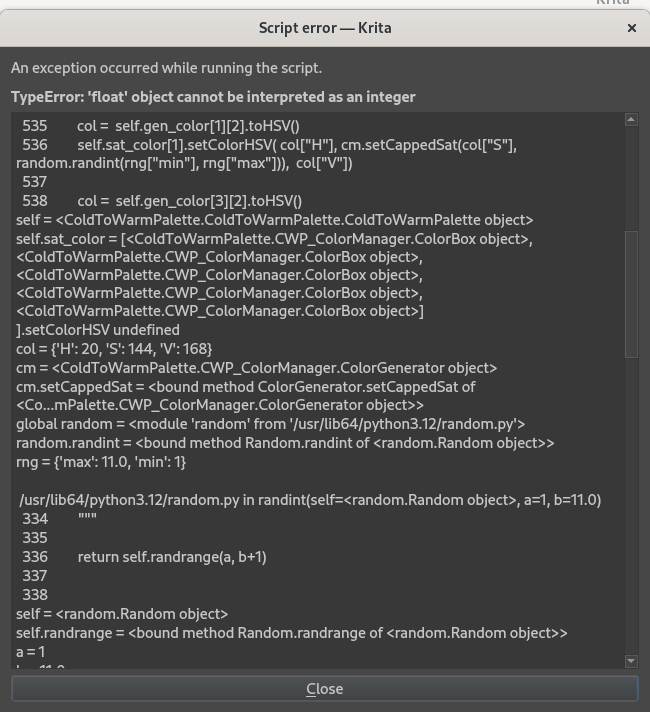
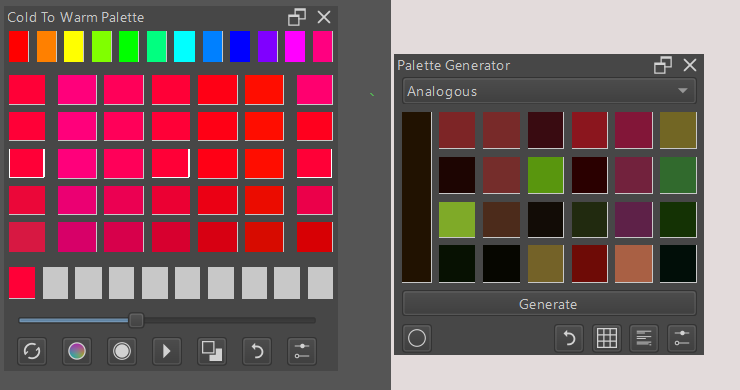
Owh And I’m using Linux, i don’t know if that’s correlated with the error issue…
thank you.
right now in my investigation. the error points to my version of python. Im gonna check back later after im done at work. im currently updating my python in hope of triggering the error on my side.
Alright! Thanks for the help Kaichi, have a nice day! ^^
can you try this;
I couldnt trigger the error on my end - so i just uploaded what is currently in my pc to my git.
https://github.com/kaichi1342/PaletteGenerator/archive/refs/heads/v.0.1.3c.zip
https://github.com/kaichi1342/ColdToWarmPalette/archive/refs/heads/v.0.1.2d.zip
Okay, let me try
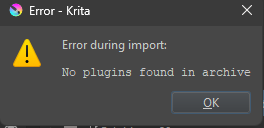
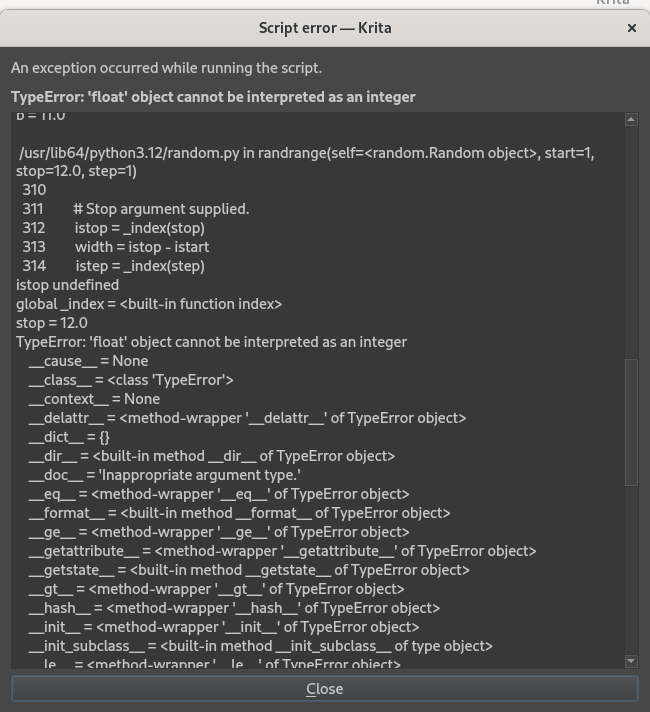
I’ve tried the Cold to Warm Palette v0.1.2d it said this
Palette Generator v.0.1.3c

5.2.2 should be good. Its stable in my copy.
I use it everyda in 5.2 and 5.3
Last request is its possible to screen capture the action that causes the issue.
Is this when a colorbox is selected?
Its hard for me to fix as for some reason the error is mot getting triggered in my end. So maybe if i can observe how you use the plugin ill be able to trigger the error.
The newest plugin update is stable on windows. I have tested both os, only Linux still has the error issue 
The rest of it works perfect! Thanks for the help Kaichi  (and goodbye Linux
  )
)
ah i see error is on linux. I can try to fix it later - what exact distro is it. Ill create a vm.
The problem is this: the settings being passed to randint are floats. This works by being autoconverted to int on Python 3.10, which Krita currently uses, but on Python 3.12 it is considered an error and must be converted manually. (See random — Generate pseudo-random numbers — Python 3.12.4 documentation )
@Silly_Sally Are you using a distro package of Krita? Have you tried the AppImage?
i honestly still couldnt trigger the error.
I have idea what i need to do, but i will probably missed some since i use randInt with seed in a lot of place for this two plugins.
i’ll try again in another distro tonight, im pretty sure i updated my python but i guess i’ll check again.
If Im not being a disturbance.
Can I ask how I can trigger this error. Im having hard time tracking them as I cant really manage to trigger it even in VM with fresh linux distro.
I cant find which line the error are.  its making it hard to correct.
Hm, I said before that the error only happens on newer Python, but turns out passing a float to randint triggers a different error even on Python 3.10: ValueError: non-integer stop for randrange()
One way to trigger that error is to change “Hue Strip Variance” to a decimal like 5.50. When you’re asking randint() for a random integer, the range must also be integers. So you can either convert the values with int(), use an int QSpinBox so they’re already integers, or if you want a random float use random.uniform().
thank you very much for this.
I now manage to trigger the error.
Hello,
https://github.com/kaichi1342/ColdToWarmPalette/archive/refs/heads/v.0.1.3.zip
I added a bugfix. This should remove any instance of a float getting pass to randint.
By the way an apology for the problem with HiDpi was really for Cold To Warm, although it happens with both plugins.
Thank you , for this info.
Cold to warm and Palette Generator share the same ColorBox and Color Generator code so when one has the error the other most likely has it.
I tend to update them both at the same time when the error is in the ColorBoxes.
I have a win 11 laptop - Ill go check there to see what is causing this issue.
Thank you very much for your work!
Hey i hope im not bothering, but my krita doesnt recognize the plug in, just says, Plugin not found in the folder