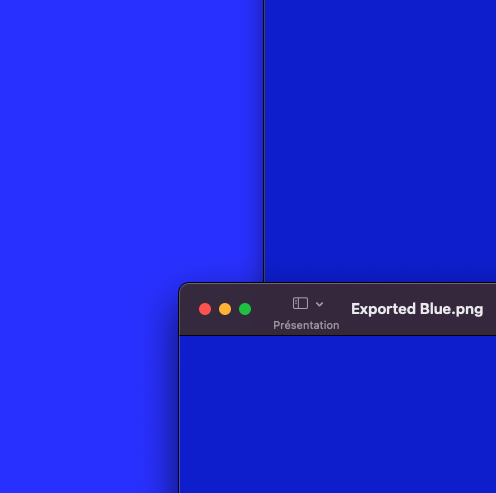
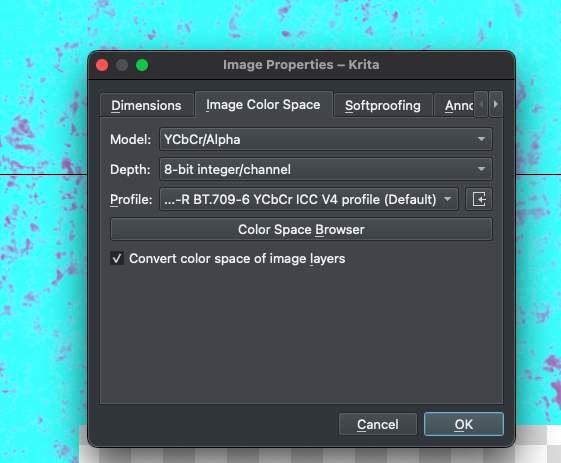
What was the source color model and profile? sRGB built-in is not the best option, it assumes a CRT monitor, sRGB-elle-V2-srgbtrc is the better option because it has some fixes. Mac uses a different color profile, make sure Krita is set up to use it for Display (in Krita settings not for the document). The image viewer is not color managed so isn’t firefox. They will always show colors weird. When you export the file you would assume embedding the color profile is the best option but that usually breaks applications that are not color manged (like the image viewer of Firefox because they ignore the profile data or interpret the extra data as something different). Then again when you import the file later that was previously exported without the color profile it doesn’t really know what color profile to assume and uses some default (you might came across a dialog asking this when you at some point drag and droped a file into a krita document). Then you get the slight difference you see in your last example.
Personally I made it a habit to put in the file name the profile I exported it with, so I know later. And also never keep working on an exported file, only the kra file as a single source of truth.
And to make matters worse, when you look at the file on a different device or monitor colors can look different again. I have a color calibrated monitor and a “trashy one” and before publishing to the web I always move my file over to the trashy one to see how other people probably see it on their normal screens.
However, I’m still wondering why this causes such a difference using the YCbCr model (even when importing the Krita file as a new layer, or by embedding the profile in the exported image). It’s quite interesting!
I appreciate very much your help and your expertise, thanks again!
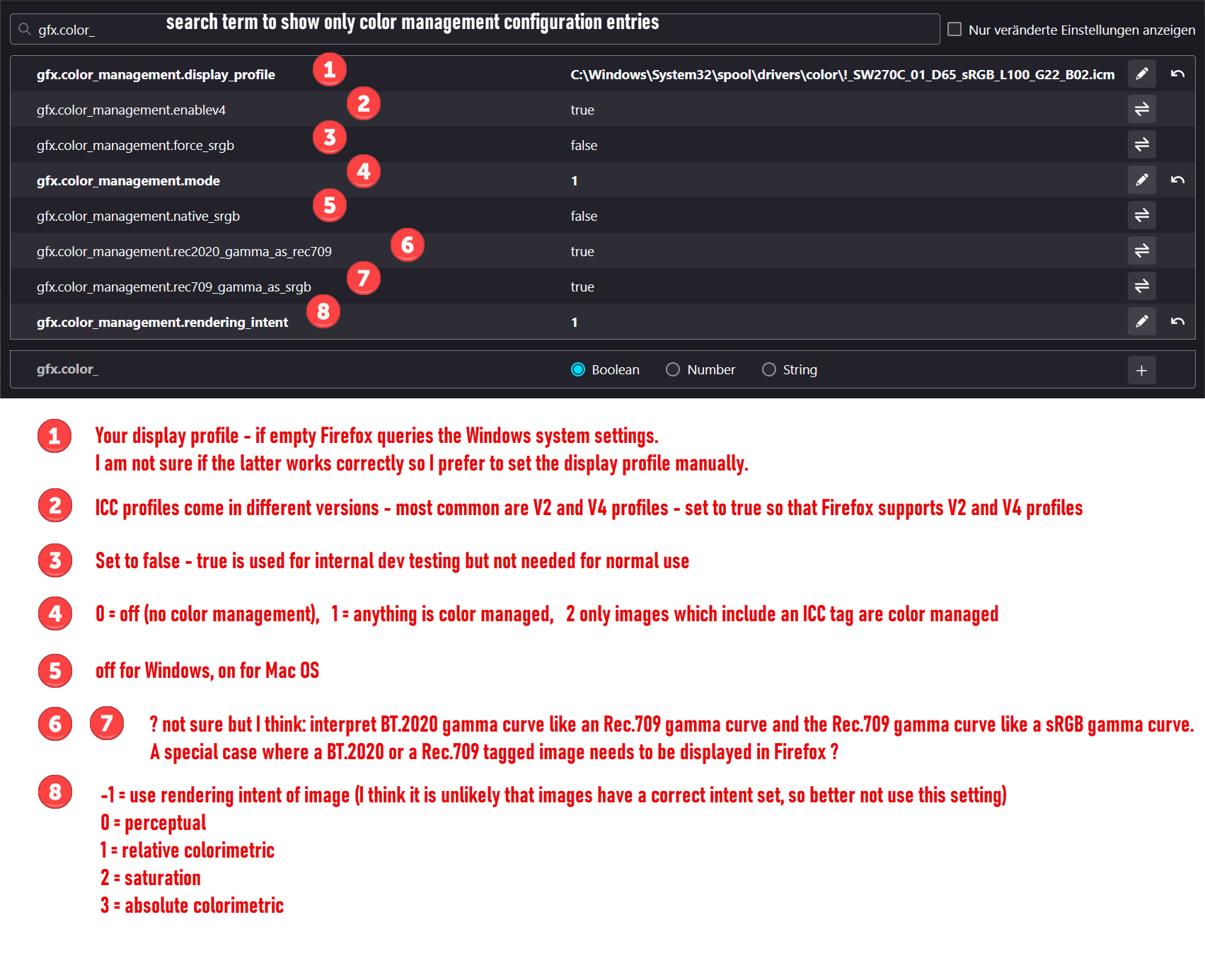
Just two posts above you can see that Firefox supports V2 and V4.
By default Firefox does use color management for images that have an icc tag and it does this with mode “perceptual”. As long as you take care that your images have the i.e. sRGB tag, everything is fine
And that most computer users don’t have or use a display icc profiles is not solvable by Krita or Firefox - but we are living with that for decades without the world going down
The issue is that it mostly only works when you have control over it, like on your own website but it breaks as soon as you upload something somewhere. Even gallery websites dedicated to art often don’t manage to keep the profile intact, actually I didn’t came across a single one that does. Standard sRGB is basically the only “safe”. I especially hate it when websites put their own filters on images but that’s another issue.