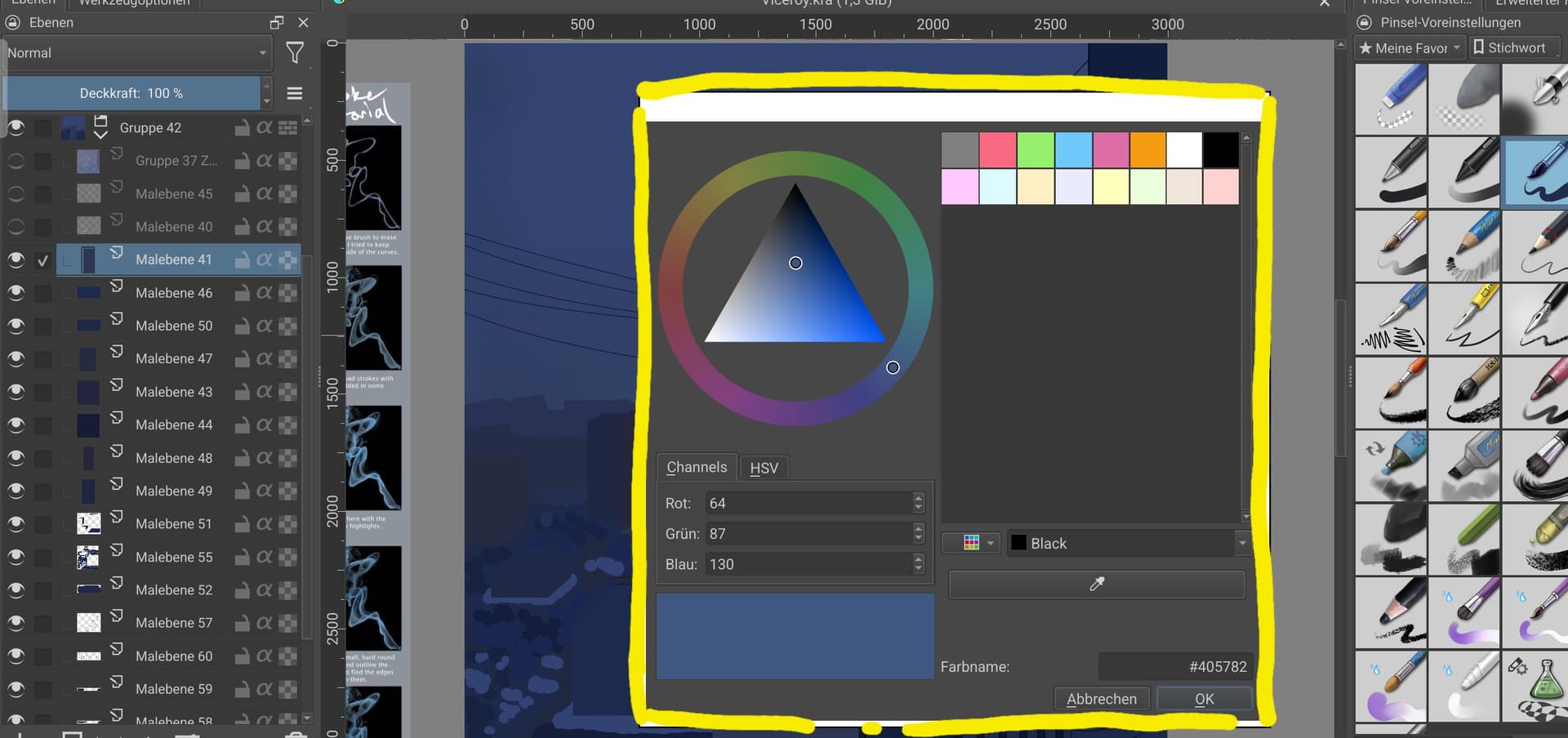
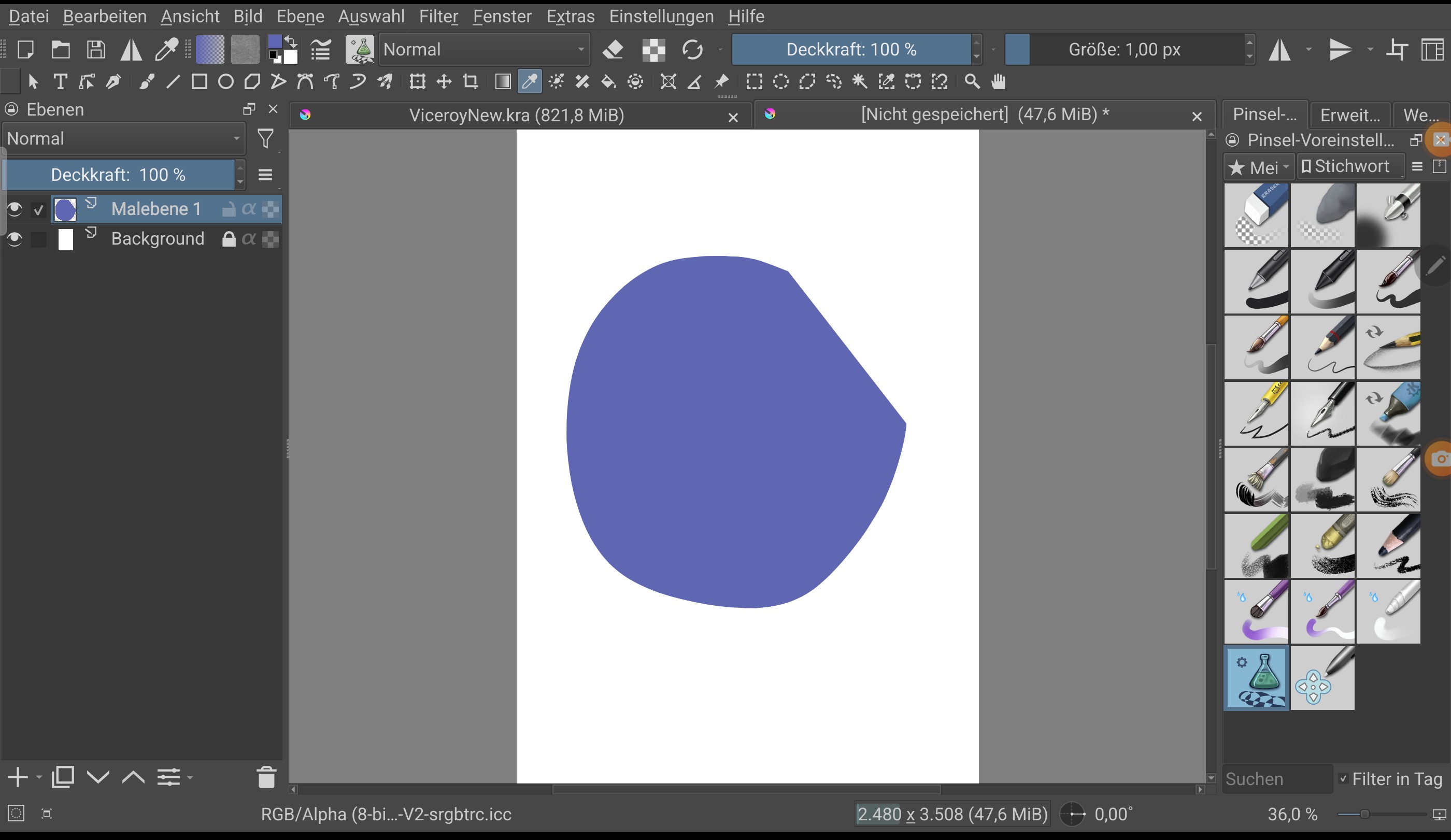
As I show in the image, the color picker only picks colors when they’re inside the yellow marked place. When I go outside the color picker tool, means the actual area of the drawing I can see behind the grey space, it just doesn’t react to it. I’ve tried closing and opening the app.
(I’m working on a tablet, not PC.)
 Hello @Ireenie and welcome to the forum!
Is it possible that you have an active selection, maybe even your whole canvas selected? This could be a reason for Krita not wanting to pick up the color from the outside.
To check this, go into the menu “Selection” and select to deselect everything via a click on “Deselect CTRL+SHIFT+A”.
By the way, if you create a support topic like this, please always name the full version number of Krita you use, like Krita 5.2.8, and from where you got your copy of Krita.
Furthermore, always name your operating system, like Android, ChromeOS, Linux, macOS, Windows, and also here name it in full like Android 14 for example.
If you post screenshots, you should at least supply one screenshot that shows your complete Krita, including title bar, status bar, the open and fully expanded “Tool Options” Docker is usually also one of the most informative things we need to see, and for the layer stack you should at least have the layer visible that you are working on. In case of pictures that you can or do not want to show to the public, you can create a simple picture that shows your issue in principle, it has not to be nice it is only to showcase your issue to us for better understanding.
Michelist
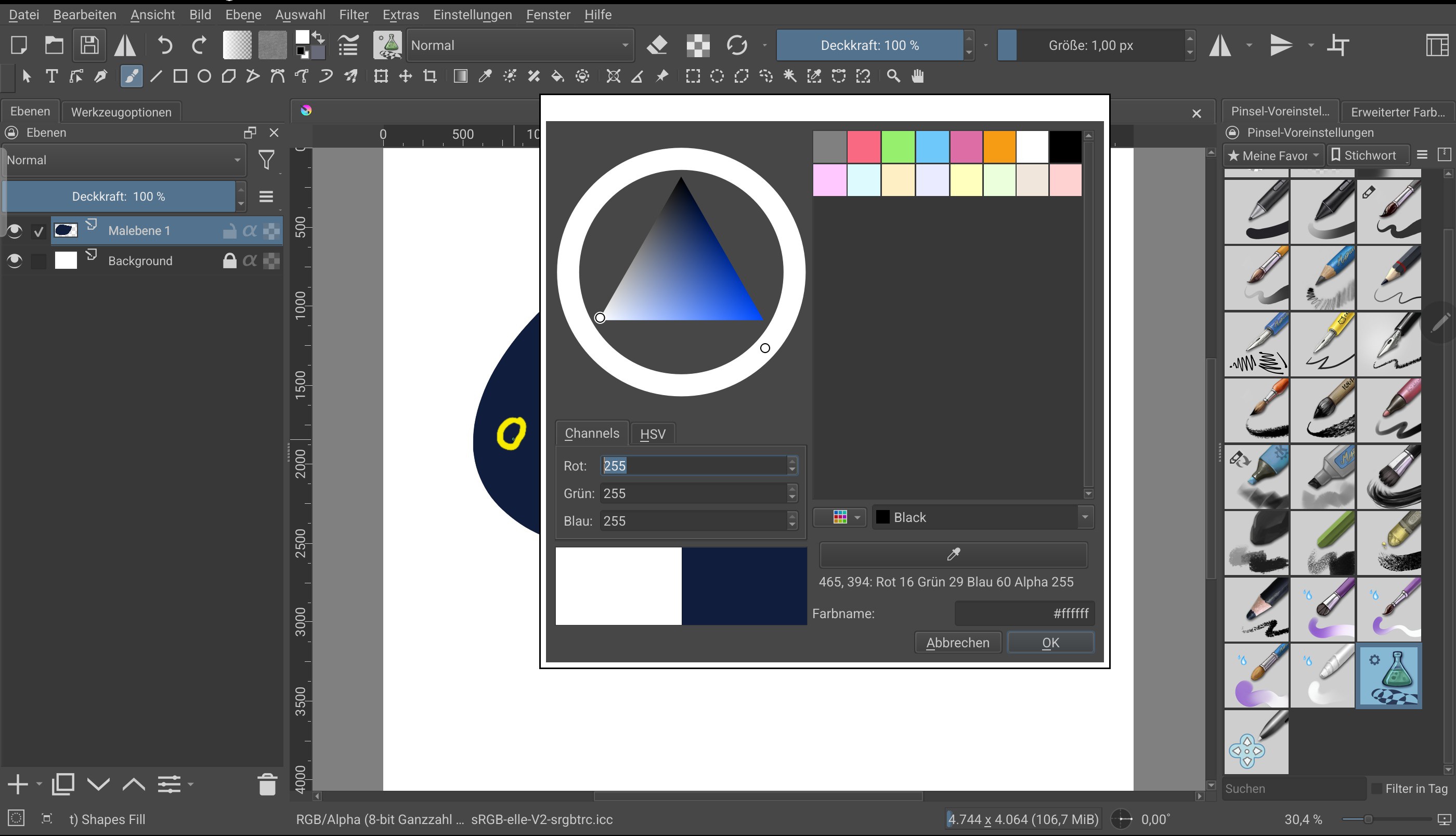
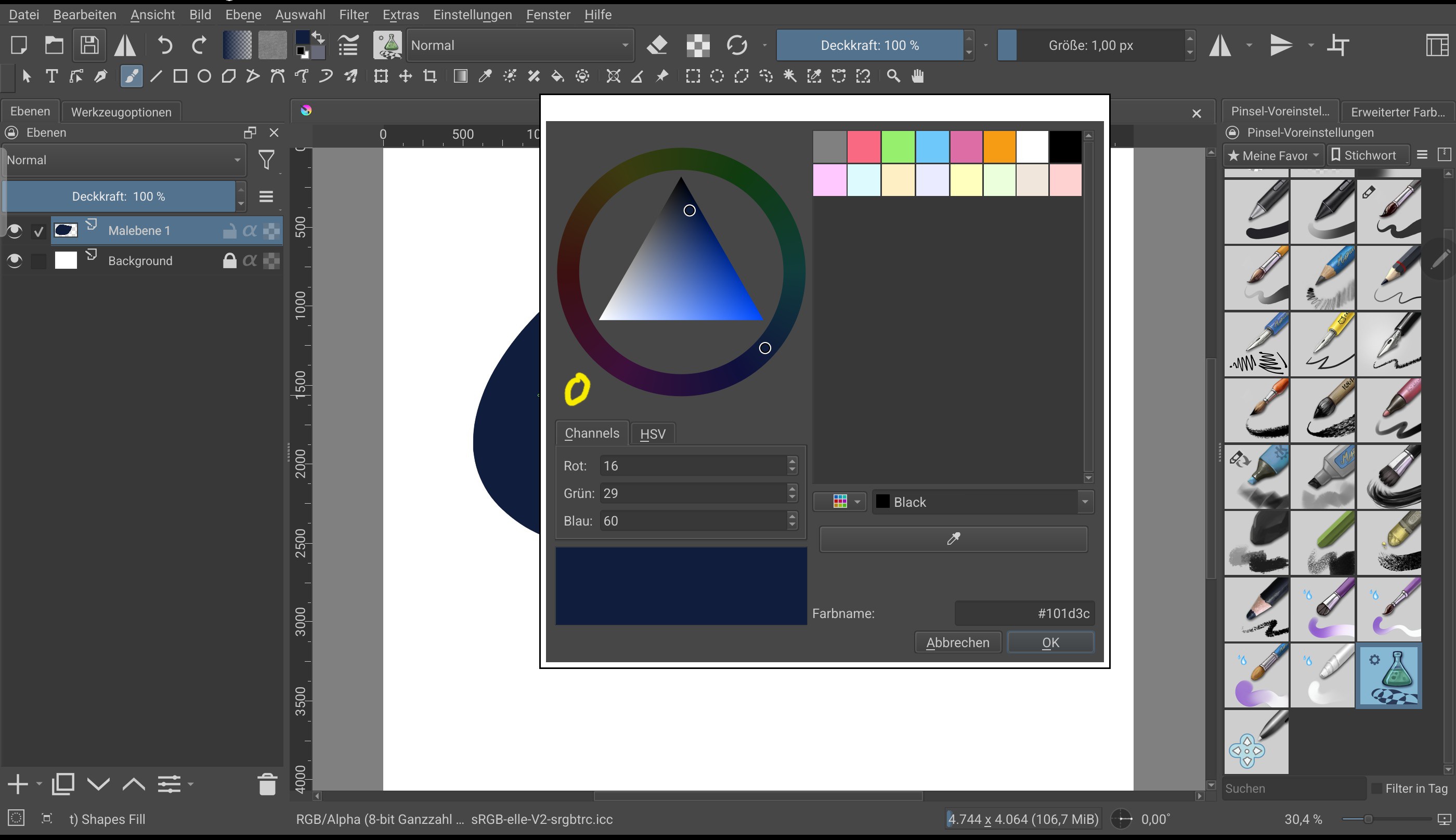
Is it possible that you try to drag and drop the eyedropper onto your point of interest? If so, you have to click on it once and can then go and select the color you want to pick.
Michelist
I do click onto the point of interest, I don’t just hover over it. If I understood you correctly…
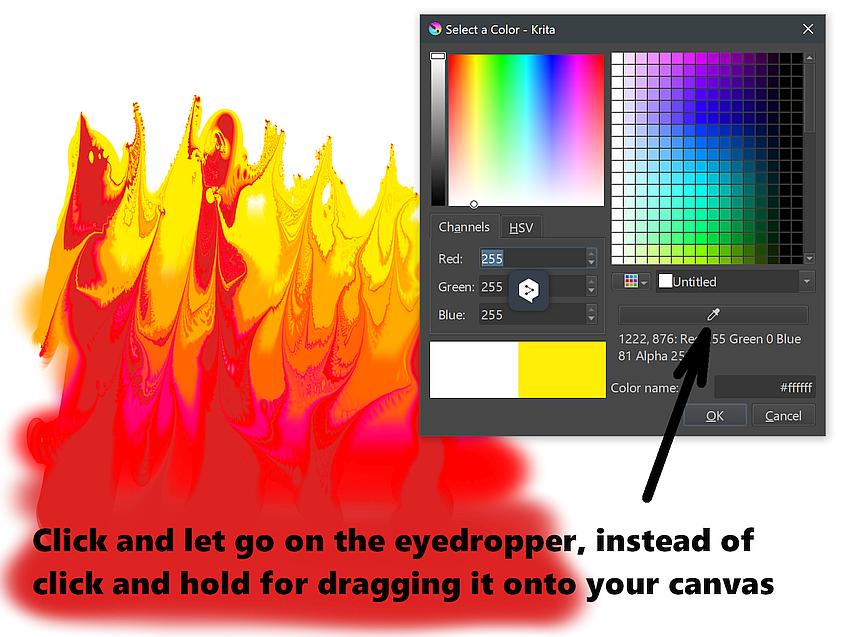
No, you should just click on the eyedropper once and release it immediately, you will be shown a crosshair that you drag onto the canvas, and the spot you click on should then be taken over as the color.
Michelist
##############
Deutsch / German
Nein, du solltest einmal nur die Pipette anklicken und sofort wieder loslassen, darauf wird dir ein Fadenkreuz angezeigt, das du auf die Leinwand ziehst, und die Stelle, die du anklickst, sollte dann als Farbe übernommen werden.
Michelist
…I unfortunately can’t upload a video, so I uploaded it to Drive. It demonstrates what I’m doing. I think it’ll illustrate the issue better than screenshots.
Now I’m honestly at a loss. But does it necessarily have to be this variant of the color picker, Krita offers other possibilities? You can also use the eyedropper tool from your toolbar. Another option would be to assign the keyboard shortcut CTRL to a gesture or, if you have the S-Pen from Samsung, possibly one of its assignments (if it has any, it’s supposed to be a powerful tool).
Michelist
You’re welcome!
Michelist