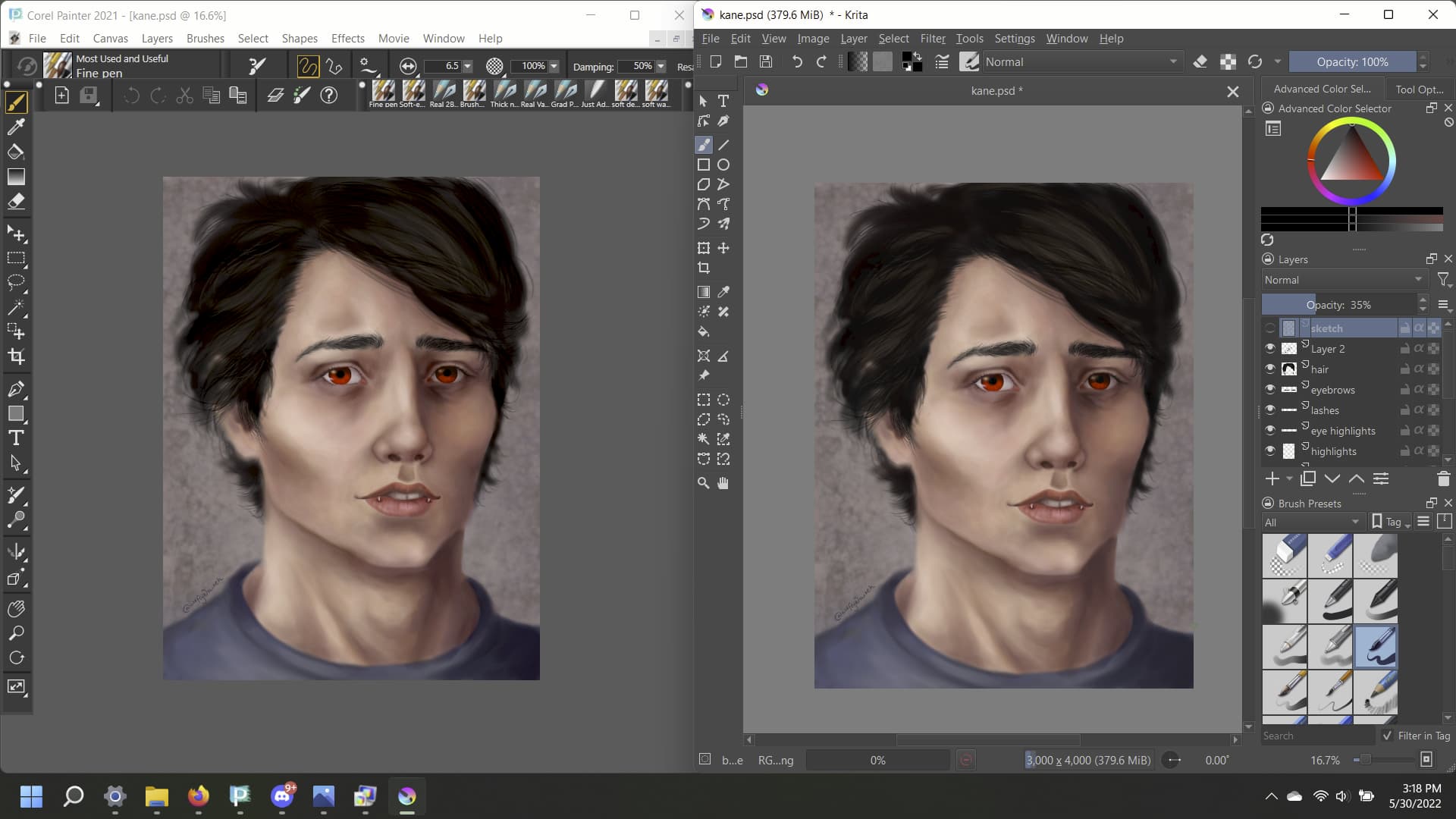
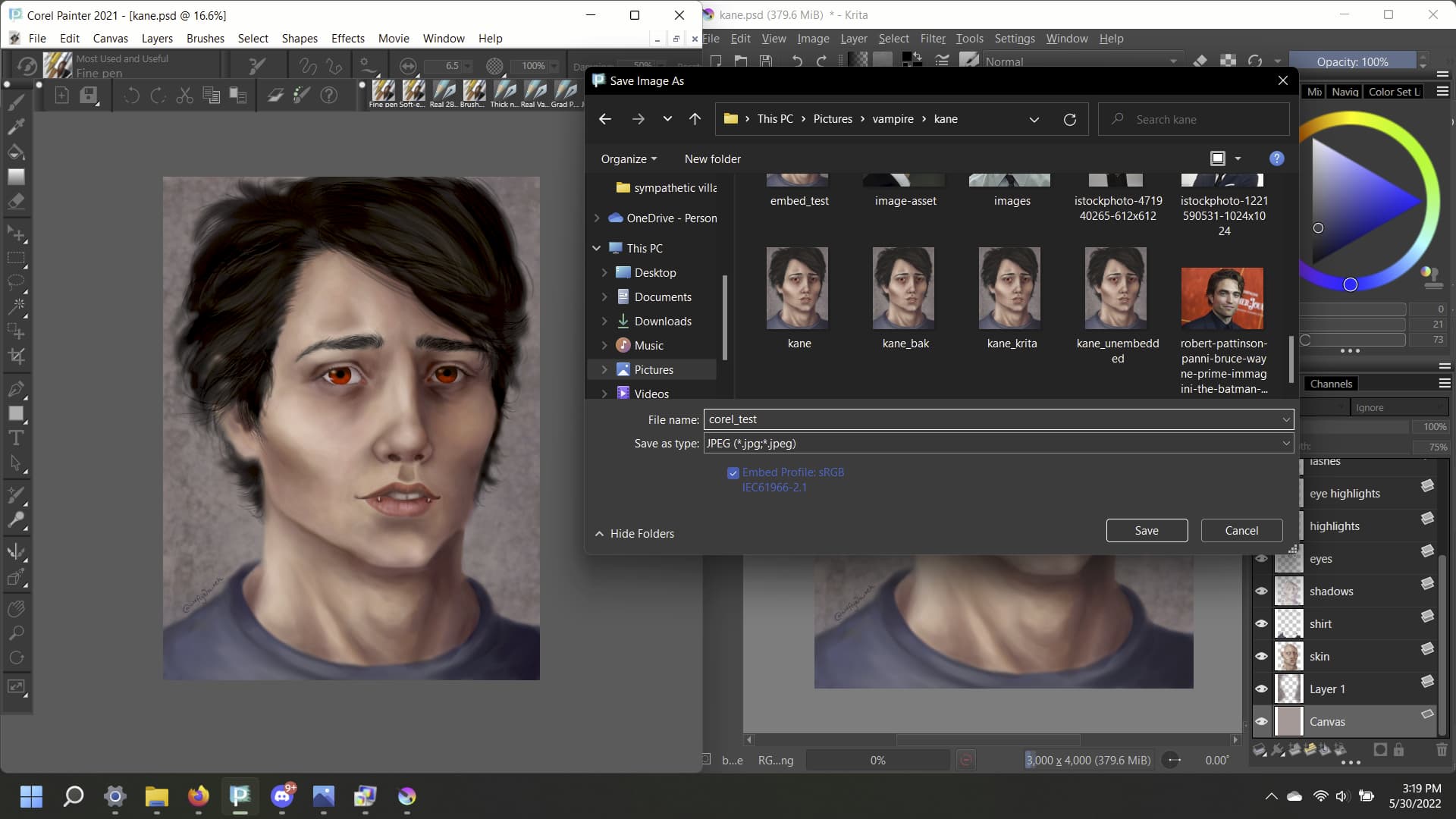
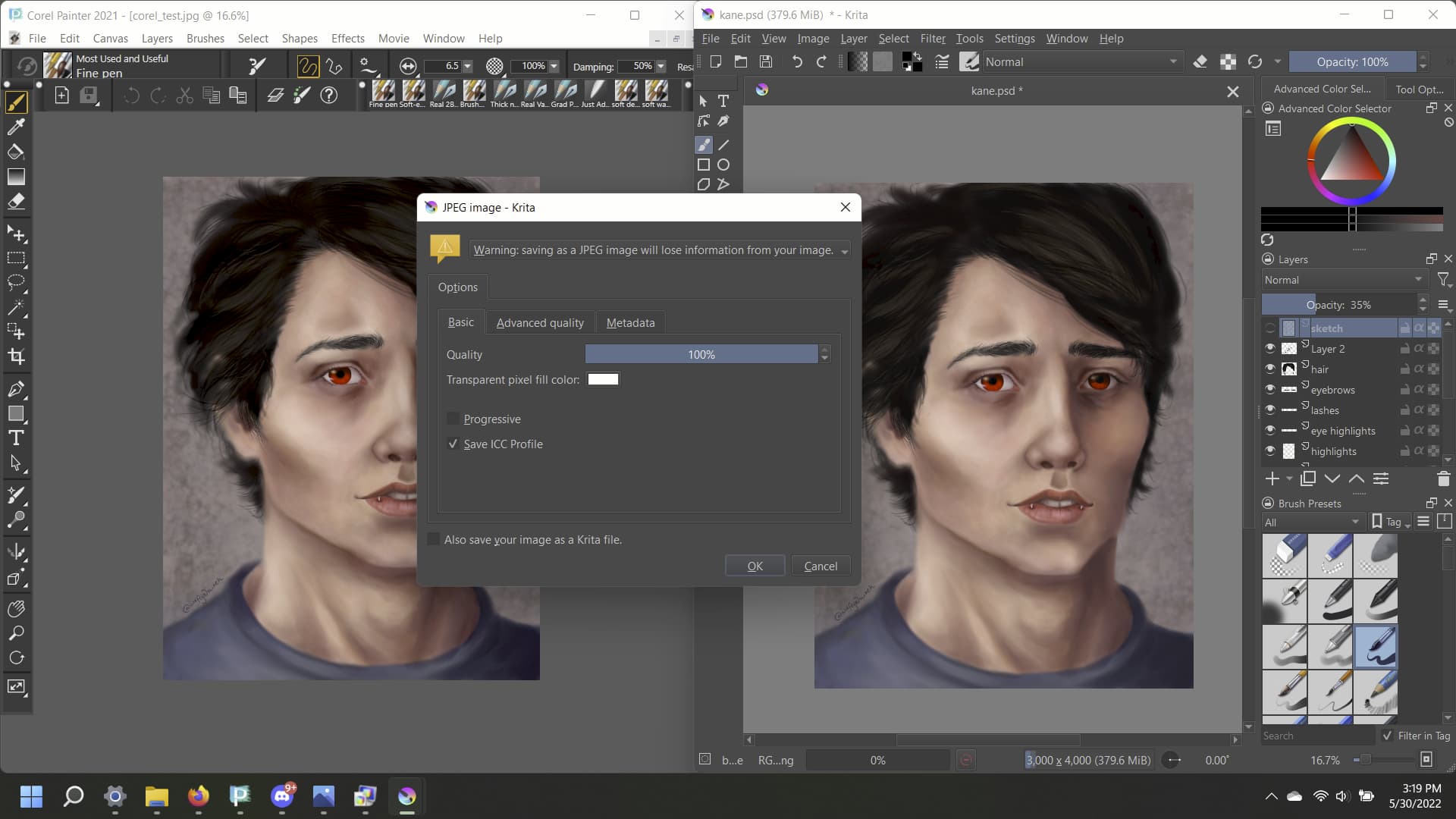
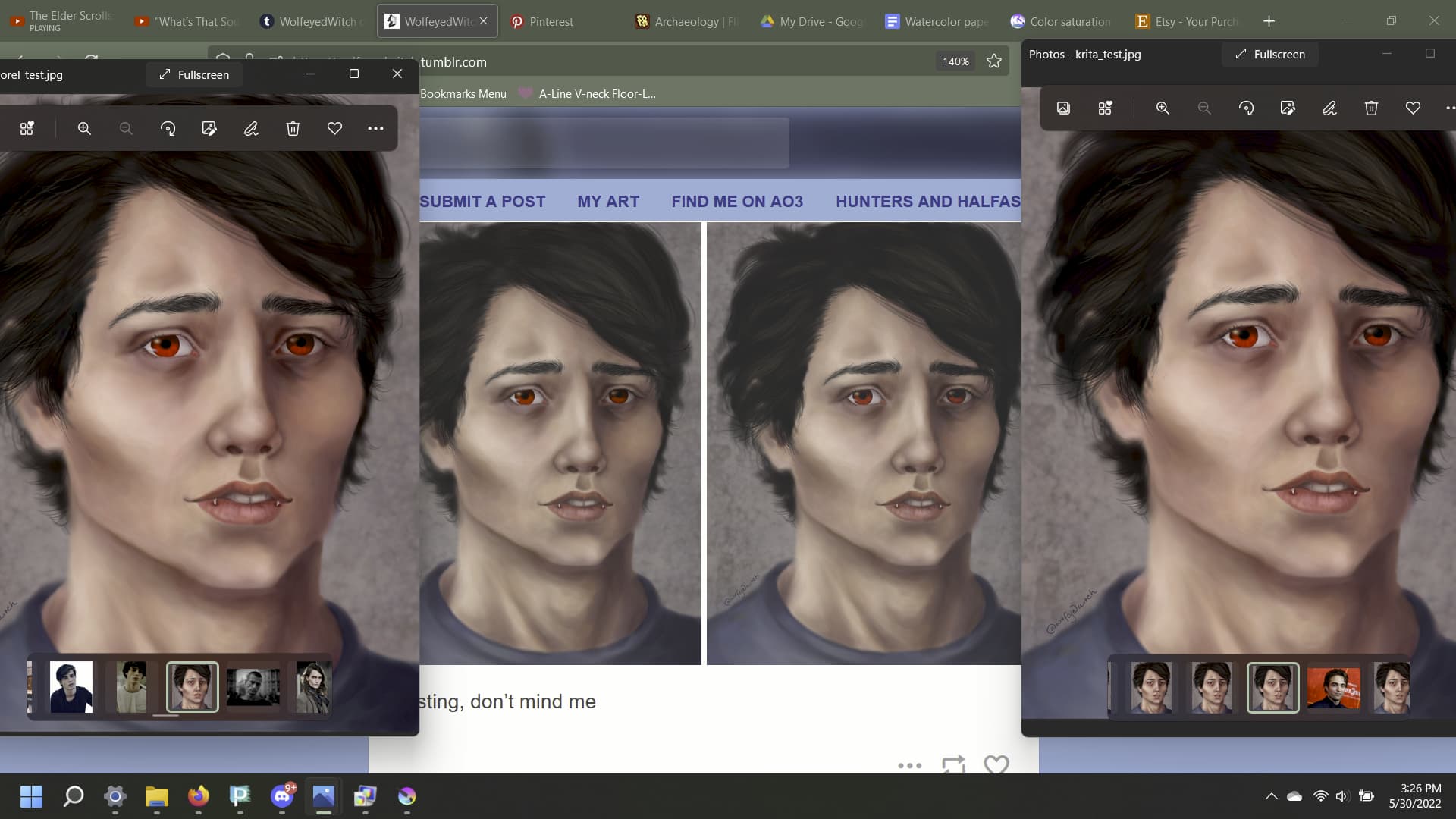
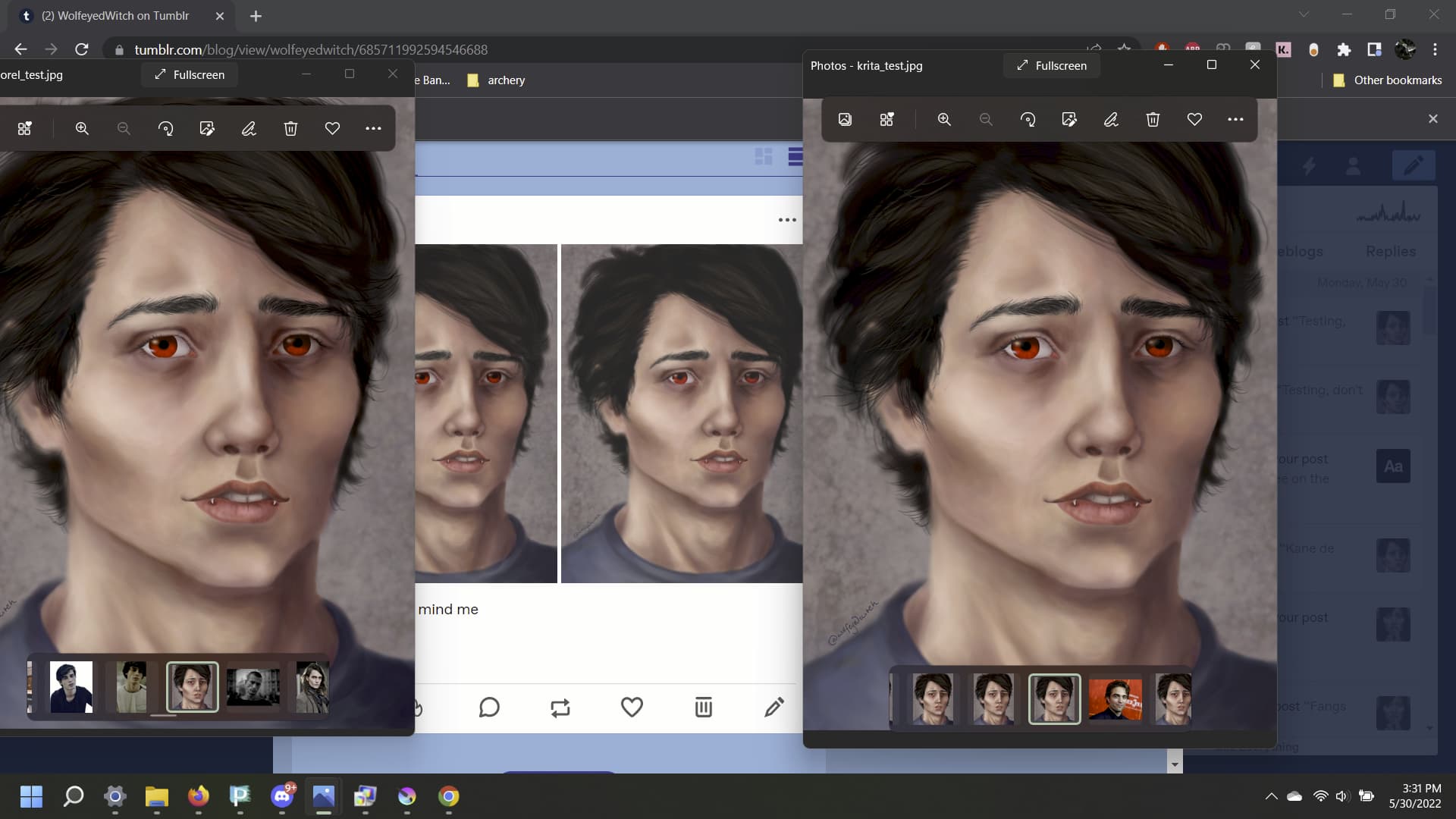
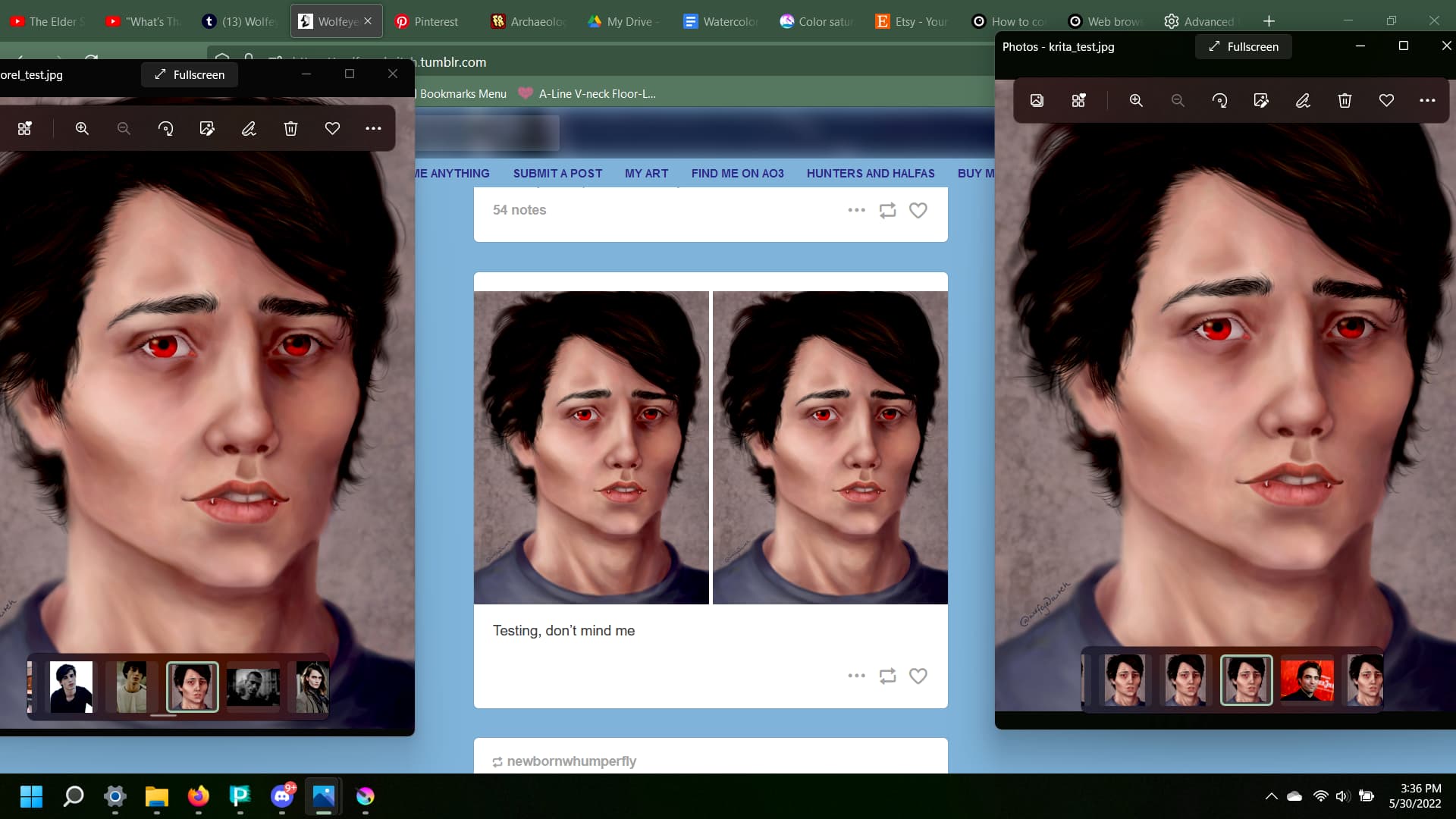
So by your testing and screenshot saving a .jpeg or .png, with the color profile embedded will have the same effect as the .psd. Opening in an image viewer or web browser will have a different saturation in comparison to open it in Krita.
Do you mind sharing the png and/or jpeg with the icc embedded here on the topic?
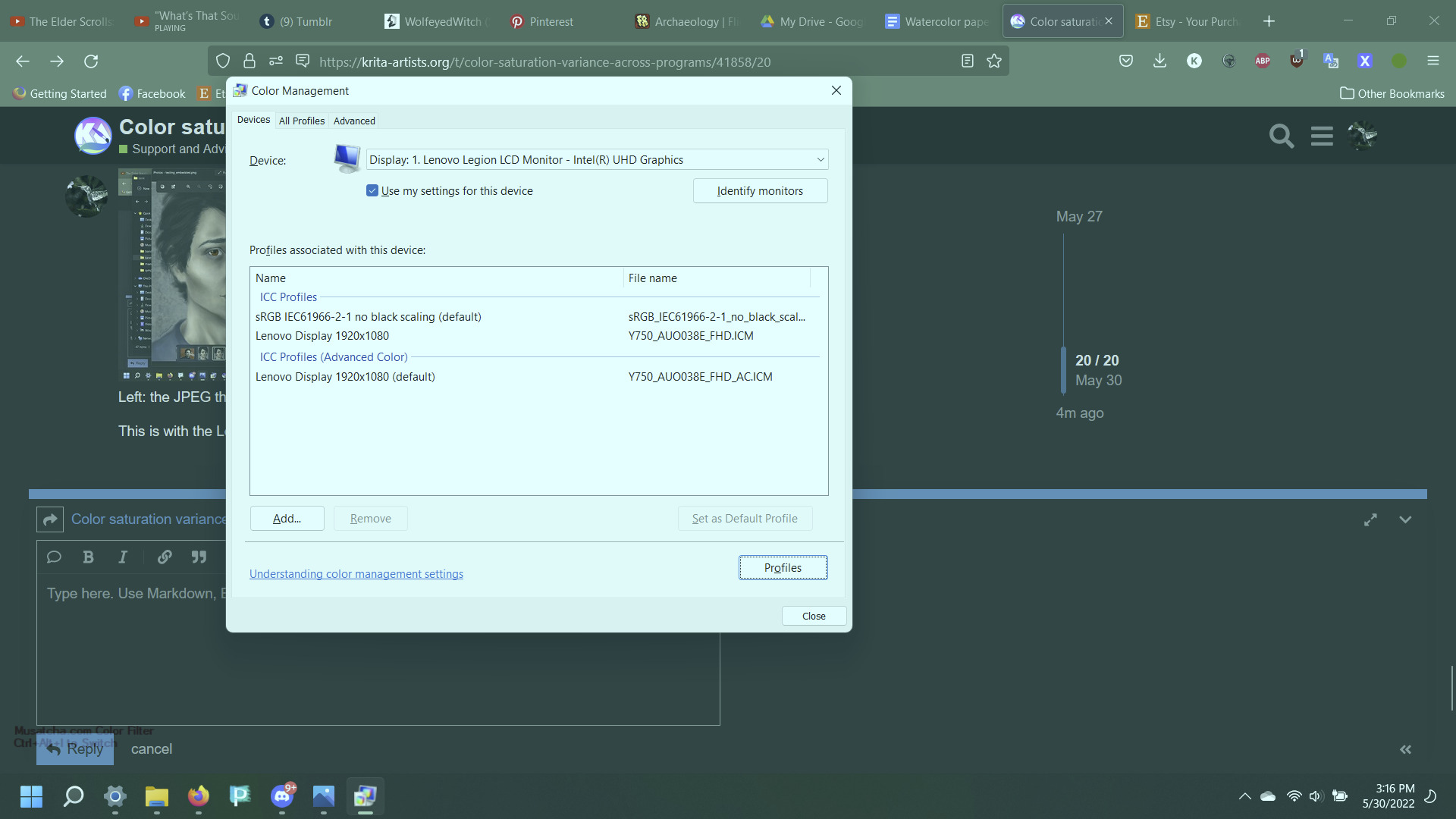
When I switched back to the IEC rather than the Lenovo Display setting, it seems like the only problem is in the images being posted online. So… I don’t even know.
I’m gonna check it in Chrome to see if it’s a Firefox thing.
Thank you so much for all your help @Daishishi, I’m gonna go adjust my Firefox settings now to see if I can get it to display the same as everything else, since apparently that’s the problem now. The IEC display setting for my screen really made a difference. I appreciate your patience and willingness to work through this with me!
Firefox doesn’t have proper colour management support atleast on linux not sure about windows.
Here is a blog post from lcms (this is the colour management component that krita uses) Browser check
@raghukamath I changed the Firefox configuration settings. Here’s a link describing the process.
The only setting I had to change was gfx.color_management.enablev4 from false to true, and then I checked on this site to see if my browser was properly displaying colors.