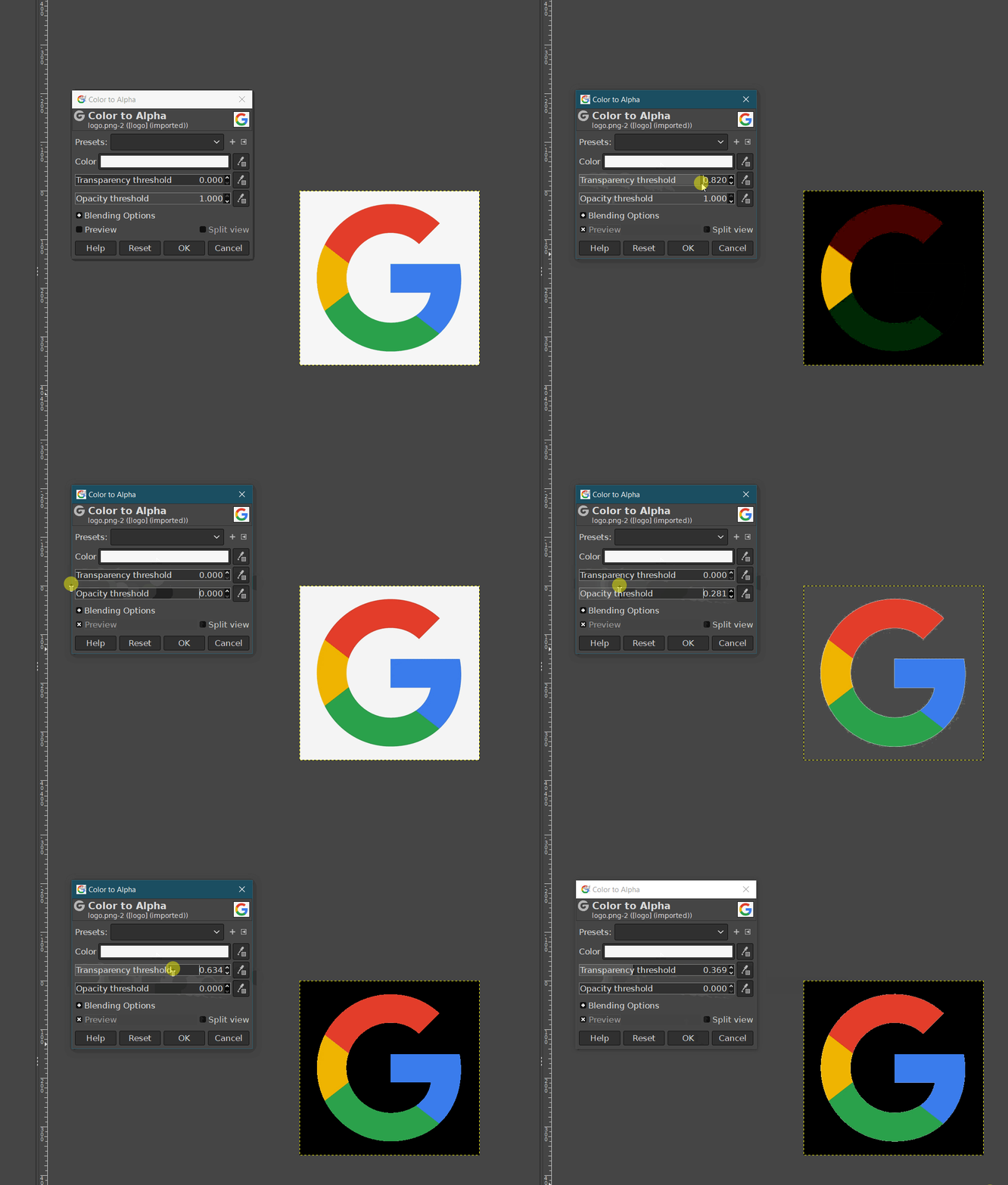
Both cases they are set to the same background color set with their picker.
Performace in Krita
threshold setting eats the edges of colors on the sides with high values or in low values maintains a white halo.
Performance in Gimp
background is fully removed and Transparency and Opacity adjusts things without being so violent and by norm does a much cleaner removal of the color. changing values results in adjustment of colors transparency than being chewed off.
The GIMP colour to alpha does have advantages because it has separate Transparency and Opacity threshold controls.
I think those artifacts are because of image artifacts, maybe because it’s .jpg or just because some anti-aliasing happened at some time in the image’s history.
Could you use the Cross Channel Colour Adjustment filter to make any pixels with alpha of < 1.0 go to 0.0?