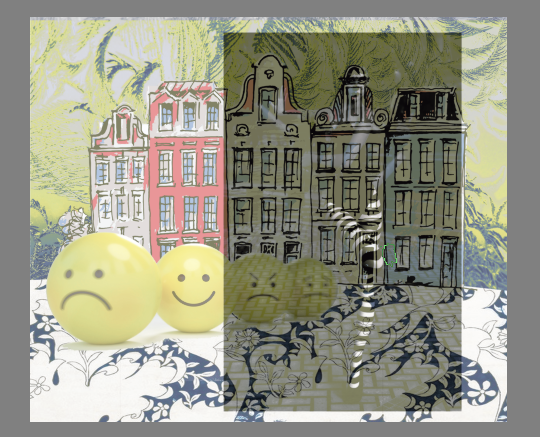
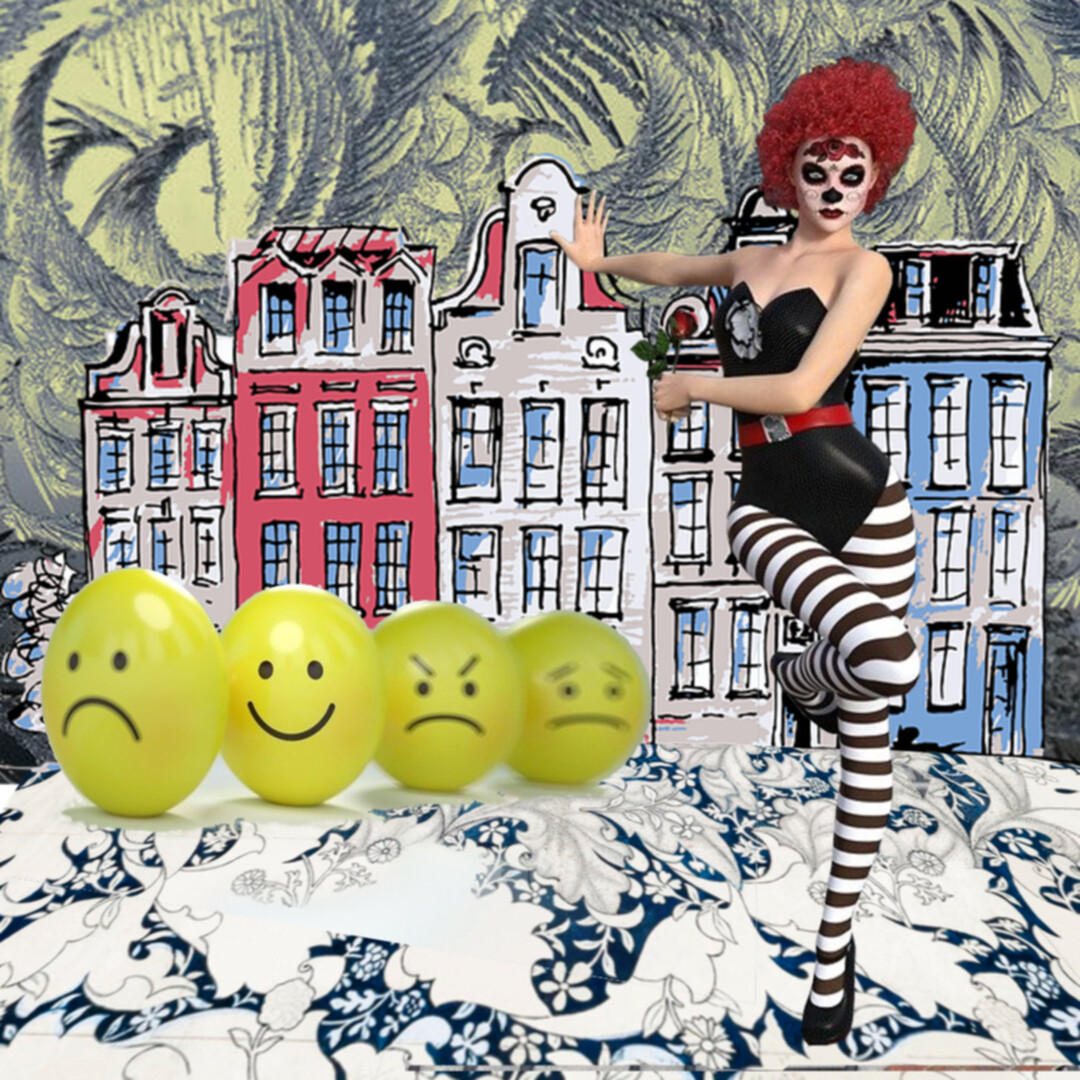
I’ve just updated to the latest version and am having the same problem that began occurring just recently, since I’ve begun working in large resolution and in CMYK format . After I save my master krita file, when I open it back up the colorize masks have all shat themselves and the image looks like this:
Hmm. So I’ve switched back to my original RGB settings, but it’s still happening. It’s happening if I open old files that I originally did in RGB as well.
I’m working on an Acer Aspire F5 laptop with 16gb RAM. I have just switched my memory limit up to 75%. But it’s still happening.
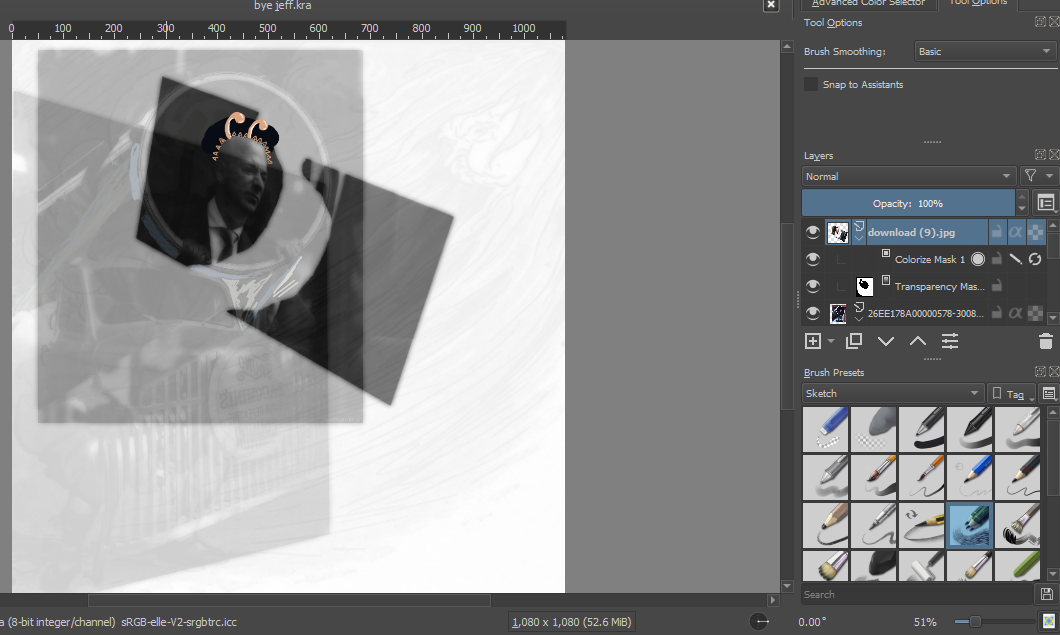
You wrote colorize mask but do you actually mean the colorize mask created by the tool with the same name? Because it looks more like a regular layer with wrong blending mode. Could you post a screenshot where all of Krita is visible, including the layers docker? Best when the mask layer has focus.
Yes, I mean the tool. I can’t show you a screenshot of that file because I deleted the colorize mask layer from it and now it looks okay. But here is a screenshot of an older file where it’s doing the same thing. Is this what you meant?:
Thanks, it is kinda difficult to understand why the color mask is even there. It seems to have no purpose. Color Mask tool is usually to “autofill” outlines with color, like a better version of bucket fill. And too me it looks like you tried to actually paint on it.
Can you perhaps explain a bit more what your workflow was and your intention?
So I do use colorize masks to paint on, to do touch-ups. I thought that was what they were for. Well, there you go. It is very unsurprising to find that I’m doing something wrong
Okay, so I opened another file and that one was fine. I must admit I’m feeling a bit more confused than before. So every time this happens, is it because I’m using the colorize masks wrong? I don’t understand why it only recently started happening though.
Yea, the colorize mask is to fill things with colors. It is normally just a temporary mask when you flat color art works. Usually when you work on a colorize mask everything else get blurred and semi transparent so you know you are in mask mode. That’s what showed in your screenshot, it looks like Krita has issues handling multiple masks at once. Normaly you have just one, and after you are done working on it you apply and convert it to a paint layer for further editing.
Do you need the fixed file back for reference? I simply selected the Mask Layer, selected all content on the canvas with ctrl + a, pasted it with ctrl + v and the deleted the Colorize Mask I copied.



 Well, there you go. It is very unsurprising to find that I’m doing something wrong