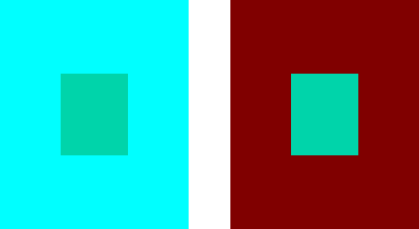
Warm colors are fine, but blue is a bit desaturated. The advanced color selector isn’t as bright either. I don’t know what to do right now because the art I’m doing needs a bright shade of turquoise but its not letting me get the color I need
If you look at various artwork websites, including this one, do you see images with well saturated blues and the bright shade of turquoise that you want to have?
If not, that suggests a limitation (or maladjustment) of your monitor.
Can you post a full screen screenshot (.png) of krita when you’re trying to get these colours?
EDIT: Additional:
Here are bright, saturated blue, turquoise and green:
Yes, there’s that to be considered as well.
There’s also the possibility that the colour profile of the image and/or the Advanced Colour Selector isn’t set to RGB with the standard/default profile.
Another possibility - Did you maybe toggle on the soft proofing view (Ctrl+Y) by accident? By default, it shows an approximation of the colors that lower end printers can produce.