Type of device* : Yoga (2 in 1 laptop tablet)
Brand and version of the device: Lenovo, version 10.0.19042
System** : Windows 10
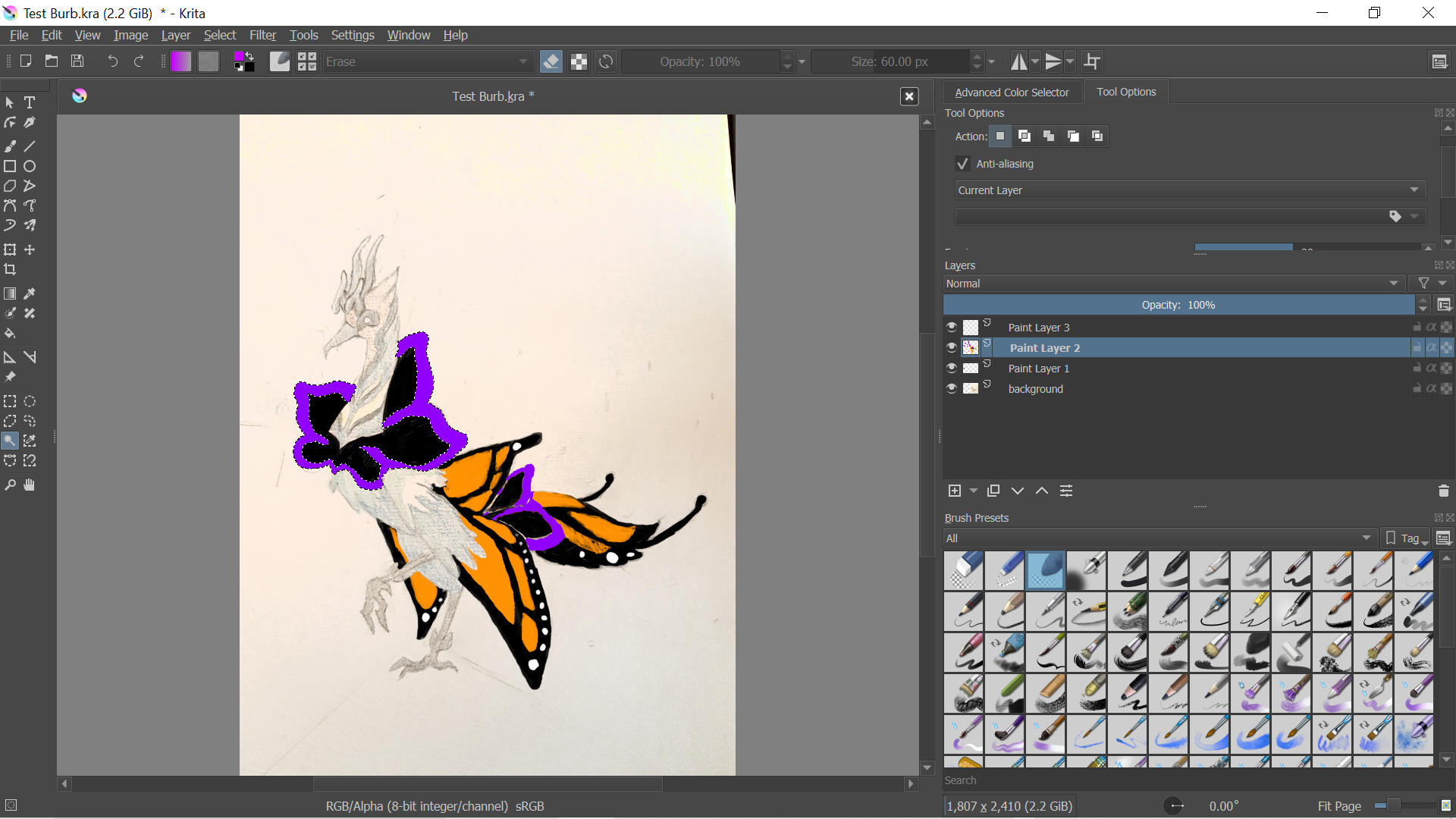
Contiguous selection tool/magic wand selects (or deselects) the entire page no matter what the settings are. Tried resetting Krita and making a new document and neither worked. Also tried resetting Krita configurations and it weirdly selected 90% of the image, so I tried adjusting the settings to see if I could get it to narrow in on the area I wanted to select, and it went back to selecting the entire image again and I can’t get it back to where it was.
The grow/shrink is at 0 and the selection outlines the rectangular border of the page. When I decrease it, the rectangular selection maintains its shape and shrinks inside the page. Increasing it makes the rectangular selection grow instead. Changing the fuzziness or featheriness does not do anything to the selection. It stays the same with no increase/decrease in size or change to the shape of the border
@Starloko Which version number of krita are you using?
Can you upload a full screen screenshot (.png) with the Layers docker and the Tool Options docker fully visible when you’re working with an image that causes you problems? This is often very useful.