Hello^^
is there a way to create a “continuous paper” in Krita?
Greetings
DAB
Hi
What is a continuous paper?
(may be the question should be moved to General Questions category…)
Grum999
I guess it is about this:
The next question about an endless canvas, like the one from MyPaint for instance.
If so, yes, Krita has an endless canvas,
Michelist
Perhaps you mean this
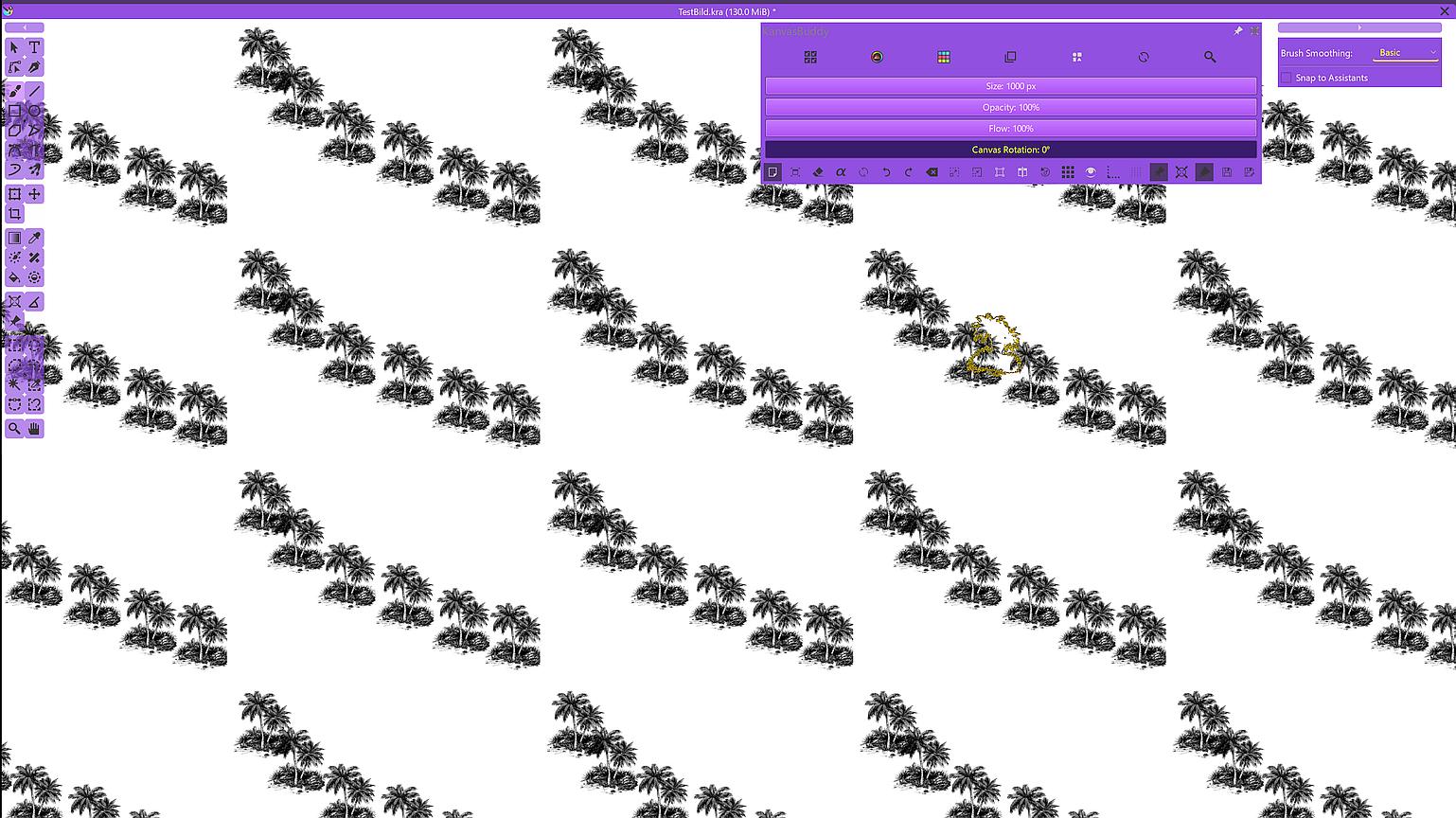
The tiled mode is called wrap-around mode, to activate this mode got to View ‣ Wrap Around Mode.
Category changed.
I had this in mind, but as the question was vague…
Grum999
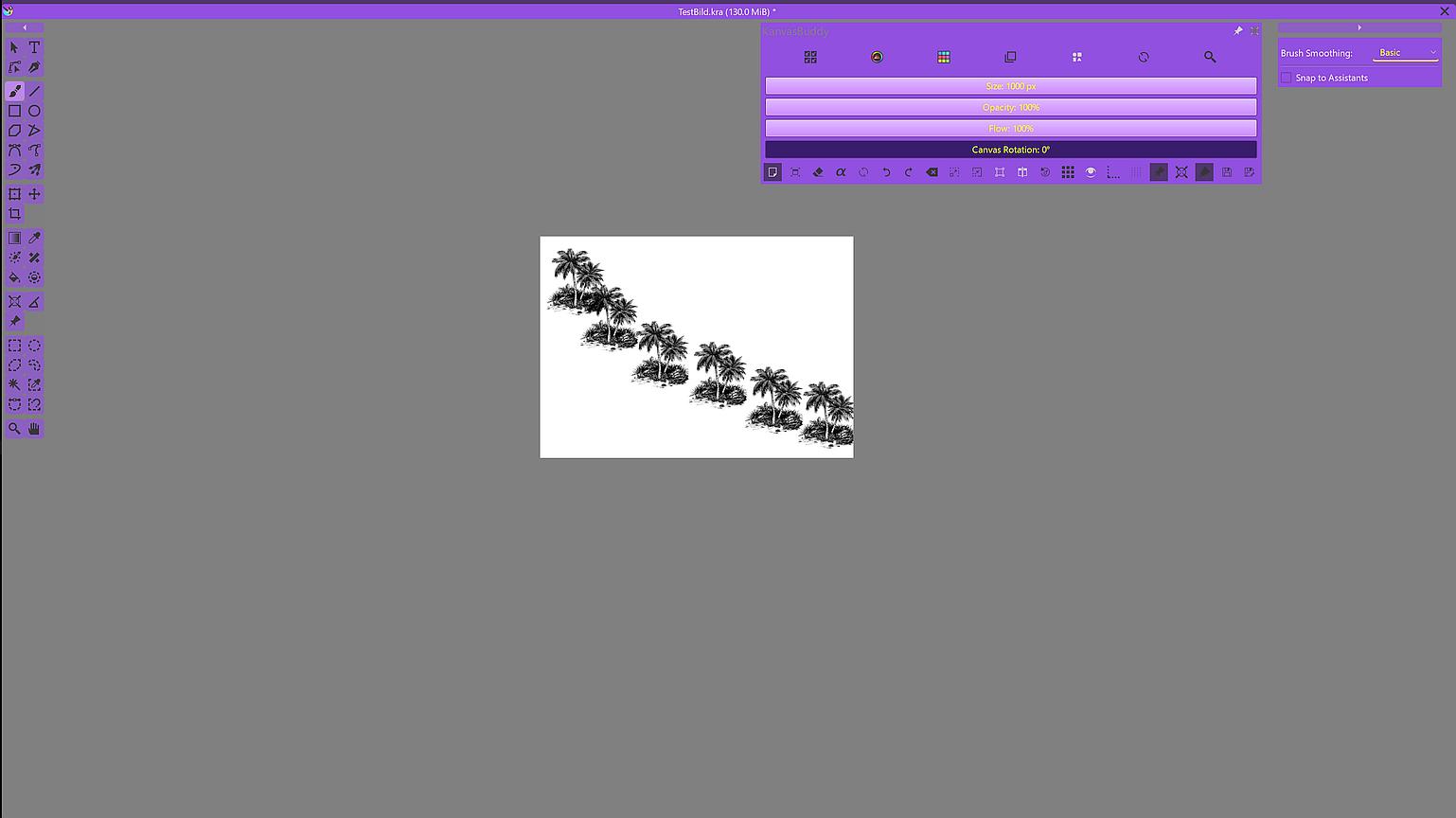
View ‣ Wrap Around Mode. I have switched it on, but the canvas remains in the format I specified. Even in full-screen mode there is no endless paper.
and
“For my understanding, Krita already has an infinite canvas, but most users do not discover it due to the fact that they never scroll the canvas to the stop-dog. If they did, no matter in which direction, they would discover little arrow symbols, and these arrows would expand your canvas in that direction.
This is an action that you can repeat as long as your RAM allows it, so, the more resources your device offers, the bigger the possible canvas.”
I don’t see any arrows or anything else that could be expanded, do you have a picture?
Grum999
I was too slow searching for this:
Michelist

I did not know this!!
TL, DR:
Sorry, but this text is completely off-topic:
Always these people who don’t want to know what’s at the end of the rainbow, and who also don’t want to know what they can find at the stop-dog of their scrollbars, because both are far too far away, needs too much time to reach them
And so a large part of humanity misses out on the most beautiful secrets of our environment, and the software they use, so pots of gold and wonderful functions! 

Michelist
rainbow…software…you’ve become a poet, lol^^
but thanks for pointing out that there are arrows, I can’t see them, and where can you find them to read? oh well.
Apart from that, do you know what’s behind the rainbow?
but I don’t find this function useful on a touchpad…if you turn and slide, these arrows aren’t there, so they’re useless…a shame
If there was a function that was just there like with some other software, it would be cool =) oh well =) maybe someone will test it or you’ll take it into your plans.
Regards
DAB
You also have the scroll bars on a Windows PC with a touch display, you may have deactivated their display under ‘‘Settings’’ >> ‘‘Configure Krita’’ >> ‘‘Display’’ >> ‘‘Miscellaneous’’.
And at least if the scrollbars are activated, you can scroll with them as far as they will go and then a small arrow symbol will appear in the middle of the bar that appears at the side, like the one in the post I linked above. In my opinion, only an unfortunate choice of color scheme or extreme monitor settings can make the display unrecognizable. And it is sufficient to click on that bar that appears at the borders, it does not necessarily have to be the arrow symbol. You can do the same thing via “Image” >> “Resize Canvas…”, you just have to select the direction you want it to go in, if you make the wrong selection, undo it and select the other option.
Michelist
Hi
I actually saw the earlier post too but commenting here, even I didn’t knew this feature was available. Thanks for sharing.
Although this technically makes canvas infinite, the process could be made more seamless and maybe more discoverable.
Just read the manual, it shows it even with pictures:
And it is in the manual because the users disliked the info-text in the middle of the canvas, they also stated that the arrows should not begin there… 
Michelist
true…thats realy importen