Hi everyone,
I would like to convert a text vector layer to a path.
I have been following some tutorials and they just don’t work for me.
What I have tried:
- Create a new text layer (Vector Layer)
- Select Edit Shapes tool and click text layer (does nothing)
- Select Edit Shapes tool, right click text layer, and select “convert to path” (does nothing)
Image below
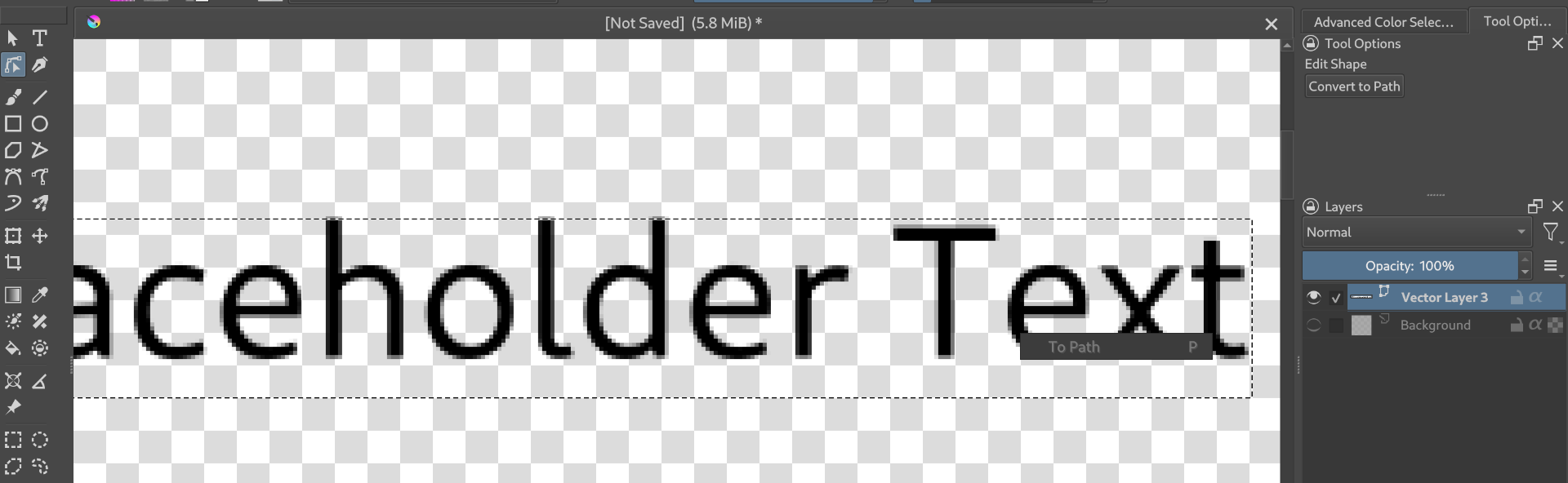
Any suggestions? Is this a bug do you think? Currently using v5.2.9.
I also am wondering if maybe it did convert to a path but I just can’t see the vertices for some reason