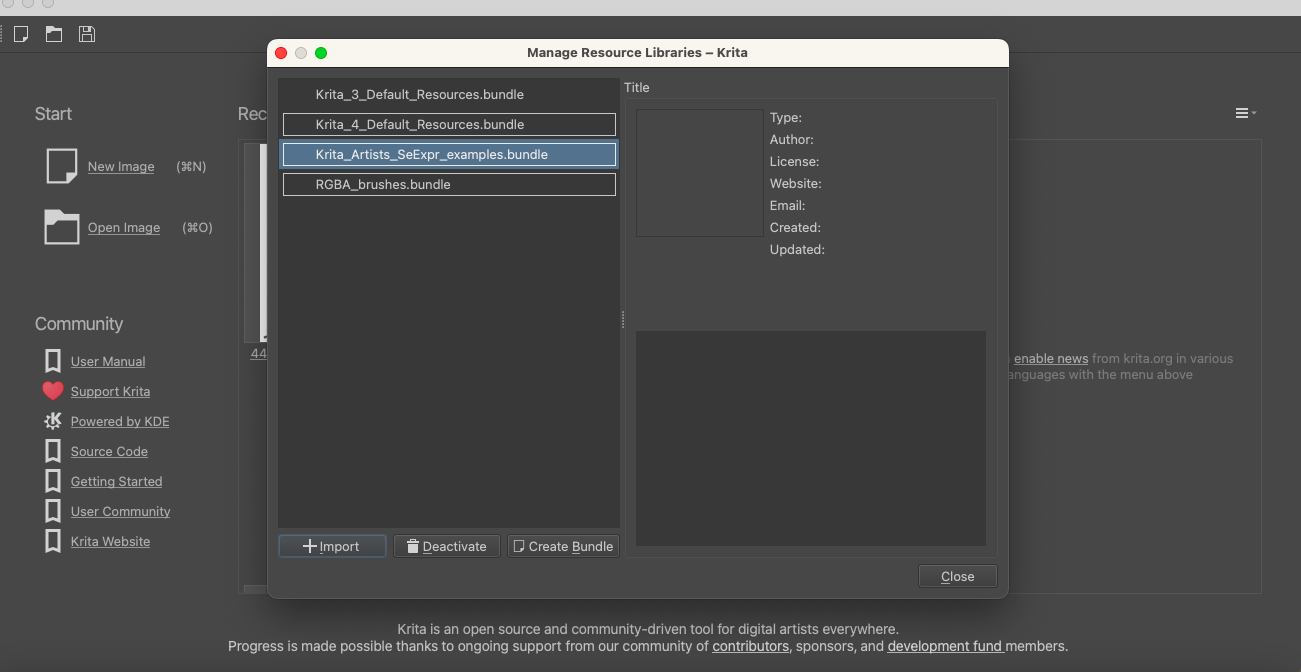
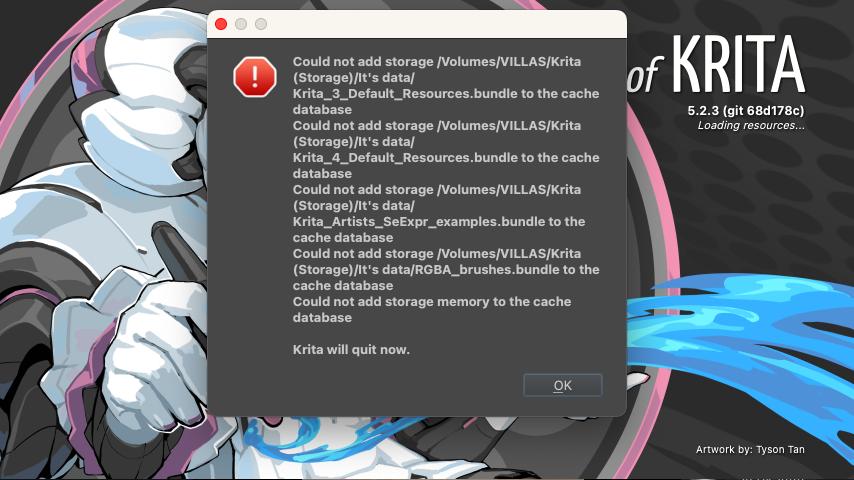
When I reinstalled Krita for the updated version (Krita 5.2.3) on macOS it said a message that it could not add storage memory to the cache database even though it has files in that folder.
That sounds like the Krita’s resource database-file resourcecache.sqlite is inaccessible. What I find strange is the path shown in your screenshot. Did you move Krita’s resource folder sometime before updating to 5.2.3?
If that is because it was damaged or if there is an access-rights conflict, I can not say, but first you should check your resource folder for access-rights and also the resourcecache.sqlite. If you have all rights in that folder and for the resourcecache.sqlite, then you can try to rename your existing resourcecache.sqlite to resourcecache.sqlite.old and then start Krita, if Krita will start, then you can delete the renamed file because it got corrupted for whatever reason, if not we need support from users who have better knowledge of macOS, because I only know that it exists.
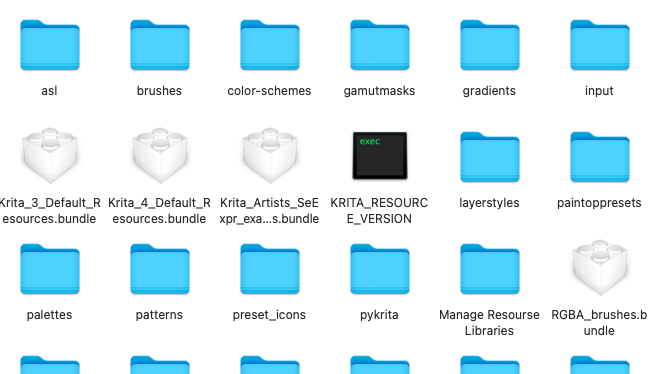
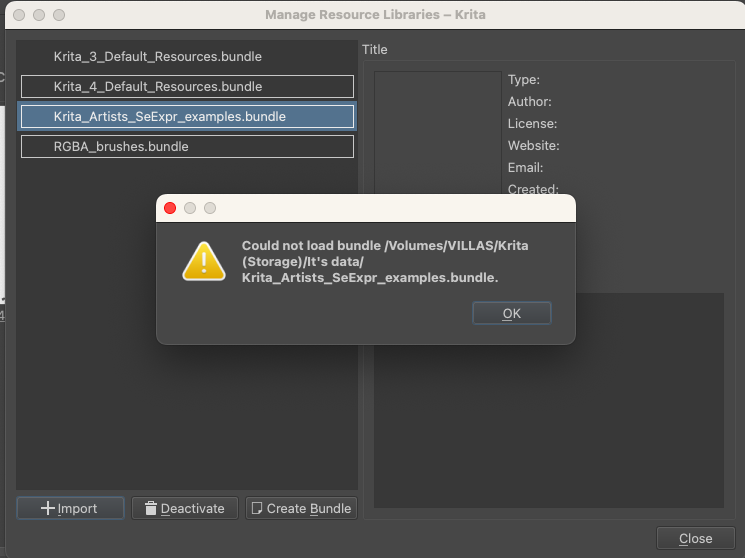
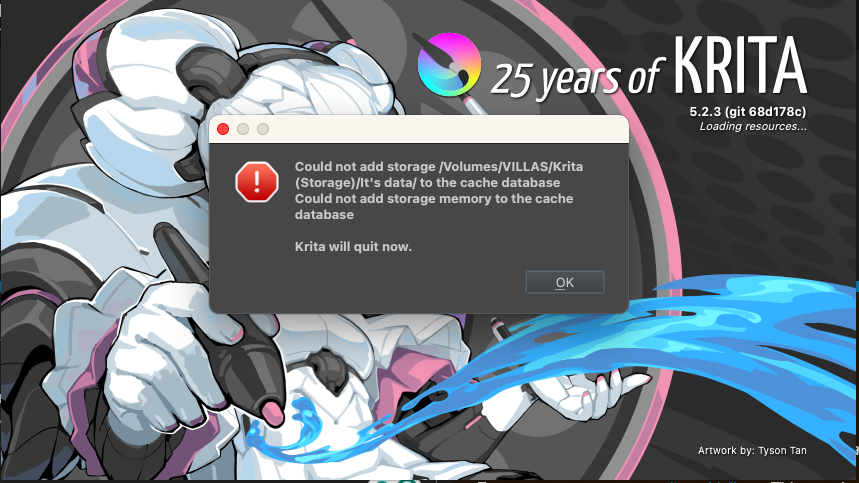
Yes, I did change the location of the data before since I wanted it to be placed in a harddrive and IT FINALLY OPENED AS YOU INSTRUCTED!! but now it shows this, what should I do about this? (I do have the same files as the one in the picture but it cannot open)
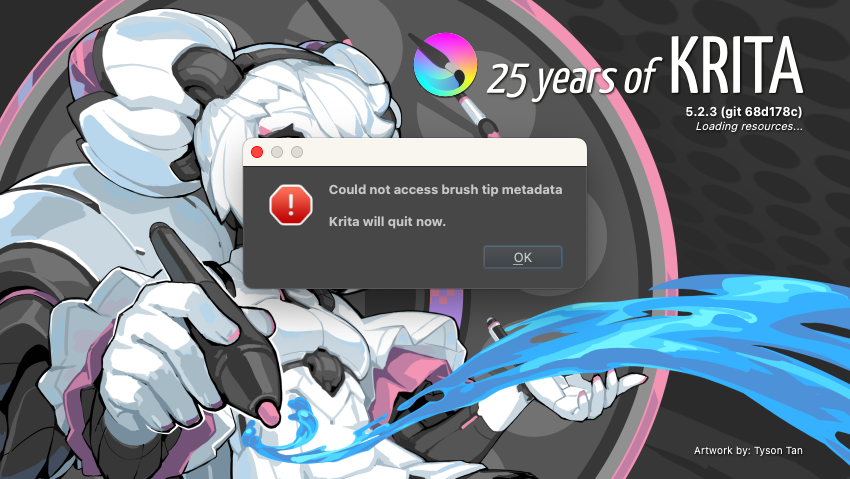
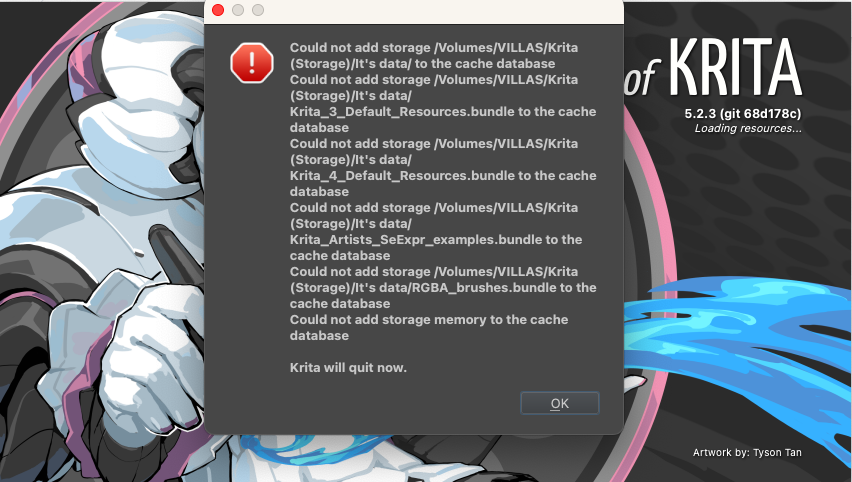
I accidentally closed the program and the same message popped up (my first problem) so I did the solution again and now it shows this image and the program can’t be opened again. :c
In case you have no self created resources, e.g. brush tips, brush presets, bundles, gradients, patterns, etc., then you can delete all content of your resource folder, if not, then you have to rename your complete resource folder krita to krita - OLD or whatever you prefer and start Krita. Krita will then rebuild all resources it comes with, so you will have a “new” Krita.
If you have had own resources, you have to re-import them after Krita has run for at least the first time. This action will make you lose a few settings you may have made, namely your toolbars would be reset and perhaps shortcuts you had redefined to something you like better. If you want to preserve the toolbars, you have to save your krita5.xmlgui and for preserving your shortcuts you have to make a backup of the actions-folder, both, krita5.xmlgui and actions-folder, should be restorable after the first start of Krita while Krita is closed/not running by overwriting the recreated ones.
I have had a few times the bad luck that, for whatever reason, the krita5.xmlgui was not accepted restored, if this happens for you, you unfortunately have to recreate your toolbar-layout.
I hope this will fix it for you, if not or if you have further questions then please report back and briefly describe where you are stuck.
So, it looks like Krita dislikes something with your new resource folder, but I have no idea what that could be.
The only other thing, I would advise trying it as a last resort as a helper who has never used a macOS PC, would be to let Krita recreate its main settings file kritarc. Because this file “heals” quite a lot of Krita’s issues.
This file should be found in ~/Library/Preferences very probably at its very end and not in a sub folder of that folder even if that sub folder is named krita, and you can rename it to something like kritarc.old or you can move it to another directory. If you can not find this file there, then use finder to search for it.
This will do two things when you start Krita the next time, Krita will recreate this file AND Krita will create the resource folder from scratch at its original location ~/Library/Application Support/Krita/. The first thing you should do after this, If that works, is to make a backup from the now recreated kritarc (and renew that backup always after you changed settings in Krita), this way you can restore your settings easily if it gets corrupted.
Now you can try again to move Krita’s resource folder to a different location, and I wish you luck that this will then work. One important thing is, it can be on your computer on any hard drive, but it should not be placed on cloud storage, because Krita has issues to access resources in the cloud for a reason unknown to me.
In case you have more questions or that this has not helped, then please report back again and describe briefly what you did so far. But then you will have to wait for a user with macOS knowledge, because that is not my terrain.
I tried your instructions but it kept popping up the same messages after. For some reason every time I try to do it, it just stops creating the new data.
I noticed something, when I use Krita I always use my harddrive since that is where my resources are placed but since I re-downloaded it (for the update) I had this problem. Today I tried to open Krita without my Harddrive and it worked, the brushes were there and it had no problem opening. But when I tried to save the work file to my harddrive (I connected it after I finished testing the drawing) it suddenly went back to my problem.
(i really wanted to keep my files in a harddrive so it’ll save more space when using my laptop.)
 Hello
Hello