Basically select a part of an image and make it repeat itself into a seamless pattern. How could we do this in Krita?
Note this is not a “we should copy this Photoshop feature” post. I mean I suppose Krita has already been able to do this (with SeExpr or something?), but I don’t know how.
I don’t think the g’mic filter will do these kinds of tessellations.
I believe there should be a way to do it with transform masks and clone layers, but it’d be pretty complicated. OTOH, it should be possible to create presets that way, but they’d be resolution-dependent. I haven’t tried, so there may be some catch that makes it unfeasible.
I stand corrected ! I was looking at the array/tile filter in g’mic and only saw rectangular options. Did you preprocess the image somehow before tiling?
In other news, my layer-based approach works in principle but is really heavy on the CPU and much too slow to be really practical. Basically I was thinking you create a layer setup where you have a group that has a transparency mask in the shape of the fragment wanted (like a triangle), and you place your source image within that frame. Then there’s a series of groups and clone layers essentially creating an array of copies of that fragment until you have what you need.
I spent 20 minutes on it and got a crash for my troubles. Not the way to go.
~$ Downloads/krita-5.0.0-beta1-x86_64.appimage
QObject::startTimer: Timers cannot have negative intervals
[RESOURCE] Name: “0. Foreground to Background” Version: 0 Filename: “Foreground to Background.svg” MD5: “738d573b73d2d32888b18787e087a281” Type: QPair(“gradients”,“stop_gradients”) Valid: true Storage: “memory”
/tmp/.mount_krita-f5cEQs/usr/lib/krita-python-libs/krita added to PYTHONPATH
Shortcut for action “paste_into” “Paste into Active Layer” set with QAction::setShortcut()! Use KActionCollection::setDefaultShortcut(s) instead.
Shortcut for action “view_toggle_assistant_previews” “Show &Assistant Previews” set with QAction::setShortcut()! Use KActionCollection::setDefaultShortcut(s) instead.
Shortcut for action “show-global-selection-mask” “&Show Global Selection Mask” set with QAction::setShortcut()! Use KActionCollection::setDefaultShortcut(s) instead.
Shortcut for action “KisToolSelectPolygonal” “Polygonal Selection Tool” set with QAction::setShortcut()! Use KActionCollection::setDefaultShortcut(s) instead.
Shortcut for action “set_simple_brush_smoothing” “Brush Smoothing: Basic” set with QAction::setShortcut()! Use KActionCollection::setDefaultShortcut(s) instead.
Shortcut for action “set_weighted_brush_smoothing” “Brush Smoothing: Weighted” set with QAction::setShortcut()! Use KActionCollection::setDefaultShortcut(s) instead.
Shortcut for action “KisToolSelectContiguous” “Contiguous Selection Tool” set with QAction::setShortcut()! Use KActionCollection::setDefaultShortcut(s) instead.
SAFE ASSERT (krita): “dst->lodData->levelOfDetail() == defaultBounds->currentLevelOfDetail()” in file /home/appimage/workspace/Krita_Release_Appimage_Build/krita/libs/image/kis_paint_device.cc, line 852
SAFE ASSERT (krita): “dst->lodData->levelOfDetail() == defaultBounds->currentLevelOfDetail()” in file /home/appimage/workspace/Krita_Release_Appimage_Build/krita/libs/image/kis_paint_device.cc, line 852
Segmentation fault (core dumped)
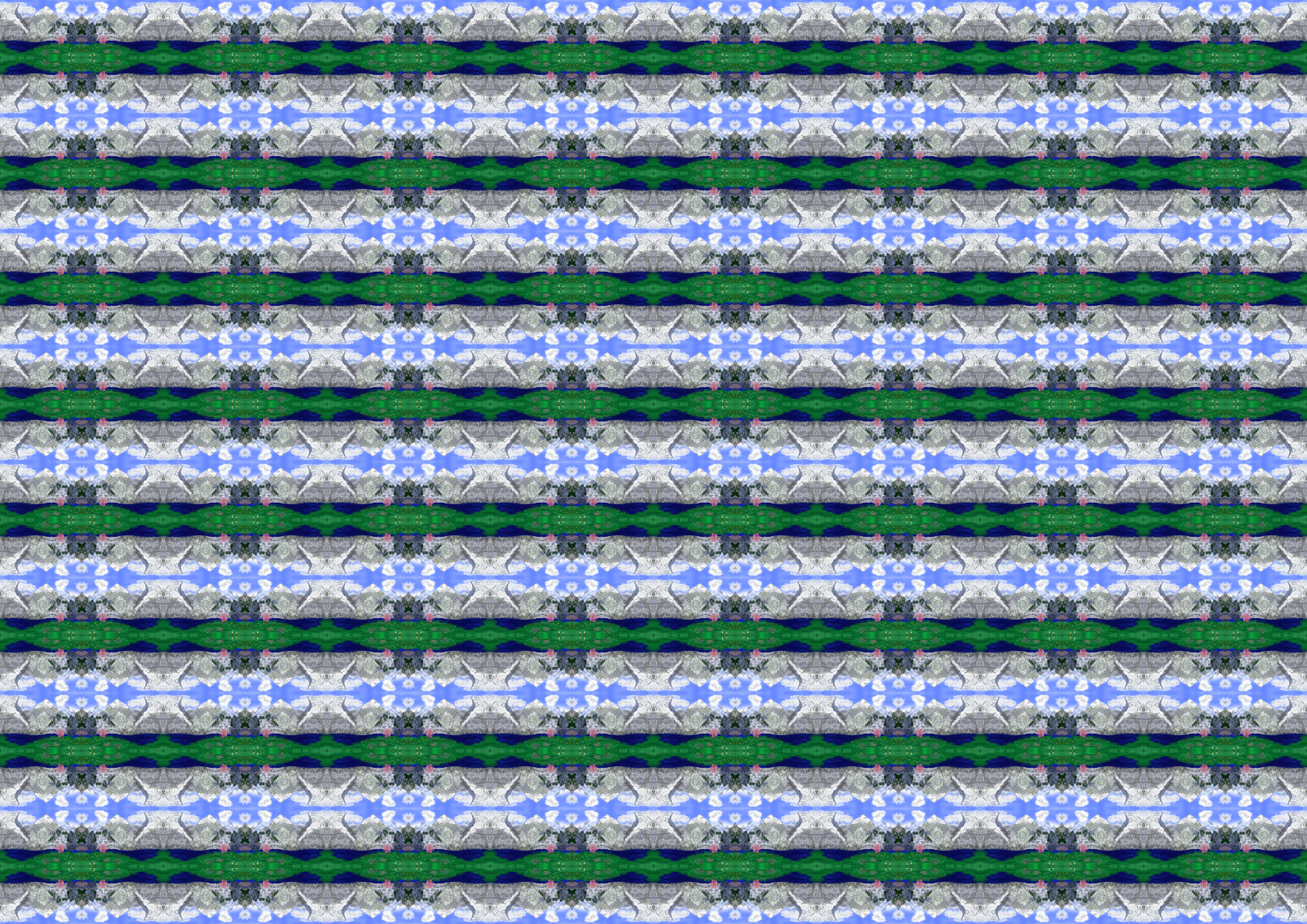
I just merged all the layers of the image I just edited (my " never ending" brush test) and applied G’Mic to the merged layer and in G’Mic just selected the second option “Array [Mirrored]” under Arrays & Tiles and increased it to 4 or 5 iterations.
For the next image I’m attaching, I selected the option “Array [Faded]” for the same source image and I think I set 8 X & Y tiles each.
If I now select certain image sections, change the image rotation angle, or add further G’mic effects on top or underneath, the possibilities are endless.
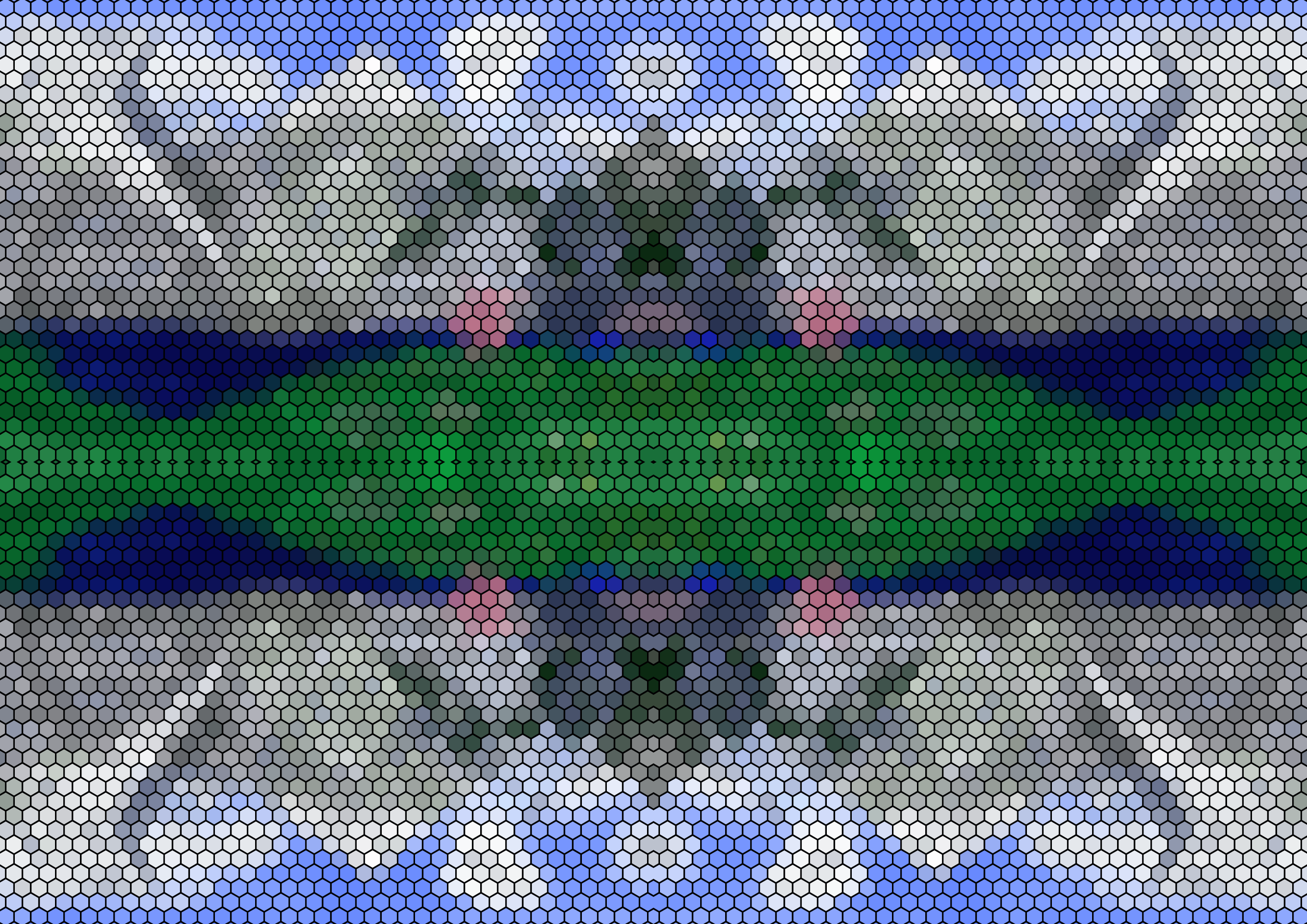
For the second image, I used the same source image again and alienated it first with “Grid [Hexagonal]” from Arrays & Tiles and then, afterwards, I chose the second option “Array [Mirrored]” (as with the image in the first post) and left it at 1 iteration.
The nice thing about G’Mic is that you can apply the filters to the image one after the other - probably ad infinitum
And even without G’Mic, any image, any section, can be made seamlessly tileable by first selecting it completely and copying it, then mirroring it around the high axis and appending the copy to the side, then selecting this completely again and copying it, then mirroring it around the other axis and appending it to the top or bottom. From then on I have a seamless tileable image - it’s just that not every subject looks good, it has to lend itself to it or I have to heavily distort it, or tile it massively. With my “favorite” image viewer IrfanView and its rudimentary image editing, I have used this method to do countless “tiling jobs” before switching to “real” graphics software or to specialized “tile makers”.