Hi, I googled it, but all answers are from years 21 or 22, so I am trying again. Is there a way to create my own bundle of brushes without choosing them manually one by one? I created tags that works for me, in which I have brushes from different bundles, or my own, and I would like to create a bundle from that, but only way I see in manager is to choose them by name, which is brutal. I am on Android version.
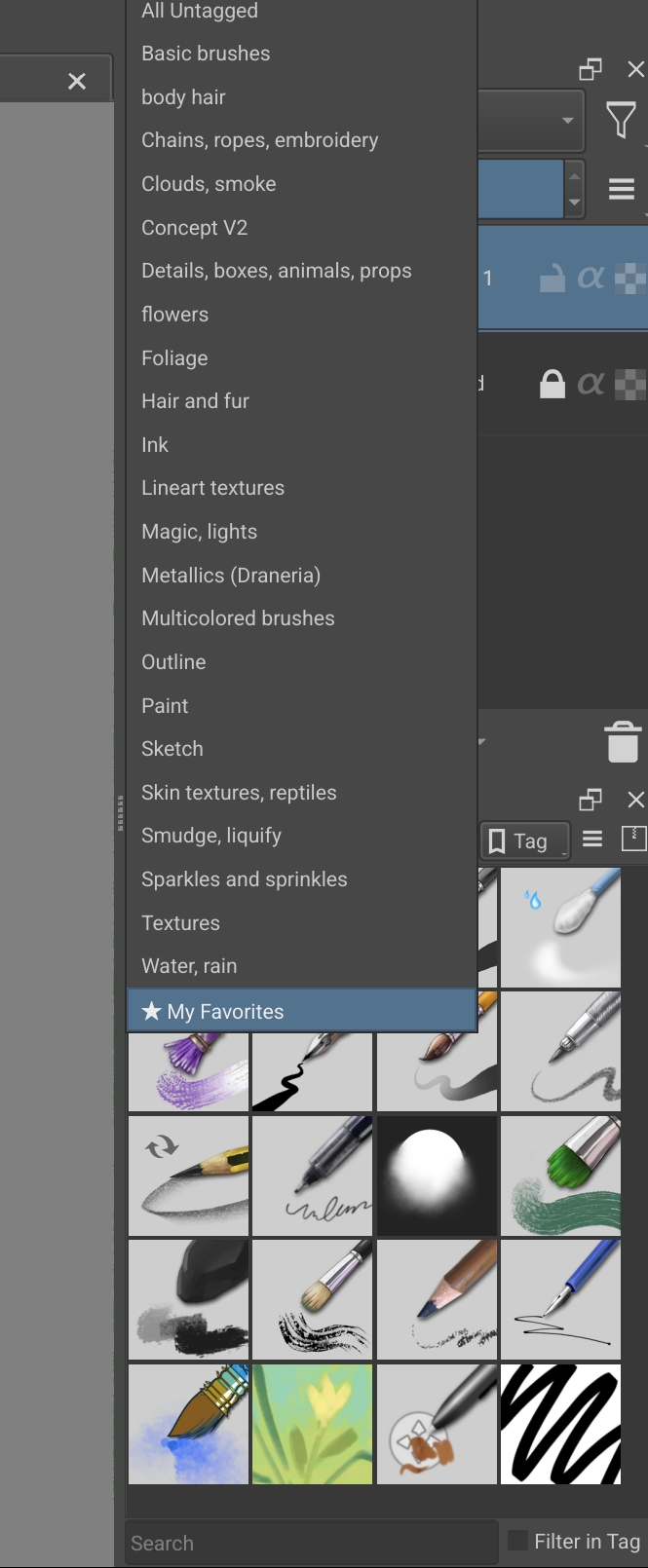
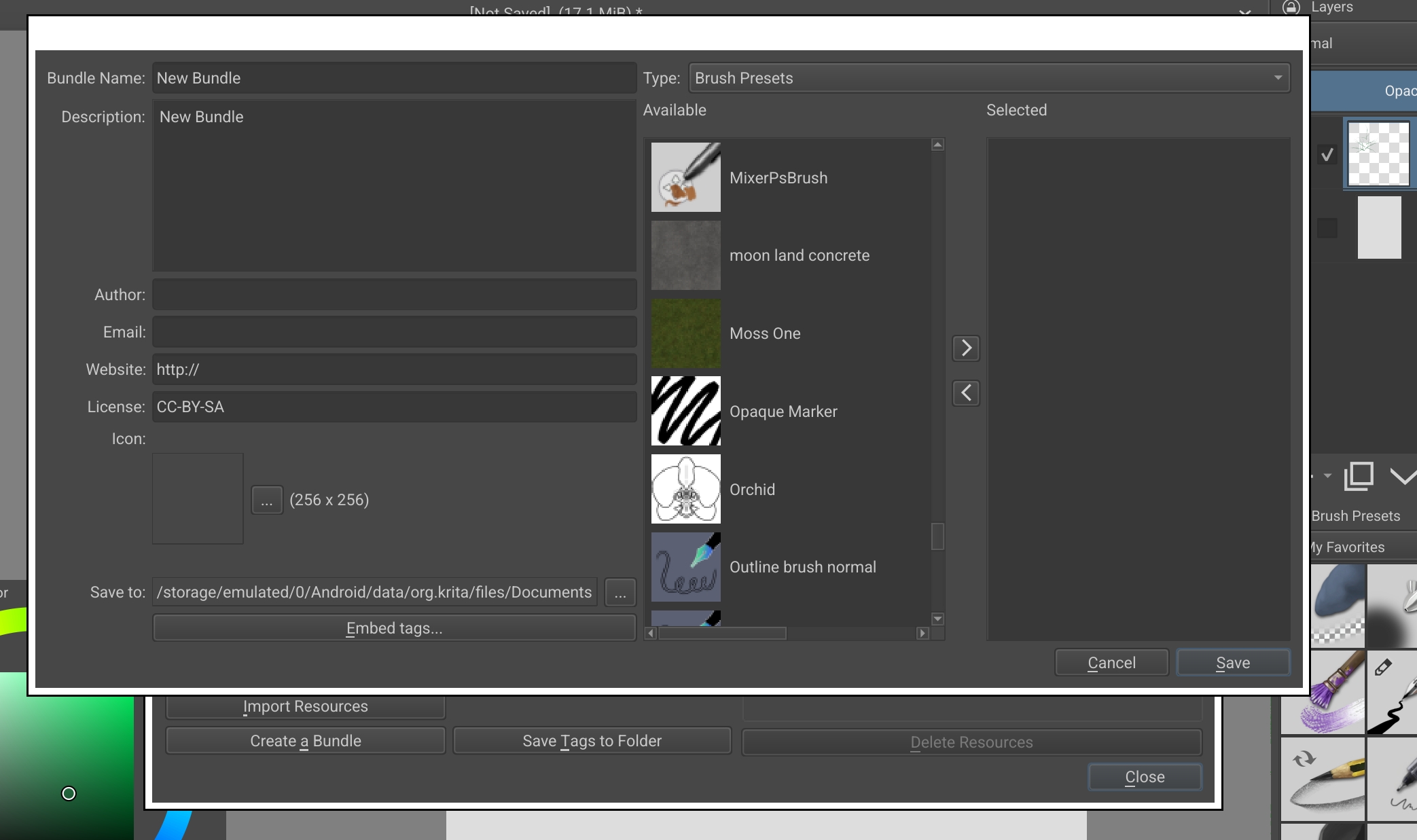
Hey @alikal !  I’m not sure I understand your problem well, but I’ll try to help you.
I think you’ve already tried it, but have you clicked the “embed tags” button? So you can have all brushes from your tag on the available list.
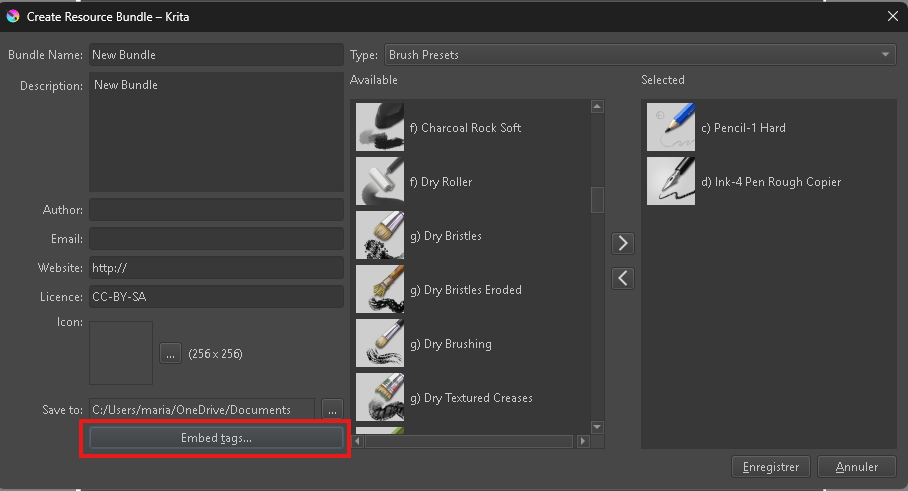
Then, If you are on a tablet, simply by holding and dragging down or if you are on a computer, by holding CTRL and left-clicking your mouse while scrolling through the list, you should be able to select the entire available list. So no need to choose the items by name and you only need to click the little arrow button “>” once to add them all to your new pack.
But if you don’t want to select all the items in the list, you will unfortunately have to select them one by one, even with CTRL.
I hope it helps you, let us know if you solve this issue.
Kalyssyn 
I just discovered this myself as well 
From what I can tell, there is no other way in the current version of Krita. I found this feature request thread which has some more info about it. As I mention in that post, it looks like bundle creation is pretty much the only place in the Krita UI where you can’t search/filter by name or tag. For some reason.
In semi-good news, it looks like there’s an improved “bundle editor” in the works (or already complete?) for a future release of Krita. More info in this thread and a related blog post of the author.
 I open the window, select the tag, click save, and nothing change in the creating bundle window, I still see all of the brush presets I have for choosing.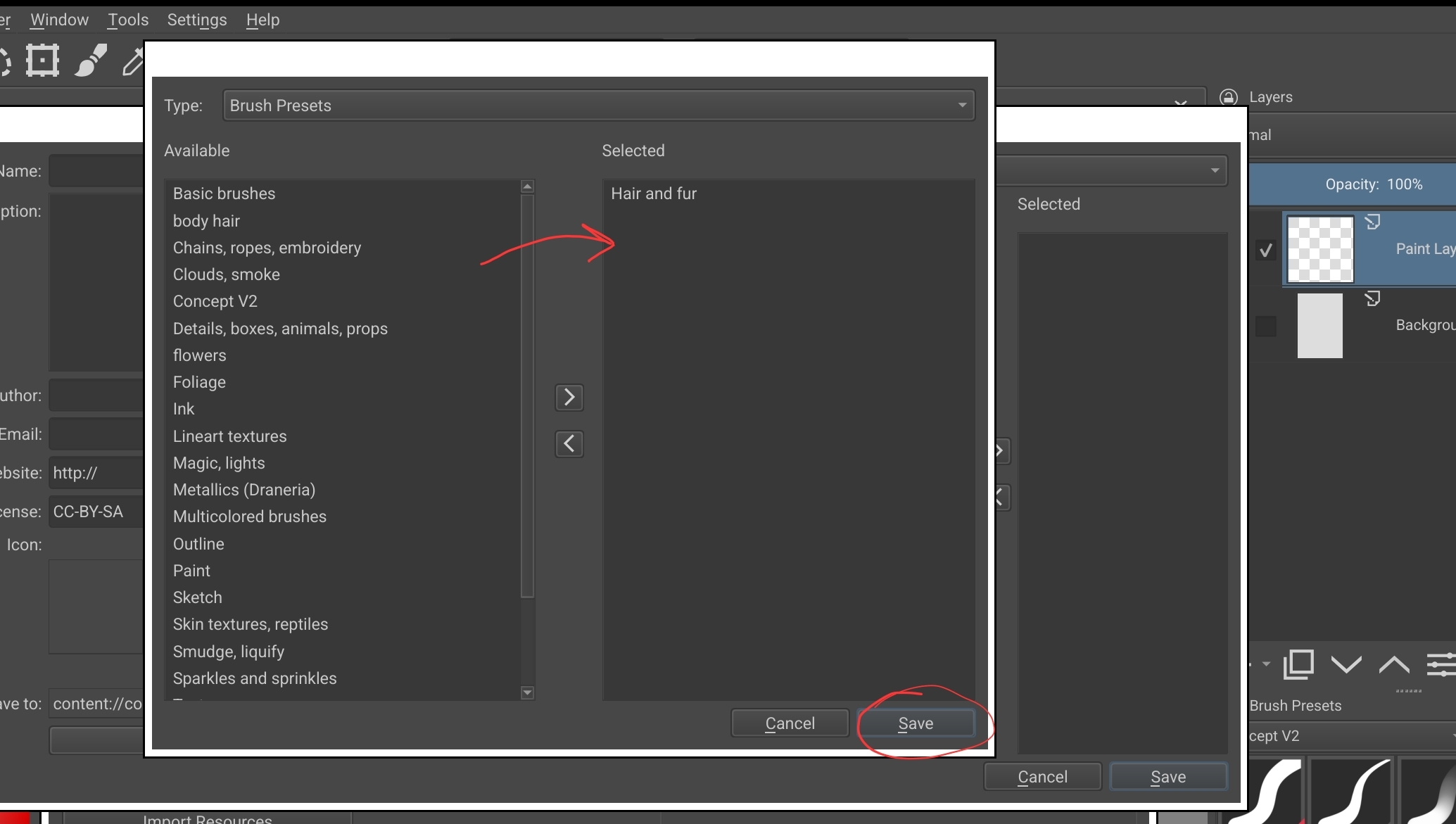
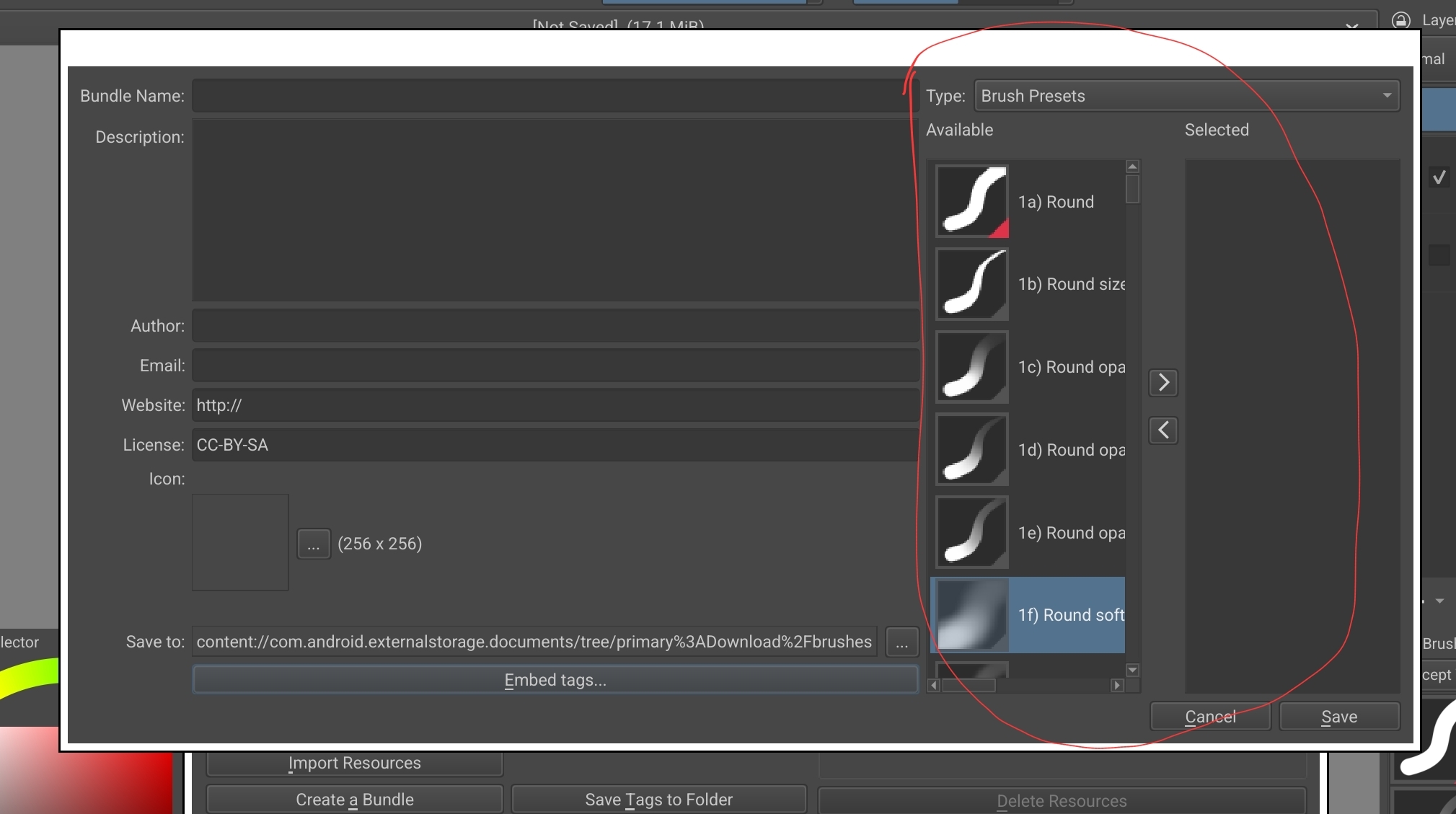
That is only for giving your bundle tags with, so they are already tagged when installing the bundle. It can do nothing to help you with your concern.
If you want to have a little easier bundling, go and use a Krita Next nightly version. These 5.3.x nightlies have the new bundle creator, which offers some improvements (but may need a bit to adapt to it), already integrated. You can resize it, and the fields you select the resources from are bigger from the beginning.
Michelist
thanks, it is some new version? if this will be part of official new version of Android Krita, I can wait. I am so glad the developers works on this 
This is a preview and testing version of Krita.
These versions are meant for checking out the feasibility of new features and triaging out possible bugs they carry. And I also understand them as a kind of showcasing tool, to show the community what they can expect in the future.
Krita’s pre-versions are the most stable pre-versions I have got to know so far, and I did extensive software testing over years as an alpha tester for three different file transfer / file sharing tools, which crashed very often. But Krita’s alpha’s, in comparison, are rock solid. But that shouldn’t weaken your risk awareness using them, with pre-versions you always should make a lot of backups of your work while you are working at it, because although they are rock solid it does not mean they are error free and couldn’t crash, they usually only do it very seldom. So ‘‘File’’ >> ‘‘Save Incremental Backup’’ F4 or ‘‘File’’ >> ‘‘Save Incremental Version’’ CTRL ALT S are keyboard shortcuts you should use often. Depending on your working speed, you shouldn’t do less than 4 backups per hour, in my eyes!
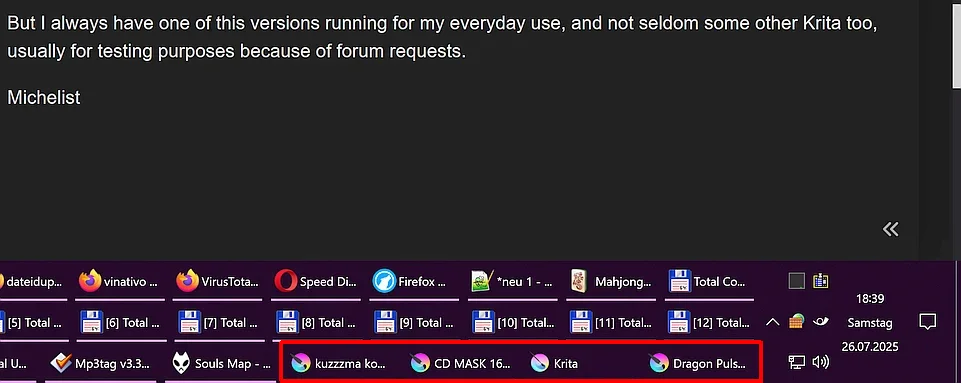
But I always have one of this versions running for my everyday use, and not seldom some other Krita versions too, usually for testing purposes because of forum requests. For instance, like in this screenshot while I’m editing this posting:
Michelist
Thank you so much for explanation!  you do so much help for people here