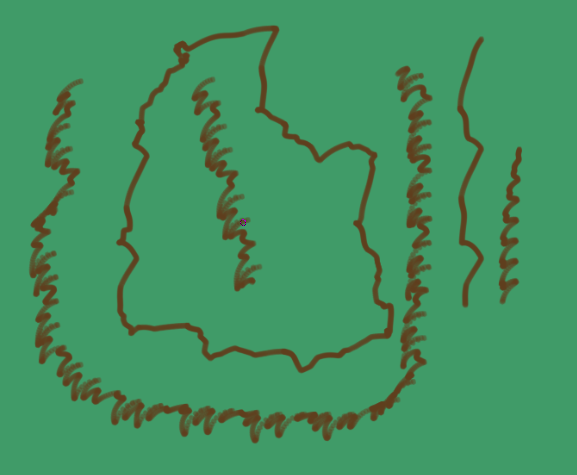
Hello Krita community.
While browsing Pinterest for ideas—or just casually looking around—I came across some maps of fictional worlds. I really liked a few of them, especially since I’ve created my own map for my story (though I plan to make another one because I’ve found better ideas than what I originally came up with). Naturally, most of these maps are created using well-known software or websites designed for this purpose, such as “inkarnate.com”
.
I wondered about creating custom map brushes, especially since the concept is simple; I actually found packs created by others, though they were for different software. (Of course, I intend to draw everything myself so as not to appropriate someone else’s work.)
Yes, it will take time, and yes, there is a possibility I might abandon the project halfway through due to laziness or a loss of passion.
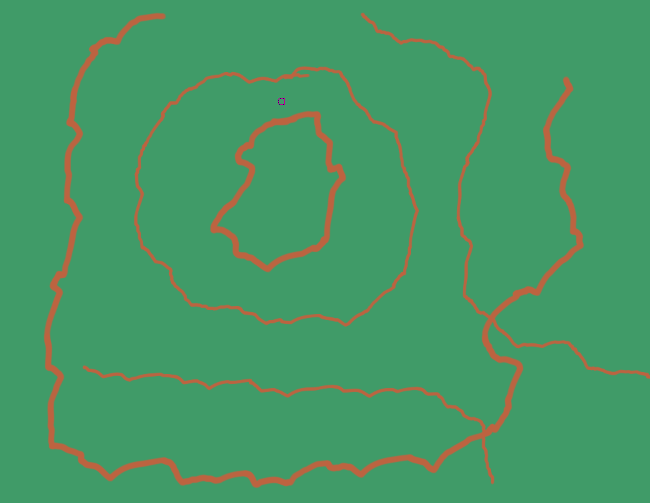
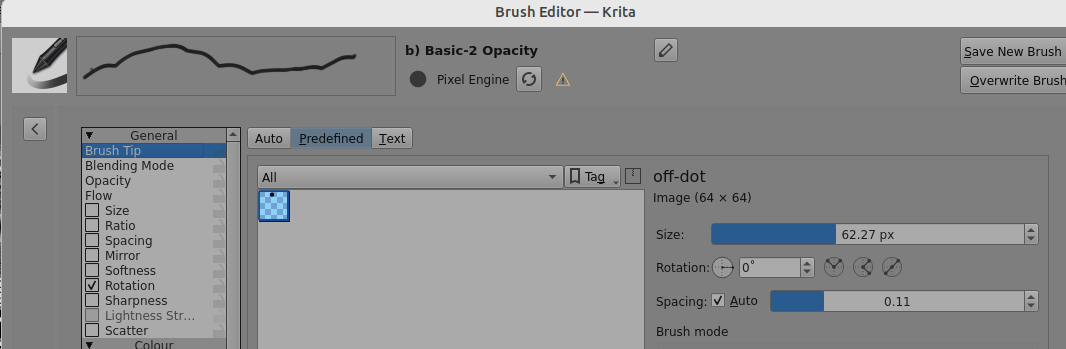
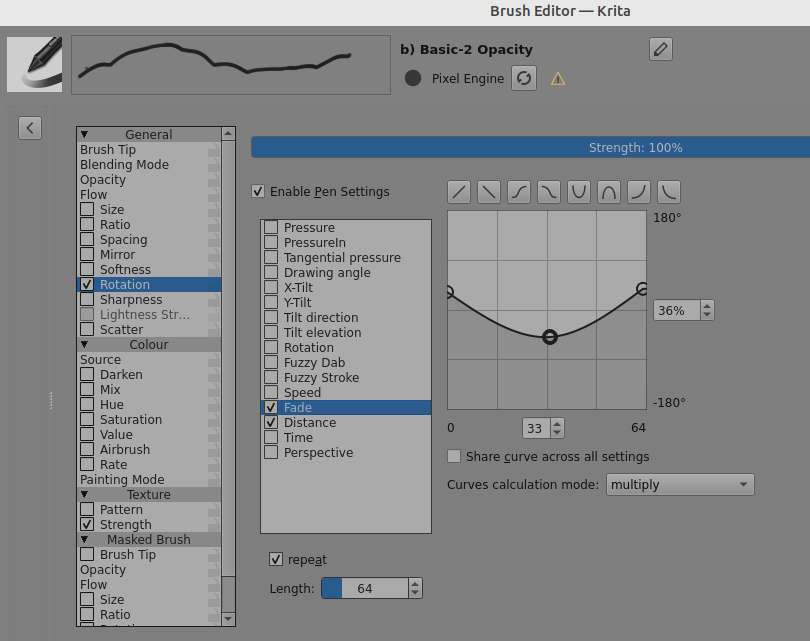
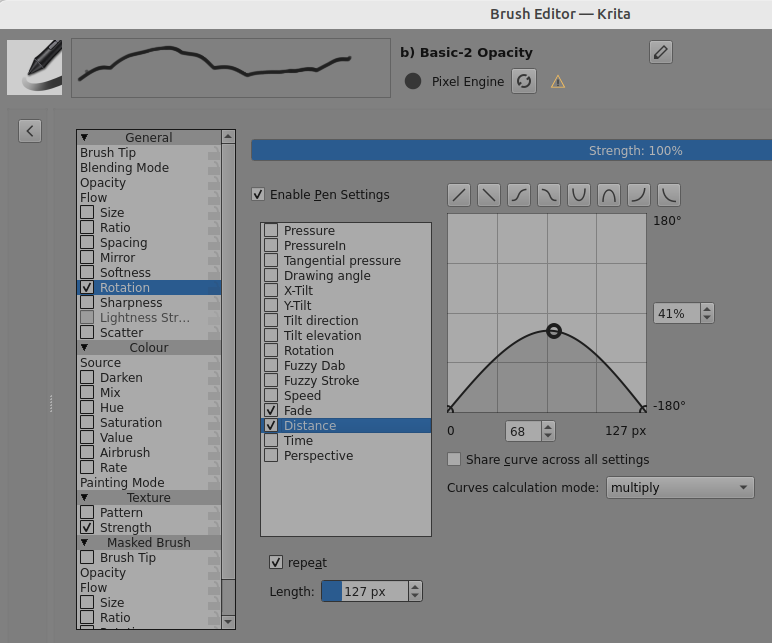
Actually, I need some help with something. I’m wondering if there is a brush that draws in a random, irregular, and winding way—you know, since the ground isn’t 100% uniform.
As for the rest, I have an idea of how to prepare them.