Hi!
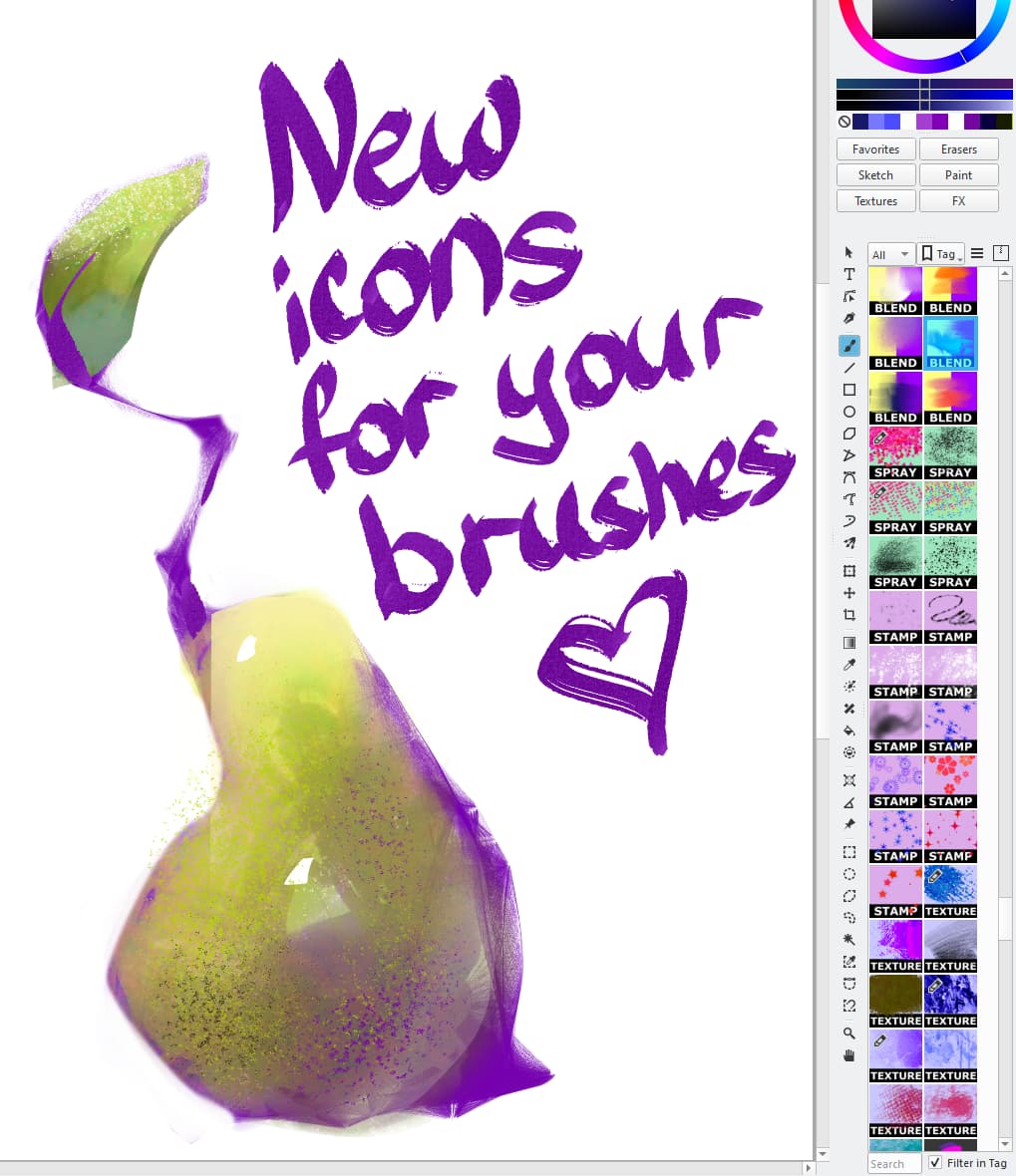
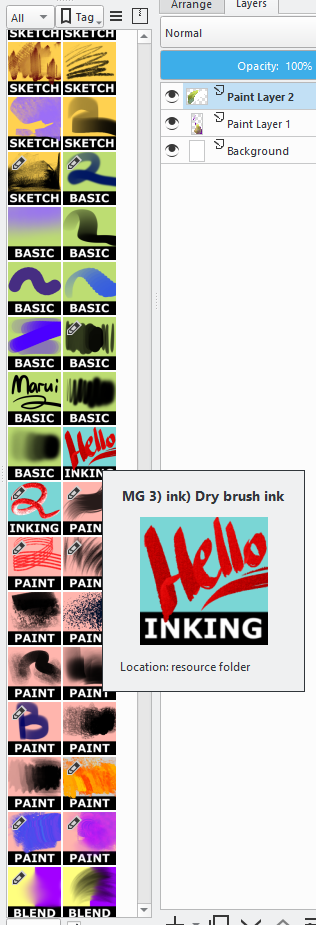
I recently made a small previews for my brushes and thought maybe someone could use them too.
In the archive you will also find installation instructions and a source file for your own versions of the icons.
Move the contents of the “icons” folder to the Krita installation folder at this path:
D:\krita-x64-5.2.9\share\krita\preset_icons\tool_icons
(Disk name and program version may be different)
If you have the program open, restart it.
When creating an icon, click on “Load from icon library” and at the bottom you will be able to select any icon you want.
HOW TO CREATE YOUR OWN ICONS
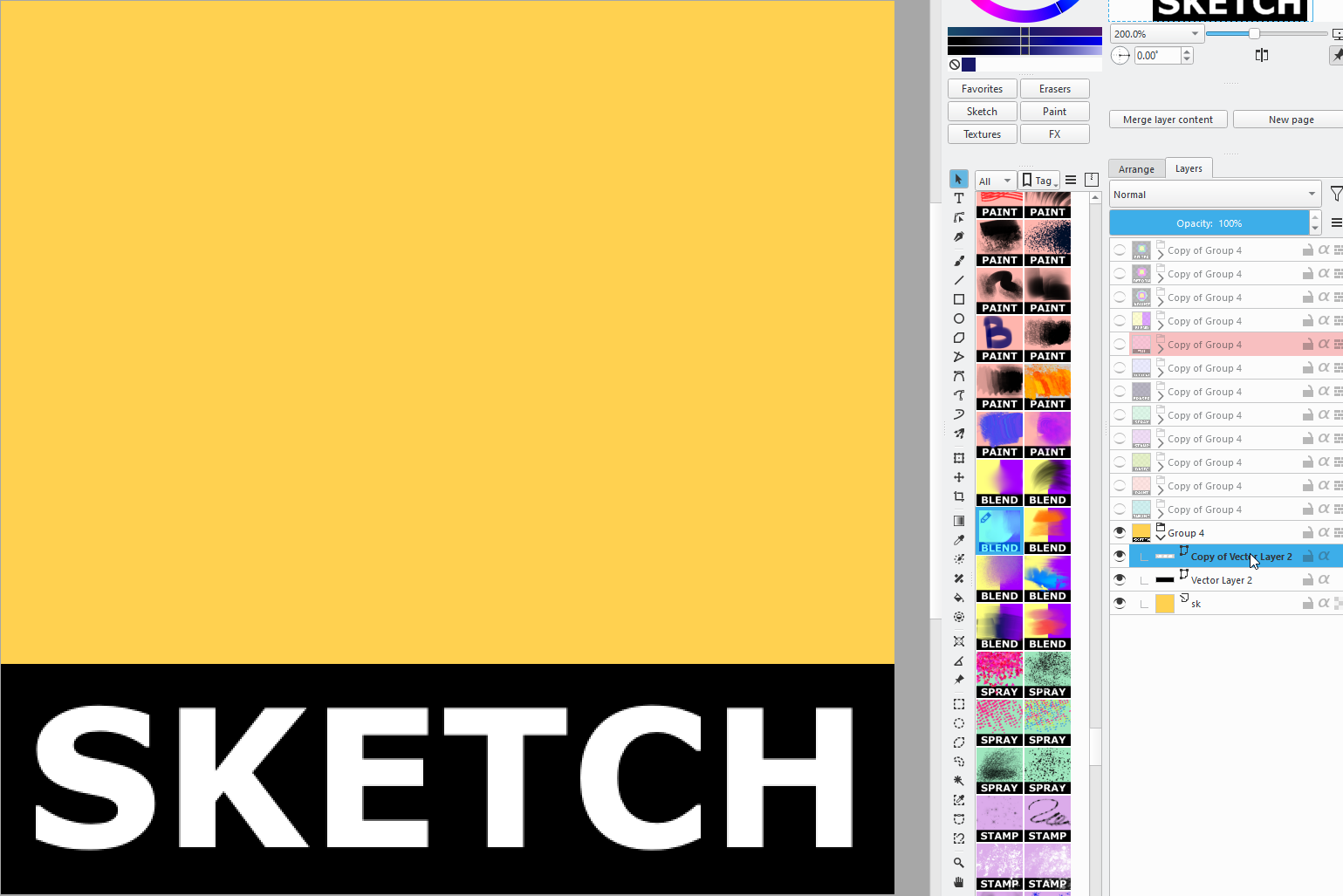
Open the file “CUSTOM PREVIEWS.kra”
Install Veranda font if you want to use the same font.
Rename the modified png version and move it to the Krita installation folder in this path:
D:\krita-x64-5.2.9\share\krita\preset_icons\tool_icons
(Disk name and program version may be different)
If you have the program open, restart it.
When creating an icon, click on “Preset icon library” and at the bottom you will be able to select your new icon.
Change them however you like! Enjoy your creativity
Thanks!
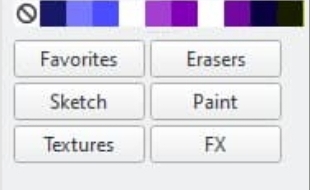
It’s just a small plugin to switch between favorite tags faster, as I have too many accumulated to be able to quickly find them in the dropdown menu.
@general-avalanche-43 wrote me this plugin, but it was after my topic was closed, so he sent it to me in private messages. If general-avalanche-43 doesn’t mind, I’d be happy to share the link
Instructions from the author
Inside the plugin folder you will find tags.txt, modify it to your liking, it is case sensitive so you need to make sure the names are exact as they are in the Brush Preset docker, with capitalization, and spaces, or maybe symbols too.
Thanks+++ to @marui_mg for the wonderful idea!!!
Thanks+++ to Gemini + @general-avalanche-43 + “Developer Tools Plugin” (+ “all Krita Devs”) for the perfect realization!!!
And thanks+++ to @Awez for the eagle-eye ability to spot this gem in the screenshots!!!
Nomination for “Krita Docker of the Year” (KDotY Awards)?
I’m glad to help solve a problem someone had, but please keep in mind the plugin was 99% written by Gemini. I provided it reference pages from the api, plugin examples, and snippets for how to get certain widgets (with help from Developer Tools Plugin).
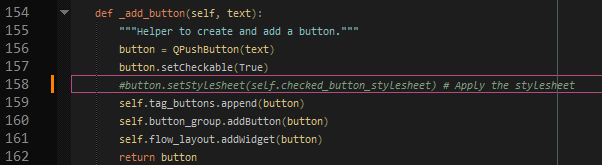
Hi guys, I’ve noticed that “Brush Tag Selector Docker” buttons don’t change colors when Krita theme changes.
The culprit seems to be buttons custom colors applied by “button.setStyleSheet”, so I disabled it.
Now buttons follow always themes colors, maybe pressed button is not as visible as with custom colors, but I change Krita theme quite often, so I prefer this behavior.
For themes-enthusiasts like me here the code I’ve changed in file “brush_tag_selector_docker.py” (commented only 1 line)
Hi Marui, thanks for sharing the plugin that general-avalanche made for you. I thought the plugin was really neat so I changed it so it automatically detects your tag names and updates the docker when a tag is removed or added. Sharing it here in case you or anyone coming across here finds it useful:
I quite love these, I’ve been using them for a short while, but for some reason they don’t appear in my icon library (I’ve been loading them from the files themselves). Would anyone have an idea why?
I did follow the instructions to get them in there, but no luck, nothing appears even tho they are in the folder for tool icons.
To have the icons available in the save dialog of the brush editor, you must copy them from the icons folder of the archive you downloaded into the folder tool_icons that you can reach via Settings > Manage Resources... and a click on the button Open Resource Folder which will open your resource folder, there you need to enter the folder preset_icons which contains said folder tool_icons. Now restart Krita twice. Done!
If you want to create completely new icons with this pack, you need to follow the HOW TO CREATE YOUR OWN ICONS step-by-step description from @marui_mg that she posted below the installation instructions.
I recommend that you therefore save the CUSTOM PREVIEWS.kra directly after loading it into Krita as a template via File > Create Template From Current Image, this way you’ll always have it in Krita available.