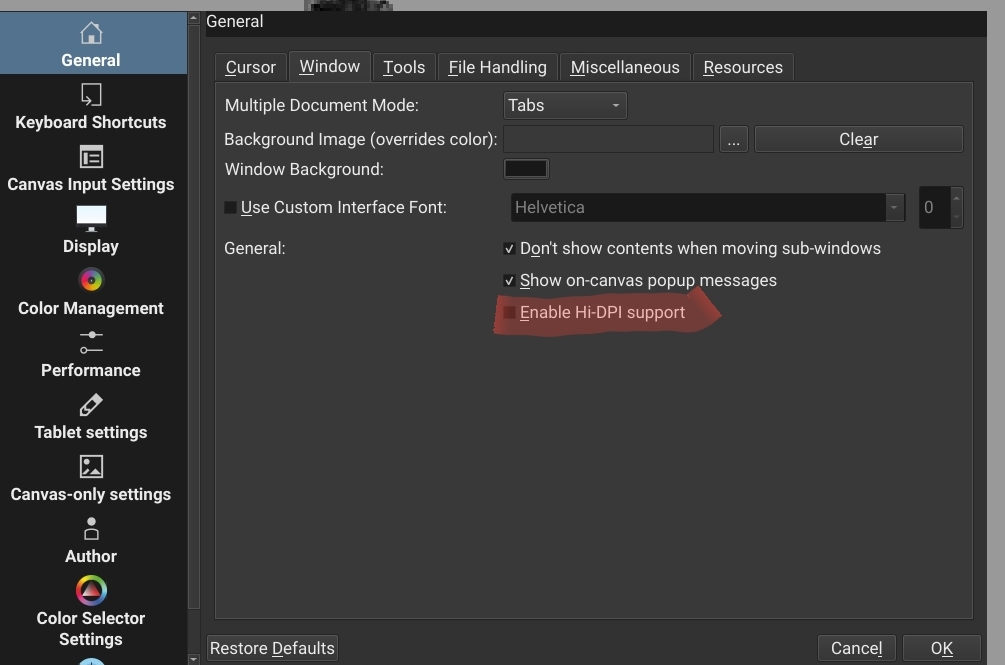
Dialog boxes such as Configure are hard to use because: a) no edges on the window makes it difficult to tell what is foreground and what background, b) the [ok], [Cancel] buttons are frequently off screen.
Happens with 4.4.2 and 5.0.0 pre alpha, though the arrangement is a little different. The work around is to rotate tablet between Portrait and Landscape mode and/or use menu View > Full screen. I sometimes need to alternate among them a few times to get the working combination.
Not in the screenshots is the System navigation bar (Recent apps, Home, Back) which takes up about 3% of the display, and is likely covering the missing controls when in Landscape mode, as well as the single button full screen toggle.
For me the interface is still too big.
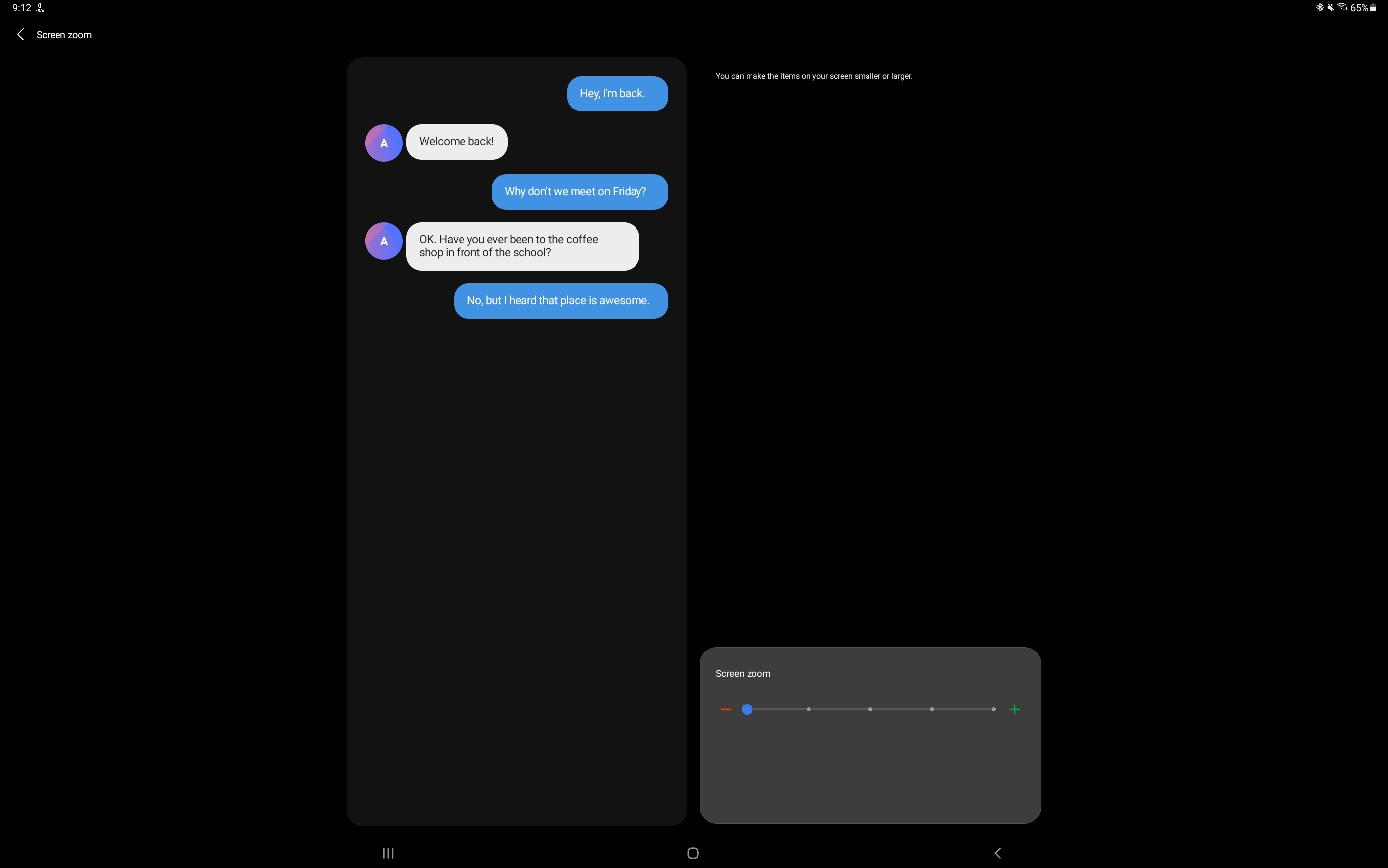
Next you can enable developer mode
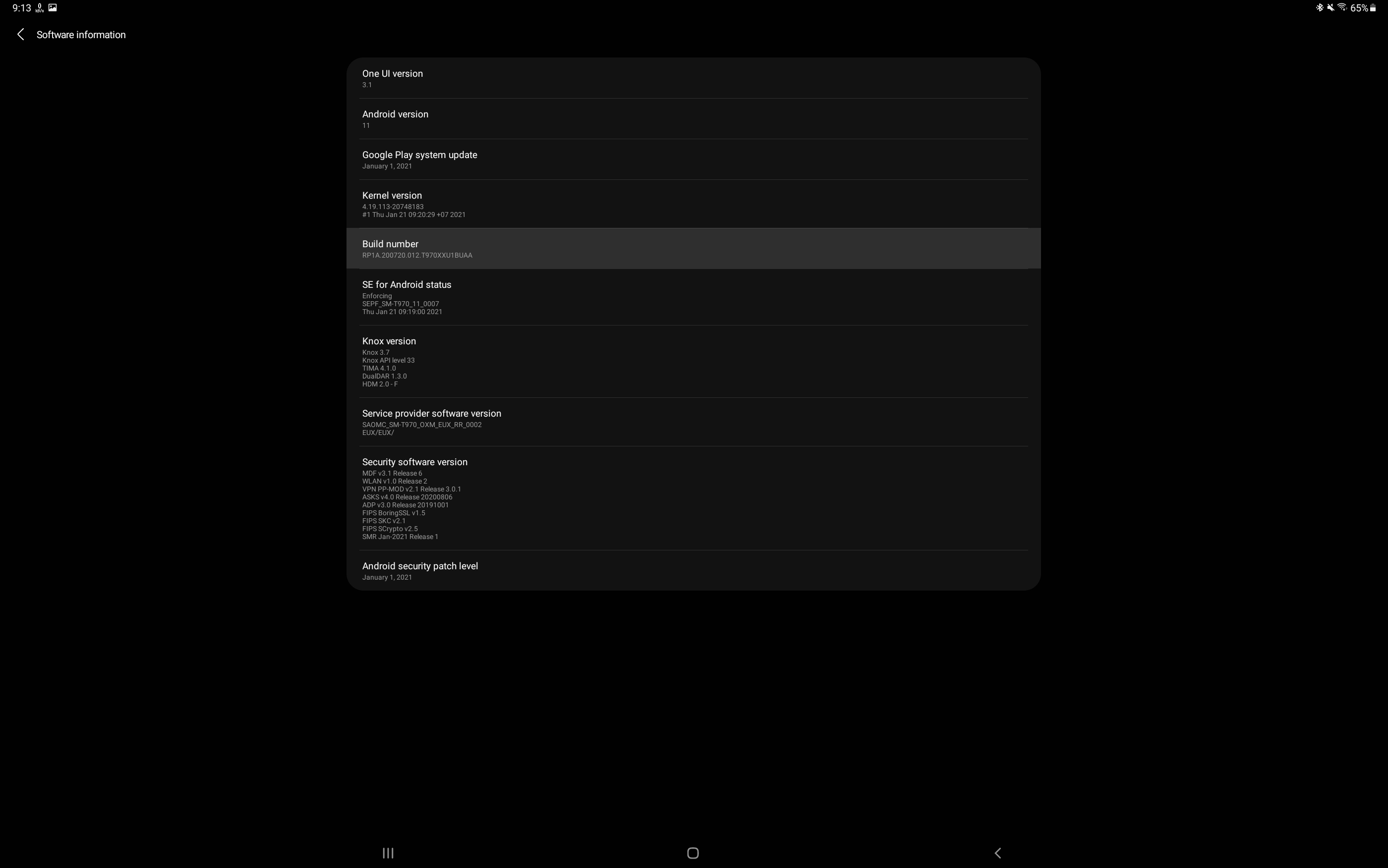
go to settings>about talbet>software information
and click a bunch of times on build number until you see the message developer mode is on
take care what you change in here
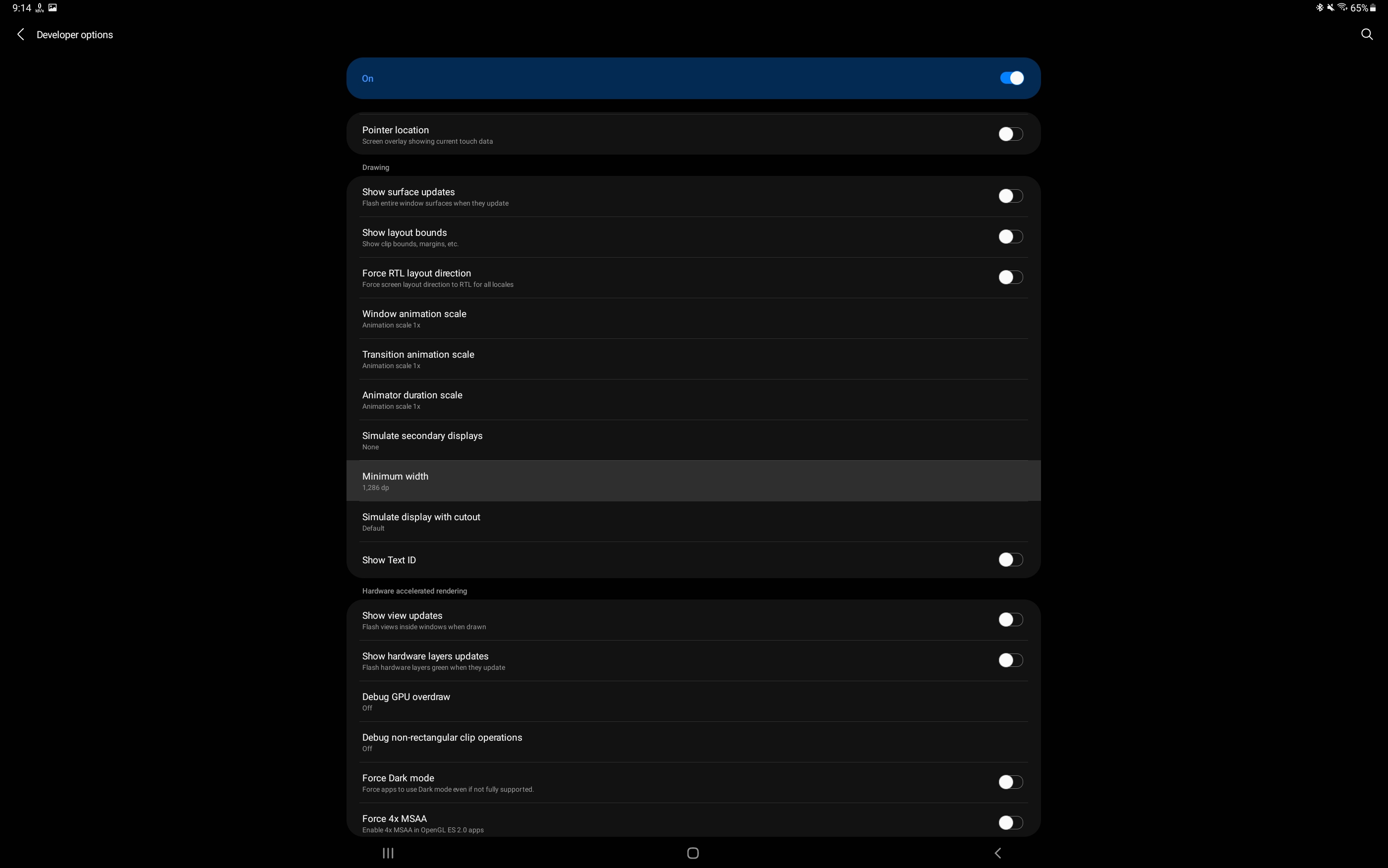
turn it on
and find the entry “minimum width” note down the value you have currently in case you might want to revert to it later and increase it further to make the interface smaller
Thanks ! those are interesting settings. My min zoom was 1 step from bottom. Bumping that down eked a little more room, but not enough to get both buttons. I spent a lot of time experimenting with the Min Width. It’s a little twitchy, always changing the number I entered a little bit. krita didn’t like it very much, the buttons and text widgets would get cut off or not draw all together. I might just need to find the right multiple.
On my side minimum width changes as well to something around the number i have entered but i have no issues with glitches.
I have been using this way to scale down the user interface for quite some time on android / tablets and phones as well ( back to galaxy note 4)
with Krita though i have used it only on my previous tablet which was a tab s3 and on current one tab s7+
on both it scaled just fine with the settings
@barbera , @mhw - We do need to redesign the configure area and brush setting in general. They are not very flexible and probably should be able to work on smaller devices. We have a lot of ideas to improve them for the future.
One of the more popular screen sizes right now is 1366x768, which are somewhat older laptops. Right now the developers have a strong focus on Krita 5.0 which is the resource system rewrite. Hopefully we can revisit a few of these large UI areas after we get that out the door.