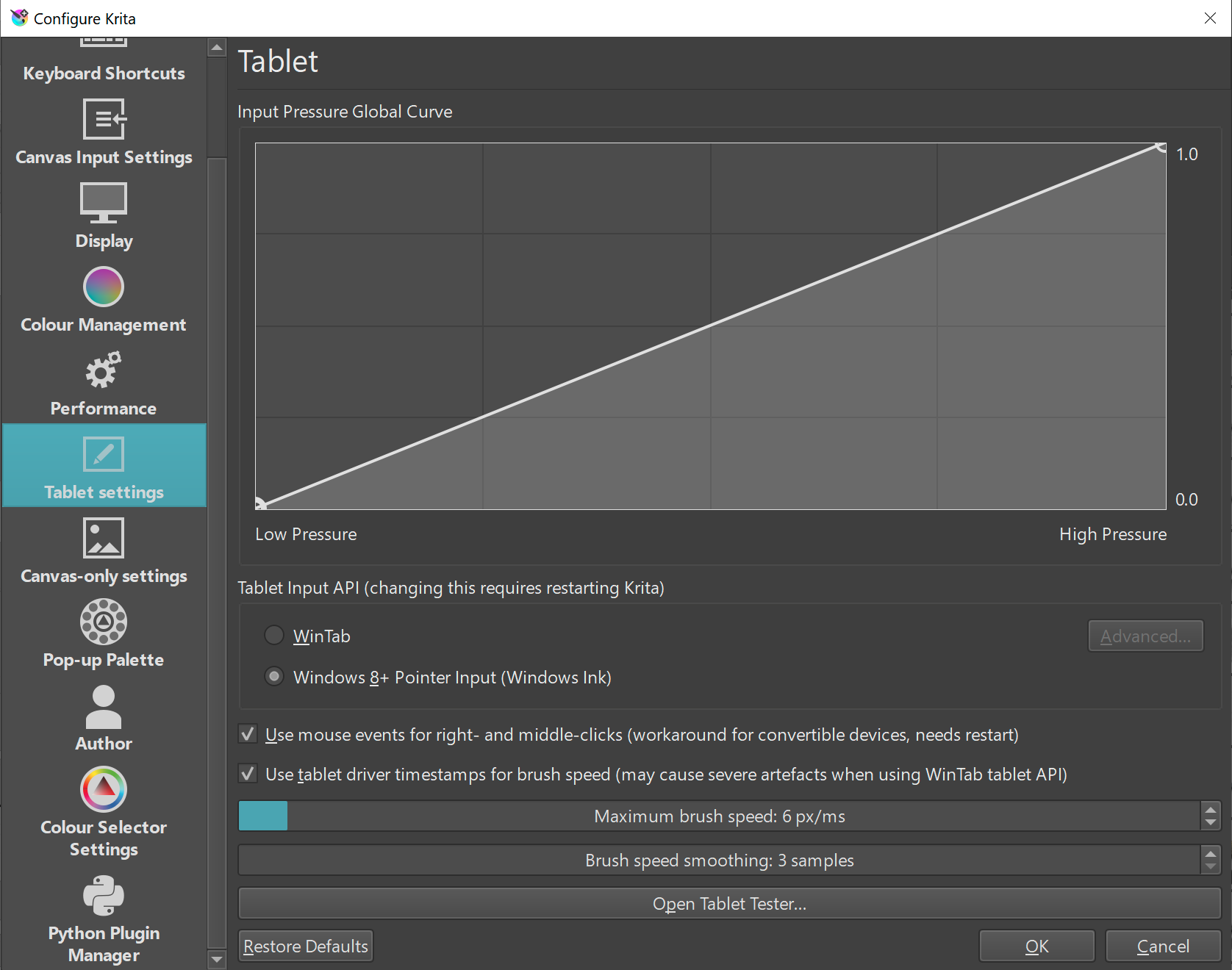
Type of device : Tablet
Brand and version of the device: Wacom Intuos 5
System: Windows 10
I’m having issues with double clicking to get the Polygonal selection to close. When I use my mouse, it works as expected. But with my tablet, it won’t no matter what I do. I have the double clicking distance turned off in the driver (to avoid haphazard lines being drawn with the brush tool). Even when I enable it, I can’t get the double click to trigger to close the selection.
The obvious workaround for the Polygonal Selection tool is to go to the start point where the cursor will be captured and a single click will close and complete the selection.
I also can’t do a double tap with the stylus to complete the selection on the canvas.
It is seen as two taps a short distance apart.
However, if I move the cursor to the Layers docker and then double-tap on an unselected layer, the layer is selected for layer name editing and the polygonal selection is completed.
Edit:Add: Can you map a tablet button to double-click?
I try to find the endpoint, but I am having severe difficulties seeing the lines, unfortunately.
I could map a button to double click, but I prefer MMB for panning and RMB for obvious reasons.