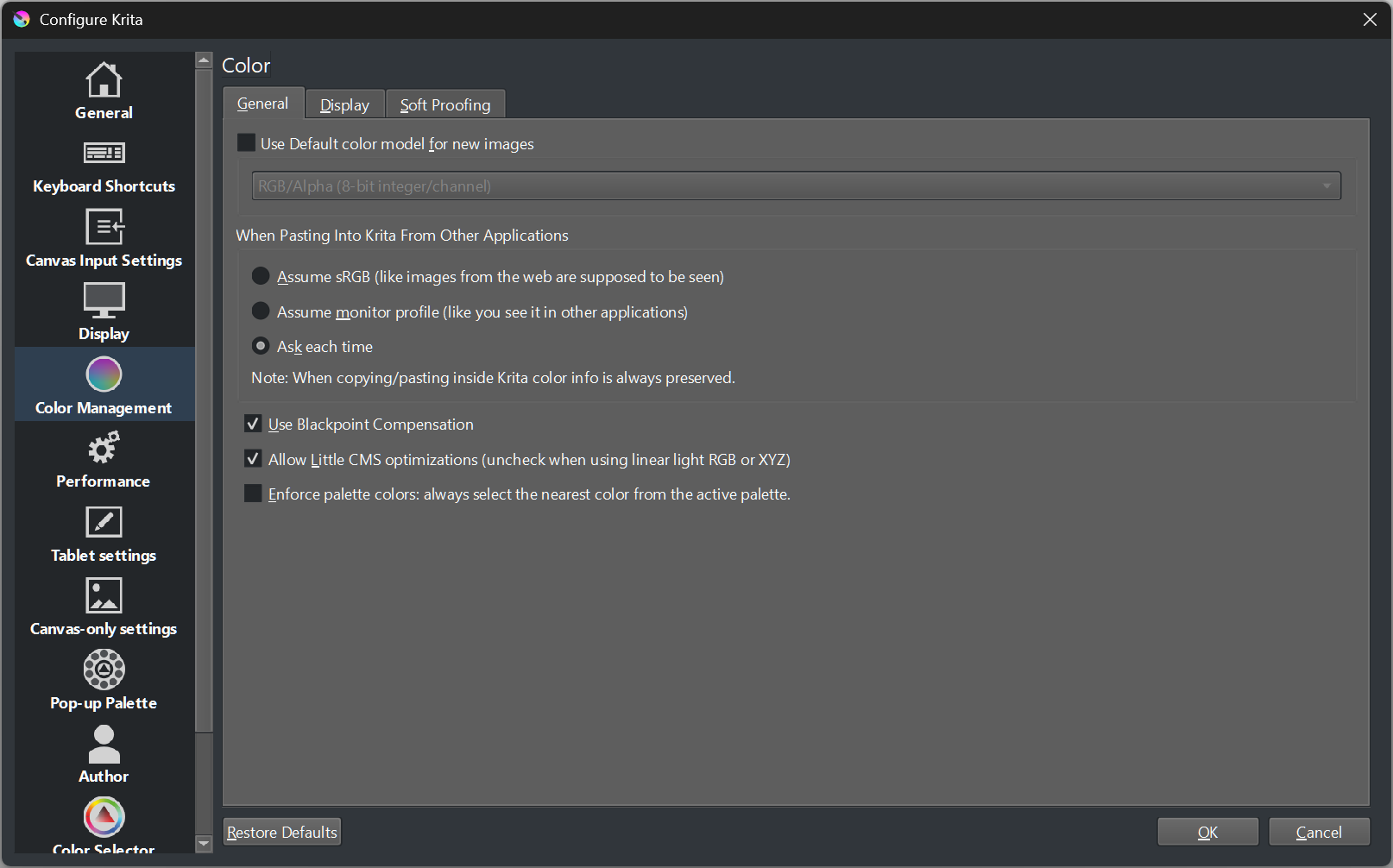
That is currently the only option I know able to do what you wrote. Did you confirm the changes there with the OK-Button and restarted Krita after setting that option?
That setting has a different effect, it forces the color selector that you get e.g. when editing your foreground or background color to snap to the palette colors.
What you are asking for is not possible to disable, it would be a feature request.
this is what i am trying to fix. to me this is a bug, because I cant think of a reason why anyone would want this. I hope its just something on my part that can be fixed. The 2 main things I use in Krita every single day are the brush editor and choosing colors. I literally select hundreds to thousands of swatches a day, and this is highly annoying and extremely distracting. I mostly have been ignoring it until now.
I would literally pay for a version without this.
If this is the intended way its supposed to work, I really would like to know why it was implemented. I know everybody is different and artists have their different workflows.
Yes, I understand that. It’s just how every control of that type works: when you select something, it scrolls the selected item into view. Making it not do that takes extra code.
Personally, I’d also suspect that this is unintentional, since presumably most people don’t have palettes that scroll. I submitted a fix for this, but it may get rejected if there’s disagreement whether this is actually a bug.
Giving you the option of not selecting a color in the first place would definitely a feature request though. Which would also prevent the scrolling obviously, since that’s a side-effect of the selection.
You can alternatively use a new created empty palette, then there is nothing Krita can jump to. Perhaps this could be used for a dirty fix, setting an internal pointer to an empty palette, which then can be activated/enabled with a checkbox or whatever.