its a flat, paint + blend brush that was my regular for years before i switched to krita, and i havent seen anything like it so far. ive even tried recreating it but failed. i really need help on where to find it or how to make it !!
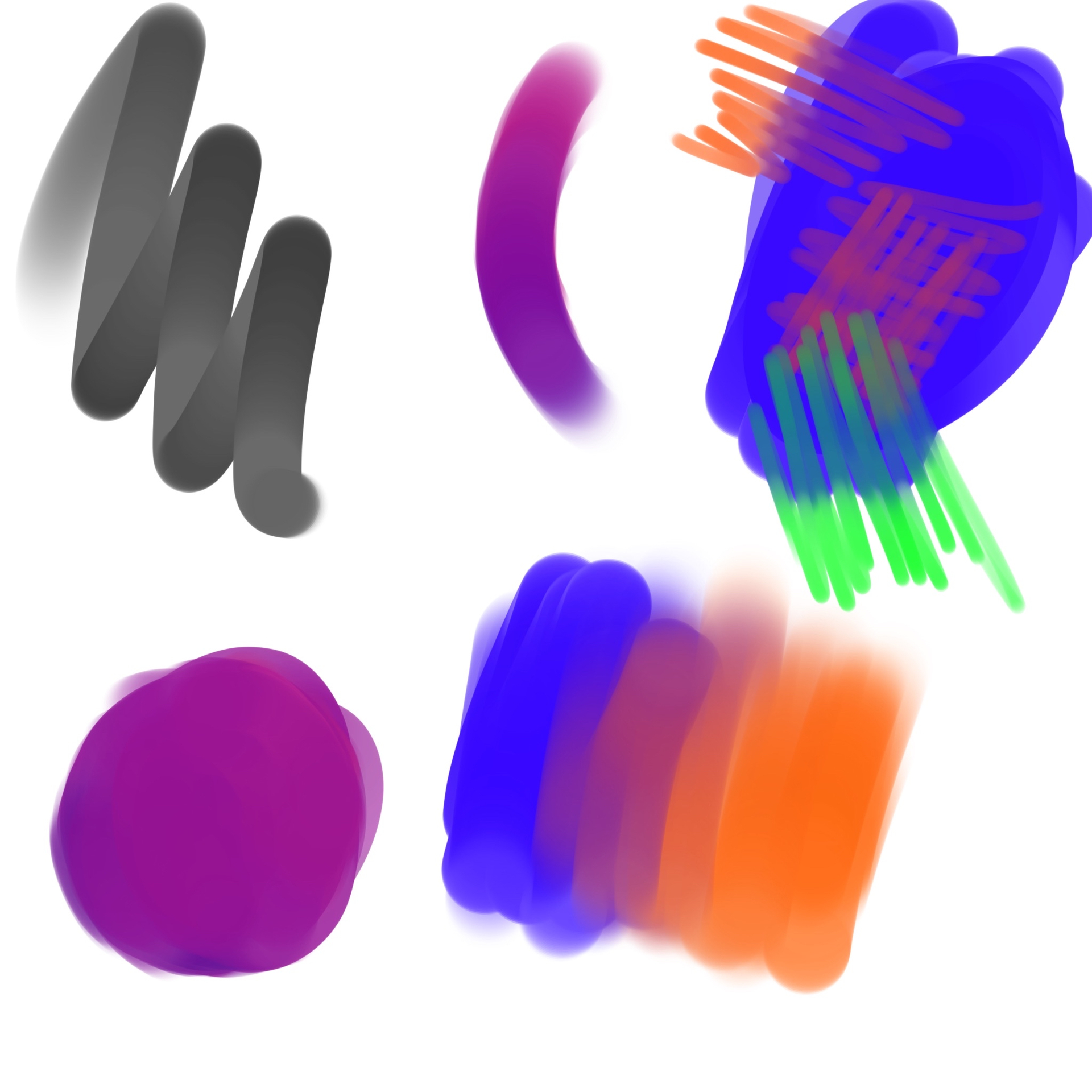
also, i specifically need the brush to blend without pressure
Hello @xoalsox and welcome to the K-A!
I would start with the i) Wet Paint brush and adjust it to your liking. Why: This brush uses the Color Smudge Engine and it will simulate paint blending (not to be confused with color blending modes). I don’t have any experience with Ibis Paint, so my advice is very limited.
Keep in mind that specific brush settings in Krita strongly depend on the type of brush engine, and they can get very complex. They also depend on the hardware input available to you (pen pressure, angle or even rotation).
I’m sure you can adjust things close to your muscle memory from Ibis. Good luck!
thank you! its definitely the closest to it i’ve seen, but what’s missing is the color dragging/making a mid-color (?) of the two colors that are interacting. you can see it in the blue block where ive scribbled other colors into it, their colors change when interacting with it while blending, is there a way to replicate that into krita?
Krita unfortunately can only mix RGB values (roughly speaking). If you’re talking about pigment mixing simulation like this, unfortunately that kind of math is not available in Krita because these algorithms had not been made available as FOSS. They are only available in some commercial software.
[edit] There are occasional attempts to include code in Krita that would do similar things, but from what I’ve read, they don’t meet the coding or licensing standards that Krita developers have to adhere to. Maybe one day, with more funding, someone will break this barrier, because the mathematics had been available for a long time.
i see! that’s a shame. i hope this does make it into krita some day!
thank you anyways!!! <3
You’re welcome, and don’t let those limitations get in the way of your art! The day I first opened Krita on my Linux, I knew there was no way back 
But seriously and practically speaking. Let’s not confuse color mixing (say, real life paint) and color blending (creating smooth transitions). If you read the actual paper that the authors produced, they point out the limitations of their realistic method: they can only mix 4 basic colors, and only opaque paints, so it’s not a panaceum.
Digital brushes are meant to look convincing, not to simulate physics. Nature does not mix oil pigments to create color. Once you know what specific color you need, there are multiple ways to get there in RGB.
For color transitions, I just lay down some transitional shades with one brush and then use a blender brush to mix them, and I don’t care if acrylics would act the same way.
Any digital “mixing” will just be a semi-convincing approximation of actual physics, not the real thing, and that puts things into perspective.
Hold on, hold on. This CAN be done, and this IS RGB mixing. Afaik (I have ibis on my ipad but I’m not an actual user) Ibis does NOT have pigment mixing.
This is simply a brush with lowered “Colour Rate” in Krita. That’s the Krita equivalent. If you lower the color rate, you’ll get the literal same effect, actually.
EDIT: You can know it’s RGB because orange and blue will never get you these kinds of shades in pigment/mixbox mixing. This is imo a dead giveaway, but then again, it’s been a while since I used eg. Rebelle.
EDIT 2: Rebelle showcase:
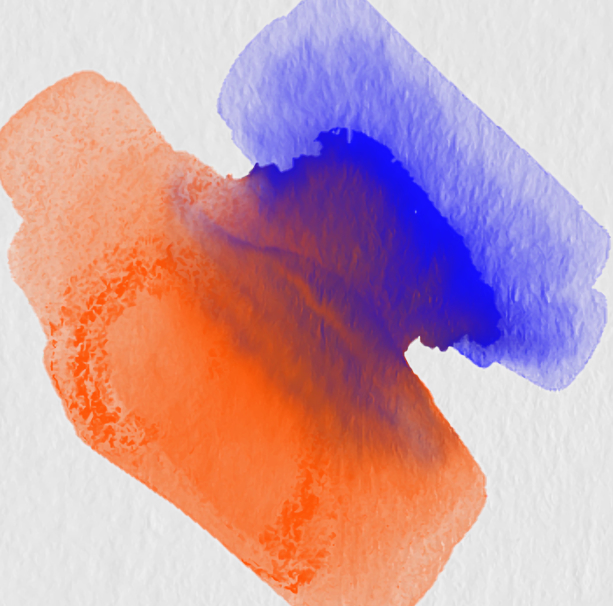
This is RGB mixing.
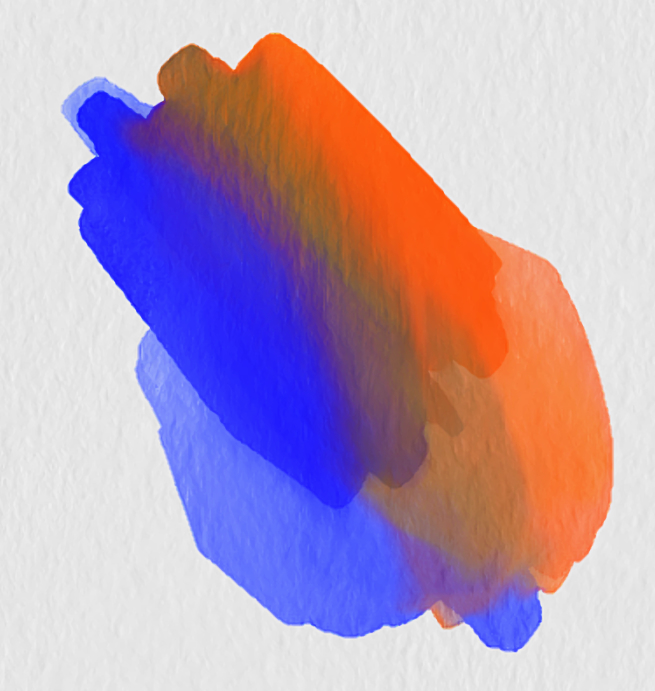
This is Rebelle’s Mixbox implementation. These are VERY different, not sure how obvious it is on other monitors.