I did a search and couldn’t really find anything apart from the above attached post, but I couldn’t understand from it if there was a brush conveniently made that looked like glitter or if further steps needed to be taken to get the glittery effect in this post.
I basically want to do a digital art piece that looks like a real world painting with bits of glitter on it (as I’ve done this with acrylics and glitter and it looks really pretty).
I’m hopeless at creating new stuff so I don’t think I’d know how to create a brush so am wondering is there one already created someone could point me to?
You’ll need to put the two .png files into your brushes folder and the .kpp file into your paintoppresets folder then restart. Or do it the modern way with Settings → Manage Resources → Import Resources.
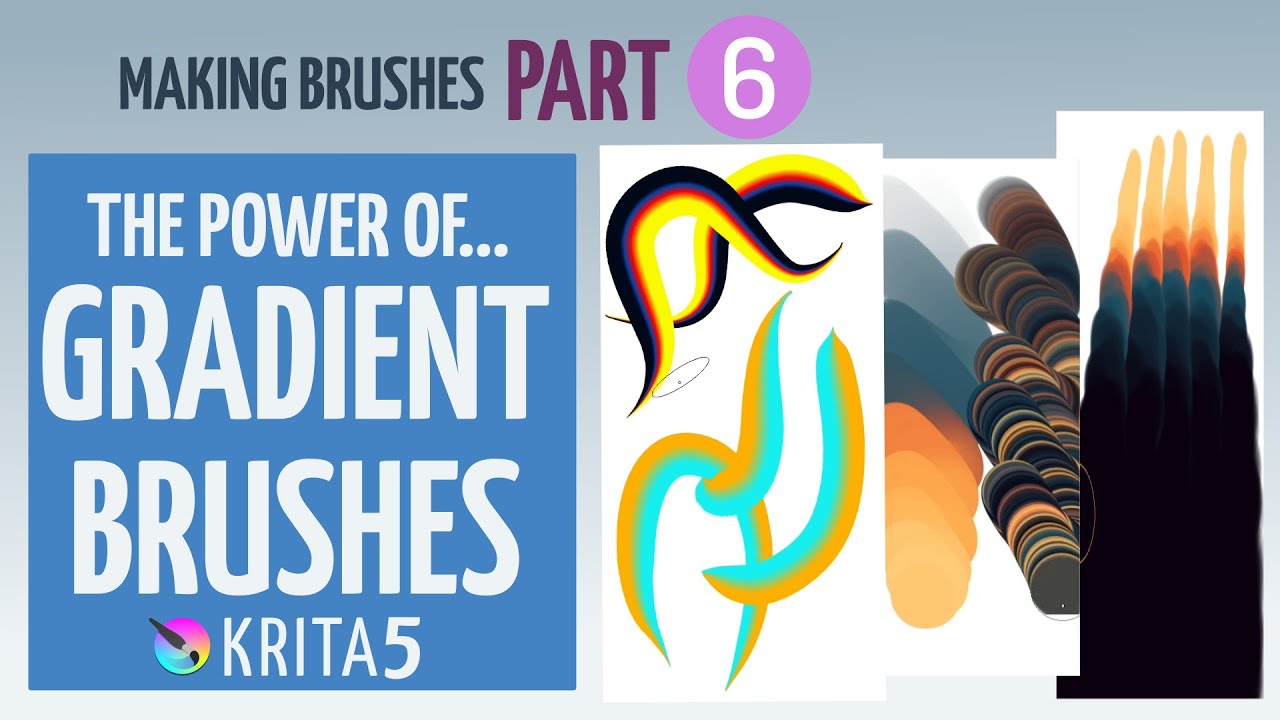
In use, select a multicoloured gradient and then paint with it.
The colours and their distribution/appearance depend on the gradient and the fact that they are ‘selected’ by the lightness value of the brushtip image.
So, you can make your own brushtip image and your own gradient to get different effects.
(It’s more difficult to get something good looking than that sounds.)
Thank you very much. I have downloaded the brush and it works fine. I shall get on a Youtube tutorial about painting with a gradient as I’ve never done that before. I shall see what that’s all about and have a play.