alright, very clear, thanks
I moved all questions to this topic. Please use this as the place to discuss.
This is not a RGBA brush, please refer to this post - Doubts and clarification about the October 2021 monthly contest - #8 by Mythmaker in this thread
1 Like
Understood, not going to use any tool of the sort.
If i understand correctly RGBA brushes are the ones with Lightness Map option enabled in the texture part of the brush tip.
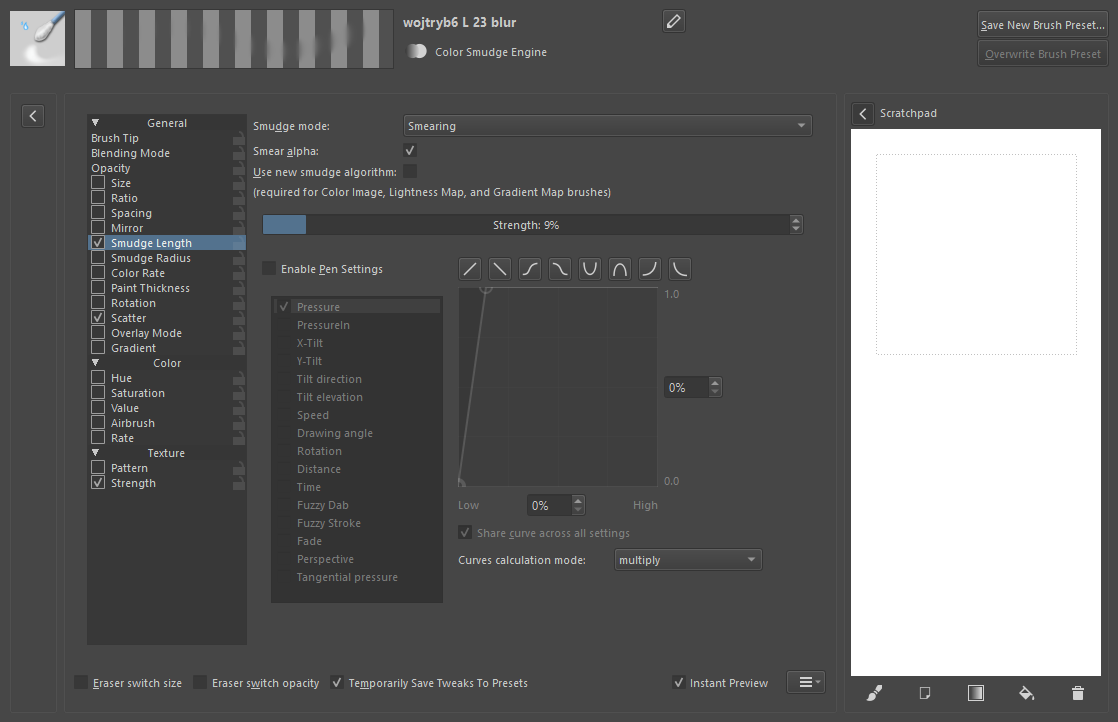
In Krita 5 you have the option to use the colour-smudge engine with RGBA (lightness map) tips. This means you can create a blender that is also RGBA; you do that by turning off the Colour Rate on a brush with the desired smudge properties.
The illusion of thickness produced by an RGBA tip is created by the values i.e. the light and shadow information recorded in the tip. It’s entirely possible to create a flat RGBA tip by saving a dab with only a single value - That rather defeats the point though! 
The contrast setting in the brushtip section, and the lightness strength or paint thickness settings in the pixel/colour-smudge engines, all impact how strong the effect is.
Very interesting, thanks!
I’m a complete newbie when it comes to brush editing, how do I do this?
The simplest route would be to choose an existing colour-smudge brush you like, then change the tip to one of the RGBA tips already in Krita. The colour rate option is underneath the opacity setting in the brush settings window - you can just untick that to disable it. If you start with an existing blender (and change the tip) the colour rate would already be disabled.
1 Like
Thanks!
What about changing the predefined tip in the brush editor? Would that be allowed? Is changing the spacing, contrast and brightness allowed?
Is it alright to do the under sketch in a non RGBA brush if it’s not actually included in the final piece? Like if I sketched on a separate layer but deleted it out once painting with the RGBA brushes?
I think you can.
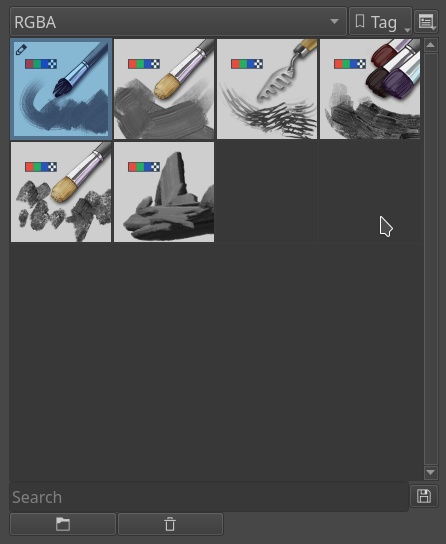
If the predefined brush tip is using the rgba brush tip features that is the lightness map etc then okay. Check the existing brushes. I would say use the RGBA brushes in krita 4 to make the contest fair. There is also a tag for the RGBA brushes.
Thank you for the clarification!
I used to think that writing technical specification documents was intellectually demanding and you had to watch out for ‘interpretation’ problems.
Now I realise that it was easy compared to writing the rules for an art contest.
12 Likes
I’m about to start on this and noticed the contest thread stil says to only use the brushes that ship with Krita, namely these:
Reading this thread, I see @raghukamath saying any brush using RGBA tips is OK, and OTOH to only use the ones found under the tag. So… I assume it’s OK to create my own RGBA brushes or use those made by others, but not shipped with Krita, but if so, should the contests rules say that?
Yes you can make your own rgba brushes. Many people were confused about it hence I mentioned using brushes under the tag. In this thread I also mention that you can use brush tips using the rgba features. I’ll update the post
1 Like
ahhh feels 
did you upload your final painting anywhere?