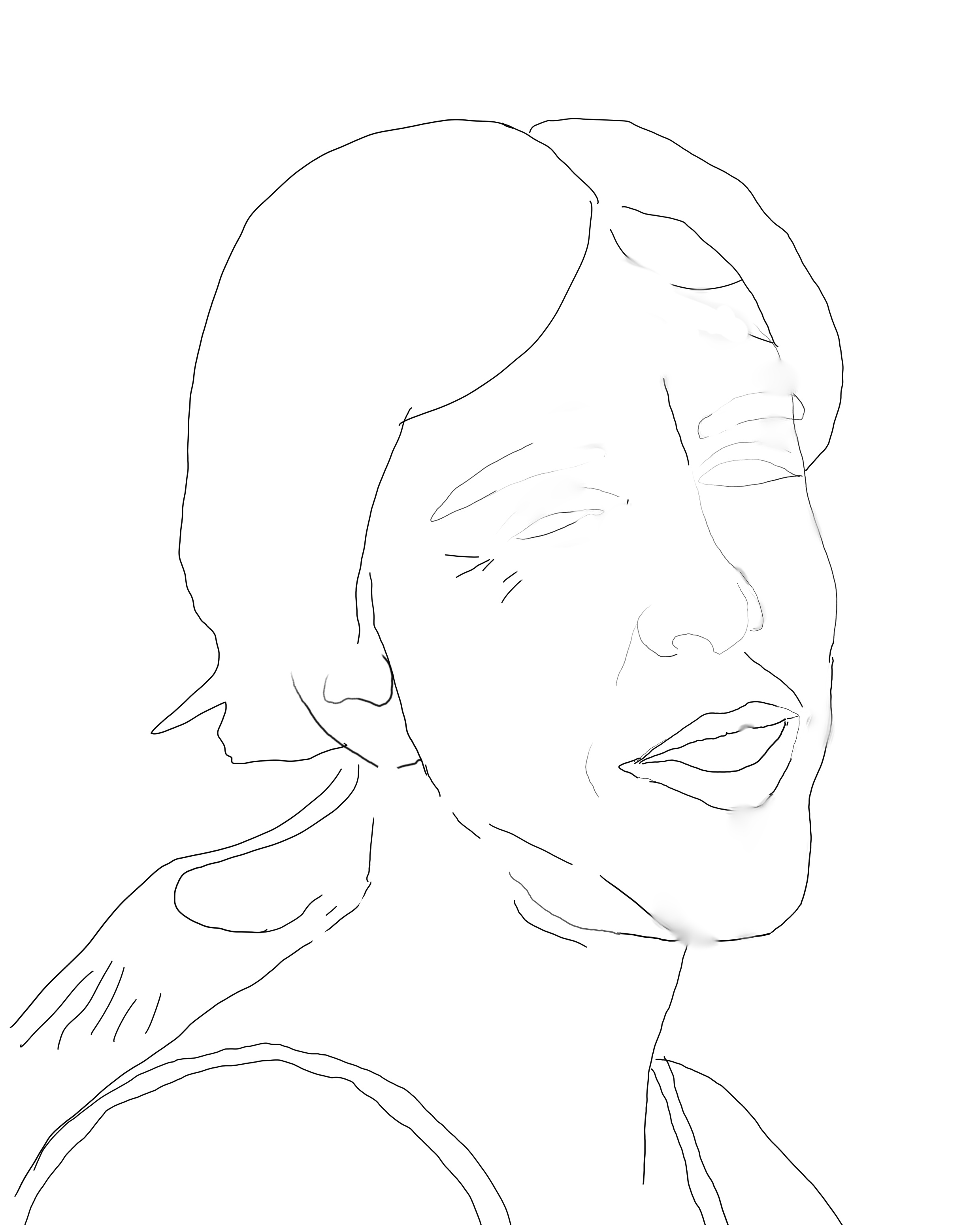
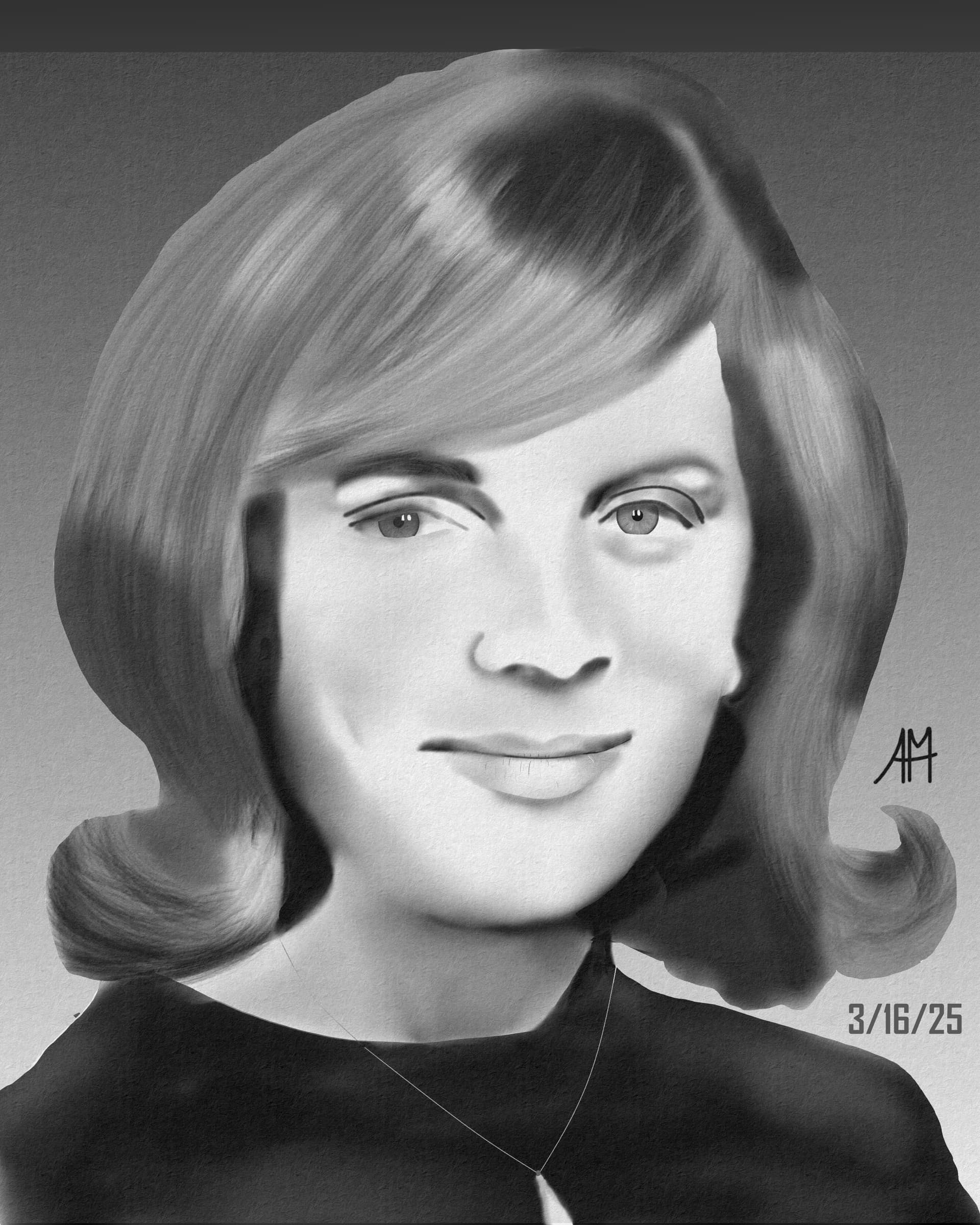
Let’s say I want to be able to change the background color for the portrait without changing the color of the portrait itself. I’m guessing I should just fill in the portrait with white, either manually or via a floodfill.
If the final portrait extends beyond those lines or doesn’t go all the way to the edges, I guess I would just adjust this filled area, right?
I’d create separate layers (or groups) for the background and the figure. You can then work freely on each. If you need to keep the base color behind the figure white, I suggest creating a clipping group for the figure. The bottom layer within the group would be a white silhouette of the figure. All layers above that layer, within the clipping group, would then be set to get clipped by it, keeping color information drawn on them limited to only the space of the silhouette.
I usually make sketches as indicated in this tutorial. It may be interesting for you to work with bleeds(see here), that way if you decide to increase the final cut area of your art it becomes easier and more practical.
Problems, in the sense that you can’t smooth the edges or add stray hairs? At this point of the image, I’d normally add another layer (over the clipping group) to add in the finer detailing, such as that.
I’ve always used 2 layers for this: the bottom most one for the background and the portrait above that. Then I simply paint my portrait and then the background without worry.