Hello devs, and Krita community! My small request/proposal would be the addition of a duplication button in the UI toolkit when adding guides to the canvas.
I often find myself drawing architecture and ships, and when putting down my perspective fields, splines, and ellipses, I have this reflex to duplicate a line and nudge it around rather than trying make a new one curve in the exact same manner. When building lattice or window, I can go point-to-point, but I end up redrawing lines to match my angles perfectly, and it can just be a little slow.
This is menu bar I’m referring to:
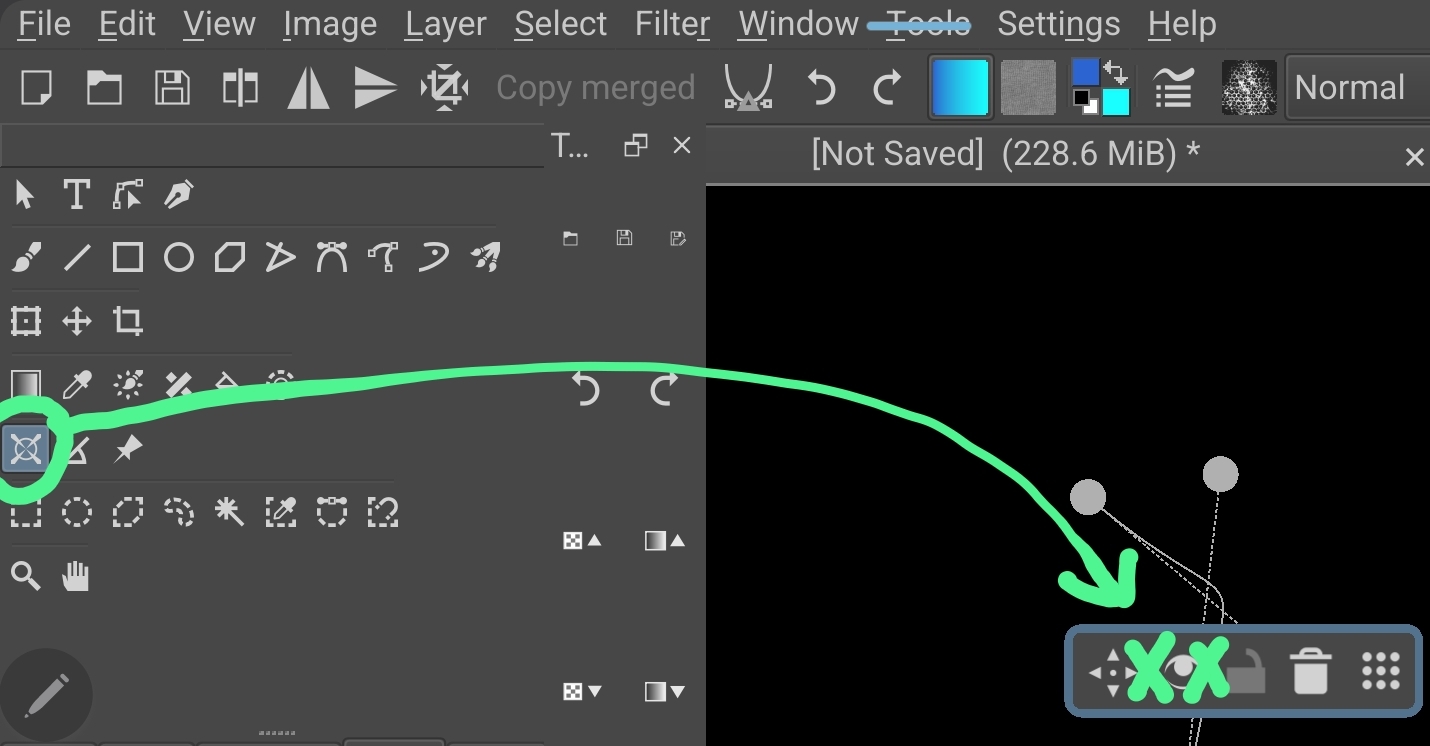
This screenshot demos an arc I’d love to replicate and stretch, to be a wing, a sail, a bar in a stained glass window. A lil’ button would do it, and that’s all the weight in the request, this is a nice-to-have, maybe someday.
So far, I’ve been drawing the first line, duplicating the layer, nudging that, merging it all together, and moving on. Open to suggestions, if there’s a better way or, a button/command already exists that I don’t know about.

