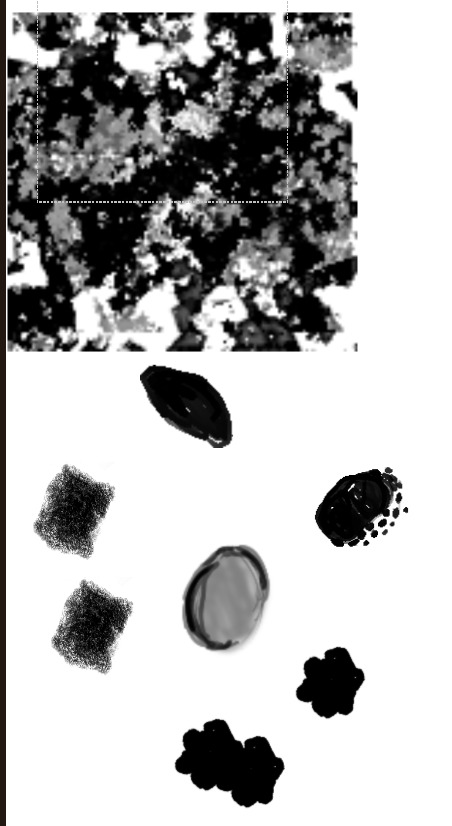
So, this topic might be a repeat of this post. The problem is, my animated brushtips refuse to be fully opaque, no matter what settings I pick, unless they are set to “lightness map”, at which point they will work correctly.
That does sound unusual. If the brush tips are truly fully opaque and the opacity and flow settings are maxed out, then I’d expect the alpha mask version to behave the same way. It might be worth testing the brush tips in a brand new brush preset to rule out any hidden settings being carried over. Also, check whether the source images have any unintended transparency or color profile issues that could affect how the alpha channel is interpreted. Hopefully someone else can test the bundle and confirm whether it’s a brush setting issue or a bug.
On a new preset, they behave exactly the same; the color profile is set to srgb – Elle’s – srgbtrc. Or at least it should be. Gimp shows the images to be precisely the same as I’ve exported them from Krita, hence my genuine confusion as to what I did wrong or at which step
I linked them in my post, but they are grayscale+alpha. Even if they’re monochrome eg. all black, it’s just an old habit of mine when brushmaking, keeping things transparent.
As I remember, the Lightness Map option will look at the apparent lightness of the image and so any transparency in the image will only result in a lighter colour. It seems to be composited with a white background.
The Alpha Mask option will give an alpha value for the ‘stamp’ corresponding to the alpha value in the brushtip image.
I don’t know why GIMP gives a different result.
The issue is, all the brushtips are painted with black on a transparent background. Both gimp and Krita have been showing me that this is precisely what’s in the brush tip: almost only solid blacks, on a transparent background. Alpha mask *does not *behave as intended, and shows the tip to be at around 50 or less opacity. If I take a stamp out of the animated tip and put it onto a pixel brush, as a simple .png image with alpha, it will behave properly – it will cover the area when opacity and flow are at 100%.
For some reason it is specifically animated brushtips that misbehave and do not follow the expected behavior, forcing me to rely on lightness map mode instead.
Is it perhaps a bug/regression? Or maybe something within the pixel engine? I HAVE to assume there is something going wrong when Krita is reading my tips, as other brushtips look proper:
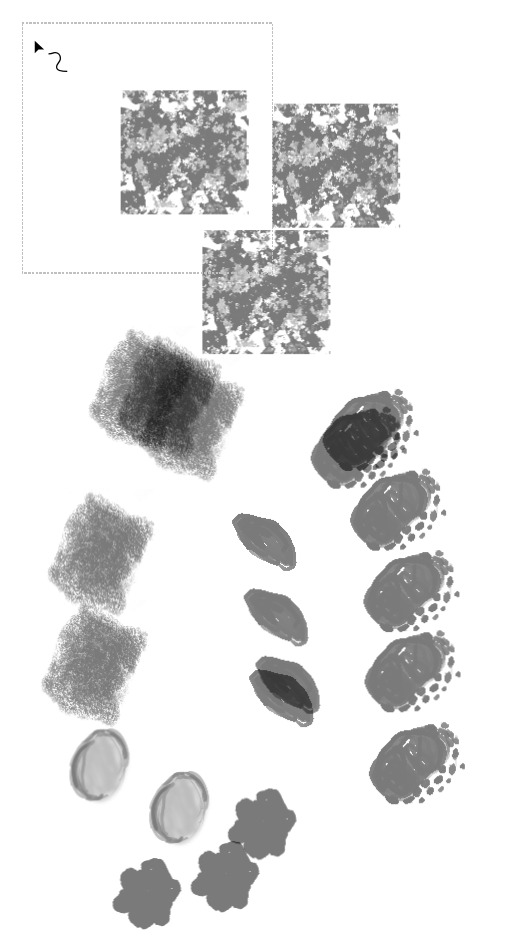
It looks like somewhere along the lines, a bunch of my tips are not being read as “black” at all. It just was not as noticeable in those brushes – which makes it all the more baffling. A lot of these tips are made in a batch, on one canvas, so what’d I miss that makes some of them opaque, and some not? Should I upload more of these for checking? I genuinely feel like I’m going insane.
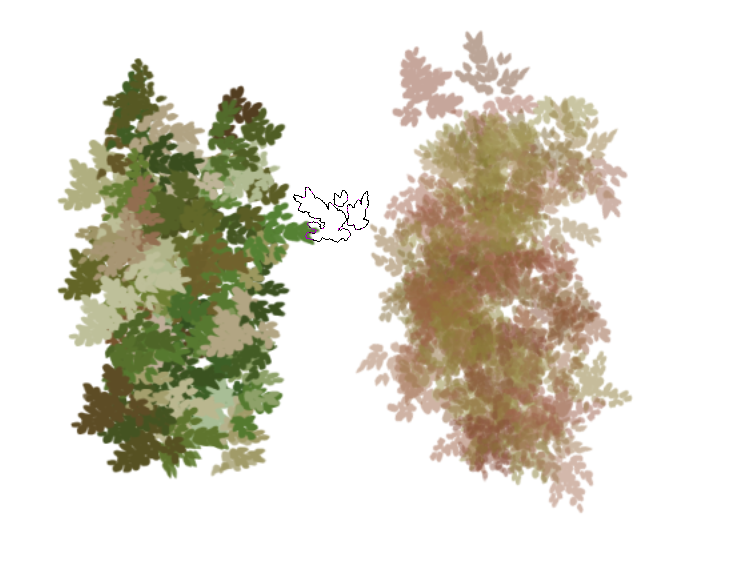
Then I used that as the brushtip on a Basic-2 Opacity brush preset with Opacity and Flow forced to 100% and other properties varied by Fuzzy Dab in a similar way (but not identical, I did it quickly) to your WAK GOL) Dense Rounded Bushleaves.kpp.
With Brush Mode: Alpha Mask it behaves well and as expected.
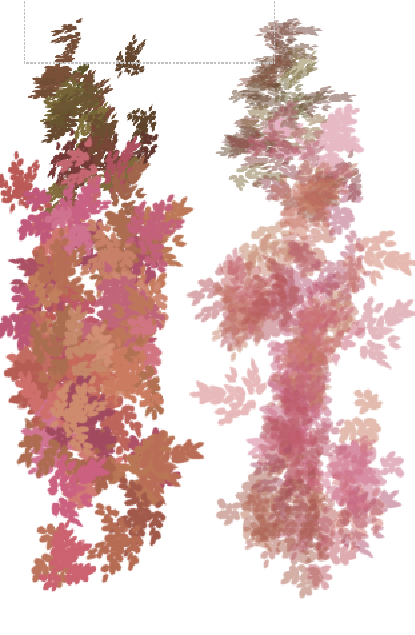
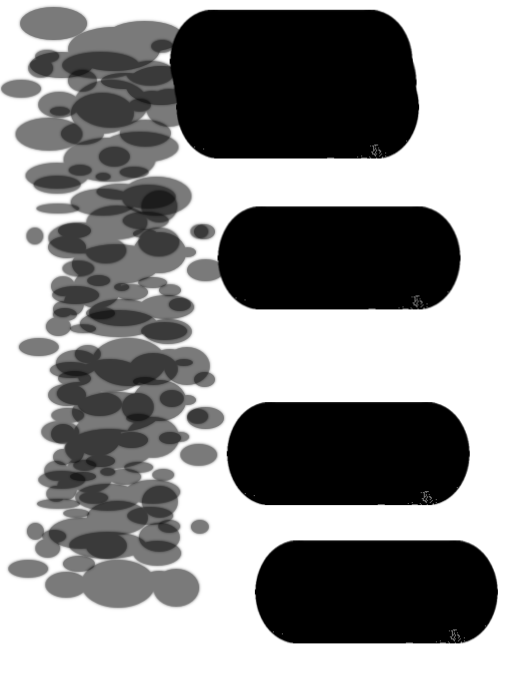
Your WAK GOL) Dense Rounded Bushleaves.kpp, with the same ‘AGWBG…’ brushtip does not behave well with Alpha Mask, as you know. Here are comparison paintings:
I cant figure out why there is a difference between them
Trying other animated brushtips from the default resources, the brushtips with a transparent background also produce 50% opacity images but the brushtips with a white background produce 100% opacity images when used with Brush Mode: Alpha Mask.
Anyway … This situation goes back as far as version 5.0.0 which I’ve just tried.
There are some variables to consider when making brushtips:
Is the image on a white or transparent background?
Is the image RGB/Alpha or Greyscale/Alpha?
Is the animated brushtip exported with ‘Create mask from colour’ enabled or disabled?
The situation is complicated and there are inconsistent results and comparisons.
I’ve made many animated brushtips before but never had this problem.
I’ve no idea what might be happening Let’s hope someone else does.
I’ll hit up the IRC tomorrow if no one else has encountered this, so it’s all good! I’m just glad that I’m not the only one that finds this equally confusing & I’m not the only one lost here Like I said, I initially saw this only on the animated tips, but there seem to be more. I’ll weed out the culprits & add them to the drive later, with a subfolder for “well-behaved” tips I’ve made.
Still, thank you for the help!! If it’s reproducible, it means it’s not my install & there’s something else going on. Which is actually great to know.
Man, I do have a talent for finding the weirdest tiny errors in my software, I swear…
I’m DEFINITELY watching the IRC tomorrow to ask about this now. It looks like I have to “test” a brushtip first on any brush, to make it be read properly later on, which… changes a lot of how a brush would behave on my end vs. someone else first booting up my bundles, or booting them up later… maybe. At least that’s my conclusion for now.
EDITED to add:
NOTHING has changed in my setup. Krita has been only restarted once to check a plugin, the laptop is still on, it hasn’t rebooted. I haven’t even touched the files.
I’ve just tried that theory on a fresh isolated instance of krita. Importing the .gih brushtip and fitting it to Basic-2 Opacity showed incorrect behaviour with Alpha Mask.
Then fitting it to Basic-5 Size also showed incorrect behaviour with Alpha Mask.
The situation is very confusing
It seems that I have, indeed, found some sort of a bug! FreyaLupen has confirmed that she has very briefly looked into this for now, but I filed a proper bug report for this right here:
I will add a “solved” mark when I get any more info, and I will then link all the solutions/answers here so that it can be easily found if someone encounters something similar in the future.
For more info:
It seems this happens only on black-only brushtips with a transparent background. This is not limited to my own materials, though, as now I’ve went through multiple bundles to see if this problem comes up. Indeed, this repeats in any brushtip that matches the black-on-alpha setup, across every single bundle I ever laid my mittens on.
You can check it yourself, but this behavior never changes as long as the above setup matches up.
I think it’s time to let the thread sleep, for now, since I haven’t heard much updates, but I think it’s just unavoidable now that I need to either add small gray pixels somewhere on my brushtips, or give up on brushtips that can be used in multiple ways for now.
It is definitely wild that this has been ongoing for a very long time, it seems! I’m not sure if folks thought this is the “proper” behavior, but now that I’m going through the list of my own brushes, it’s almost nauseating how visible this problem should have been and yet… I didn’t spot it for this long, either!
Either way, I’ll add this to my stack of worries from my other thread, and see if I can pin down the culprit perhaps. I doubt I’ll be any faster than the main Krita devs, but hey, maybe I’ll at least learn a thing or two. Cheers!



 Let’s hope someone else does.
 Like I said, I initially saw this only on the animated tips, but there seem to be more. I’ll weed out the culprits & add them to the drive later, with a subfolder for “well-behaved” tips I’ve made.
 Krita needs users like you and other people who find and report problems.