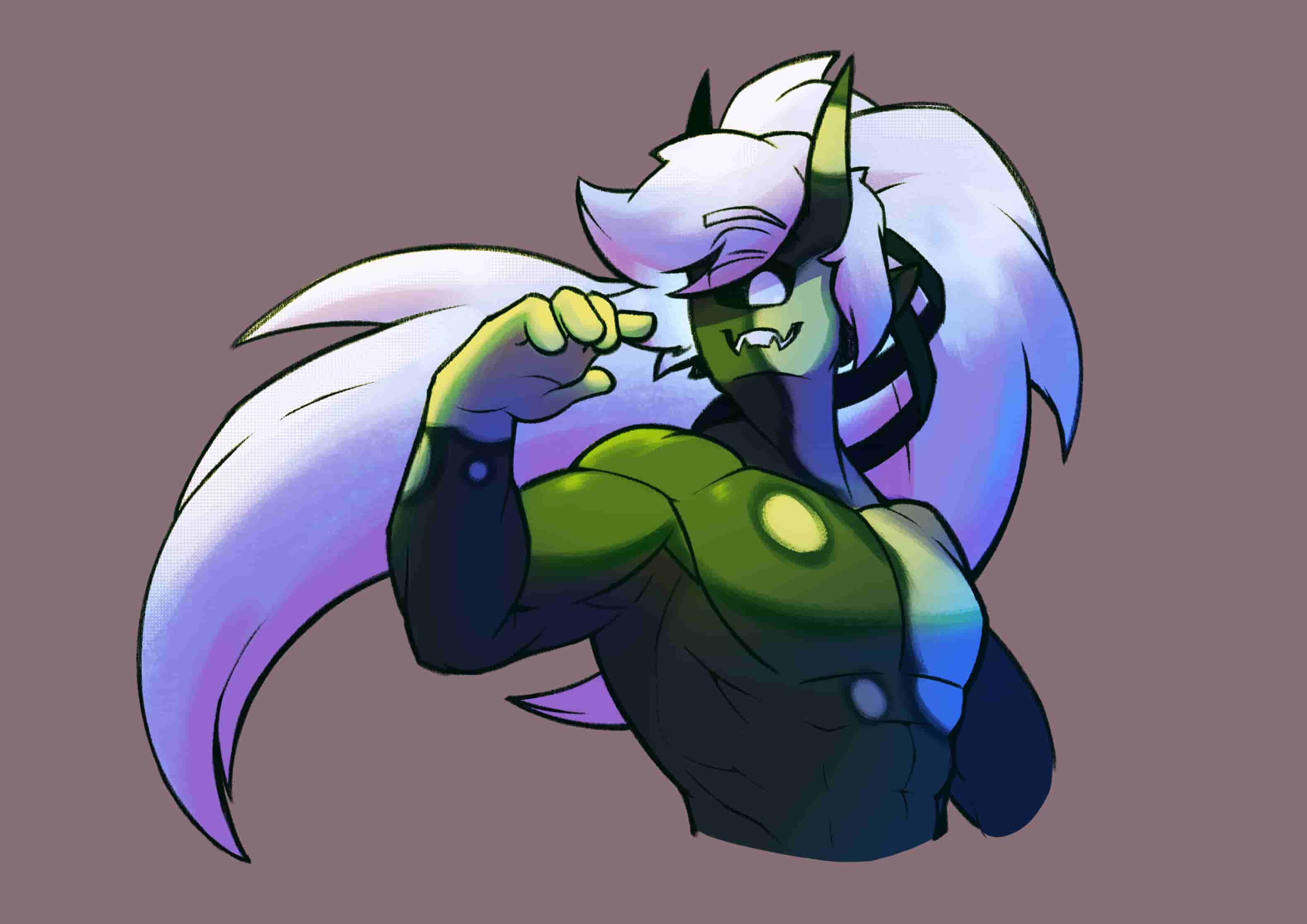
Drawing and character belongs to me
So, those markings on him, I’d like to ask if it’s possible to “automate” those: a brush with an outline that follows the texture of the current brush, or emulate that effect
Would these help? →
Michelist
Something a bit more texturized would fit it better, unless I have to adventure on the brush editor for those?
Those are the ones I currently know, so you’ll need the editor.
Michelist
It is possible to create an effect that will automatically outline the content of a layer, and the outline will be dictated by the layer transparency.
How:
Why:
This special trick takes advantage of the fact that when you use Erase mode inside of a Group, it will not erase content outside of that group, so the clone will be just a void to which you can add outlines. Yay 
Limitations:
A) You can outline just one layer at a time, and the outline will always automatically adjust as you add opaque areas to that layer.
B) Brushes with sharp edges will create a thin outline, brushes with blurry edges will create a smudged outline. Your choice of brushes will heavily affect how the outline works.
Yeah… I was fearing that
Thank you, regardless
Gonna note that down, thank you!
Keep in mind, there’s also layer styles! They can achieve basically the same look with minimal setup. I found out that oddly enough, even the “drop shadow” can work as an outline if you need smoother gradients.