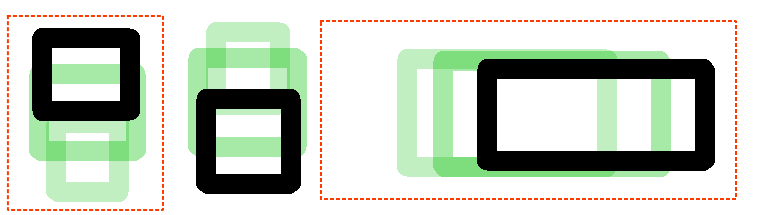
I’m for staying on canvas area.
Michelist
I’m for staying on canvas area.
Michelist
Well, I finally made some changes related to the issue of taking the image limits into account: Make the enclose and fill tool take into account canvas limits. (!1506) · Merge requests · Graphics / Krita · GitLab
The results are now pretty similar to those of CSP.
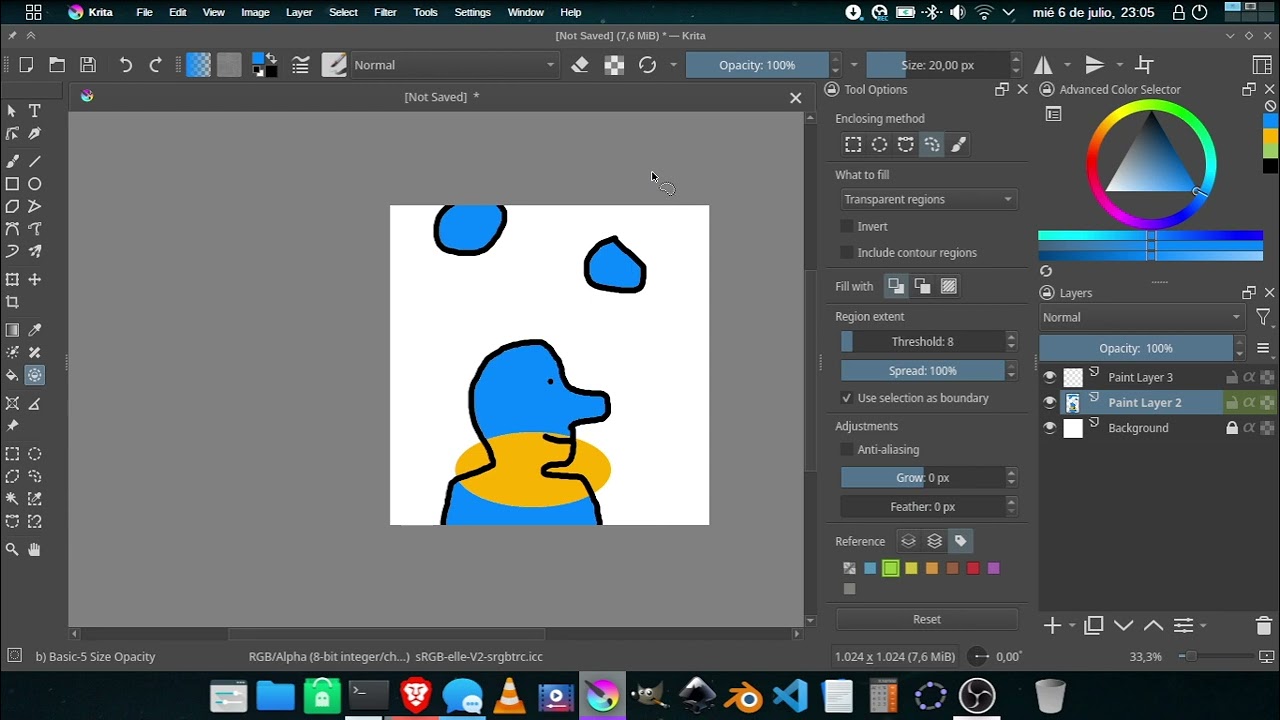
Amazing work with this tool, very useful for workflow, keep it up!!!
-Nahum
Hi
I was a little bit away from this topic, but today I’ve used the enclose and fill tool for first time
Wow!
Time saver!
Filled 1362 frames in less than 90minutes 
Many thanks @Deif_Lou for this function  , tuning options are pretty interesting too
I’ve only one remark
That’s might be a specific use case, I don’t know
But on my 1362 frames, most of time I used the same rectangular area to as enclosing region
I’m wondering if there’s a way for example to define a selection, and consider it the Enclosing method
Then you can define a selection area (made of one or many selection area) and just click inside selection to use it as the enclosing area 
And then just have to move to next frame and click again 
Grum999
I have similar suggestions here:
Hi @Grum999. Wouldn’t that be mitigated to some extent by having the fill tool or enclose and fill tool operate in several frames at once? I think that is the approach used in other apps, although I can’t remember where I saw it specifically. You would make the region taking into account more than 1 frame and then different fills are performed in those frames.
Edit: Toon Boom has something like that:
https://docs.toonboom.com/help/harmony-20/premium/colour/paint-multiple-drawings.html

I suppose you mean you select the frames on which you want to apply tool, and when enclose is done, all frames are processed
This could be very useful as an option yes 
But on my case I like to be able to check each frame to ensure that fill area is right (if not large enough doesn’t matter, but at least to be sure to not enclose something that should not be enclosed - I manage theses frames one by one)
With a method that need to select each frame before, you really need to be sure that what you’ll enclose is good without real preview of what you’ve really enclosed on frames 
It could work for few frames (having lightbuld ON) but with hundred or thousand of frames… 
Possibility to use fill tool on more than one frame at once is a very interesting feature too
Grum999
@Grum999 is your request to “sample” the same point across multiple frames and if the region is the same (e.g. the object is static) then fill it?
Hi @Hologram
First idea for enclose and fill tool is for example:
The second idea, according to example provided by @Deif_Lou is for default fill tool, being able to fill across all selected frames (or all frames)
The most complicated I think is to provide a clean user interface
Most people I think don’t use Krita’s animation possibilities and options to work on multiples frames shouldn’t be visible if current selected layer is not animated I think (goal: do not provide useless option when not working on animation)
Option could be a combobox with choice: current frame, selected frames, all frames
Grum999
With animation usion using the currently active onion skin frames might be nice since the onion skin is made easy to select a range of frame and toggles their visibility on screen also. Not as many frames at once but should prove to be stable to use.