The eraser will change to what i put in the screenshot. It feels like a bug, but I’m unsure if I’m hitting something else while using the tablet. It will erase normally then convert the path it was erasing to black, then continues to weird things like erase itself.
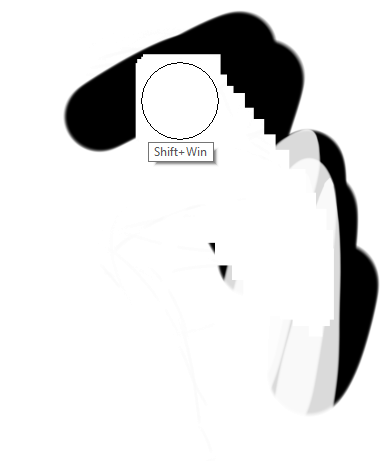
We need at least a complete screenshot of your Krita window, it has to reach from the title bar to the status bar and the Tool Options docker has to be completely visible with the eraser selected, and the layer docker has to show the top line with the blend mode and the layer or layers affected by the erasing process. Otherwise, it will be difficult to get an idea of the situation, at the moment I can’t think of anything to your error description.
Your exact version of Krita and also from Windows would be a great addition.
Michelist
1 Like
ok next time it happens ill capture the whole window
as for versions its krita 5.1.5 and windows 10 21H2
1 Like