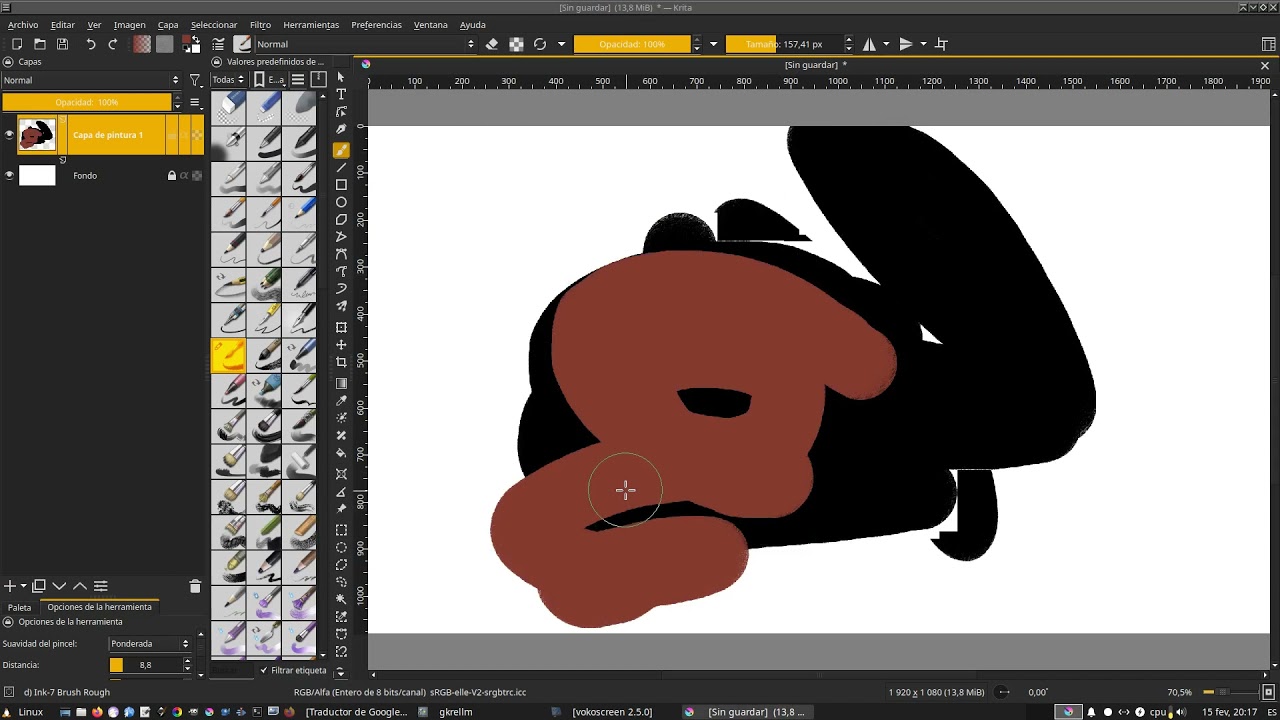
I use Krita every day on a Huion Kamvas Gt221 and Wacom Mobilestudio and every day I learn something new. I must say that I love this software and I don’t feel like I need another one.
I share a draw and comment on an error that I have found and that in the previous version 4.4.8 did not happen.
Report:
Transform tool: After applying transformation on a layer, the layer disappears (?).
The problem appears exactly when I press the “V” key (shortcut created for the “Move” tool).
Small video (youtube)
I take this opportunity to send you all a cordial greeting.
Oscar
In spanish:
Utilizo Krita todos los dias en una Huion Kamvas Gt221 y Wacom Mobilestudio y cada dia aprendo una cosa nueva. Debo decir que me encanta este software y no siento que necesite otro.
Comparto un dibujo y comento un error que he encontrado y que en la anterior versión 4.4.8 no acontecía.
Error:
Herramienta transformar: Después de aplicar transformación en una capa, la capa desaparece (?).
Aprovecho para enviaros a todos un cordial saludo.
Oscar
I’ve watched your video closely but I can’t replicate this with just one layer.
It’s not the layer that disappears, it’s the Layers docker thumbnail preview for it, but that returns.
Does it still happen if you turn off the visibility of all the other layers?
Does it happen in a new image with only one layer above the background layer?
I took my time to replicate the error and record it with the keys.
(later I delete the video, I don’t want to harm your excellent work, just report the error to help improve it)
in spanish:
Muchas gracias!
Me tomé mi tiempo de replicar el error y grabarlo con las teclas.
(después elimino el video, no quiero perjudicar su excelente trabajo, apenas comunicar el error para ayudar a mejorarlo)
The strangest thing is that the move tool isn’t selected when you click the v key. Even thou the cursor changes to the 4 side arrow, which indicates the move tool is active.
Can you check your keyboard shortcuts? Just for sanity check.
I’m on Linux Pop! OS 21.10 and can’t replicate the problem.
Also, as in the first video, there are tiling artifacts when brush stokes are made over the previous brushstrokes.
I don’t see that happening at all with the 5.0.2 appimage on Debian 10.
I’ve tried Canvas Graphics Acceleration on/off, Scaling Mode variations and Instant Preview Mode On/Off. I don’t have this or any problem.
If I press the ‘v’ key after finalising a transform operation then I see the Line tool momentarily, as I expect, and then the Transform bounding box reappears.
If they can’t replicate the same error it’s because it’s a problem with me, with my configuration in the software or who knows, something mysterious…
Luckily I can work without problem, as long as I don’t press the “v” key after the transformation (I have the same frequently used keys as in Gimp).
Thanks again!
Original text in spanish:
Si no pueden replicar el mismo error es porque es un problema mio, de mi configuración en el software o quién sabe, algo misterioso…
Por suerte, puedo trabajar sin problema, siempre que no pulse la tecla “v” después de la transformación (tengo las mismas teclas de uso frecuente que en Gimp).
I really don’t like the defeatist tone of just “I will ignore the problem”, but I also can’t make you pursue the bottom of this problem.
In turn can you at least answer my previous question? Better yet, if you could answer those one:
Did you change your shortcuts previously?
Is the shortcut named Clear still assigned to the Del key?
There is any other shortcut using the V key?
The last resort could be to restore all the shortcut to default. Both the Keyboard shortcut and the Canvas shortcut