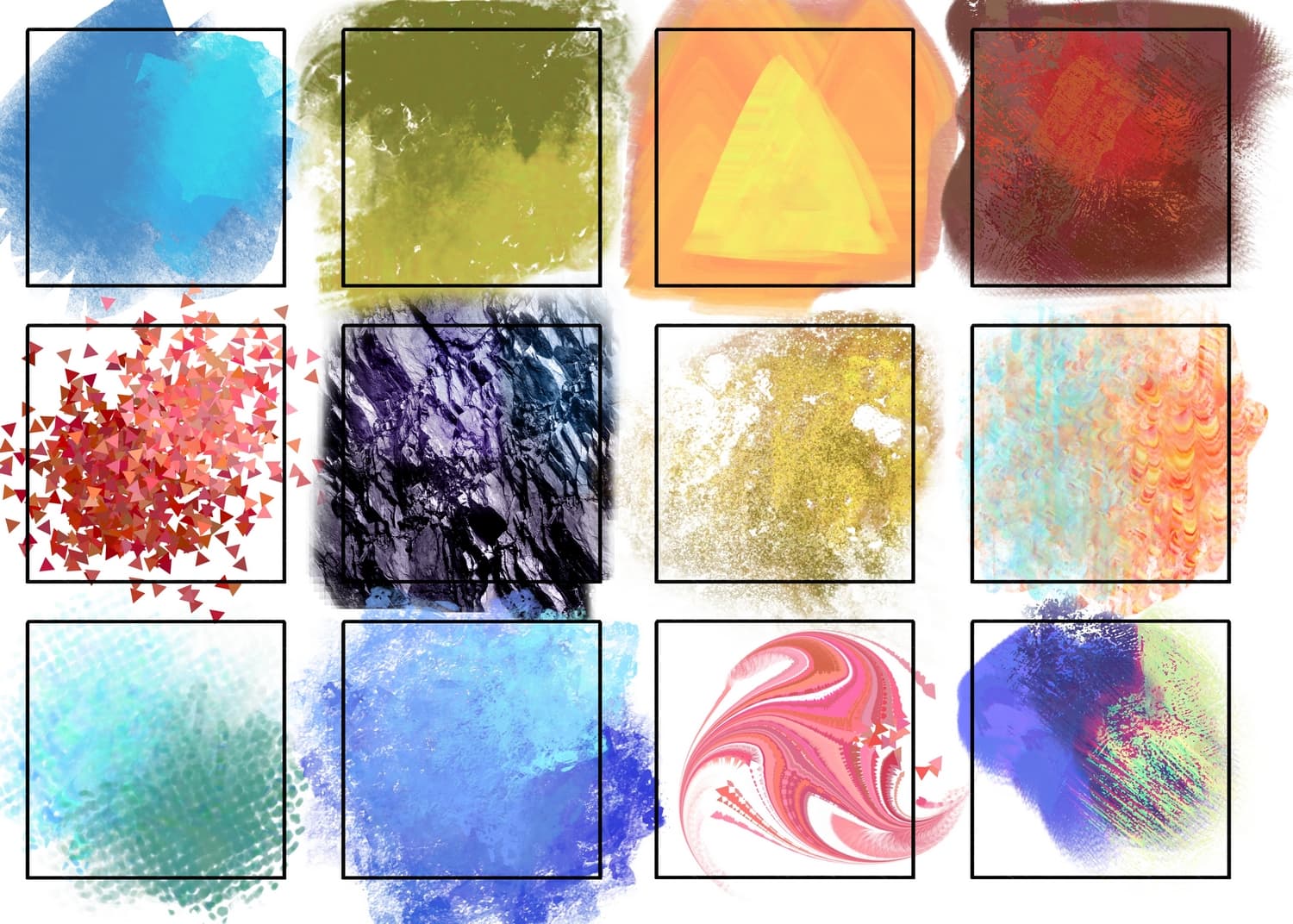
I experiment a lot with brushes and would like to share my developments with the community. These are basically brushes to simplify the workflow. I change many of them during the process of work.
Thanks for sharing these brushes! The dots one is just what I needed, and I’m mindblow that something like the faux 3D (if not chromatic aberration) one is even possible.
Just a heads up though, a few brushes seem to be broken:
Bundle "/.var/app/org.kde.krita/data/krita/Experimental_brushes.bundle" is broken. File "brushes/Juho-brushes-2020_15" is missing
Bundle "/.var/app/org.kde.krita/data/krita/Experimental_brushes.bundle" is broken. File "brushes/Kisti_3" is missing
Bundle "/.var/app/org.kde.krita/data/krita/Experimental_brushes.bundle" is broken. File "brushes/Kisti_5" is missing
These brushes are super interesting. Challenging to do something nice with just one brush using most of them. I did this with one brush, b soft pencil. Unfortunately, my favourite turned out to be 4 megabytes, too large to upload.
Your work on these probably goes mostly unsung, so here’s to you. Thanks
You need the bundle Experimental Brushes.bundle out of the root of the shared folder and the ABR Juho-brushes-2020.abr out of the subfolder If you have broken brushes.
The second bundle Addition_for_eperimental_brushes.bundle in the subfolder together with the ABR is an empty bundle, it looks like @marui_mg made a little mistake with the creation of that bundle.
Now, after you have downloaded both needed files Experimental Brushes.bundle and Juho-brushes-2020.abr, you import them into Krita like every other bundle is imported. By the way, for Krita the Juho-brushes-2020.abr is a bundle too, so you can import both files at once via Settings > Manage Resources... where you then have to click on the button + Import and then browse to the downloaded Experimental Brushes.bundle and Juho-brushes-2020.abr to select both at once and import them into Krita with a click on the OK-Button.


 Hello
Hello