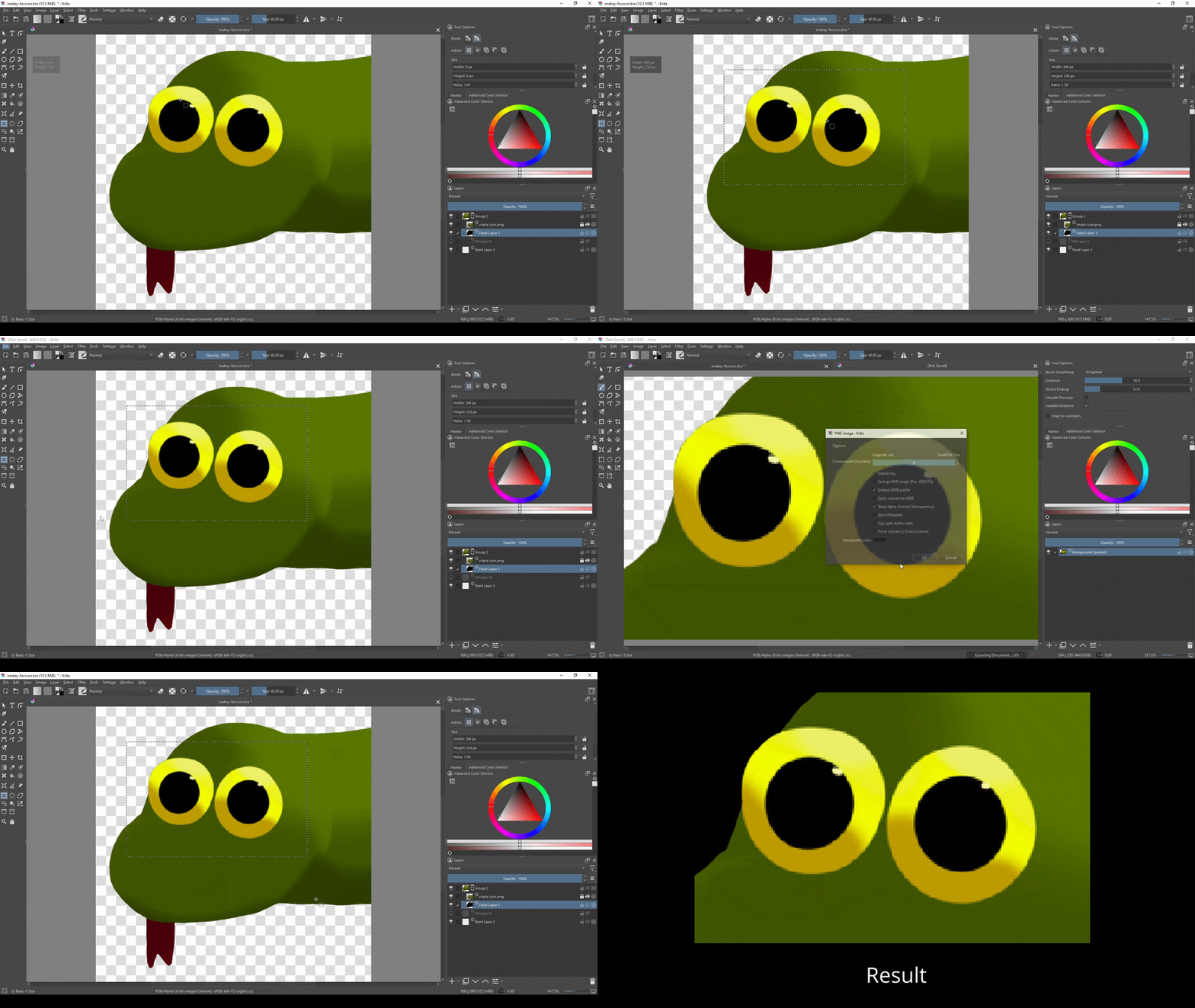
Adds an “Export Region…” option to the file menu that allows you to only export the contents of a selected region.
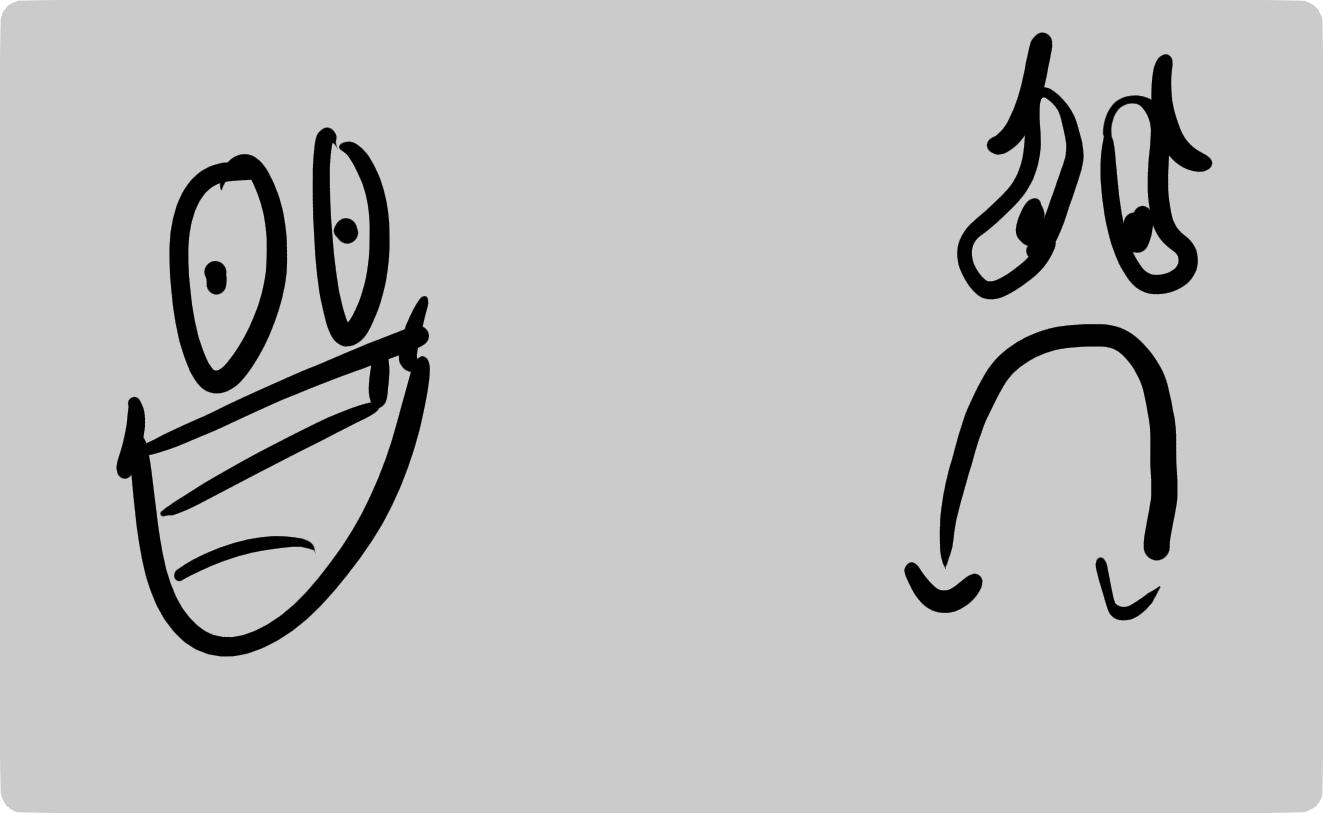
If nothing is selected, then it will crop the image to fit the bounds of the currently active layer (useful if you like to have a really big canvas with a smaller working area).
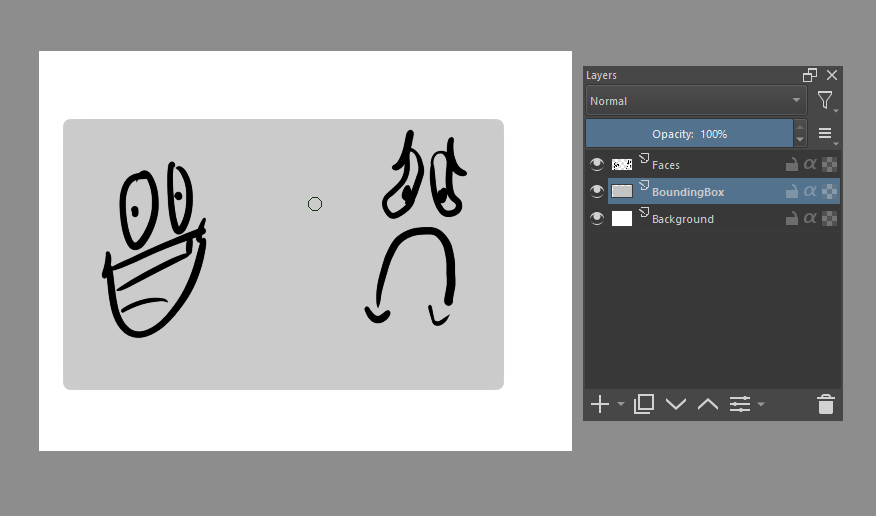
Tip for people using this: in Krita you can “save” a selection by selecting and then adding a “Local Selection” to a layer, so if you usually need to export the same area over and over again, just make it a “Local Selection” and then it takes 1 click to re-select that area again.
Thanks for the tip; As someone who colors a lot with filter layers I’ve been wondering for a while If there was a way to save local selections for future use