Hello! I am new to this forum so please forgive any mistakes I make.
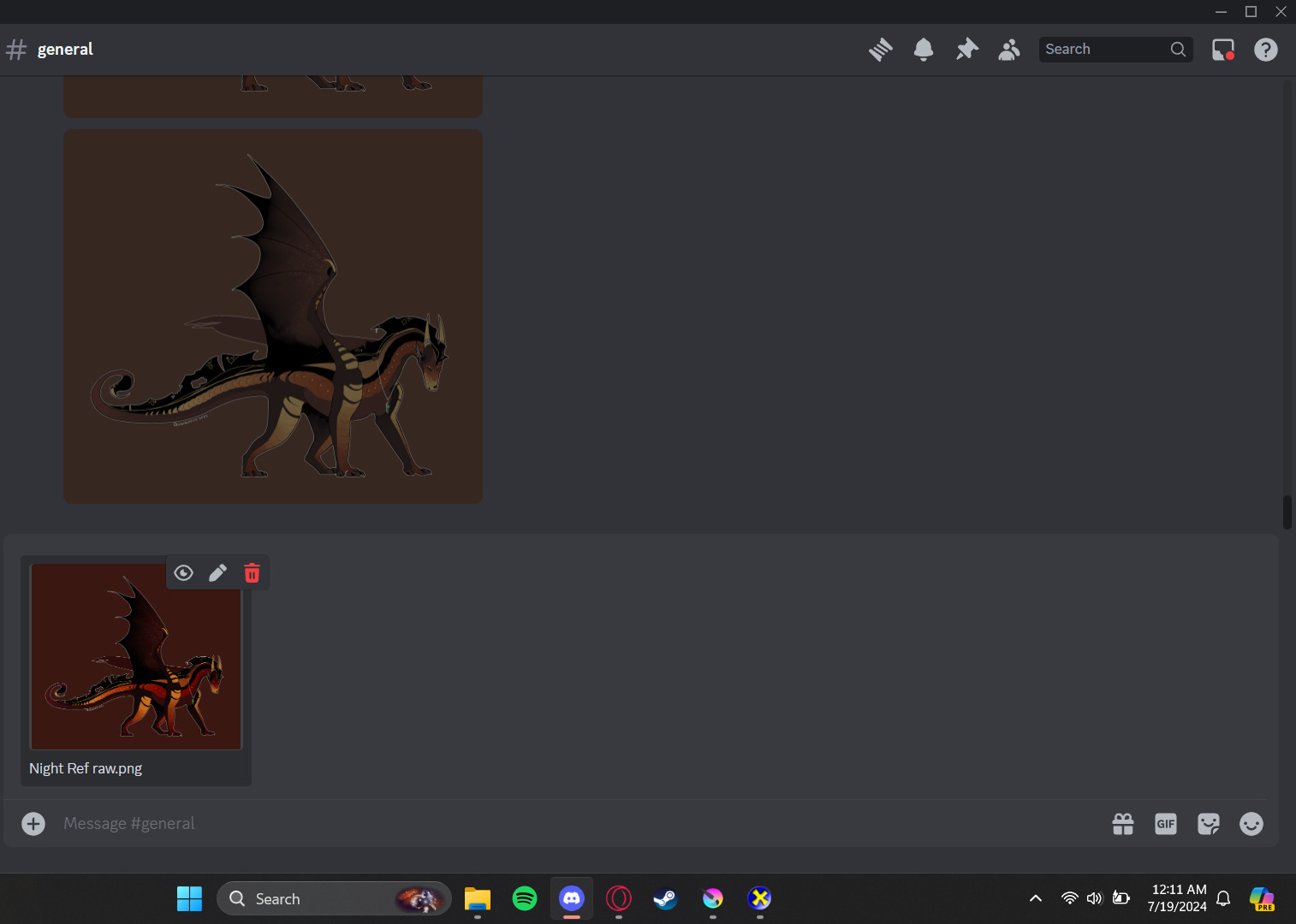
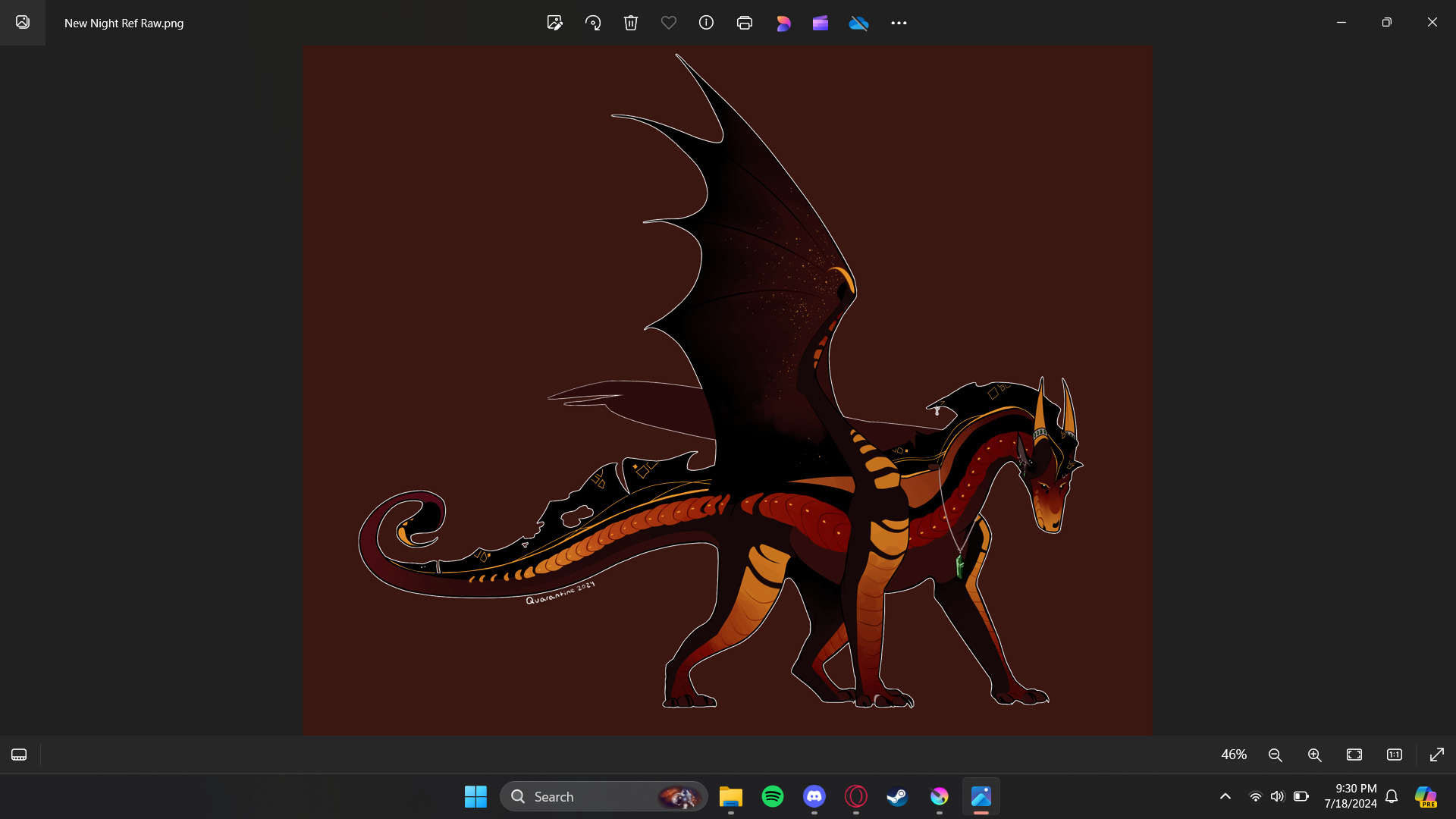
I’ve only just recently started using Krita, and made a new ref sheet for one of my characters. This was the first thing I wanted to export and share from the program, but after exporting it as a PNG, sharing it through Discord made the colors desaturate. The thumbnail in my files and before it sends in Discord are correct, but once it goes through, this problem occurs.
This is to do with color profiles. Windows is converting it for you I guess? But to fix it, you can go to image> convert image colour space. And make sure you have srgb (default) selected.
Probably save a backup version of your file first because all of the colours will change within Krita.
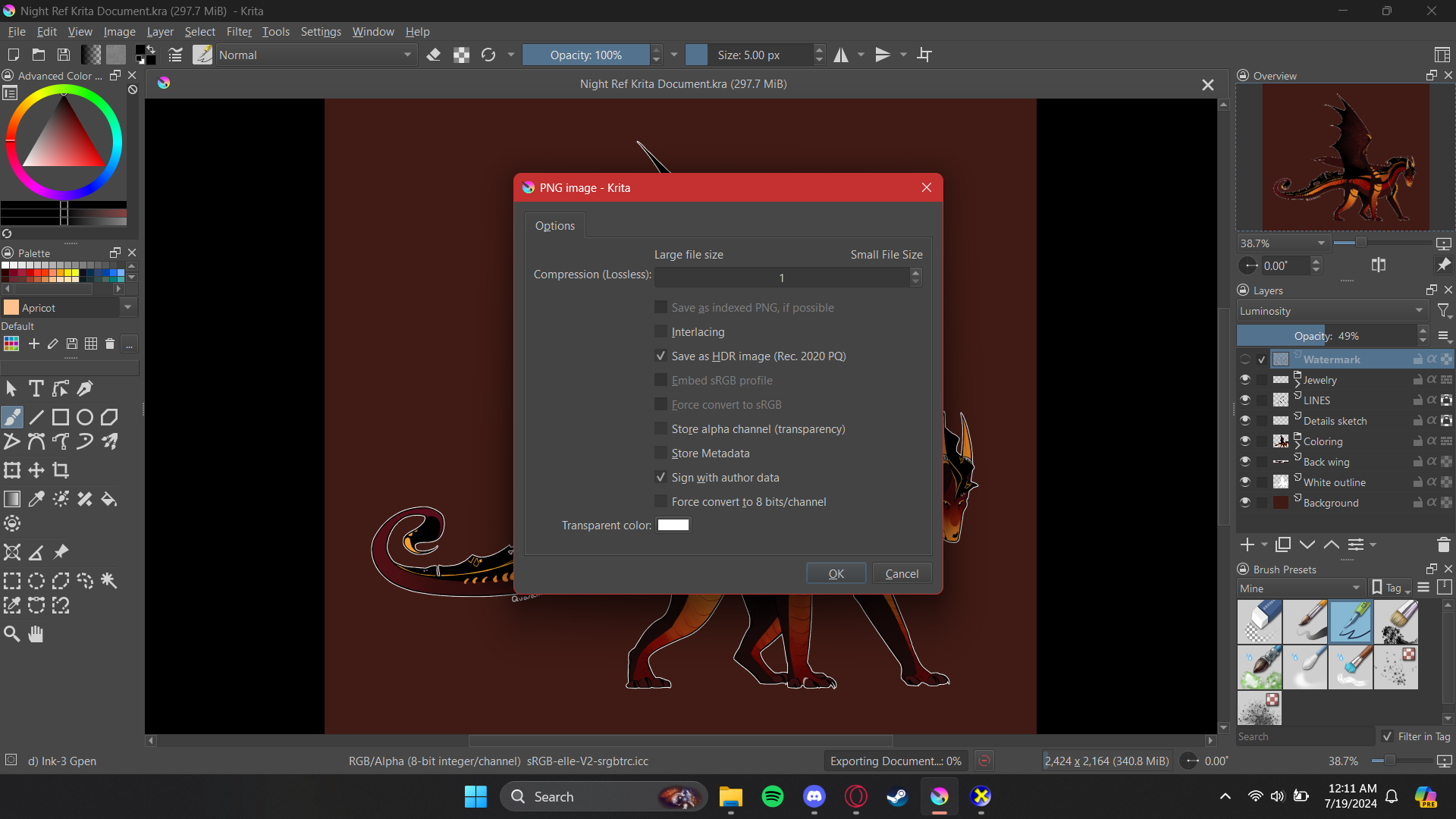
I’ll add that if you have everything in order, your krita file is set to sRGB color space, etcetera… but you still get desaturated colors after you export to PNG, check “Force convert to sRGB” box in the export window.