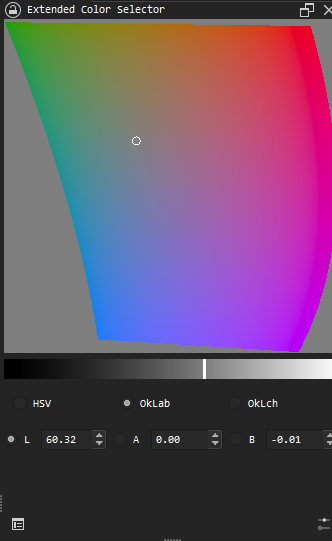
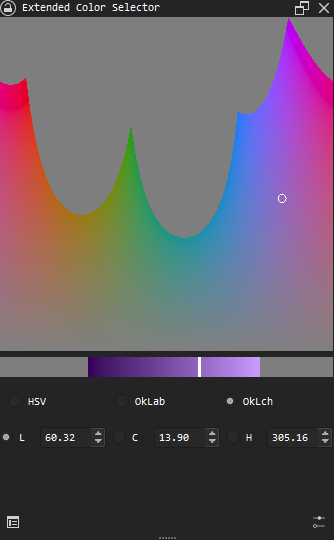
Sometimes, you may want to download unreleased versions of this plugin. For example there’s a bug fix, or a new feature. You can go to Github Actions page to download ci builds.
Hi, just uploaded v0.1.1, can you update the plugin and try again?
Besides, please offer your OS info and desktop environment (windows, linux or macos?) if it’s still not working. Maybe linux kde? Guessed from your window theme.
And as the new readme says:
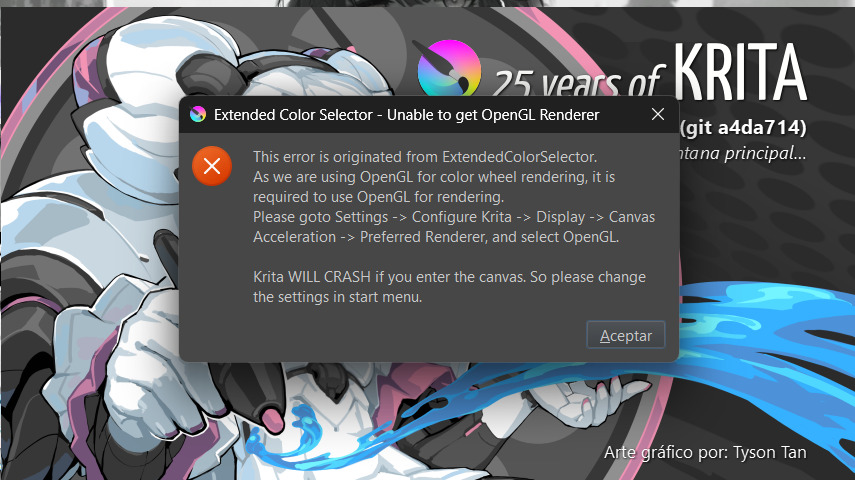
Tested on Ubuntu 24.04.3(GNOME) and KUbuntu 24.04.0(KDE) in VMWare Workstation Pro 17, not working if using OpenGL as canvas acceleration. OpenGL ES or with canvas acceleration disabled works.
Omg, this! Have been looking for smth like this for forever now, thank you sm!
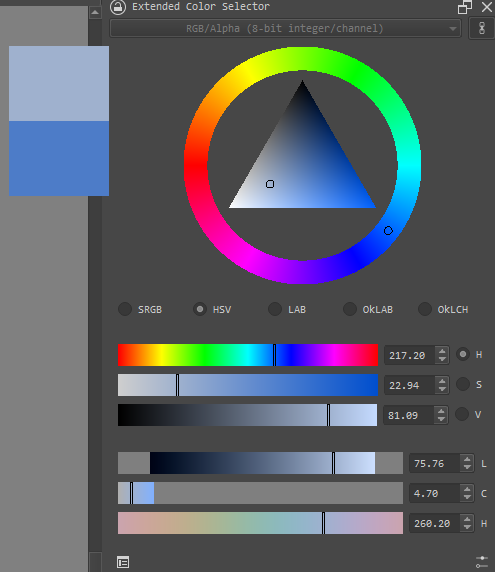
One question, will it ever be possible to implement a feature that lets you zoom in on the color wheel (color circle) ? I’m mostly working with the gamut cutoff and it becomes a bit hard to change the color due to the it’s size xD
Also i was quite confused for a few days why i wasnt able to use E to turn on the eraser, now that i checked the update logs i know why. Thank you sm for fixing the bug as quick as you did!! Appreciate your hard work!
About the feature to zoom in, I think it requires some investigation into how those different color models intersect with SRGB color model. As I’m not very good at math, it may won’t be implemented quite soon. But I’ll definitely add this one day, because I’m also suffering from the tiny area of valid colors.
Last night I realized that I don’t need to compute the limits at real time, but to precompute them and lookup at runtime. It’s easier to write, faster at runtime, while won’t cost much memory comparing to the calculation on the fly.
Defaults to 256 segments for each channel, and extra memory cost would only be around 49 KB.
So there it is. You can download the files at main branch if you can’t wait to try this feature.
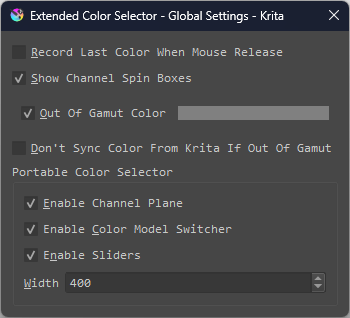
Hi again! Quick question, i’ve noticed that if i color pick the wheel doesnt change the value/brightness of the colors on it, and i was wondering if its a bug or a feature.
Thank you for your time!
Here’s a gif of what i mean. If you need any more info from me please let me know!
So after a long while, I finally published 0.5.0 version.
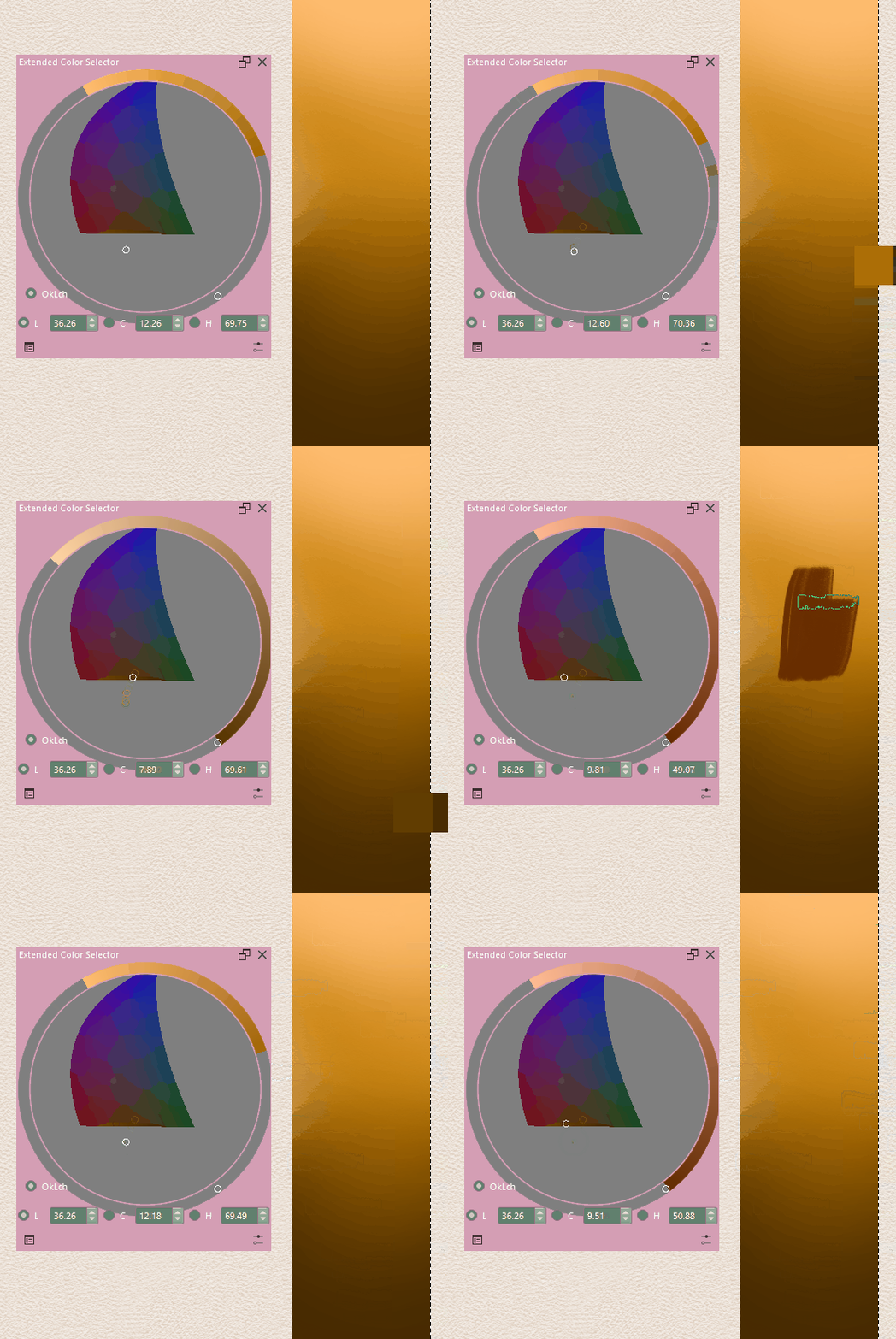
The idea I want to rewrite it in cpp is that, once I was painting, the reference image is not in the default color space. When I use the old extended color selector, it displays color incorrectly. There’s subtle difference between the same color displayed on my plugin and canvas. It’s really annoying. So I did dome research to krita’s codebase and rewrite the plugin
But there are also some disadvantages. The performance degraded significantly… and if there’s some error occurred in my code, krita will crash directly instead of popup a window hint… So use it with caution, this is the first cpp release.
Here’s the changelog, if you’re interested in:
Rewrite the entire plugin using C++;
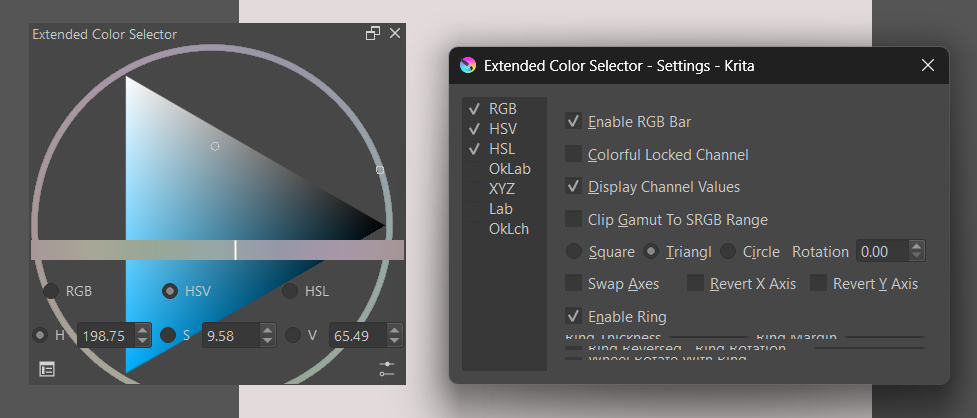
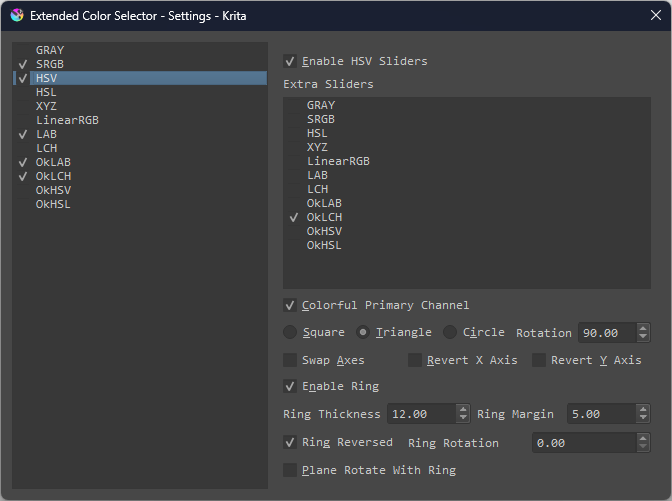
Allow add multiple sliders in one color model;
Integrated with color management system from Krita;
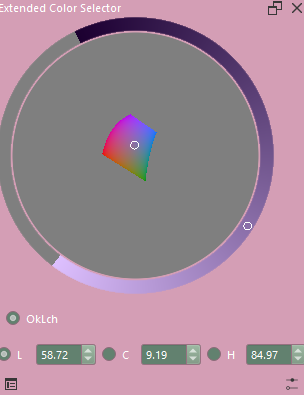
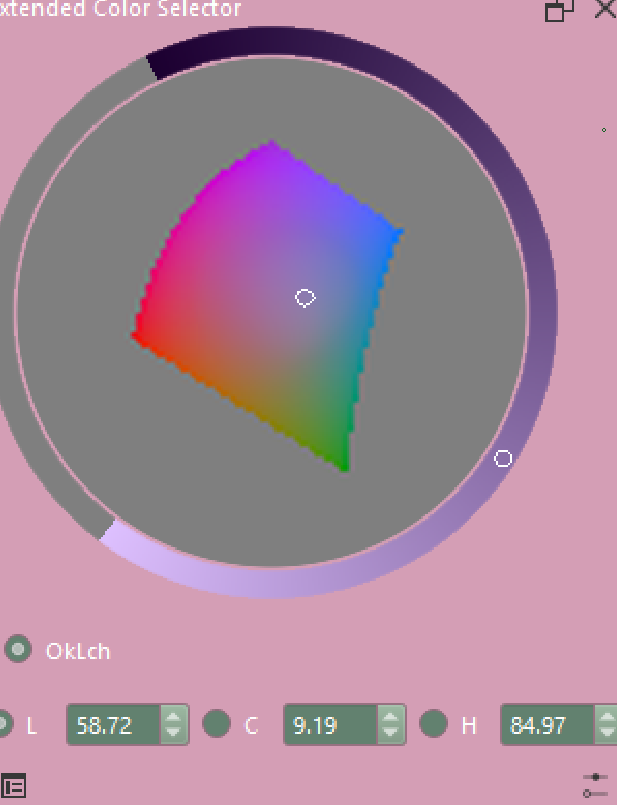
 But I’ll definitely add this one day, because I’m also suffering from the tiny area of valid colors.