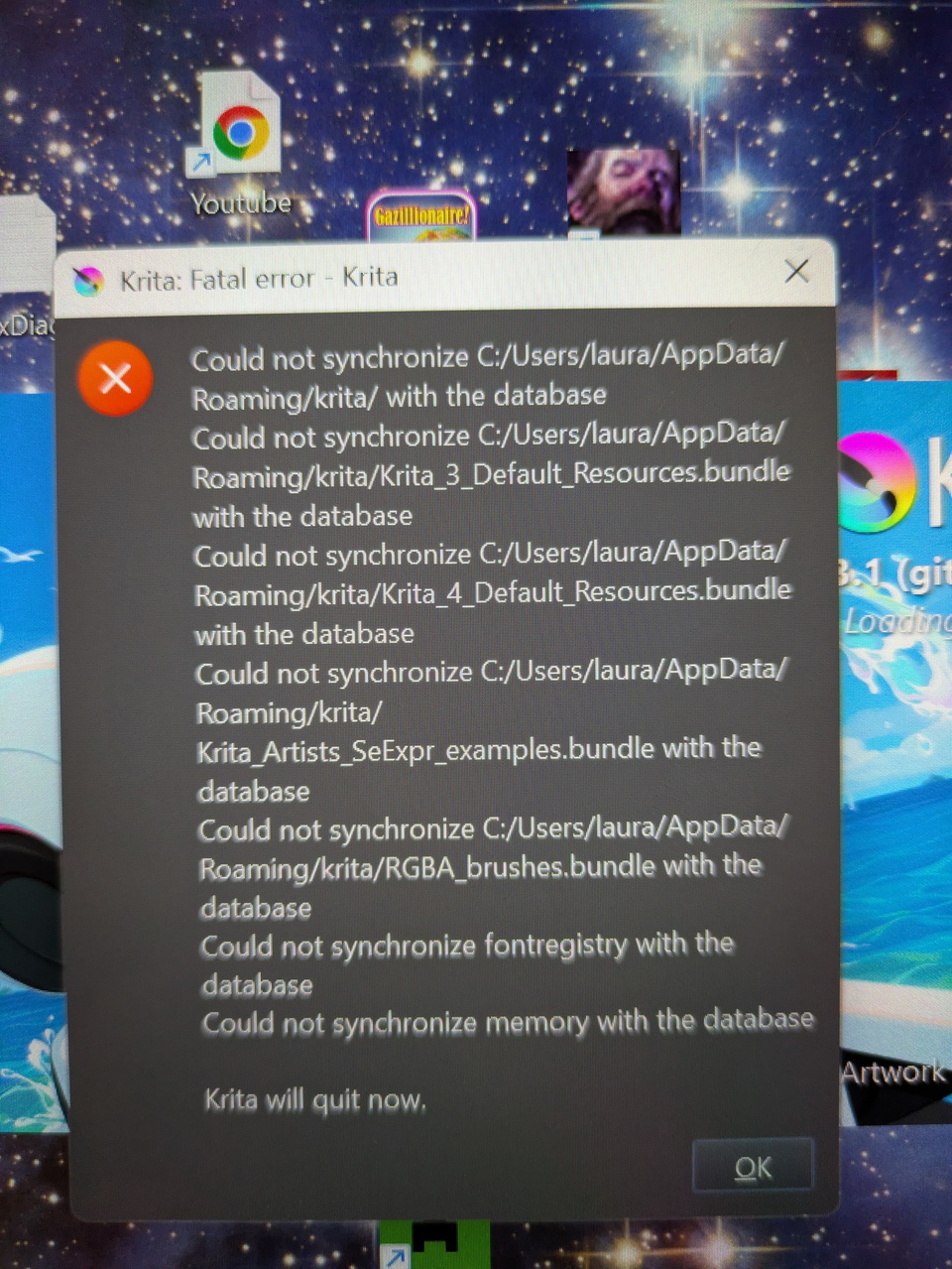
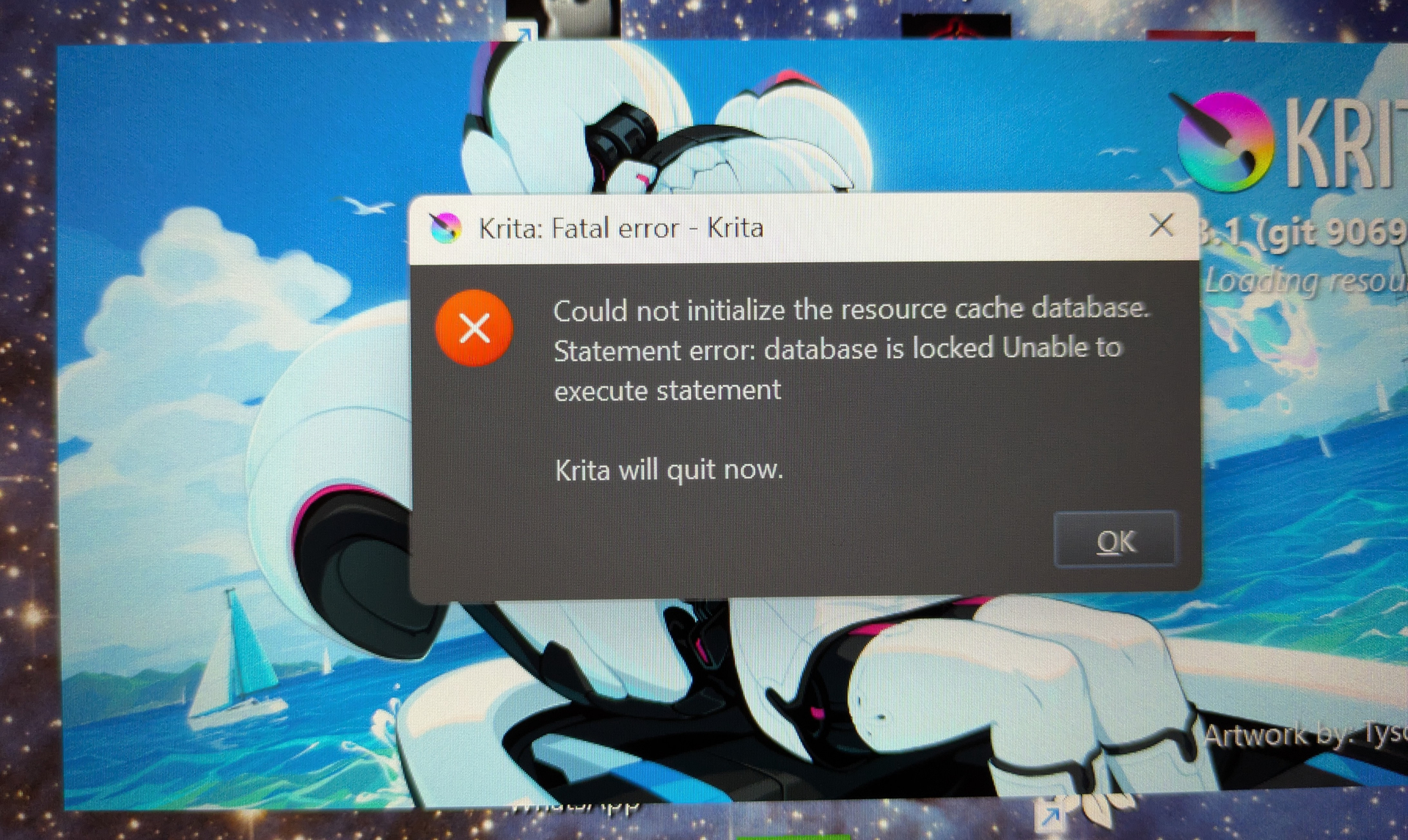
Hi!! This my first time posting anything and it’s out of desperation  I’m having a big issue with a non stop krita error pop up covering the centre of my desktop, rotating between two different texts when I try and get rid of them. I want to try resetting the configuration to fix it but the guide I was following is for older versions and I can’t find how to do so for version 5.3.1
Thanks for ur patience and time whoever reads this
Hello @Kittythefool and welcome to the forum 
Where did you find this guide? Can you post a link to it?
If you’re using One Drive or any kind of automatic file backup/synchronisation application then disable it completely.
Then do a power down restart of your computer.
Then check that One Drive is not running.
Also disable any third party anti-virus application that may be running an your PC.
Then run krita to see if it starts with no error or if it gives the same error messages.
If you get a different error message, about not having any brush presets Quit krita.
Then use your File Explorer to go into the C:/Users/laura/AppData/Roaming/krita folder then find a file called resourcecache.sqlite.
It will be near the bottom of the File Explorer window listing.
Delete the file called resourcecache.sqlite then start krita to see if it now works ok.
Please reply, when you can, to say what you did and what you saw and also post screenshots of any error messages that may have been displayed.
This is the site i was using trying to reset configurations beforehand
I’m actually not certain was it out of date, but the instructions asked me to click settings->reset configuration, and that wasn’t an option on mine
I will try all the steps you’ve listed, thank u so much for ur help, I’m very much not used to dealing with tech issues so I really appreciate it!! 
Okay after a full reset the pop ups have vanished. I’m not certain what caused them originally as I don’t have onedrive running or any other third party virus blockers. I want to add that while the pop ups were there I could still access and use krita through my file explorer instead of my desktop, and the pop ups only occured after I switched to using my hotspot after not having WiFi on my computer.
Thank u for all ur help, you’ve saved me a lot of stress I’m gonna get back to animating now
That is now Settings -> Reset All Settings and only affects the UI customisations that you may have made as well as some functional settings. It does not affect the resources. Fixing problems with the resources can be complicated, as you have found out.
I’m glad it’s now working for you. A full reset of your PC will have removed the lock file that was preventing krita from accessing the resourcescache.sqlite file.
Why it got locked is a matter of mystery and can be speculated about at length but that is best left to the developers.
Enjoy making animations and please post them in a topic on the forum so we can all see them
If you feel that my reply here has solved your problem then please mark it as the Solution with the small ‘check box’ icon.
That will show it as Solved in the topic listing so that people don’t spend time trying to help solve a problem that has now been fixed.