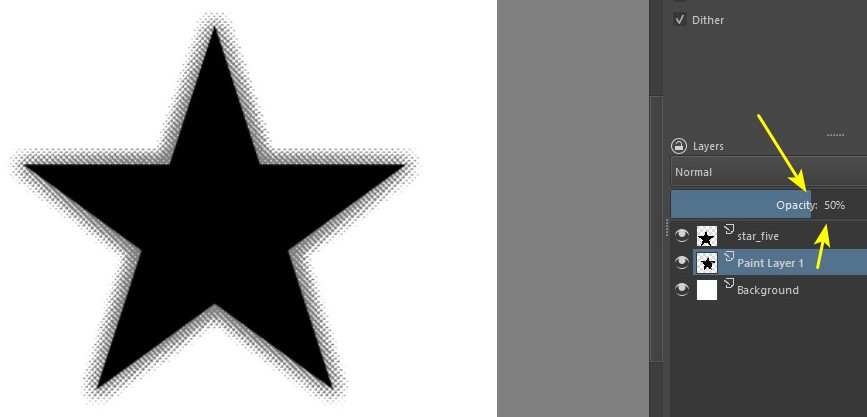
Hmmm… maybe there are other solutions. I just tried one of them. In a new file, I imported the vector of a star. I took out the outline and painted the inside of the star black. Then I converted it to paint layer. I clicked on the star holding the Ctrl key to activate the selection and created a new layer, below. Next, I went to Select > Grow Selection:
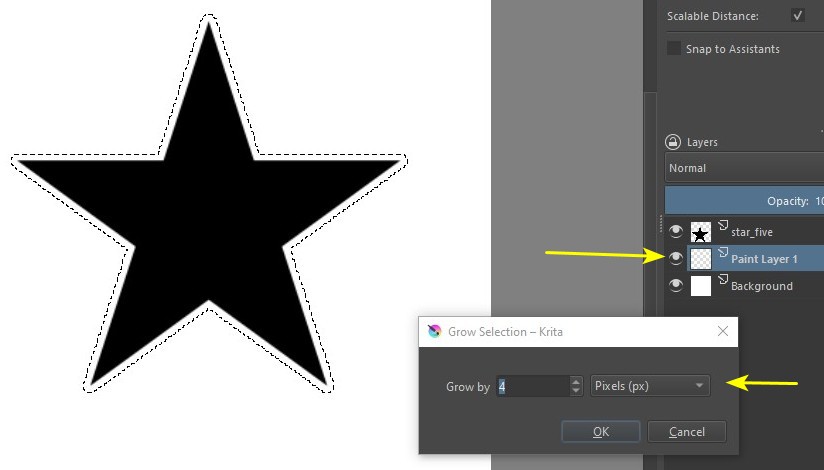
Still with the selection activated, I went to Select > Feather Selection. I tried to double the value:

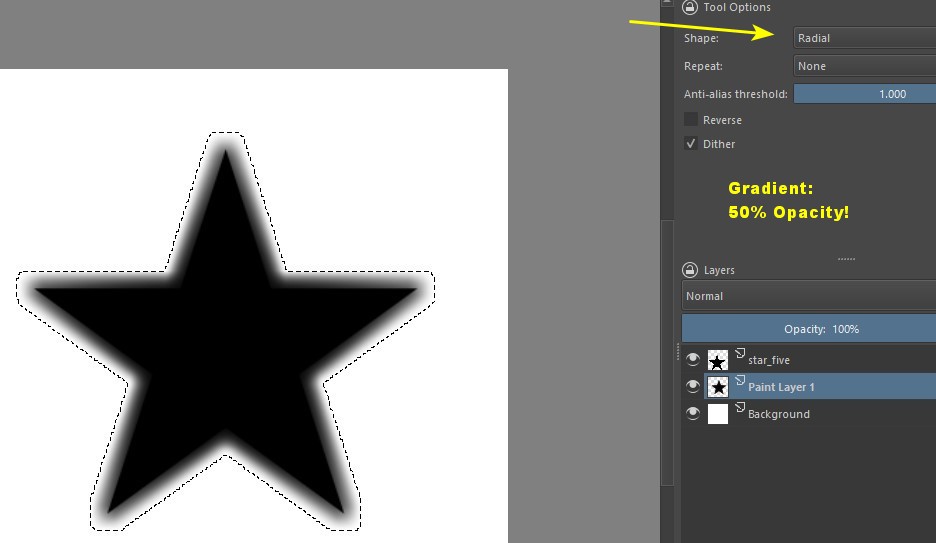
Then I used the gradient tool, in Radial mode. Gradient Black to Transparent and with 50% opacity. I applied it from the center of the star outwards five or six times (and on the bottom layer!):
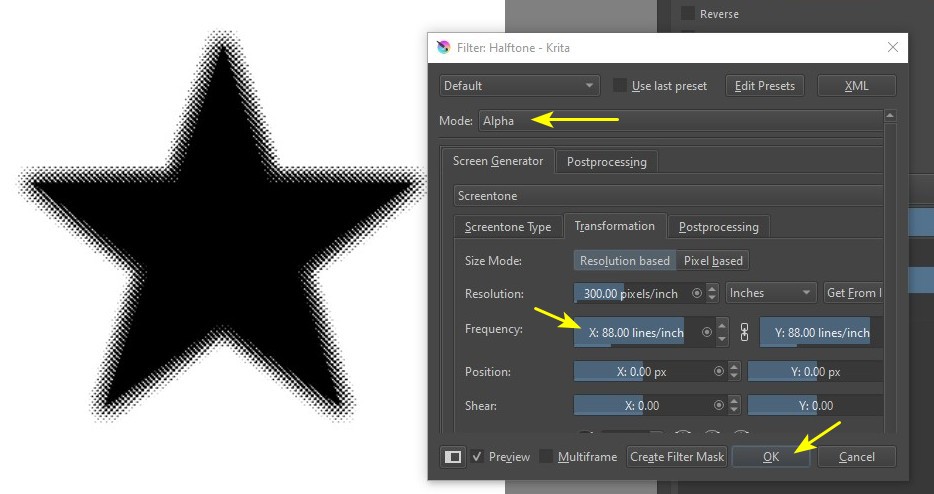
Filter > Artistic > Halftone. It’s the first time I use this filter, my main settings are indicated by the yellow arrows:
Finally, I lowered the opacity of the layer to 50%…