```markdown
Hi everyone,
I’m experiencing very tiny tool cursors when using Krita on a tablet (Huawei MatePad Air, 14-inch) with a connected graphics tablet or Bluetooth mouse. This makes precise work difficult.
I’ve filed a bug report here: **Bug 507726** (https://bugs.kde.org/show_bug.cgi?id=507726)
Beyond just fixing it as a bug, I want to propose a **permanent UX improvement: a configurable “Tool Cursor Scale” slider** (e.g., 100%-300%) in `Settings → Configure Krita → General → Cursor`. This would benefit all tablet users, regardless of their OS.
**Could you:**
- Reply here if you have the same issue on your Android/ChromeOS/HarmonyOS tablet?
- Show your support for this feature idea if you think it’s useful?
Community feedback is valuable to prioritize this. Thanks!
```https://bugs.kde.org/show_bug.cgi?id=507726
There is actually a fix for this waiting here: Draft: Replace raster cursors with SVG (!2547) · Merge requests · Graphics / Krita · GitLab
It’ll be tied to display scaling, so it should then automatically fix it. It’s just that I need to find time to finalize the bugfix.
EDIT: note that this is also fixed by switching to wayland, the problem is really that X server’s dpi scaling code is buggy. not applicable here.
I’ve made an Android build of that work-in-progress version. @dazhuang could you check how this behaves on your device? You should be able to install it without altering your existing Krita installation, the application will be a separate “Krita Debug” app instead. The download is here: Artifacts · android-build-arm64-v8a (#3668104) · Jobs · Graphics / Krita · GitLab
On my Samsung S6 Lite, it does not work properly, the cursors are just a glitchy mess. But the regular cursors are also kind of glitchy, so this may be a device-specific problem.
@Drawpile Thank you for the test build! I have completed the testing on my Huawei MatePad Air (12-inch screen, HarmonyOS). Here are the detailed results:
Test Setup:
- Device: MatePad Air (12-inch, HarmonyOS)
- Peripherals Tested: Bluetooth mouse & Wired graphics tablet
- Software: Krita Debug build you provided
- Steps: Changed cursor settings in
Settings → Configure Krita → General → Cursor, then connected/disconnected peripherals to observe all tool cursors.
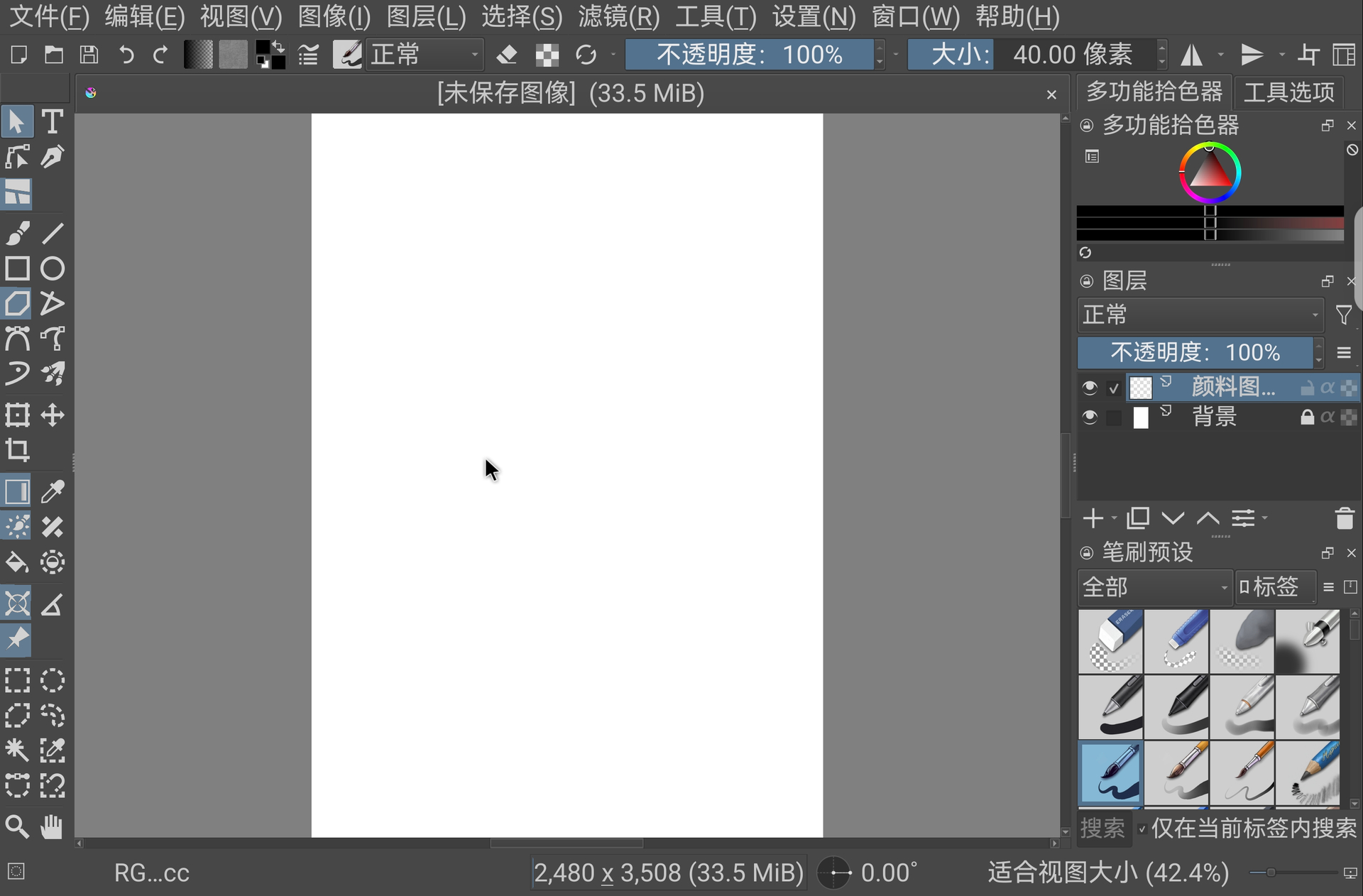
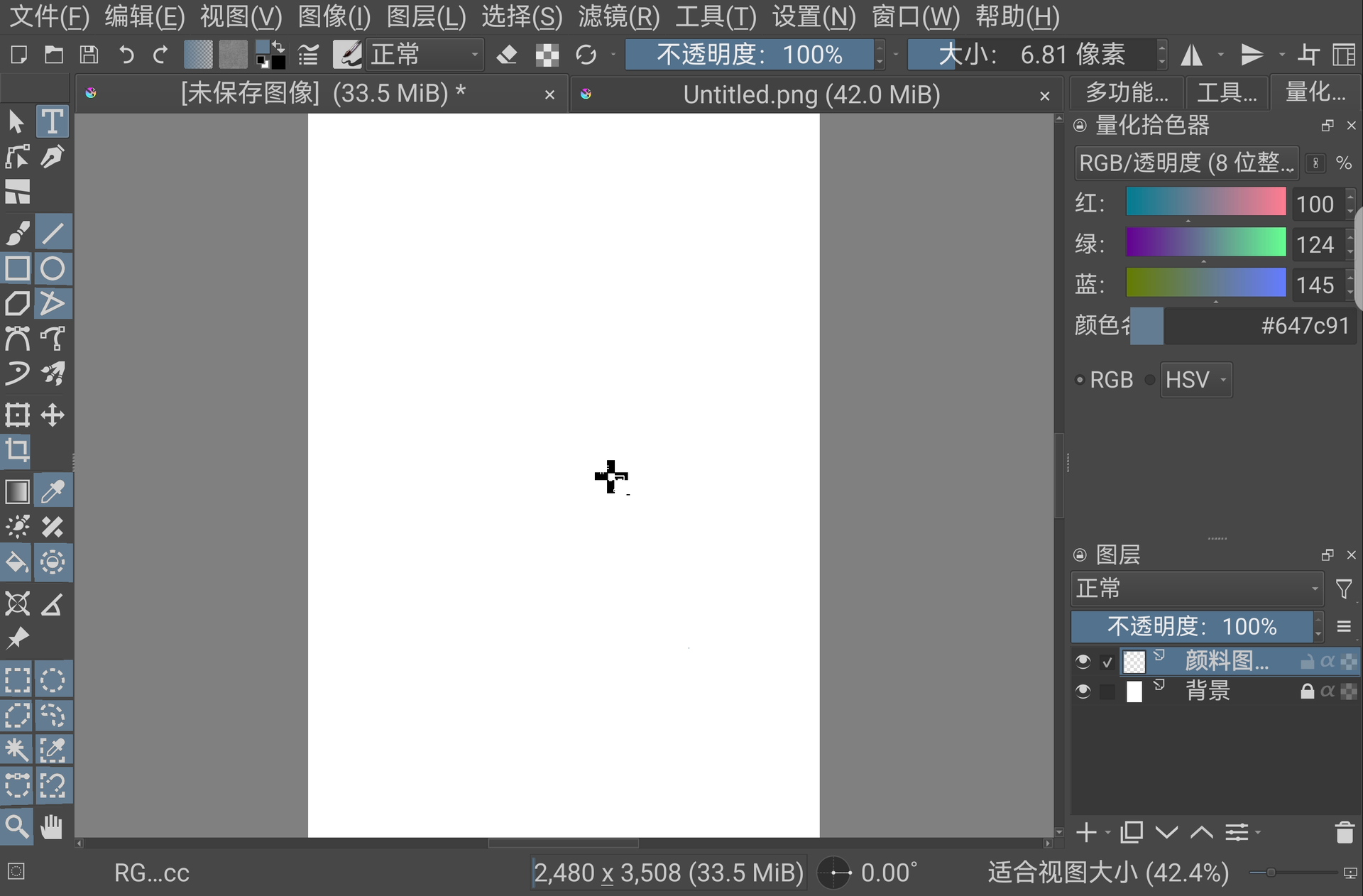
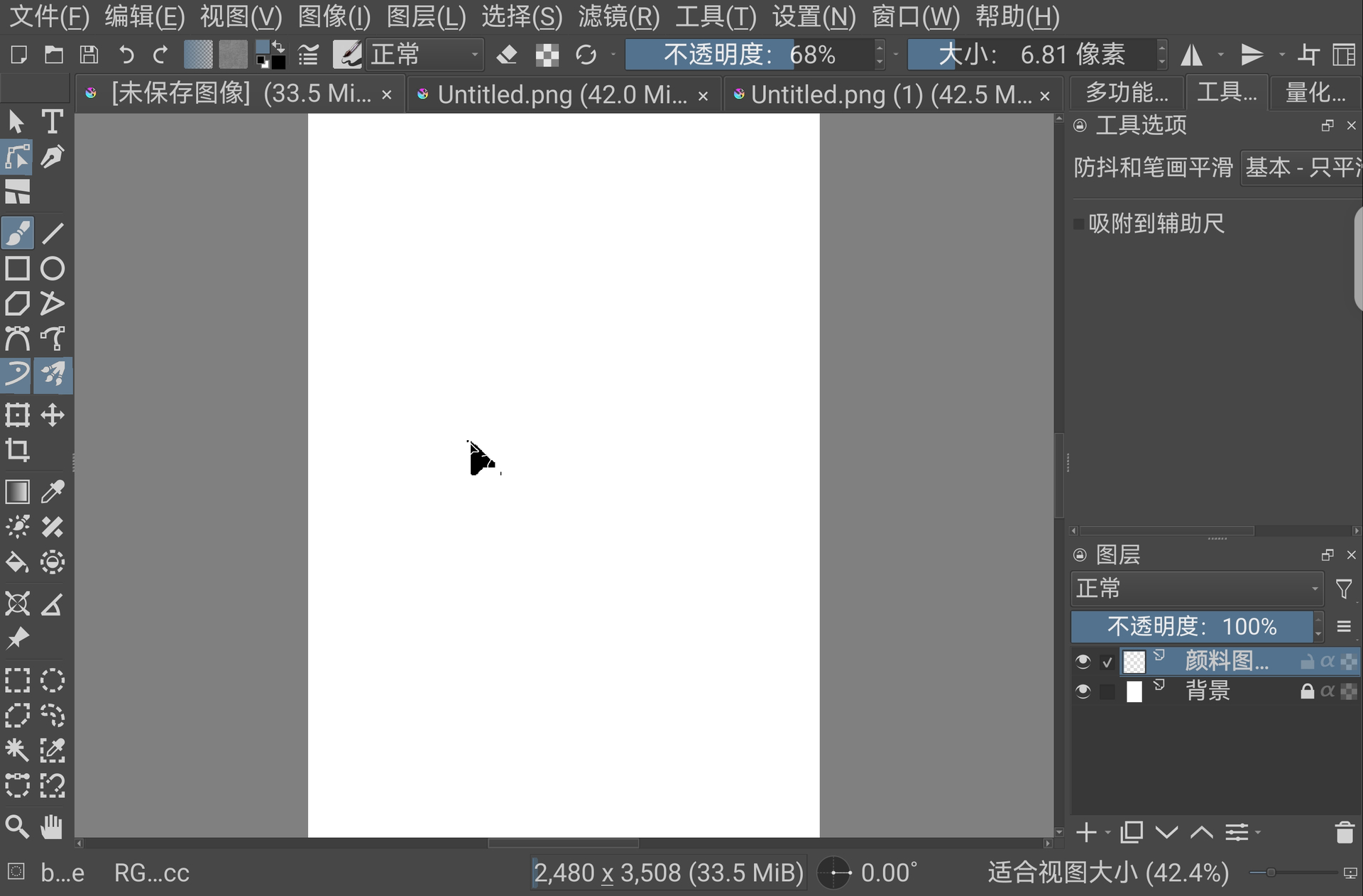
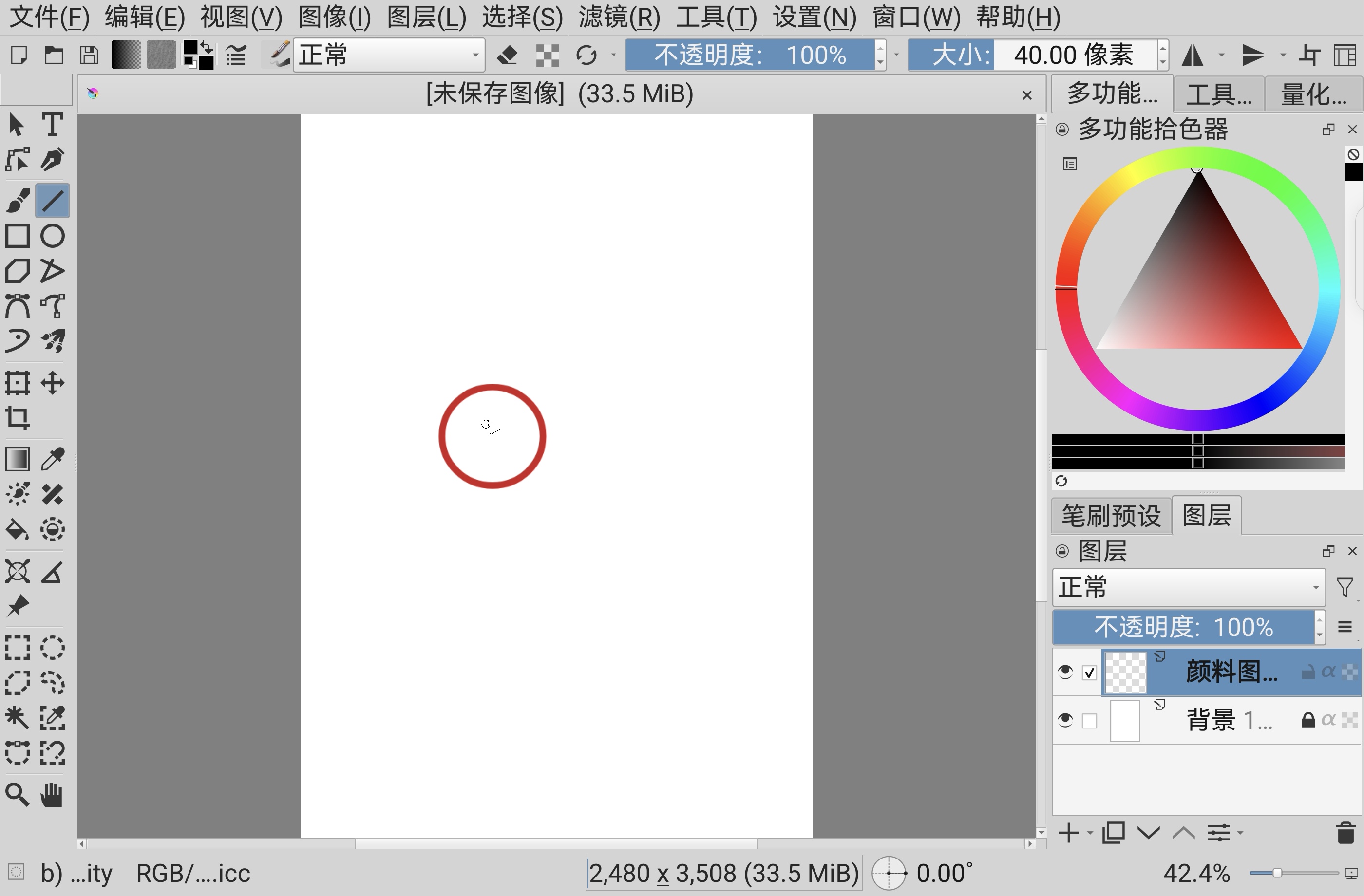
Observed Results (Refer to attached screenshots):
The cursors now appear in three different states, but the issue is not fully resolved:
- System Default Cursor: Some tools now correctly show the system’s default mouse pointer (an improvement).
- Large but Incomplete Arrow: Some tools show a large, incomplete arrow icon. On my 12-inch screen, it measures about 7 cm in length and width. While larger, it is glitched and not a proper arrow.
- Large but Incomplete Crosshair: Similarly, some tools show a large, incomplete crosshair icon, also about 7 cm in size.
Comparison & Conclusion:
- Size: The new cursors (7 cm) are significantly larger than the original tiny ones (which were about 1.5 cm). This confirms the scaling logic is being applied.
- Graphical Integrity: However, most are graphically corrupted (incomplete). This aligns with your observation on the Samsung device (“glitchy mess”).
- Device-Specific?: This suggests the fix is working in principle (making cursors bigger) but is encountering rendering issues specific to certain GPUs or Android/HarmonyOS graphics stacks.
Screenshots:
Thank you again for your quick work. Please let me know if you need any more specific information or testing from my device.
Thanks, looks pretty much the same as on my device, so I don’t think further device-specific testing is necessary. I may give a ping again once we think we fixed it though.