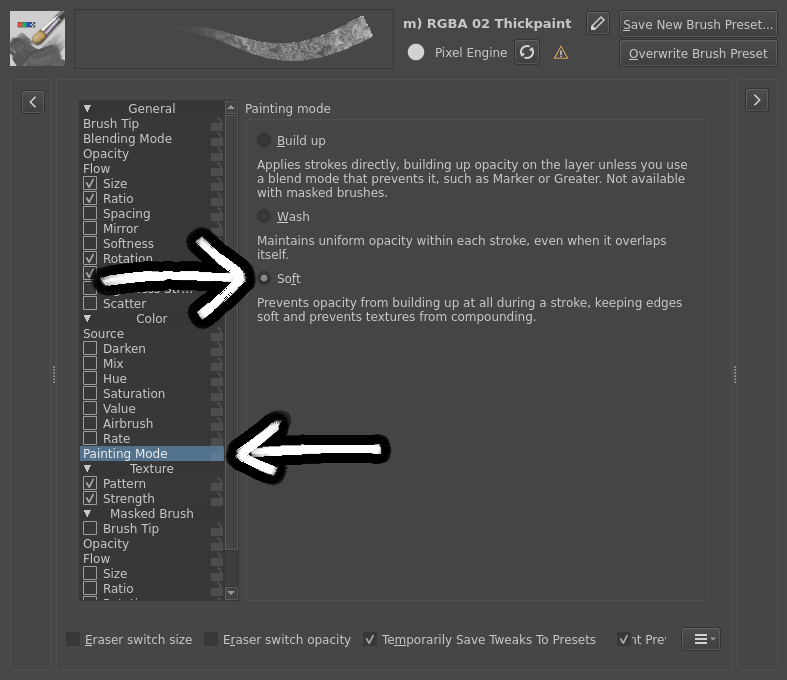
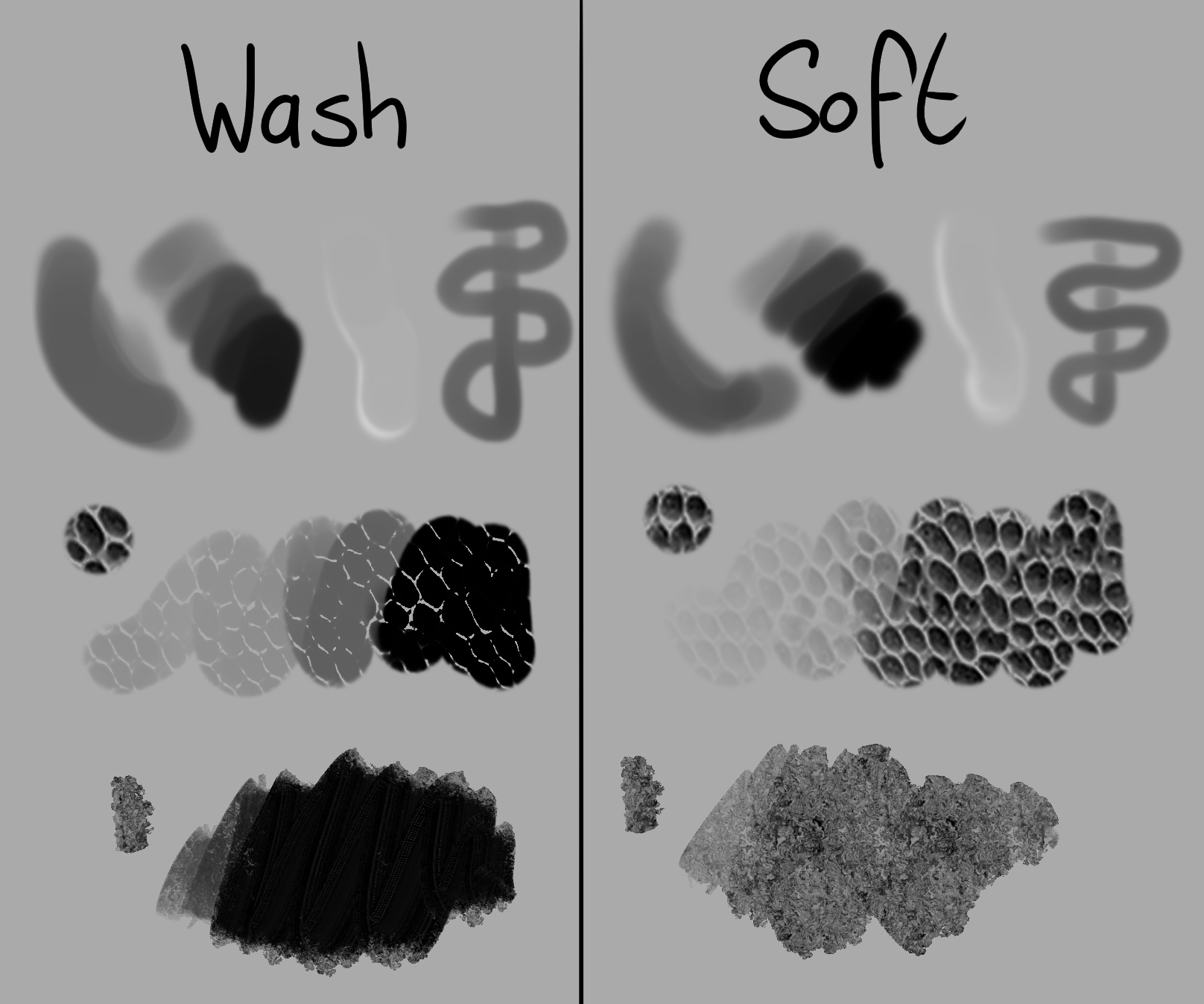
I’ve implemented a new painting mode for Krita called “Soft”, originally from Drawpile. It is an indirect mode similar to Wash, but instead of the opacity of each pixel being limited by the stroke’s overall opacity, each pixel is limited individually, preventing build-up within the stroke. It can be enabled in the brush settings under Painting Mode.
This lets soft edges stay soft, which is useful for soft shading, manual gradients and some erasing-out techniques for water droplets and the likes. It also makes textures not compound in opacity, giving a similar effect to brush textures applied per stroke.
Please try it out and leave feedback if this is useful to you and if find any issues with it. If you don’t want to do so in public, you can also send me a private message here instead. That includes text issues, there might still be some text that assumes there’s only two painting modes!
Important note: this is based on the latest development version of Krita. Do not post about general issues with Krita 5.3/6.0 in this thread. Post it in this thread that is meant for it instead. This thread is only for feedback about the Soft painting mode, it’d be nice if it didn’t get derailed.
Some other notes:
If you don’t see the “Painting Mode” setting in a brush then that brush engine doesn’t support different painting modes.
Very soft brushes have a funky effect when you draw over the same area in a single stroke. That’s just the mode working as intended, it’s not a bug.
Liquify not having a Soft mode is intentional. What it calls “Wash” is really just an indirect/non-incremental mode, it’s not actually a painting mode.
I haven’t tested it yet, but I think Craig Mullins works in a similiar way with Ps’ round brush: several strokes to increase value, while knowing repainting in the same stroke won’t affect it.
For one, if this is useful to artists, since that’s what matters for including it into the program proper. On the other hand, like you said, if you can find anything wrong with it. There’s a lot of different tools and settings in Krita, so there’s a chance I missed something where it somehow doesn’t work. Or simply some piece of text that needs to be changed, I’ve had to adjust some places that said “you can only do this in Wash mode” and similar.
So what you wrote is exactly what’s needed, it being useful and not causing problems is good to hear!
May i ask if this is an alternative separate option feature from the brush textures applied per stroke , because seems good alternative to have this Soft Painting Mode as a part of the Mode of painting.
But the other option for Brush texture applied per stroke its more likely to have it for a global use inside the pattern section.
It’s a different thing, but it has a similar effect.
Wash painting mode caps the opacity of each pixel by the opacity of the stroke at that moment. That means that the both the edges of your brush and textures inside it build up opacity.
Soft painting mode caps the opacity of each pixel by the opacity of that pixel in the stroke. Neither the edges of the brush nor the textures inside it build up opacity.
“Brush textures applied per stroke” is something that only makes sense in Wash mode. It would mask each pixel by the opacity of the texture so that the edges of your brush build up opacity, but the textures inside don’t. Adding it as a feature would still be valid, but it’s much more complicated to implement and optimize, since it adds another dimension to the stroke.
If there’s nothing wrong with it and it doesn’t get blocked by something, I would guess no later than the next minor version, yes. Which will be 6.1 and maybe also 5.4 simultaneously, if we end up having to continue the parallel 5 and 6 releases (hopefully not.)
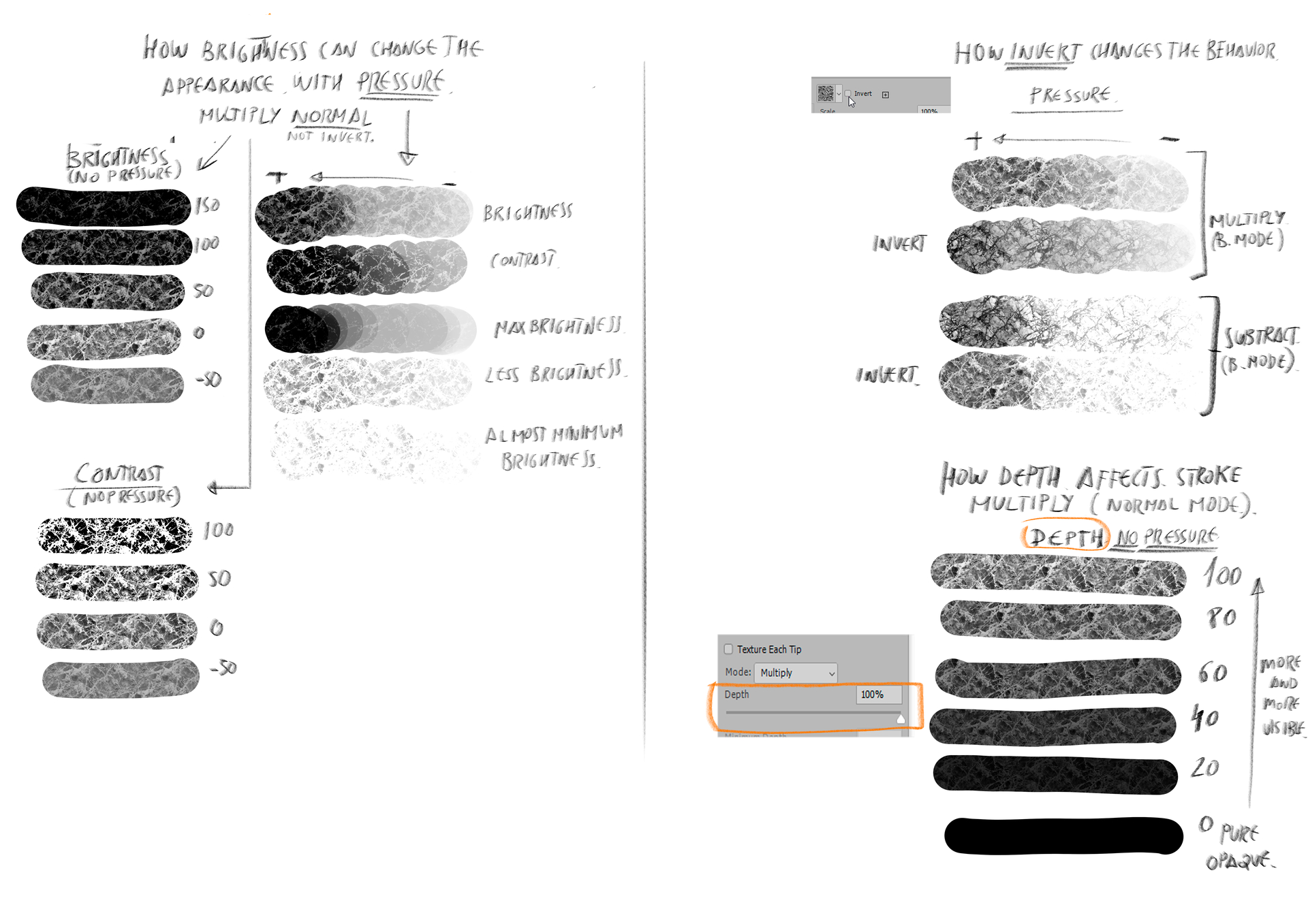
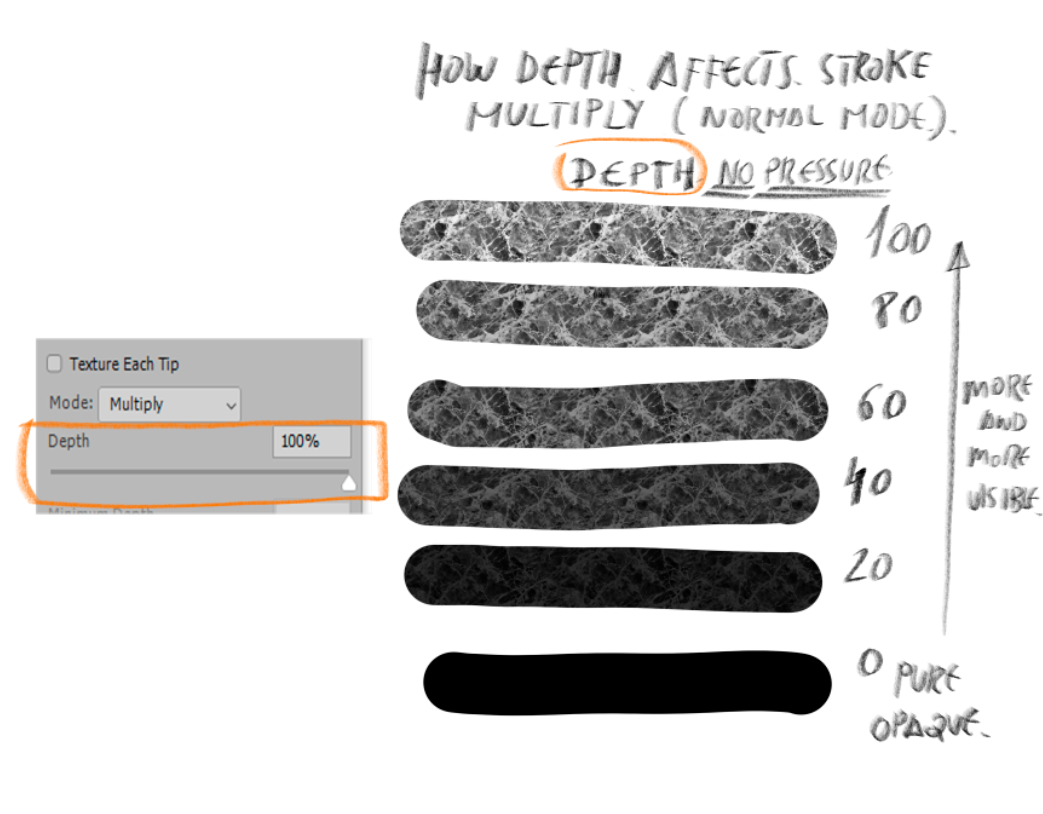
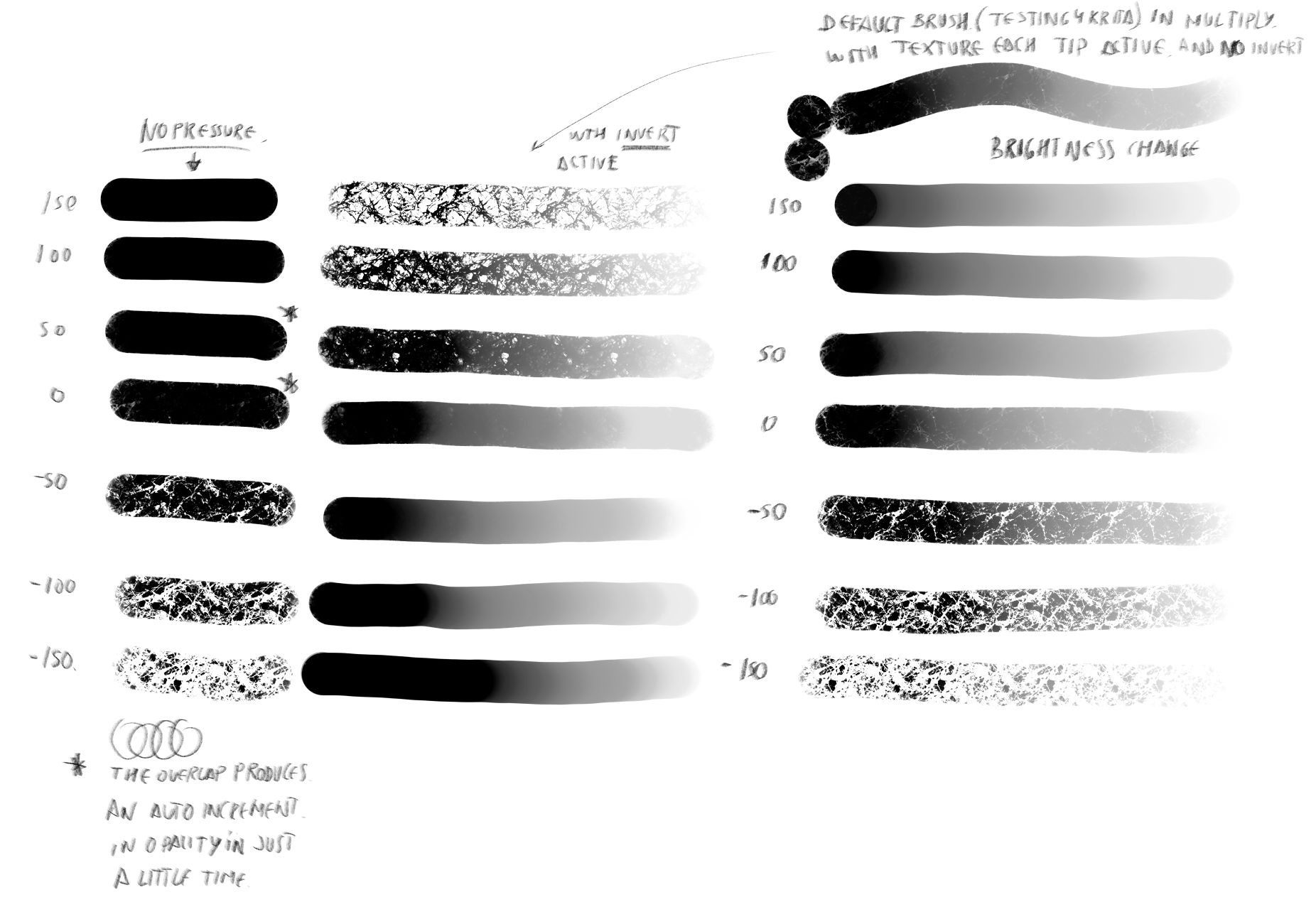
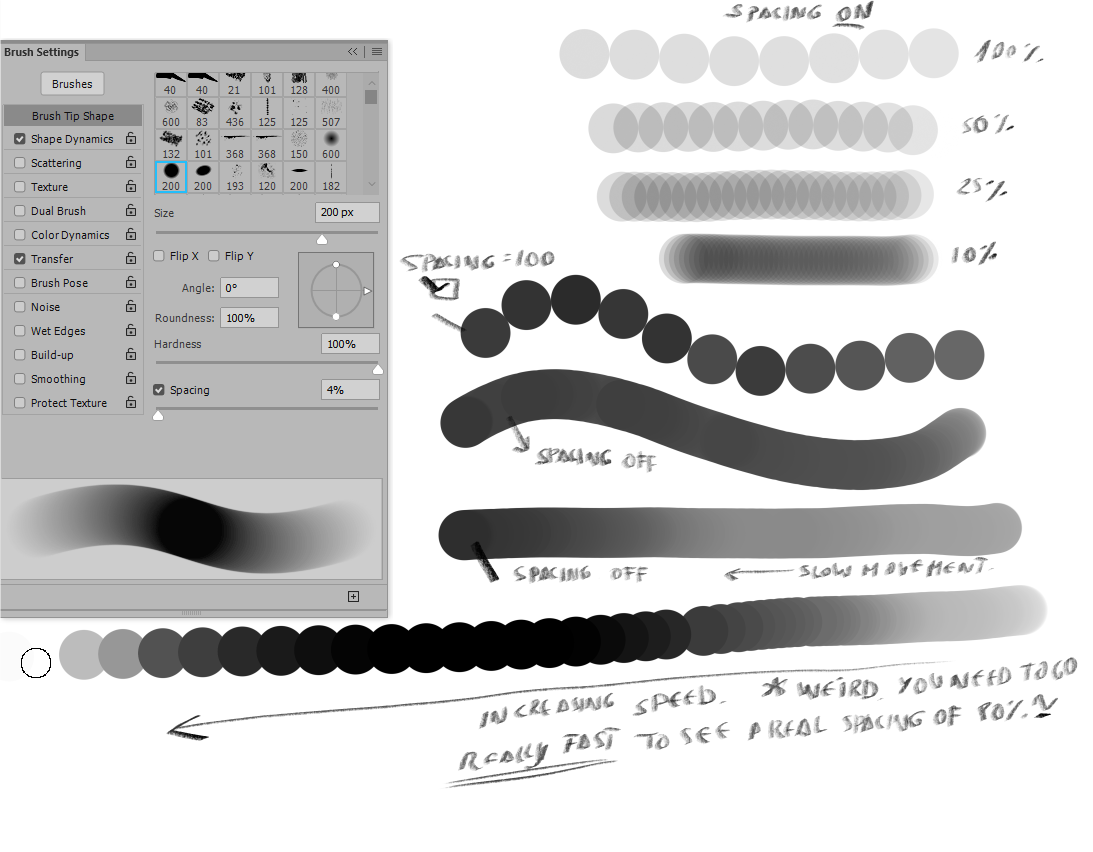
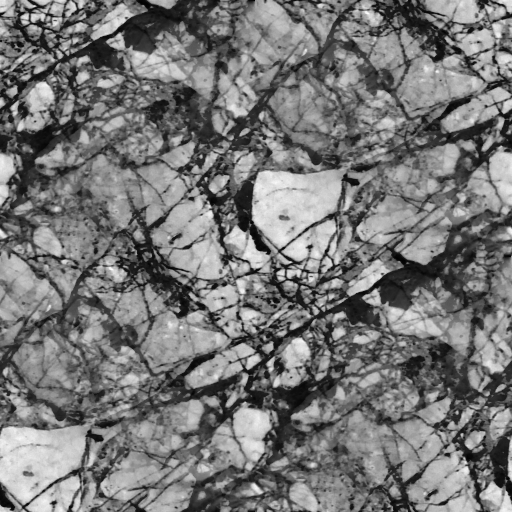
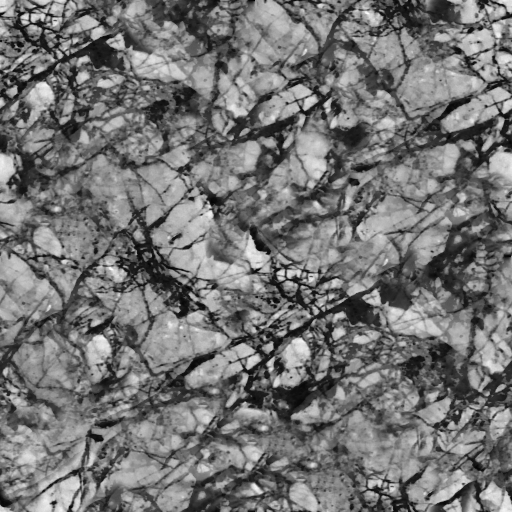
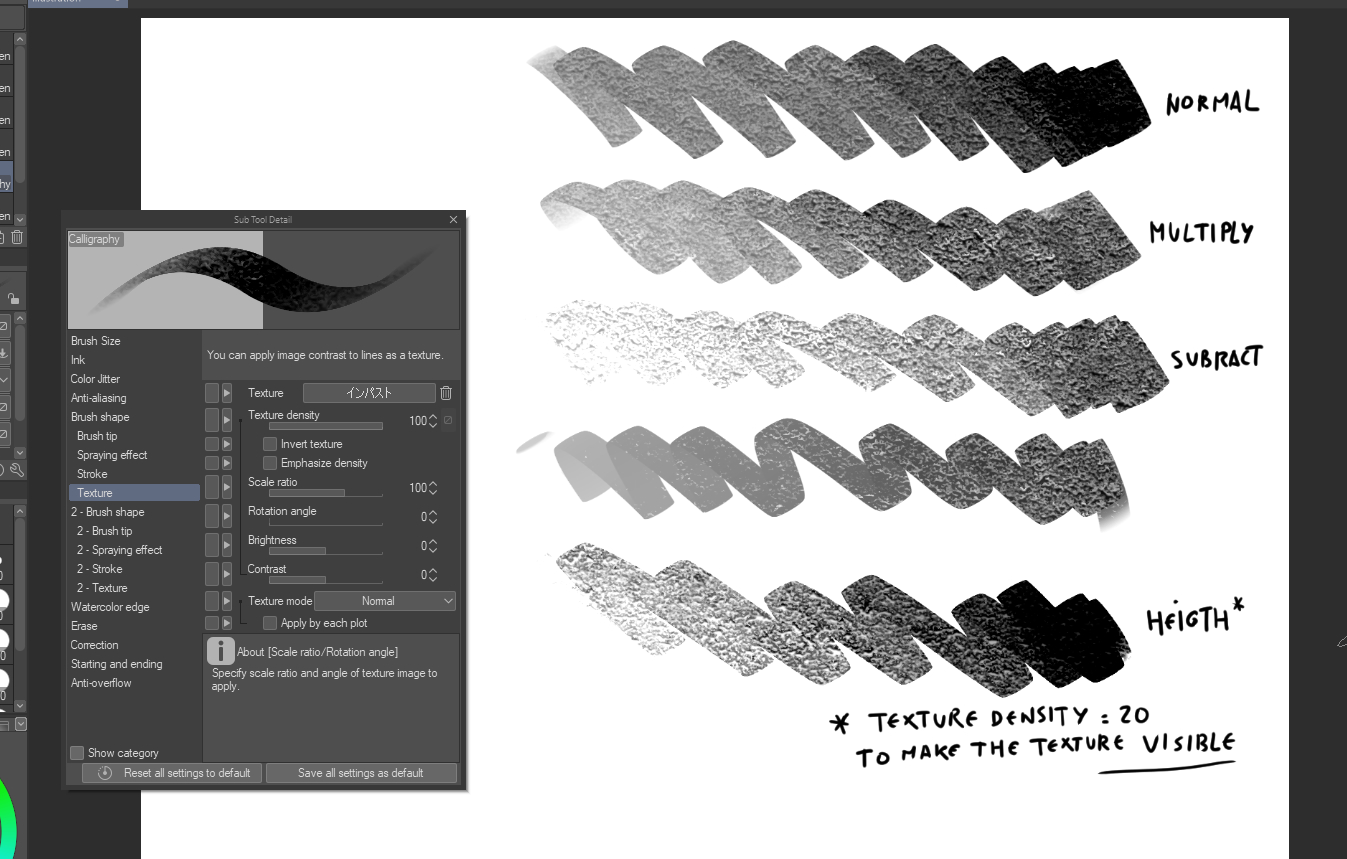
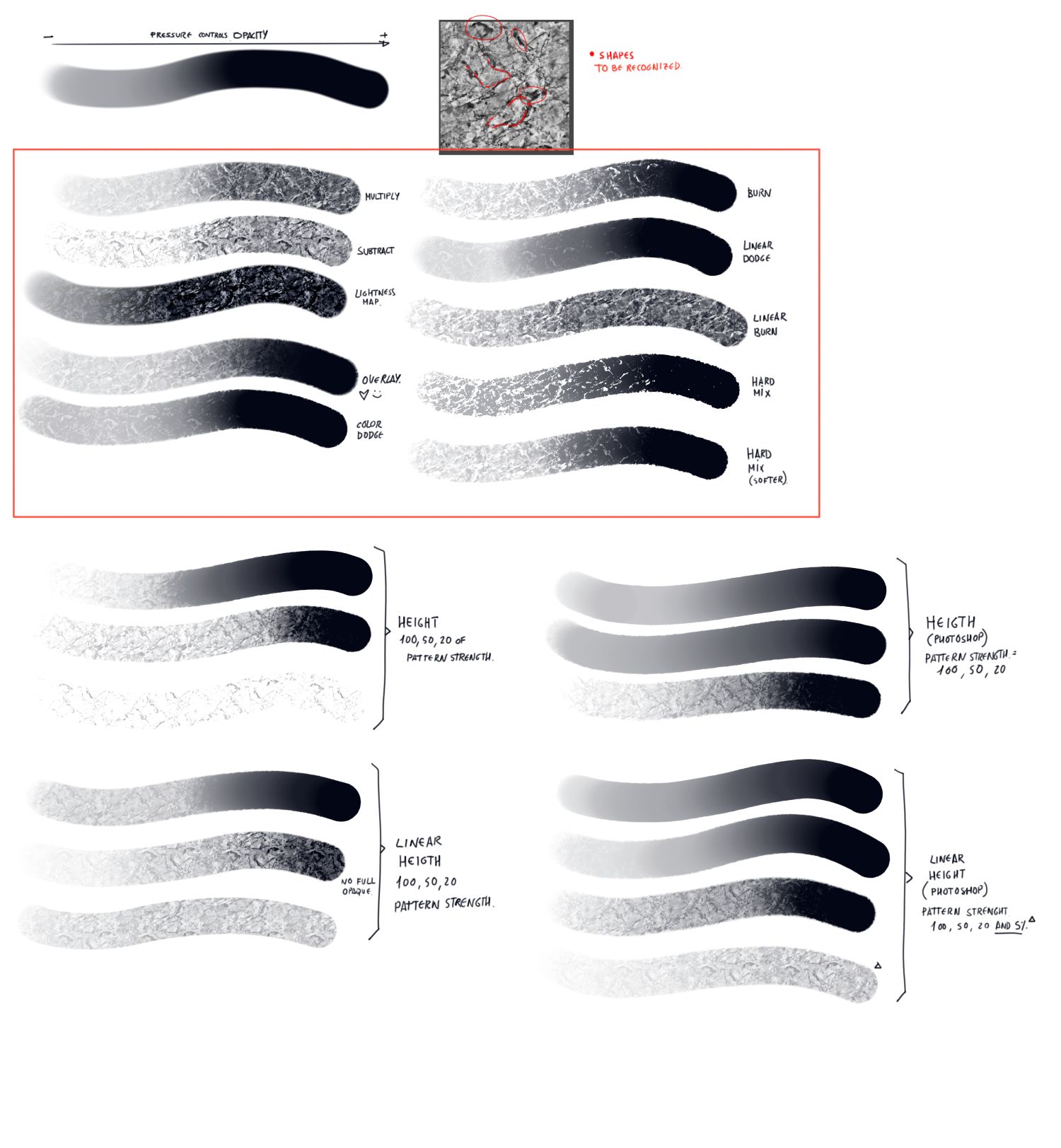
Time ago i did a research about texturing with Photoshop to see what we were doing and what they were doing. Maybe this will help, if not you can delete it. For me the soft texture is really important because most of Concept artists brushes you can find out there, like John Park, Jaime Jones, Jonas de Ro, and so on They use it a lot for easy texturing.
apart of this I think if would be amazing to have this with color smudge brush engine too. So we could mix keeping the texture. I will update a video of that don´t worry, After I have tested the feature by You, Carsten.
Just an FYI, this thread is about “soft painting” which is slightly different from “soft texturing”, which deif lou already added to Krita. There’s some images in the manual, but it might be better to play with 5.3 to see it in action.
Also Testing more in depth the Soft Painting mode I see we could use a lot of interesting blending modes in a different ways. Nice Addition for sure because we can have from soft look to a more sharp effect. I need to test it more in depth. Let me know if this helps please.
@Drawpile I’ve been testing this feature and found that it is super useful so far as it does add more utility to sketch or wash brushes.
I wanted to test how will this soft painting mode work with random offset in the pattern settings but found that there was a bug that caused random offset to stop working in the nightly Krita. Coincidentally, the soft painting mode build happened to inherit this bug, so I have not been able to test it with random offset on.
I think the bug had been fixed now so I hope a newer test build will be available to test the aforementioned settings.
Also, I think the description should includes “preventing texture from building up per stroke” as I think this is what most Krita users are familiar with.
SO COOL!! As the author of a plugin that does brush dynamics in PDN, this is an implementation of a mode that I’ve thought of myself, too. It’s just really neat to see someone else have the same idea and implement it, too
How this thing is evolving? I have checked 5.3.1 and Krita nightly build. 6 prealpha, is not available yet. Everything is ok? do you need more testing?
I’ve just had other things to do. I don’t think this requires more testing, the response has been very positive and no one has requested any changes, so I just need some time to finish it off.