I noticed two new issues with Krita 5 beta, and I’m unsure if this has been previously reported. The two issues are with David Revoy’s “Krita 4 Extra brush pack” and the Recorder Docker.
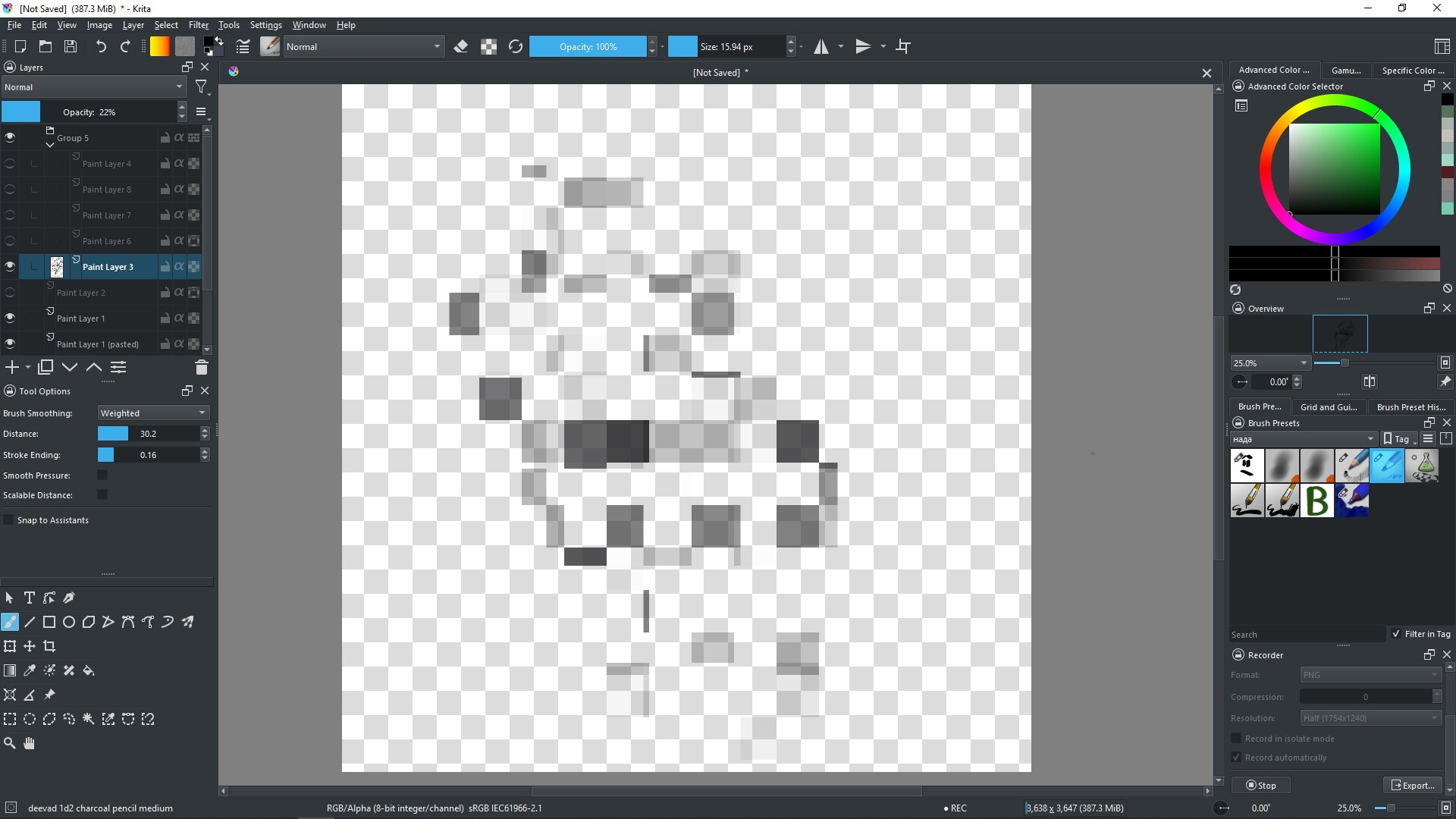
A few brushes in the brush pack only have a solid, black line instead of a textured brush stroke.
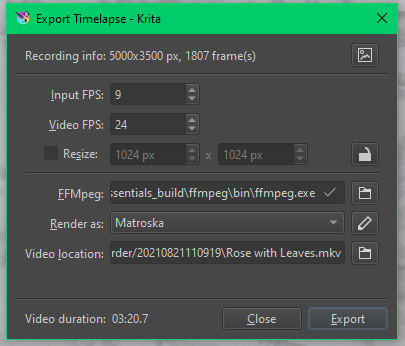
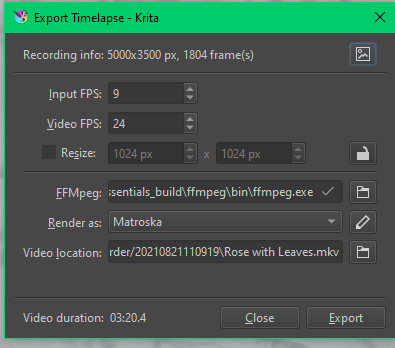
In the Recorder Docker, I don’t know how to separately record different illustrations. For example, I have recorded one illustration, stopped the recording, exited out of the illustration, and opened a new file. Then when I am recording in this new file, the picture and video render with the previous illustration’s recording.
@LaTor For the recorder aspect, the recording directory (yes, they call it a ‘directory’, not a ‘folder’), where the intermediate frame images are stored, is specified at the top of the Recorder docker.
The contents of that folder do not get cleared when you Export. I assume this is so you can do it again with different settings if you want to.
I haven’t done detailed testing but I think that if you change that for each ‘illustration’ then when you press Export, it will use the contents of that folder.
So you’d be able to make multiple illustration folders and then Export them one at a time later from the different folders.
If that doesn’t work, you’ll be stuck with making an Export of the previous illustration to get it done and then deleting the folder so that it gets recreated and loaded with a new frame sequence for the next illustration video.
@AhabGreybeard so I won’t tell you that’s how it works right now (though it does seem to work for me?), but the design idea is, that every Krita document gets its own directory inside the directory specified by the user. So the issue @LaTor should only happen when they would use the same Krita document for both illustration (which is just a limitation of the current Recorder). So it looks like a bug.
After the content is badly saved into one folder instead of two, then the Export is doing a correct thing by exporting everything that it found in the folder. (It’s recommended to just have a “folder for recordings” and don’t mix it up with other stuff, so it can be managed by Krita easily). So the bug is within assigning a folder for each of the documents.
@LaTor 1) are you sure you painted it in another document? 2) Did you create both of the documents in the same time (for example: first created both documents, then started working on one, and later painted the other one).
When I first created the documents, both were created on the 21, I created the first document, saved it, exited out of Krita, entered File Explorer, and created a copy of the file, changed the name and layers, and opened it in Krita at a later time.
I did not draw in them until today, and after drawing in the first, I exit out of the document, and open the other one.
Oh! That’s probably the reason. Metadata got copied over as well, and Recorder, who bases those folders on some of the documents metadata, just assumed it’s the same document for you so used the same directory. (The reason it uses metadata and not for example filename: think about autosave files, or files that you haven’t saved yet, or Save Incremental Version if you use it - all of them changes the filename, but the metadata stays the same).
I guess it could be a good idea to add a warning about it at least in the documentation, though I wouldn’t guess many people having this kind of workflow, it would be more of an accident thing.
The easiest fix… which is a bit tedious, I’ll admit: move frames of one illustration out of the folder, export, then move them back to the folder and the other ones out of the folder and export.
I would assume that the Export dialog would allow me to export from other folders too - since Clean Up dialog do see both folders, the one the Recorder docker created for the current document, and the one that I created to keep the other frames in. But no, the Export dialog only exports from one specific folder. Well, that’s something to improve in next version
I’m sorry but I have two new questions, if you don’t mind me asking.
How do you open the Clean Up dialog? I saw it in the new Krita 5.0.0 manual but I haven’t been able to find it in Krita.
On the icon next to the amount of frames I have, it lets me open the directory and select images using it, but it does not accept them. It only opens them as images using my default image Photos software (Windows 10).
Thank you for all the time you have placed in answering my question and explaining everything! It really means a lot to me!
Unless you change the recording directory for the new image Krita seems to remember previous settings. And I think there is a bug where it doesn’t accept new settings unless you restart. I have been hit by this bug too where my recordings of current document were saved in the previous save directory
I can confirm that selecting a different directory/folder for recording doesn’t take effect until after you Quit and restart.
If you want to make two different records for the same document then you do need to Export the first one and then Clean Up using the Manage Recordings icon.
I have several problems with animation in krita now, or maybe i just don’t get something)
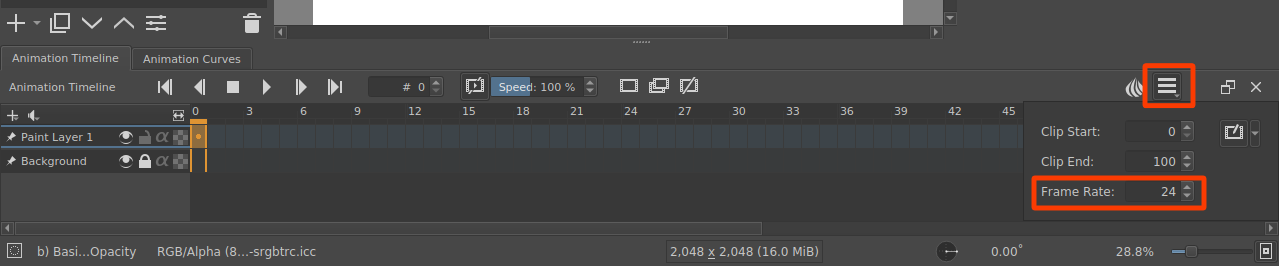
How you can change “frames per seconds” now? There’s a new panel “speed” but as i understand its not quite the same as fps?
I don’t know if its a bug or not but now krita doesn’t memorize what color do you choose then you make new frames. Previous versions had that thing then you, for example, chose to make green animation frames and it memorized that you creating green frames now. Now you have to color every frame every time - its not very useful
For 2. If you set a frame to a colour on a layer, that colour will be used for all future frames, to the right, created on that layer.
What problem are you seeing with your use of this?
@AhabGreybeard@LaTor@raghukamath I fixed the “Recorder docker not seeing the change in settings until the restart of Krita” bug yesterday, should be in today’s nightlies.
Clean Up dialog: there is a button on the right side of the “Recordings directory:” text; its icon is a bit confusing because it just shows like settings, but then, I guess a trash bin would be confusing too. But that will lead you to the Clean Up dialog.
Interesting; when I clicked that, nothing happened, actually (on Linux). I wasn’t sure what the purpose of that button is. (Oh I know why, now: because the start directory was the one for the current document, and I’m checking on a document that was never recorder… that’s a bug as well).
I think maybe it is actually only supposed to show the frames. But choosing a different directory would be useful as well.
Krita by default creates a separate directory within the directory specified by the user (by default: [home directory for the user on Linux, maybe Video or Pictures on Windows] (depends on the system), then Krita Recorder (default name for the folder with all recordings), then for example 20210828041046 - which is a folder made specifically for that document; it consists of a date of creation and then time, I believe, and only then there are frames; so in my case: /home/tiar/KritaRecorder/20210828041046/frame01.jpg); so by default, everything works without user’s input. However, @LaTor 's situation is more special because they duplicated the document in the file system and Krita thought it is the same document, and that’s why Recorder docker tried to record both images to the same directory (because Krita sees the creation date for the document and the folder created based on that creation date is the same in both documents). (Sorry to explain it like that but I thought it would be good to clear any confusion; though, double sorry if I misunderstood you and you actually know how the recorder works and about those automatic folders for every document… but it sounded for me as you are under the impression that all frames land in the KritaRecorder folder without any subfolders, so that’s why I wrote it).
@LaTor Next time it’s also a good idea to create a new file and copy and paste layers from the existing file to the new file if you want to record an illustration that you based on some other document. Also I recommend using templates; I believe there was a bug with creating documents based on templates, but it got fixed, so you can create your own templates with things you often use: maybe some grids, or specific arrangement of layers, etc; so you won’t need to duplicate files like that anymore, and just use “Create from Template” feature in Krita.
Ah! Thank you so much! That tip really helps! I’ll fix the document by copy and pasting the layers into the new one! The template idea is great, and it’ll help a lot with another document that I was going to make, but I was waiting to see what happened with these recordings.
Thank you all so much for helping me! It really means a lot to me!
When I randomly select brushes, the brush name in the bottom left of the status bar is not always updated. Sometimes I can select 5-10 different brushes and Krita shows me the same name, and sometimes the name changes immediately. Even vor the same brushes. Can anyone confirm this? (I use macOS Big Sur 10.15.2)
@anon71590212 I see something like this with the 5.0.0-beta1 appimage
Sometimes, the brush preset does not update on the status bar if I click it in the brush presets docker. Then when I move the cursor onto the canvas, it will update.
That doesn’t happen for 5-10 names, maybe 2-3.
This seems to be more likely to happen if I scroll to the ‘other end’ of the presets docker to click on a preset there.
With a preset selected and showing on the status bar, if I do a mouse wheel scroll in the presets docker, the status bar preset name changes to whatever the cursor is hovering over. Then it goes back to what it should be when I move the cursor out of the presets docker.
All that also happens with the Aug 29 5.1.0-prealpha appimage.
I don’t see any of that happening with the 4.4.8 appimage.
Just playing with the animation tools in Krita and I have a few thoughts
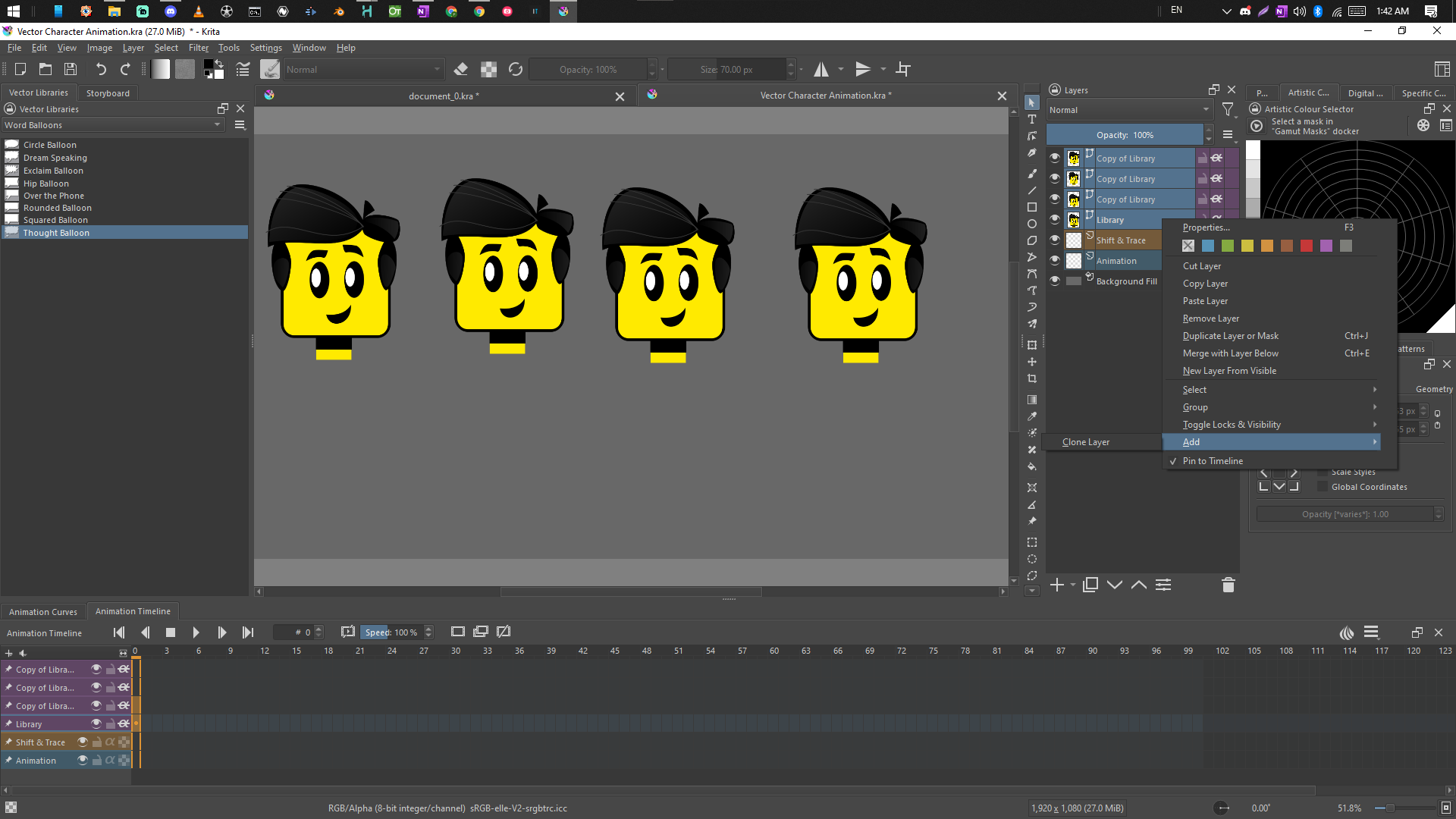
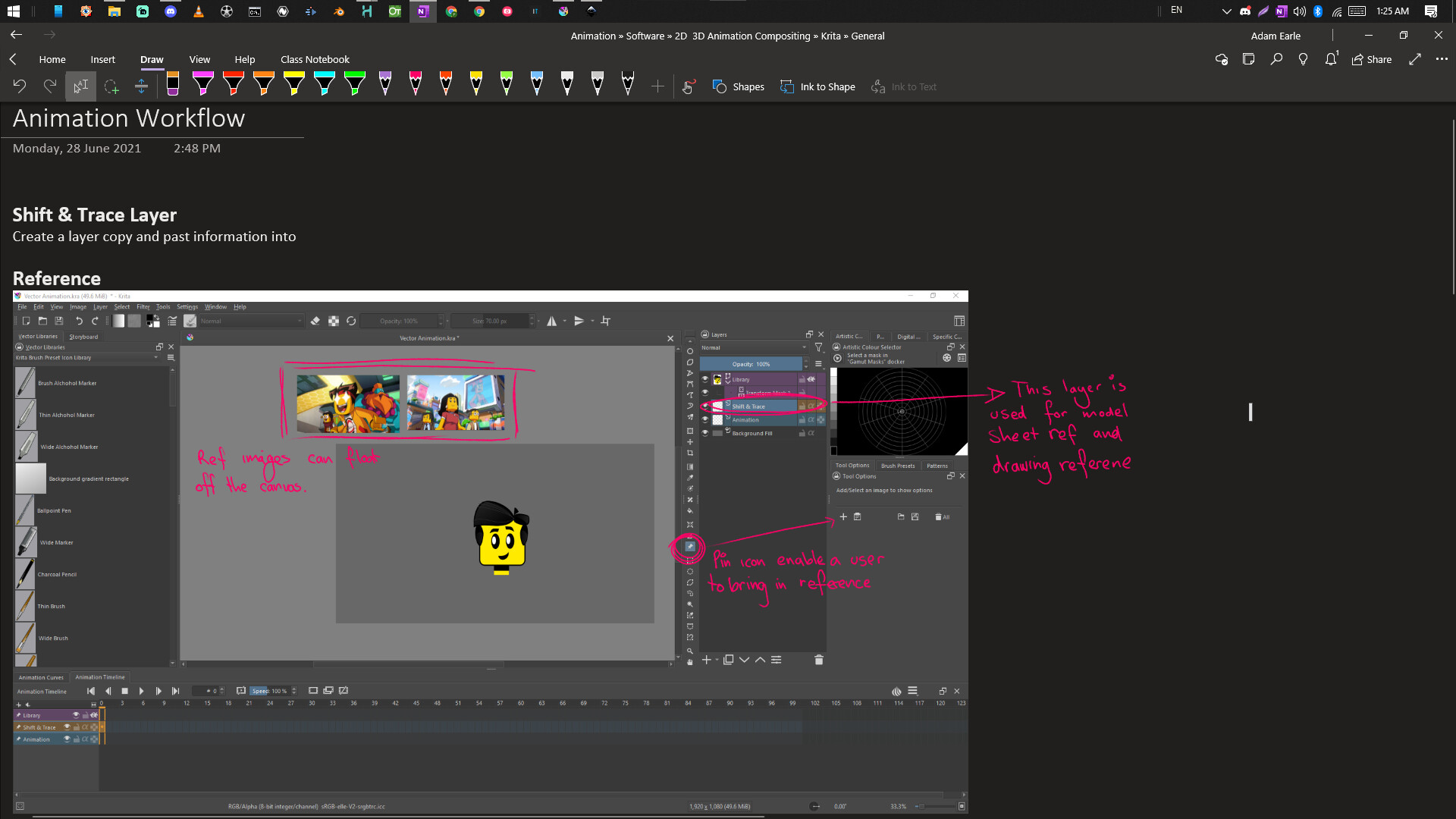
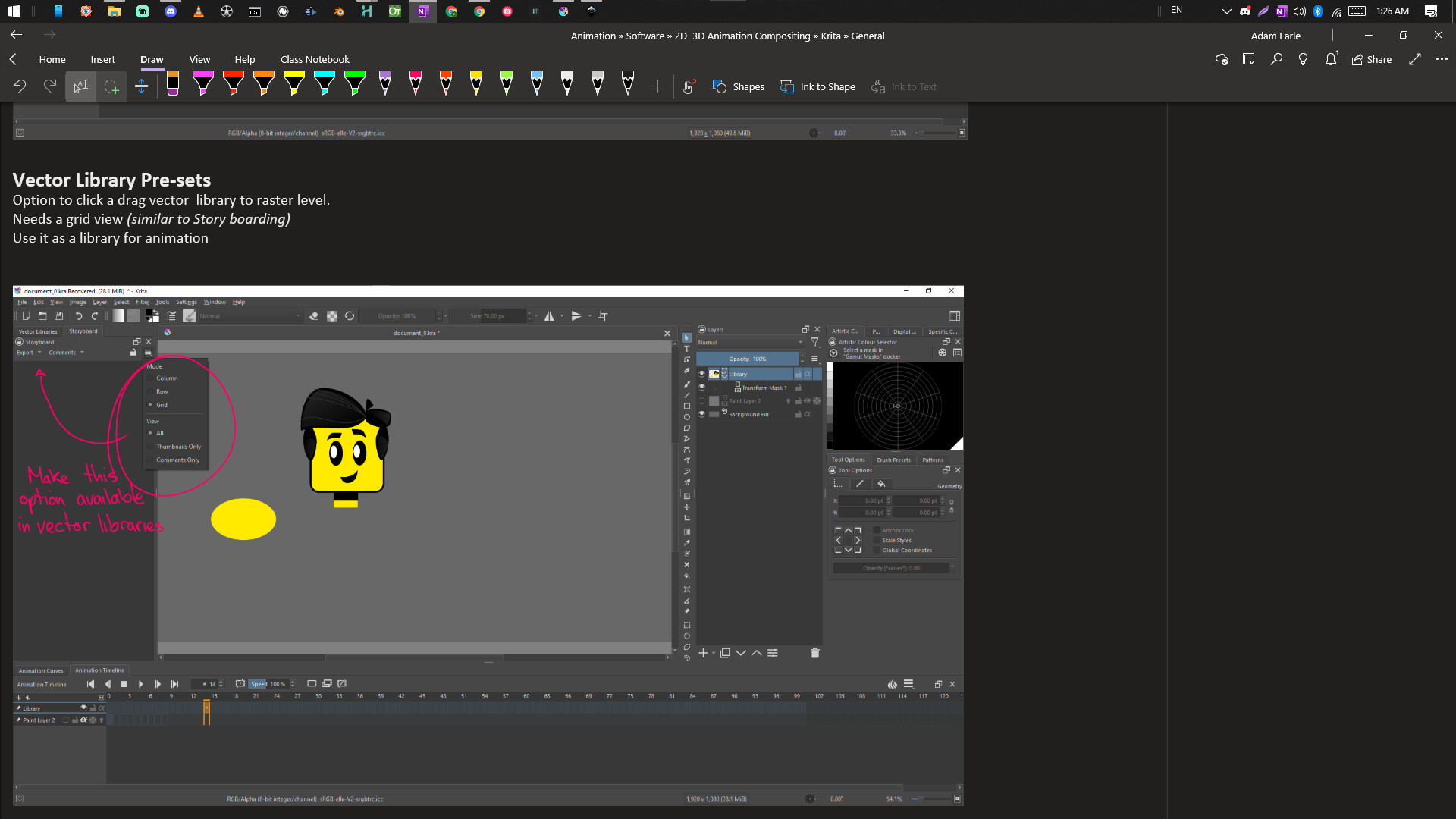
You know someone like me (and there are a lot) is going to try and build a vector character with raster layers because of the transform mask. Personally, I would just call it “Transformation mask” just “Transformation” (get rid of the word “mask” it’s confusing).
Personally, because I am an animator I would have transformation applied to every layer. I understand why they’re not though. We wouldn’t want someone playing an animation while there paint and illustration would we?
When multiple layers are selected I would make it so you could add a transform mask to all of the layers at the same time.
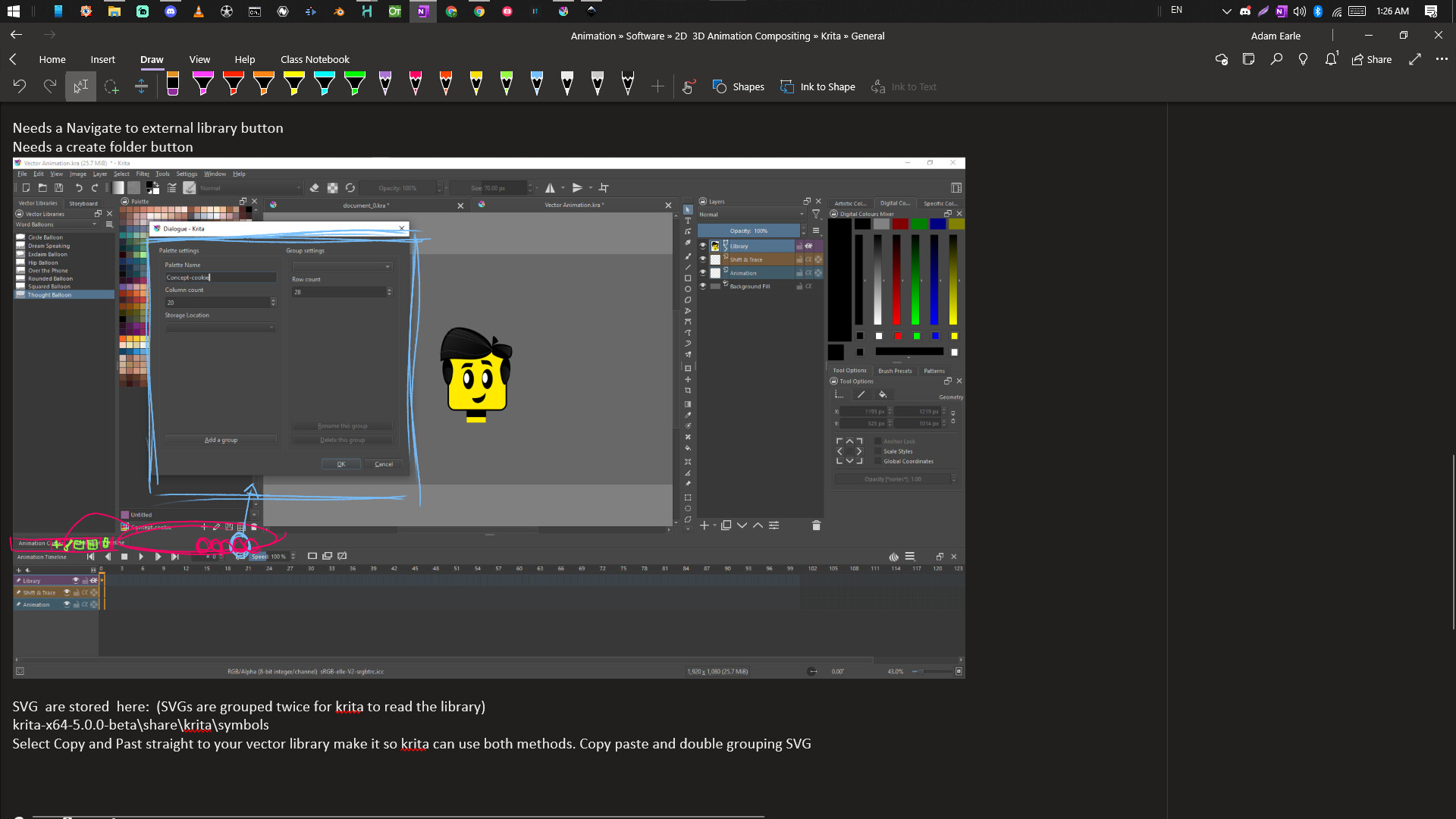
After testing with this animation the Transform layer tool needs a check box mode that selects only the transform mask layer (you want to be able to set hotkey on this checkbox because the animator will use it all the time). There also needs to be a loop button on the timeline and in and out points.
You can download the Krita file from my discord: Adam Earle
Also when designing a character for a clean-up rig in animation you have everything on 1 layer.
Sometimes you will want to break the layer out into separate vector layers. This is usually called "Break into layers. if every vector object was its own layers when it was drawn similar to inscape and illustrator things would be much easier to work with vectors and could have more tools utilizing Krita’s masking system.
While reading the new features for Krita 5, I noticed collapsing dockers was going to be removed. Is there any way of keeping this feature? I use this feature with a three finger gesture to open more canvas space when I go to draw, and I really wish this feature does not get removed. Thank you.