Hi everyone,
I usually don’t like AI generated images, but this time I found one that I kinda liked and I decided to use it as a reference for this illustration.
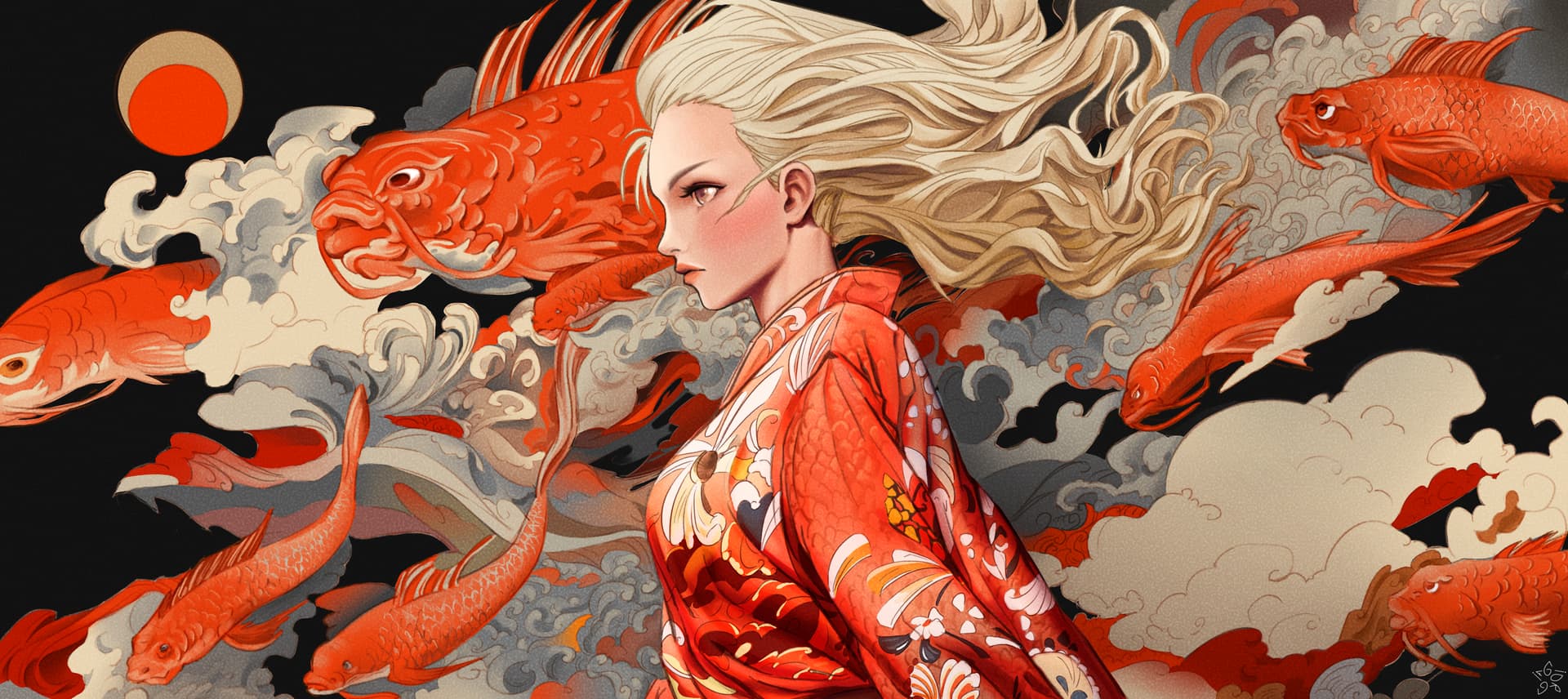
link to the timelapse:
https://youtu.be/jI3lzn881rw
Hi everyone,
I usually don’t like AI generated images, but this time I found one that I kinda liked and I decided to use it as a reference for this illustration.
OMG
this was incredible, I loved the video too… how did you get this texture in the final art?
thank you so much! I searched “noise texture” on Google and I applied the texture to the whole artwork setting its blending method to “overlay”, but with a low opacity (like 30%). I’ll send it here:
Positive use of AI instead of it being used to scrape artwork to generate images. Now, you’re showing it what humans can still do! 
Krita can generate various types of noise too, you can look for it in G’Mic → Degradations → Add noise
@GioArtworks that’s a beautiful painting, lovely 

Here you can find a few more ideas to create such things:
Even if the main-direction seems to be about “patterns/textures” in the common sense, you can vary this in many directions, creating noise is one of these directions.
Michelist
thank you @YRH  I tried once to use this parameter, but I find myself better with textures , anyways it’s right to know also this method
Sure, everyone has their preferred method of work. Just in case, I dug up the post with more precise instructions, in case anyone wants to try it. I used it for some of my artworks, it’s good, just need to adjust the scale to match what you need.
