I switched from an old Huion tablet to a XP Pen Deco L and Krita recognizes this tablet when its in Mouse Mode as a mouse. It didn’t do this with Huion.
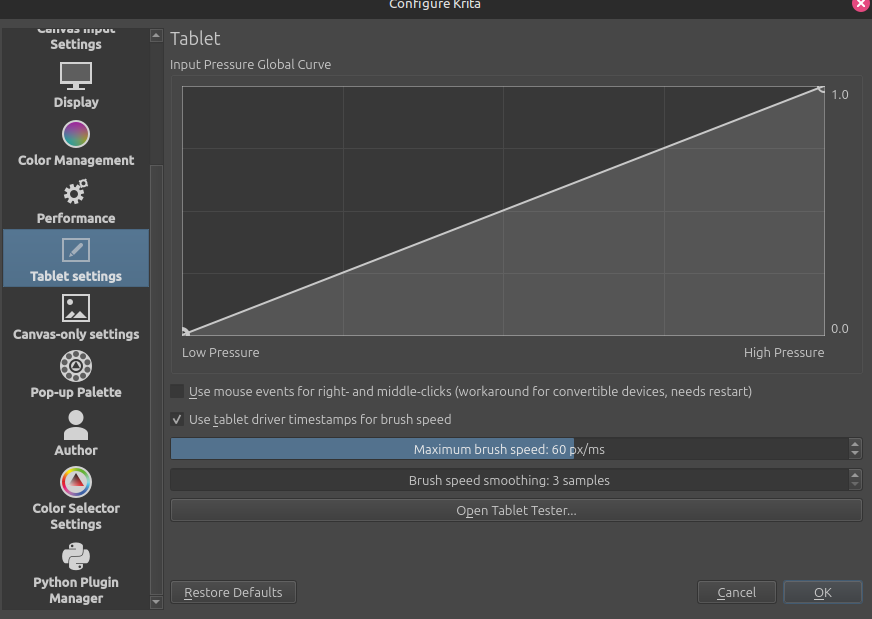
I can’t use a tablet without Mouse Mode. Regular mode is way too slow and way too restrictive for me. I heard that I must change the tablet API but the setting isn’t avaliable:
I just want to use my tablet with the ability to “pick up” the cursor from any point of the screen and for Krita to recognize pressure whilst doing so. How can I set this up?
The API can only be chosen under Windows where two different APIs are available which mainly has historical reasons, and funnily the “old” API is the one better supported from most tablets. But this won’t help you on Linux, but it is the reason why you can’t find what you are looking for.
Unfortunately, I have to disappoint you, you will not like the next fact at all: Krita does not support mouse mode.
If it has worked for any reason with your other tablet, then this must have been a function provided by the tablet itself.
Here you can read what one of Krita’s main developers says about it, and when she says this, then you can be sure it’s true:
And this says Krita’s maintainer, the last word in the world of Krita, about it:
Things you could try to get a faster feeling / reacting tablet are to try the different open source tablet drivers, the new OpenTabletDriver, or the older project DigiMend, both have a lot of tablets that are supported, but OpenTabletDriver is the one I would check first in cases my manufacturers’ driver works suboptimal.
Alright I found some settings in Open Tablet Driver that work for me. No mouse mode, but I was able to adjust the speed through some configs. Thank you to Michelist
 Hello
Hello