Hello @DeathBee_Roses, and welcome to the forum!
If you at least had added the things you did, to your description, which maybe would enable us pointing you in a direction to look for a solution …
But okay, let’s try to find a solution along the stony way: I hope you have a sense of humor. The dark kind, that is…
It’s not your fault, but you are one of an army, and over the years we’ve had to listen to and look at so many incomplete, unusual and inconsistent support requests from people seeking help that we now treat posts like yours, which lack any real information, with extreme caution.
The fact that you are withholding the information we (indirectly) requested from you, such as your operating system and the version of Krita you are using, as it is requested in one of our many Rules and Guidelines, doesn’t open a door to a rat run or a short cut - as you can see.

If you had read such things like our Welcome Page or our FAQ, you would know about it, but these short texts would be just the beginning. 
So, perhaps it is better not to speak about the real in-depth readings of our full Terms of Service or our Forum Guidelines that are called Code of Conduct or COC in short. There it’s laid out what we expect from the users and described what they can or can’t do.
Let us turn to your issue and start with this game of questions and answers and more questions to answer.
Now, again, we have this quiz without a clue, that you started. But okay, you stated:
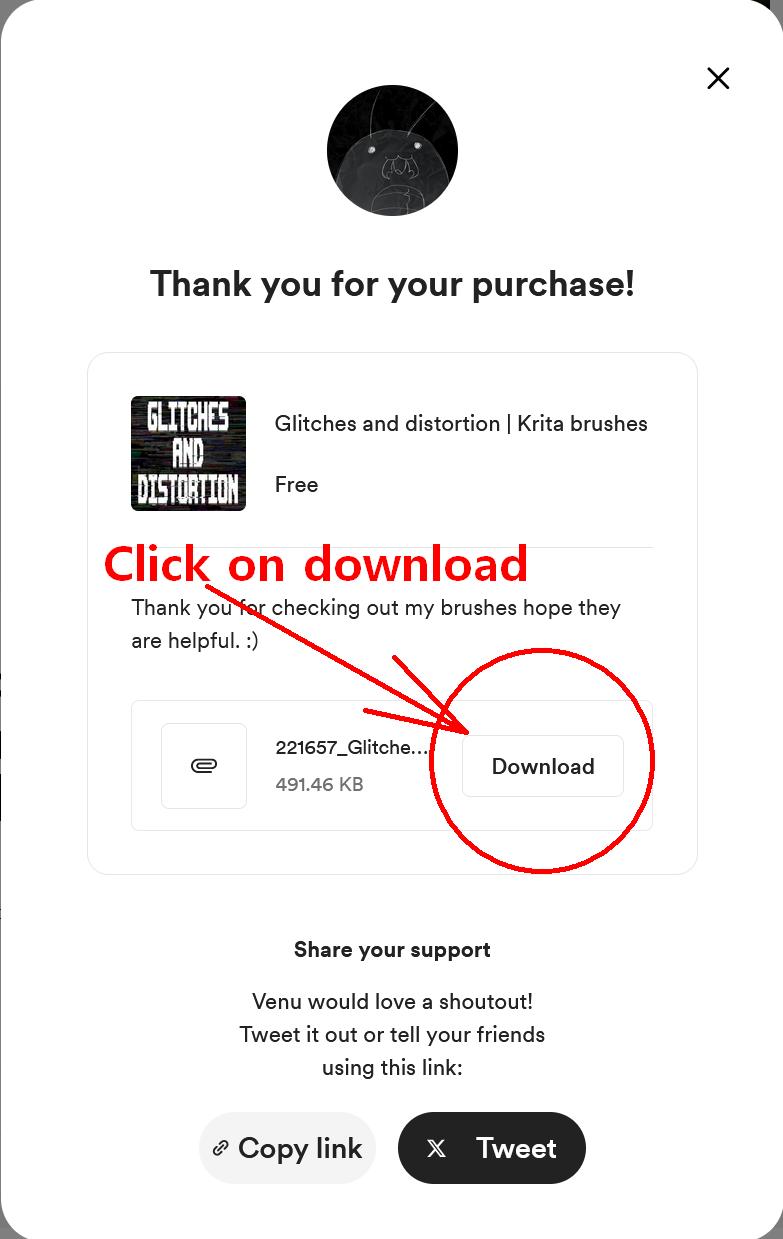
So you downloaded something and added it to Krita, but what exactly did you download?
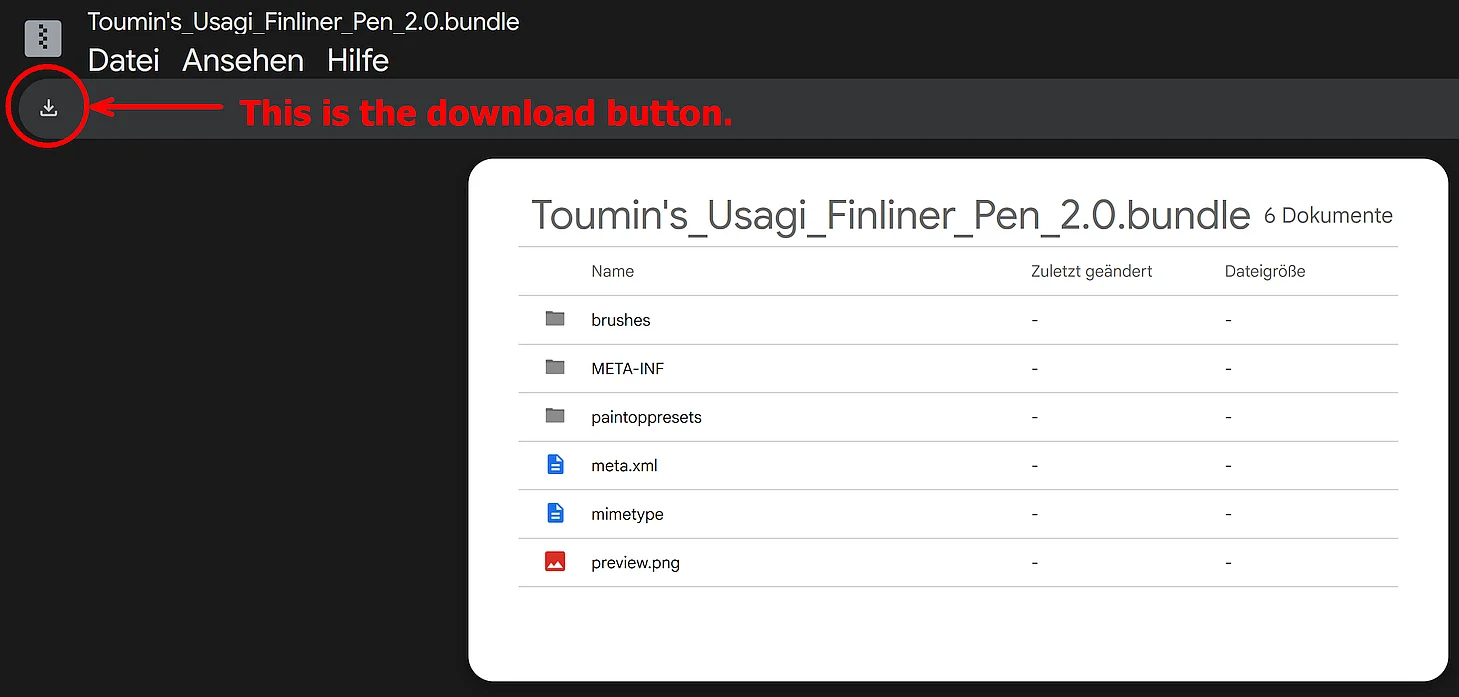
Was it the whole bundle Glitches_and_distortion.bundle, or did you use one of these inferior tools (“ZIP-Extractor” or “Zip, UnZip”) Google offers on that download page to only download bits and parts from the bundle, or did you download the full bundle? The only thing you need is the complete bundle file Glitches_and_distortion.bundle, not a few parts from inside of it. So, please do not open or unzip it, or whatnot else.
And then, you state you added your download to Krita. How did you add to Krita what you downloaded? And why do you distinguish between brushes and presets? Is the Krita determination of these things known to you, or was it something you once heard about but can’t distinguish and assign clearly?
Now to the contents of this bundle:
There is one brush tip in this bundle, which in the Krita determination is called a brush and found in the resources folder called brushes, but because this is a bundle it is in the bundles’ own resources’ folder called brushes.
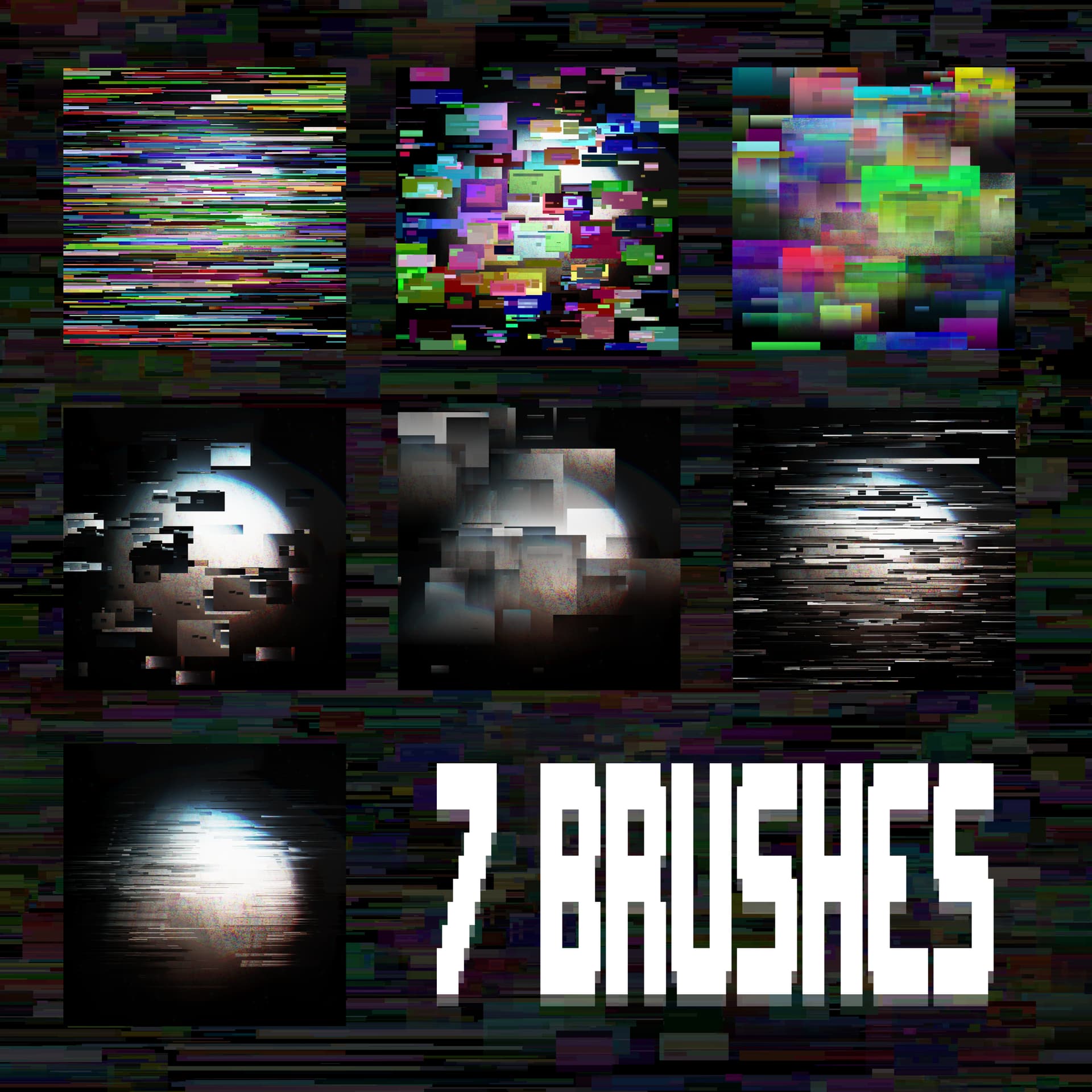
Then this bundle has seven brush presets, these are found in the folder “paintoppresets”. And brush presets are what someone who doesn’t know these determinations and digital painting would call a “brush” in the real world.
In the digital world a brush preset is the combination of files like brush tips, pattern files (patterns) or masks on the one hand, and settings on the other hand. So, the settings together with the files make all this into a brush preset, and together this will be responsible for the stroke this brush preset leaves on your canvas when you use it.
Sorry, I know that may be hard stuff.

To make sure that nothing happened to the bundle on Google, I downloaded it again from there and compared it with mine, and both are still 100% identical.
I could import it into Krita, via the dialog that opens via the menu Settings > Manage Resource Libraries... where you can import bundles after you click the button + Import.
That probably means that something is “broken” on your end. Well, we’ll figure it out!
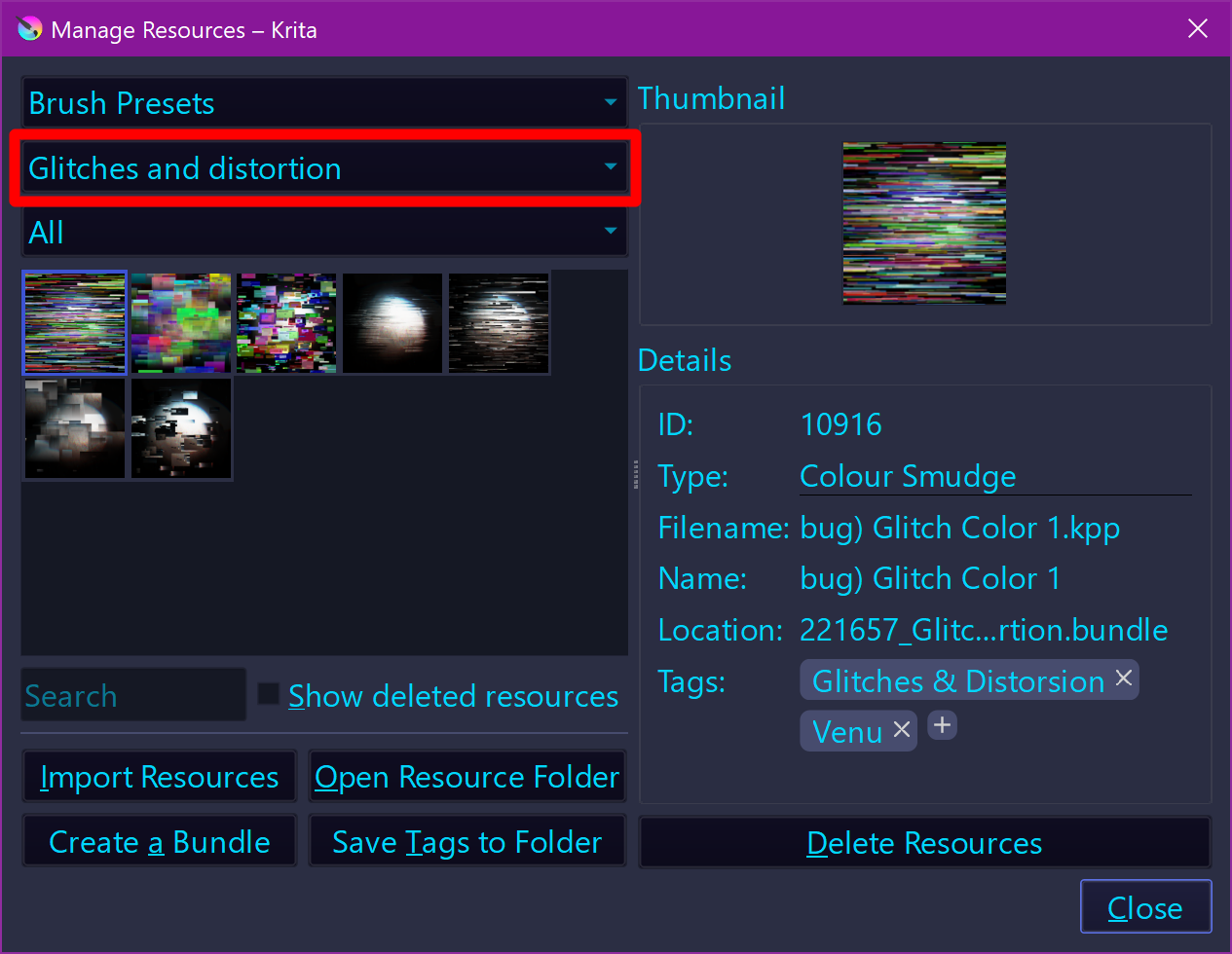
For me, the brushes show up in Krita’s Brush Editor, in the Brush Presets Docker too, and also in the dialog that you’ll find under Settings > Manage Resources... → ↓
After importing the bundle into Krita, you can check that all 7 brushes are imported as I now describe here below:
Select the imported bundle via the second drop-down menu of the Manage Resources... dialog. That is the one which I marked with a red box around it in the screenshot. Just fold out that drop-down menu and select the bundle “Glitches and distortion” at its very end. Make sure that the first drop-down menu is set to show Brush Presets, then you should see something similar to the screenshot (one difference: I have added the tags to the brush presets myself):
And if you want to see how the brush tip looks alike, you have to select Brush Tips from the first drop-down menu.
Now about the way a bundle is usually installed in Krita, here I show you my template for this task:
A bundle is installed in Krita via the menu ‘‘Settings’’ >> ‘‘Manage Resource Libraries…’’ and in the opening dialog you have to click the button + Import in the next dialog browse to the downloaded bundle, select it and confirm the selection. Now Krita imports that bundle, and you can use its content, so the brushes in case of this bundle.
In case this BUNDLE comes in an archive-file, like ZIP or RAR for instance, then you have to unpack the archive to get the BUNDLE-File it contains, then you can proceed as described above.
By the way, these brushes are all made using the so-called Colour Smudge Engine. To smudge something, you usually need some kind of paint on your canvas with which you then can smudge, so please do not wonder when smudge or blending brushes do nothing when there is nothing they can interact with.
In case of further question feel free to ask.
Thank you.
Michelist