Hello,
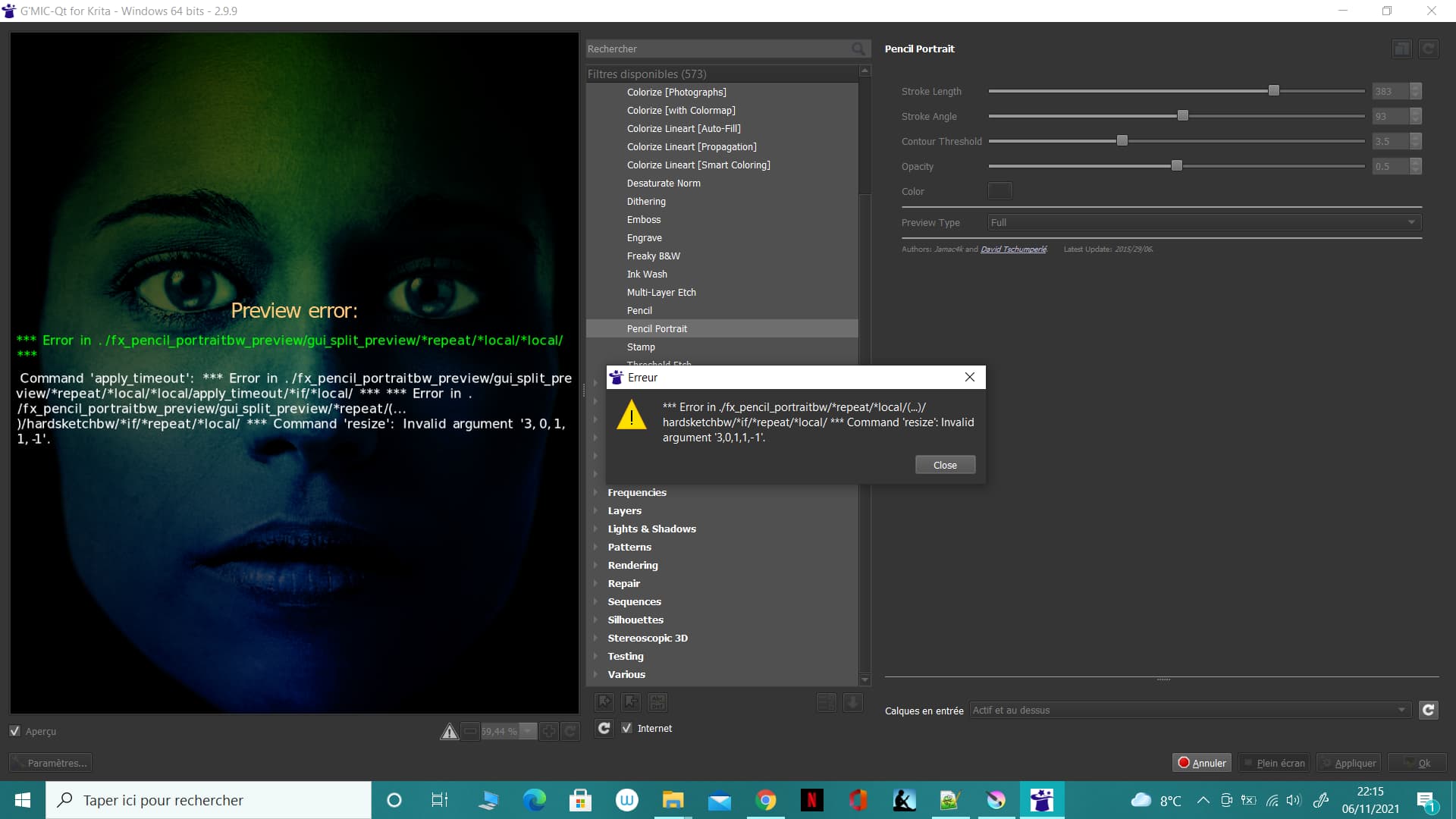
I have a problem with part “pencil portrait” of G’Mic.
The image preview has the message :
Preview_error:
*** Error in ./fx_pencil_portraitbw_preview/gui_split_preview/*repeat/*local/*local/ ***
Command ‘apply_timeout’ : *** Error in ./fx_pencil_portraitbw_preview/gui_split_preview/*repeat/*local/*local/apply_timeout/*if/*local/ *** *** Error in ./fx_pencil_portraitbw_preview/gui_split_preview/*repeat/(…)/hardsketchbw/*if/*repeat/*local/ *** Command ‘resize’: Invalid argument ‘3,0,1,1,-1’.
If I click on Ok, a pop-up “*** Error in ./fx_pencil_portraitbw/*repeat/*local/(…)/hardsketchbw/*if/*repeat/*local/ *** Command ‘resize’: Invalid argument ‘3,0,1,1,-1’.” is displayed.
But it seems that the problem is with my file… I tried to use the pencil portrait filter with another image and there is no problem. It’s okay, I think I will start my project again.
That is very strange.
If you’re willing to share that image, can you make the .kra file available using a link to a file storage service (such as GoogleDrive etc) or a file sharing website?
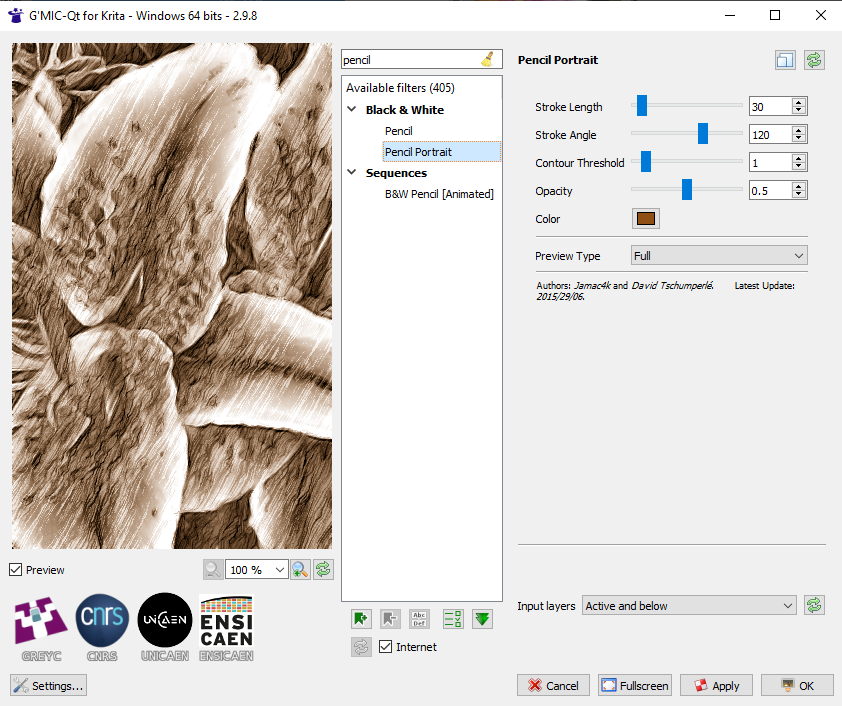
It looks like you have version 2.9.9 and I have version 2.9.8. That is another puzzle.
I downloaded the latest version for Krita (2.9.9) from gmic.eu to see if the problem was present on this version (it’s the same).
After some tests, the problem appears on layers created with : Layer/New/New layer from visible
(The error message in the preview is not displayed every time. But, the pop-up with a click on “Ok” or “Apply” is displayed every time).
 .
.