Hi all
I tried to soft proof a painting in greyscale to check value via the shortcut. But the painting is only a little bit less saturated (maybe 10-20% overall) with greyscale soft proofing. When I apply the same greyscale profile to the canvas it is completely greyscale as expected. Is there a bug or have I made a mistake somewhere? Krita 4.4.3, macOS
rgb-elle-v2:
softproof greyscale active:
Thanks in advance
Using the 4.4.3 appimage, View → Softproofing (Ctrl+Y) works for me.
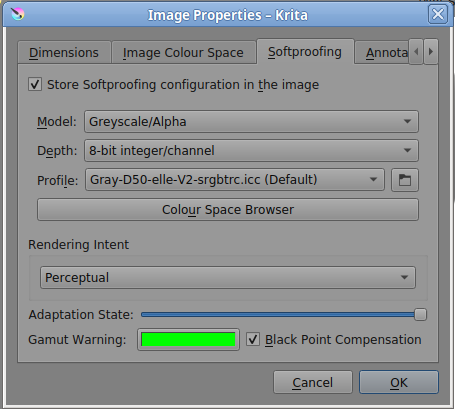
Can you look in Image → Properties to check that’s it’s the correct settings there?:
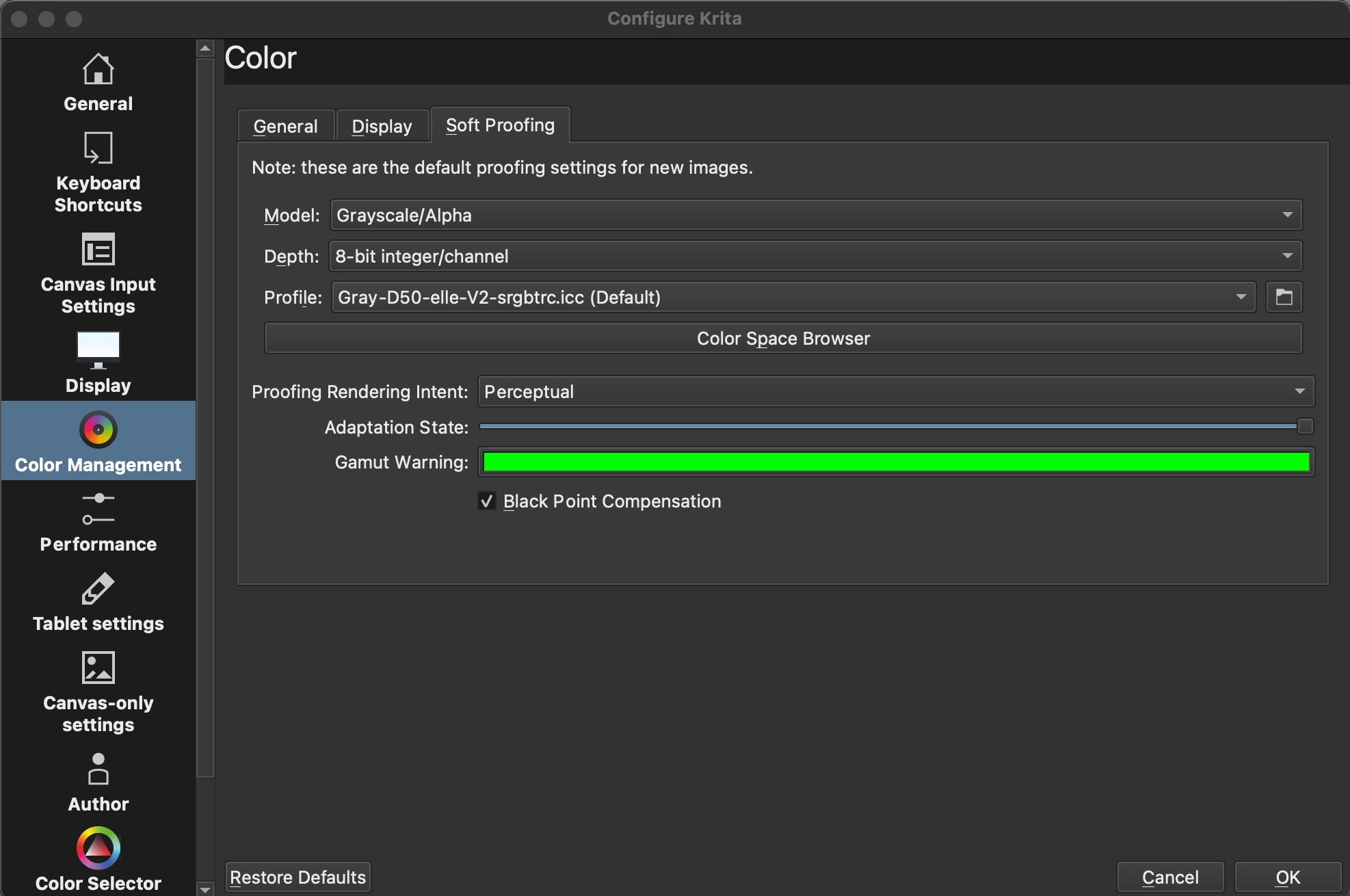
Oh i see there are two places of this options, one in general krita settings and one in image for the current work. I have to change it for existing works and the general setting is only for new documents right? Thanks for the solution!
Now I have to change all my 25 templates, cause it looks like the store softprooof configuration in the image is on by default…
I don’t normally use softproofing so I don’t know how all those things interact and affect softproofing behaviour.
You can wait for someone who does know to come along and explain it or you could do some tests/experiments to figure out what actually happens.
The problem was that my template had a different setting saved in softproof than the general softproof setting in krita. I now know why the setting was saved in the .kra, cause I never changed or saved it. It have taken the smart canvas templates to create all my templates. There was probably unintentionally set to save the softproof profile for the smart canvases and overwrites the general setting. That is why I did not notice it at first. When I create a completely new file it is deactivated that a soft proofing profile is saved in the .kra file.