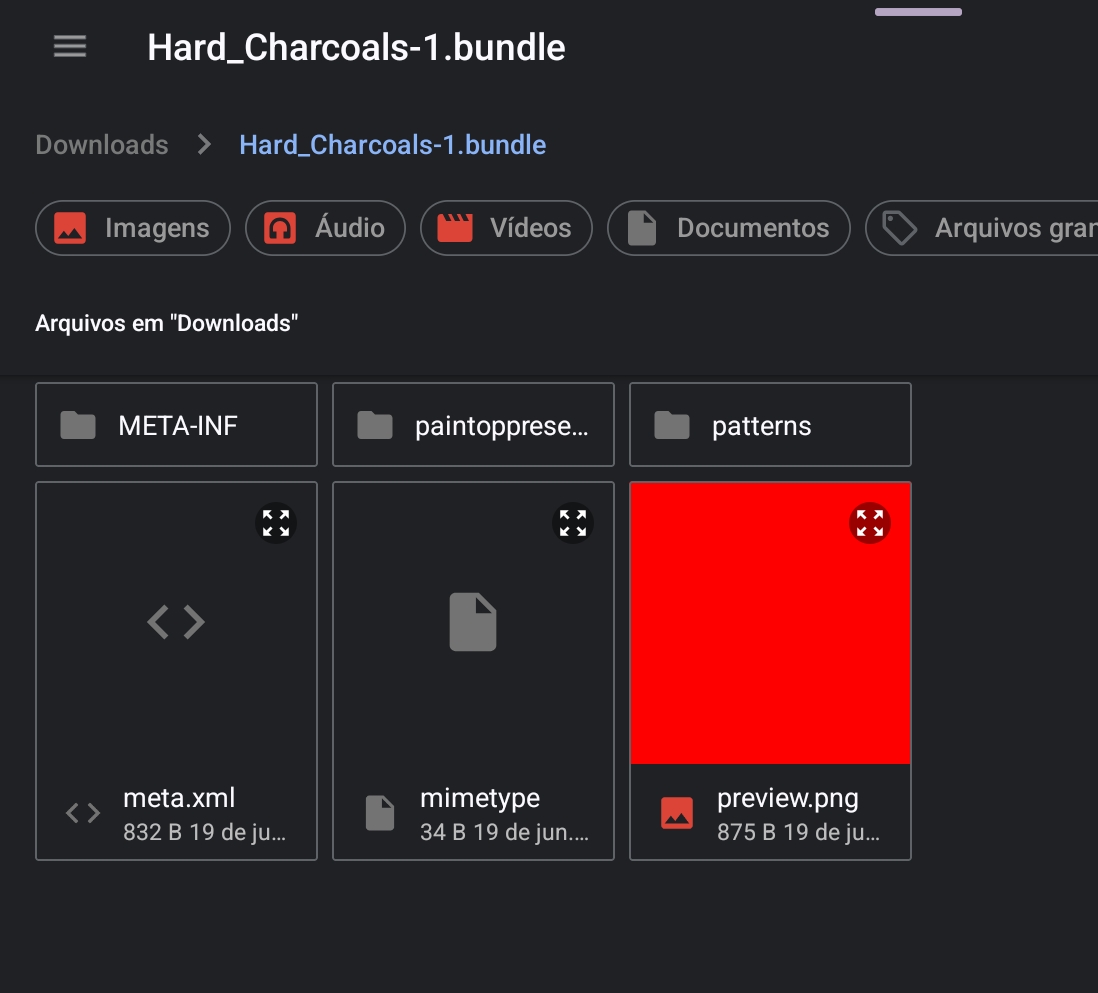
Hii,im trying to import these brushes for a little now and can’t figure out how to do it,i downloaded the zip file ,extracted it and tried every file as well as the entire zip file and it didn’t work (I’m on a Samsung tablet)
Is it downloading as a .bundle or a .zip? I just tried that download link out on my Android phone and it gave me a .bundle which is what it should be, you don’t have to extract anything. Then I would do as I said above, go to Settings then to manage resources then import, then select the .bundle file.
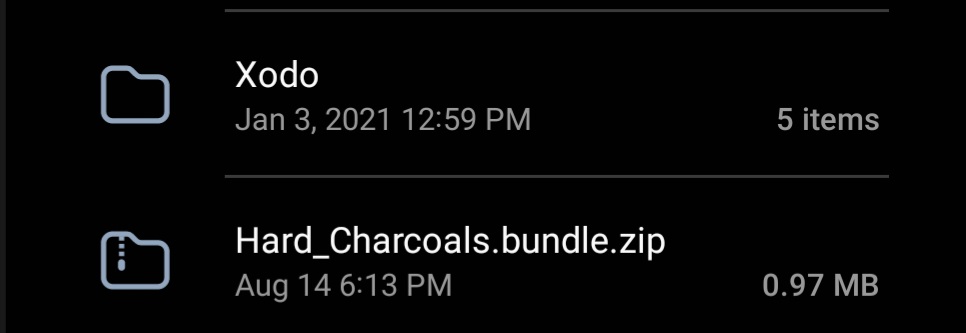
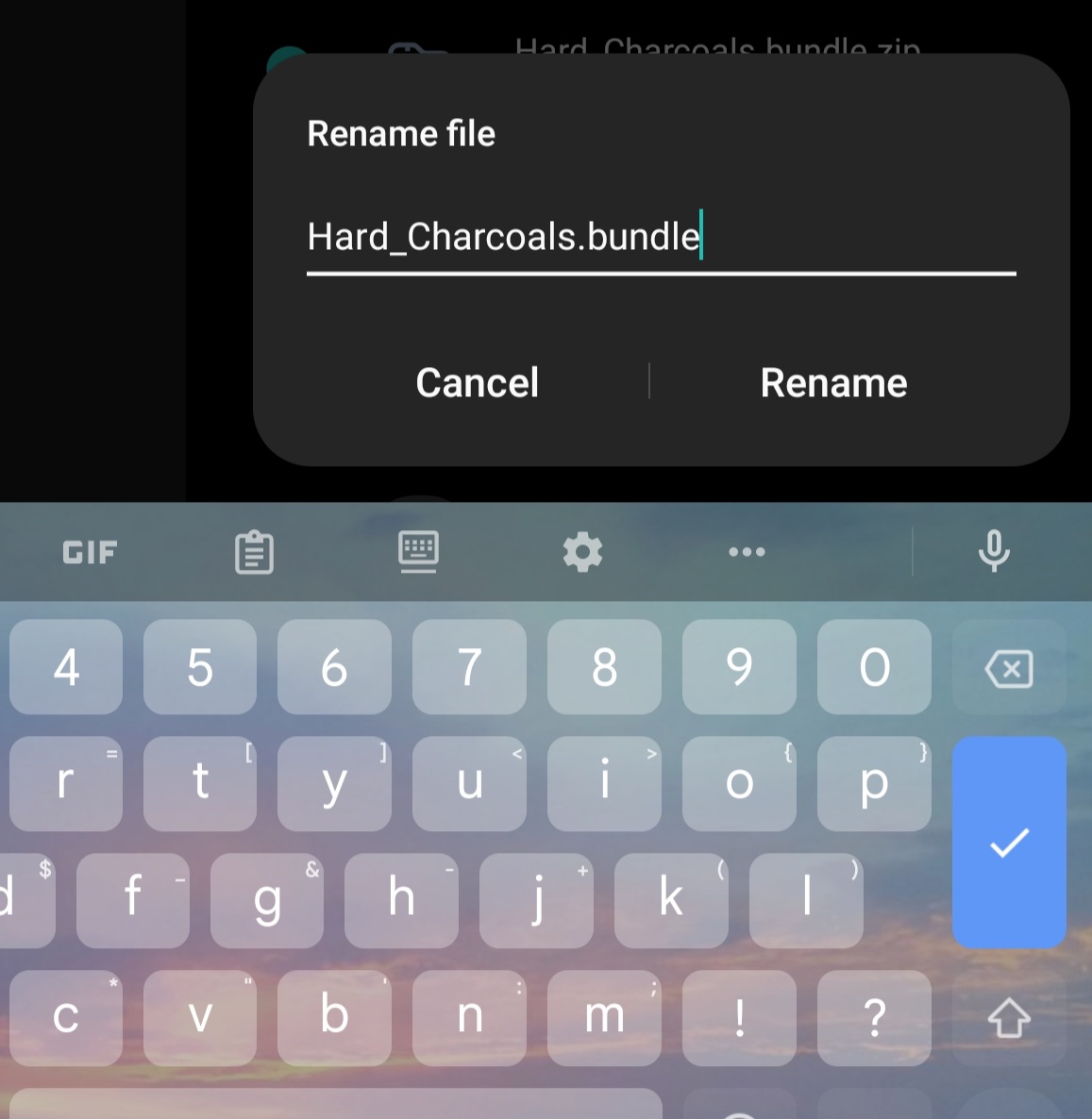
If it was downloaded to your device showing ZIP as extension, then your browser or Android changed the file name extension from BUNDLE to ZIP, what is wrong. You simply had to rename it back to Hard_Charcoals.bundle and then can import it. But I suspect this is an issue we will hear of more often in the future, because you are not the first reporting this issue.
Michelist
Add/Edit: What your screenshot shows, is that you unpacked the BUNDLE, so the content of the BUNDLE, very probably because it was renamed, as I guessed already above.
Just went on my Android 13 tablet and download the file… Yup, the browser did change it indeed!
So, I just renamed the file, taking off the extra .zip and it’s good to go.