I have been experimenting a bit with the brush engine in Krita to get to understand it better. I like brushes with hard edges but also an organic edge, and after some trial and error I got a few brushes that work quite well for me. I based these on a couple of brushes from the HC concept set. I liked those brushes, but I don’t like the soft antialising in shape and texture.
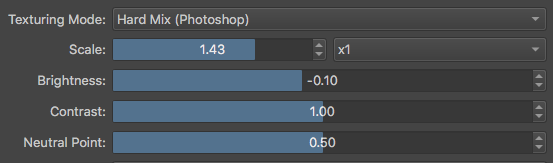
I created a liner brush with a size/pressure variety, which I maily use for drawing freehand or to draw shapes as it creates a nice irregular edge. I also created a round brush and a block brush, which are useful for blocking in big areas and roughing. These brushes have texture which becomes more visible at low pressure. By setting the the offset of the texture to random, it is possible to overlap brush strokes without having the pattern overlap in the same way, making it more organic. The key to making these brushes hard edged was to set the texture blend mode to hard mix.
I hope you find these brushes useful and would love some feedback. You can change anything about these brushes in whatever way you like.
Please note that you can change the amount of texture visible by tweaking the brightness and contrast settings in the texture settings of the brush editor:
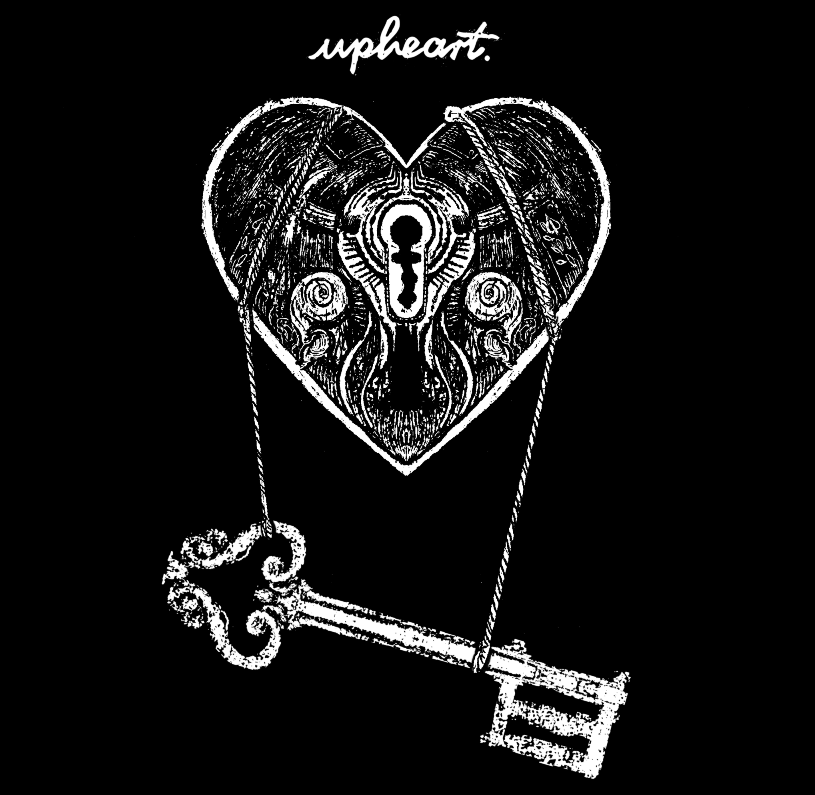
I LOVE these! Been working with them for a few weeks by now. Sometimes I just change and lock the texture so it stays the same with different brushes. Really simple and powerful toolset. Uploaded some in my sketchbook.
I liked this brushes a lot, I was looking for something that allows to sketch but that also can look somewhat “inky” and this are great. Here is a drawing with your brushes that I did yesterday. Cheers!
Edit: dumb of me, I forgot that I can add here the image directly (too much Reddit I guess)
I really love these brushes! one question, how do I keep the brush’s hard edge? When I change most settings, like the size, the brush loses its hardness



 (too much Reddit I guess)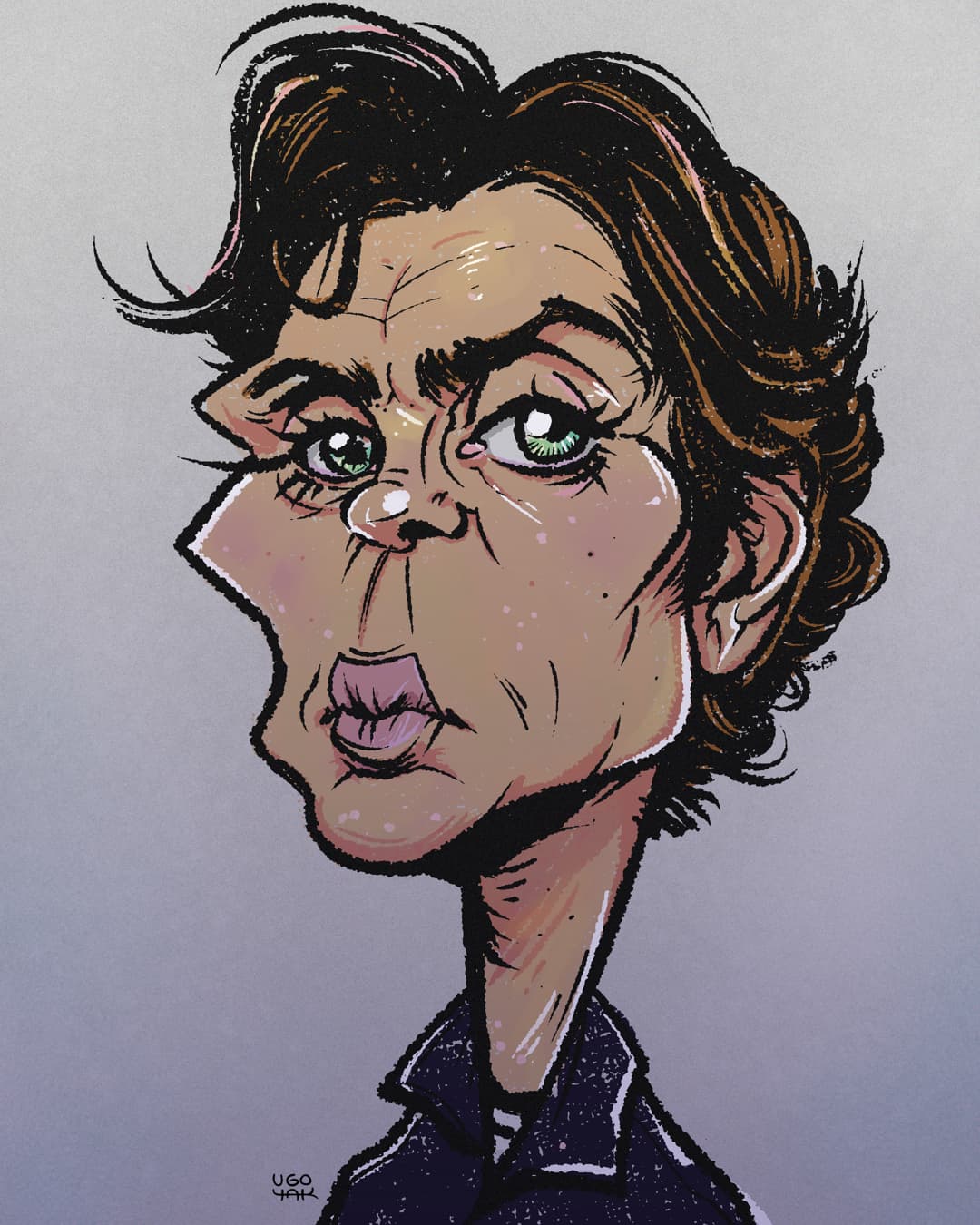


 can you explain it to me?