Type of device: Graphics tablet
Brand and version of the device: Veikk Voila L
System: Linux - KDE Neon User Edition (KDE Plasma 6.70, KDE Frameworks 6.27.0) on a Dell Latitude 5400 (Intel i5-8365U, 16GB RAM, Intel UHD Graphics 620). Krita version: 5.3.2.1 (git 0619060)
(I’m using a translator—please forgive any mistakes.)
Hello, I am having an issue with the zoom functionality using my graphics tablet’s scroll wheel.
When I was using Windows 11, the scroll wheel on my Veikk Voila L worked perfectly to zoom in and out smoothly on the canvas. However, after migrating to KDE Neon, the scroll wheel does nothing when I try to zoom.
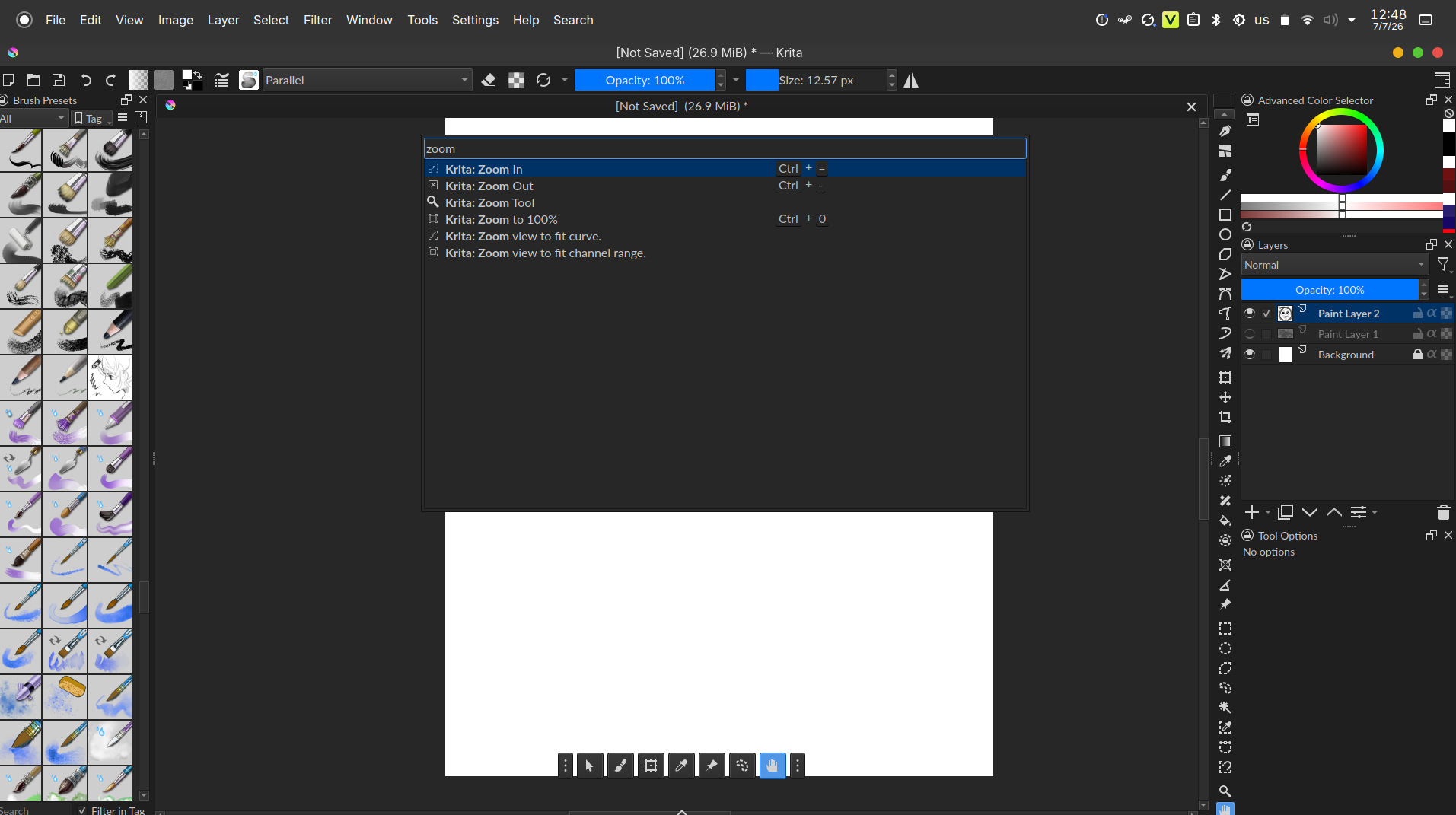
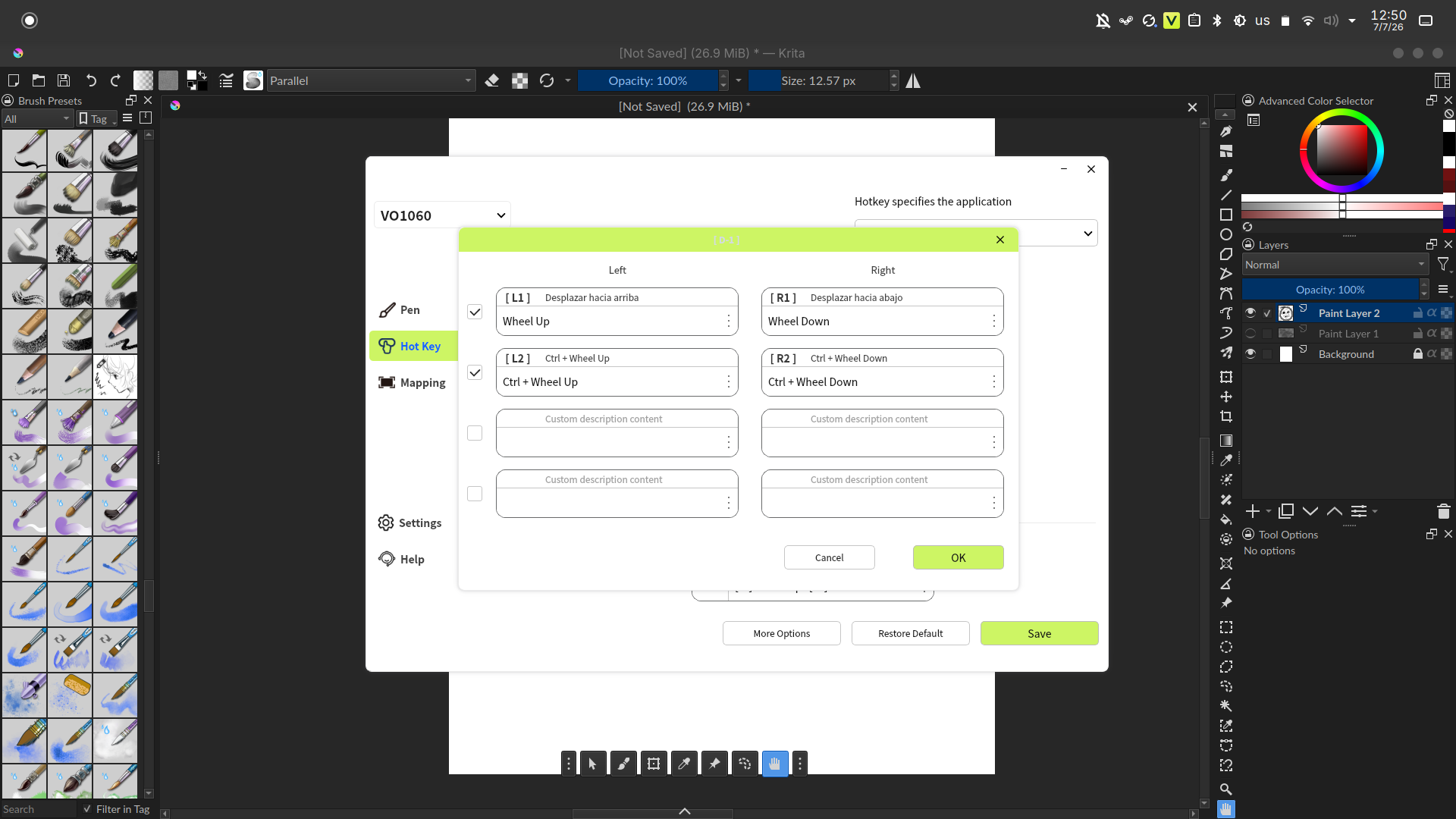
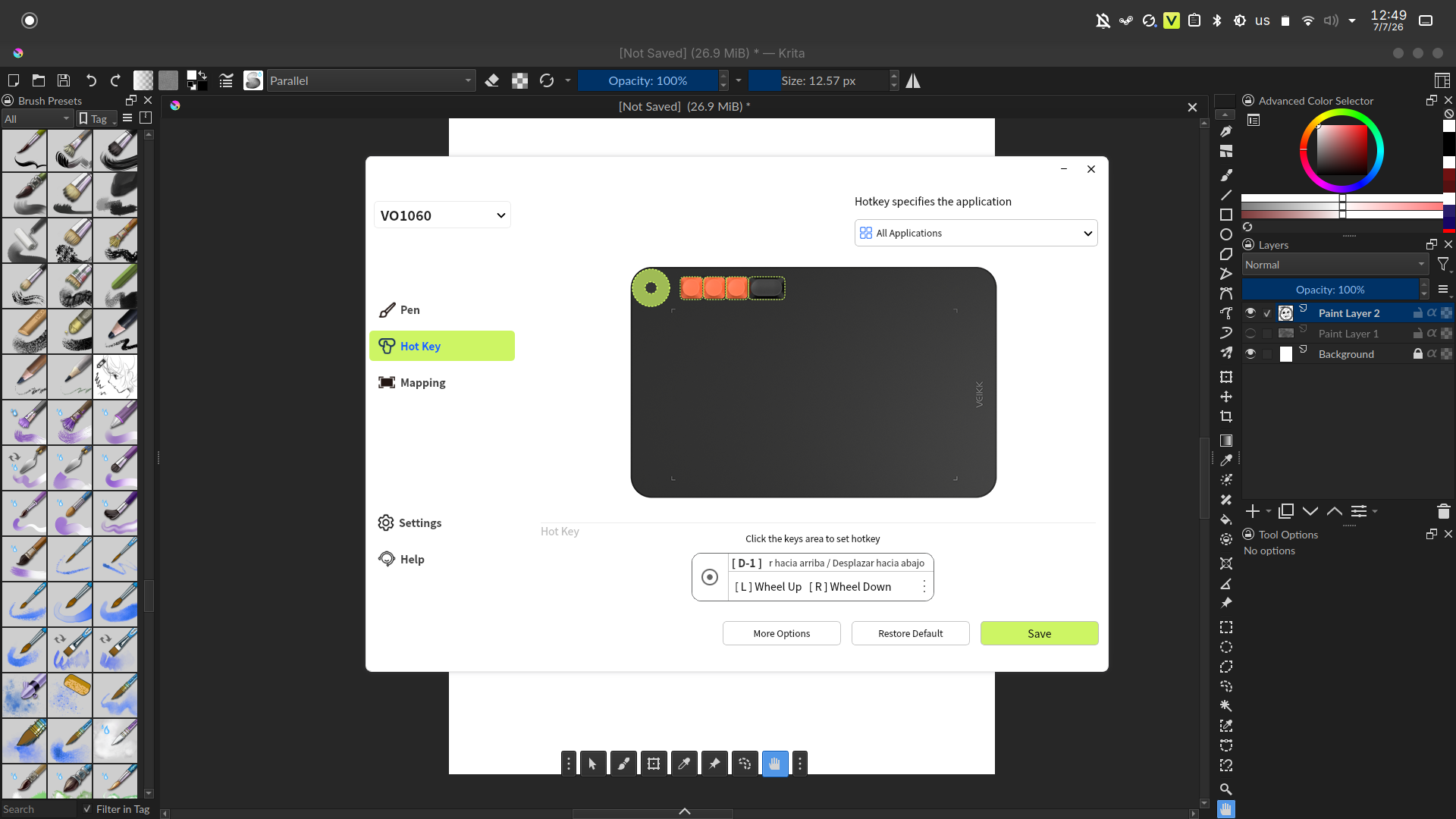
I tried to fix this by manually mapping the tablet’s scroll wheel (Wheel Up / Wheel Down) to Krita’s default zoom shortcuts (Ctrl + = for Zoom In, and Ctrl + - for Zoom Out) through the tablet driver/settings.
While the keyboard shortcuts themselves do work if I press them on my physical keyboard, the zoom behavior is now very choppy and lacks the smoothness it had on Windows. Furthermore, mapping the tablet wheel to these shortcuts still doesn’t produce a fluid zoom experience (it acts like discrete steps rather than a continuous smooth zoom).